1Password has introduced a Claude integration that lets an agent use approved login details without placing the password in the model’s context. Announced on 16 July, the initial release is available to 1Password users on Mac across individual, family and business plans.
Setup requires the desktop applications and browser extensions for both 1Password and Claude. Support for payment cards and identity details is described as future work, so those capabilities should not be assumed to be part of the launch.
Approval applies to specific credentials
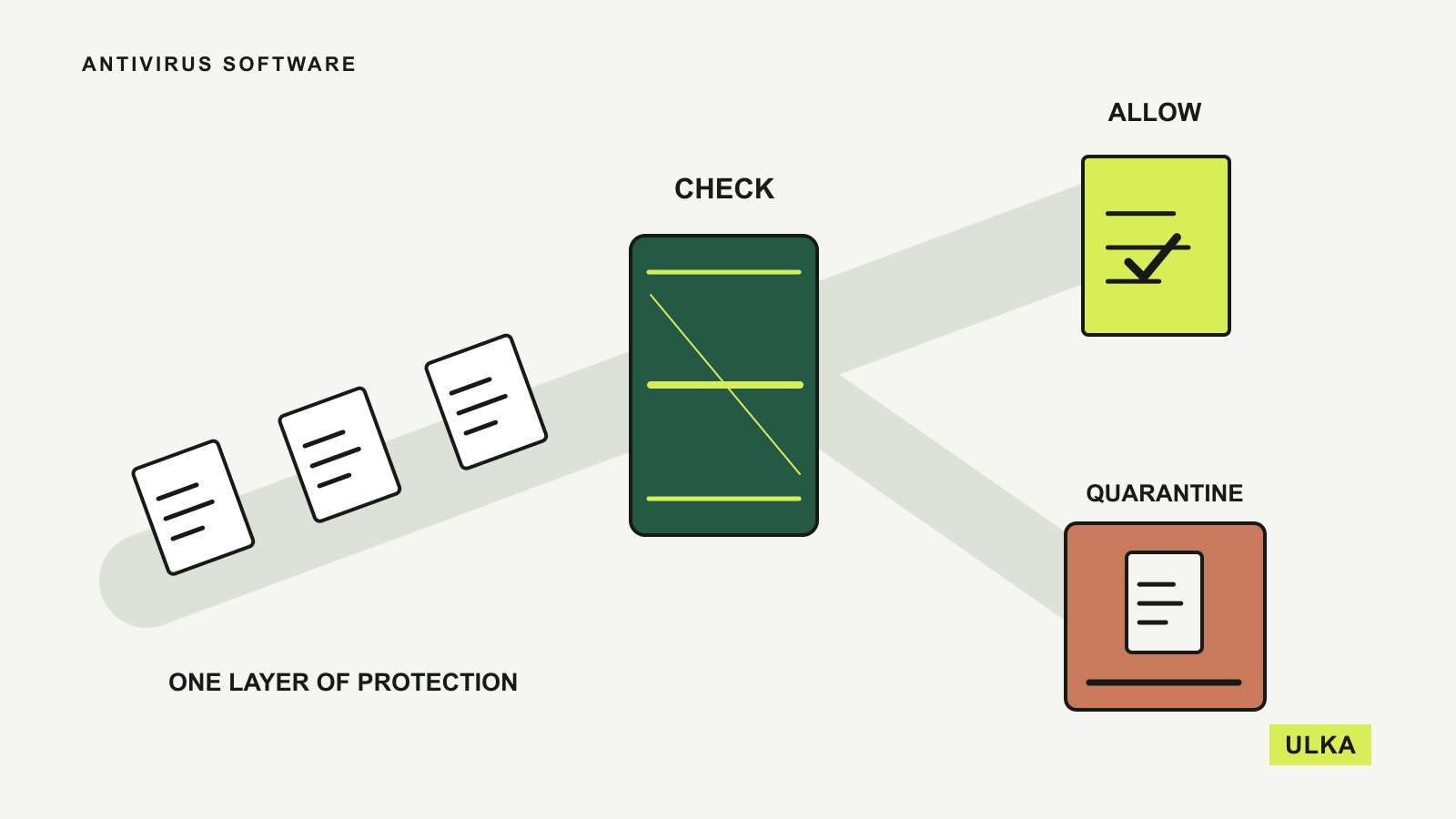
According to 1Password, Claude requests the credentials needed for a task and the user approves or denies access through a biometric prompt. The permission is tied to the session and the approved items, rather than granting access to the entire vault.
The company says it injects credentials through a channel it controls, keeping passwords and one-time authentication codes out of the model’s view. It also describes checks after autofill and clearing filled values if a submission fails before returning control to the agent.
These are the provider’s technical and security claims. They explain the intended design, but readers should not interpret a launch announcement as independent proof that every possible failure or attack has been excluded.
Logging in is only one permission boundary
Keeping a password out of a conversation solves a different problem from deciding what an agent may do after it has signed in. A website account may allow reading messages, changing records, sharing files or making commitments. The user still needs to set appropriate limits for those actions.
For example, an agent asked to gather information from a service may not need permission to send messages from that account. Using a narrowly scoped account, where available, can make the intended boundary clearer. A login approval should be considered alongside the task itself.
1Password is also introducing Agentic Mode. When a compatible agent takes control of the browser, the company says the vault locks down so that only explicitly granted credentials remain accessible. Users can see the mode in the browser extension and cancel it.
Start with a task you can review
The integration can handle credential access across several sites during one task. That may reduce repeated interruptions, but it also makes it worth checking the complete list of requested accounts before approving a multi-step workflow.
Begin with a task that has a clear result and limited consequences, then review what happened in the destination services. Keep ordinary account recovery arrangements in place, and check how to stop the agent and revoke its access before depending on it for recurring work.
See AI Explorer for more on permissions and practical agent use.
Source: 1Password press release, “1Password and Anthropic Bring Secure Credential Access to Claude”, 16 July 2026. Brand image: 1Password.