
BEST PRODUCTS
Compare digital services by features, costs and everyday needs.
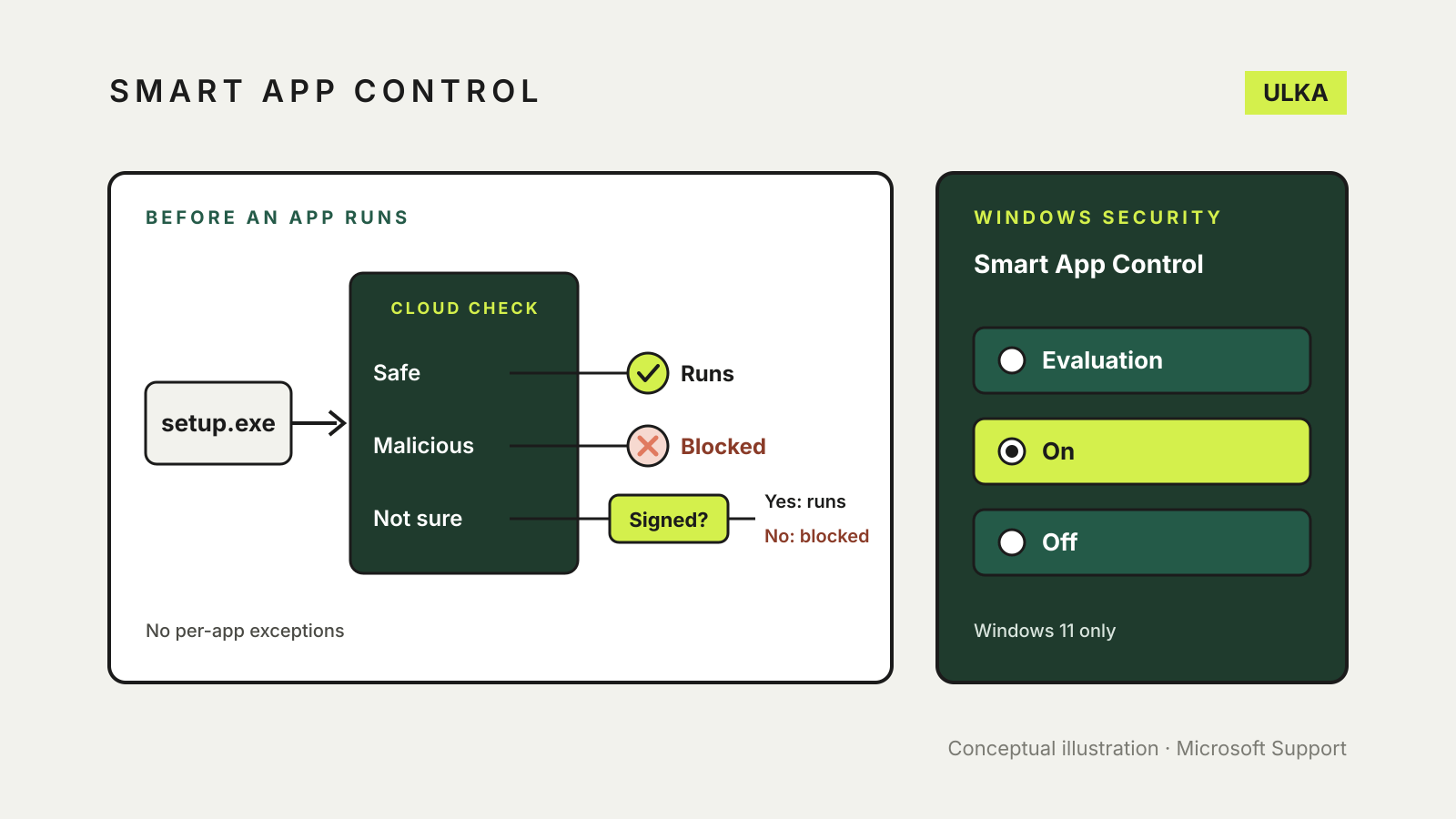
Smart App Control in Windows 11: what it blocks and why
What Windows 11 Smart App Control blocks, its three modes and how to turn it back on.
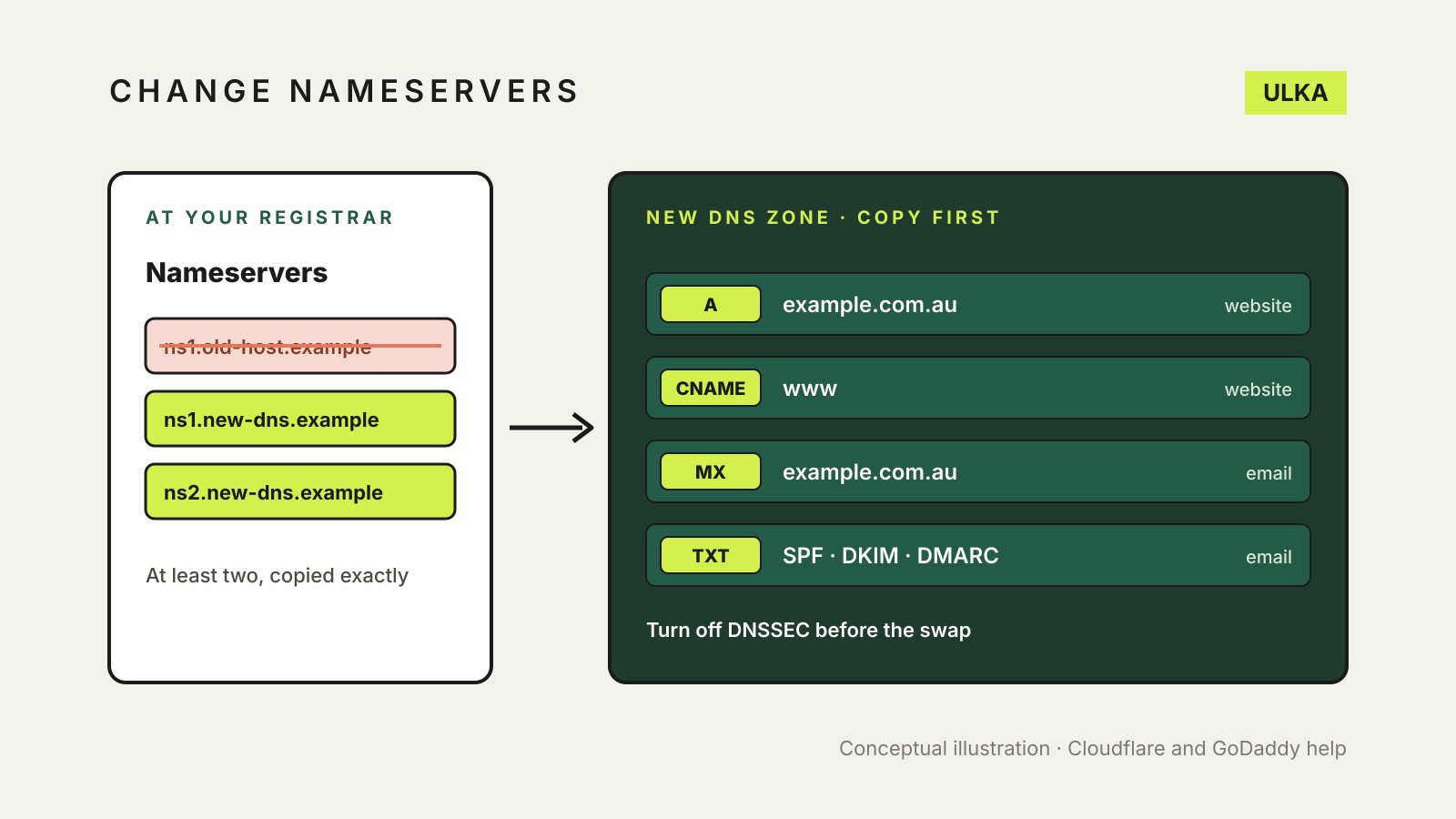
How to change nameservers without breaking your site
Where to change nameservers, what to copy first, why DNSSEC matters and how long the switch takes.
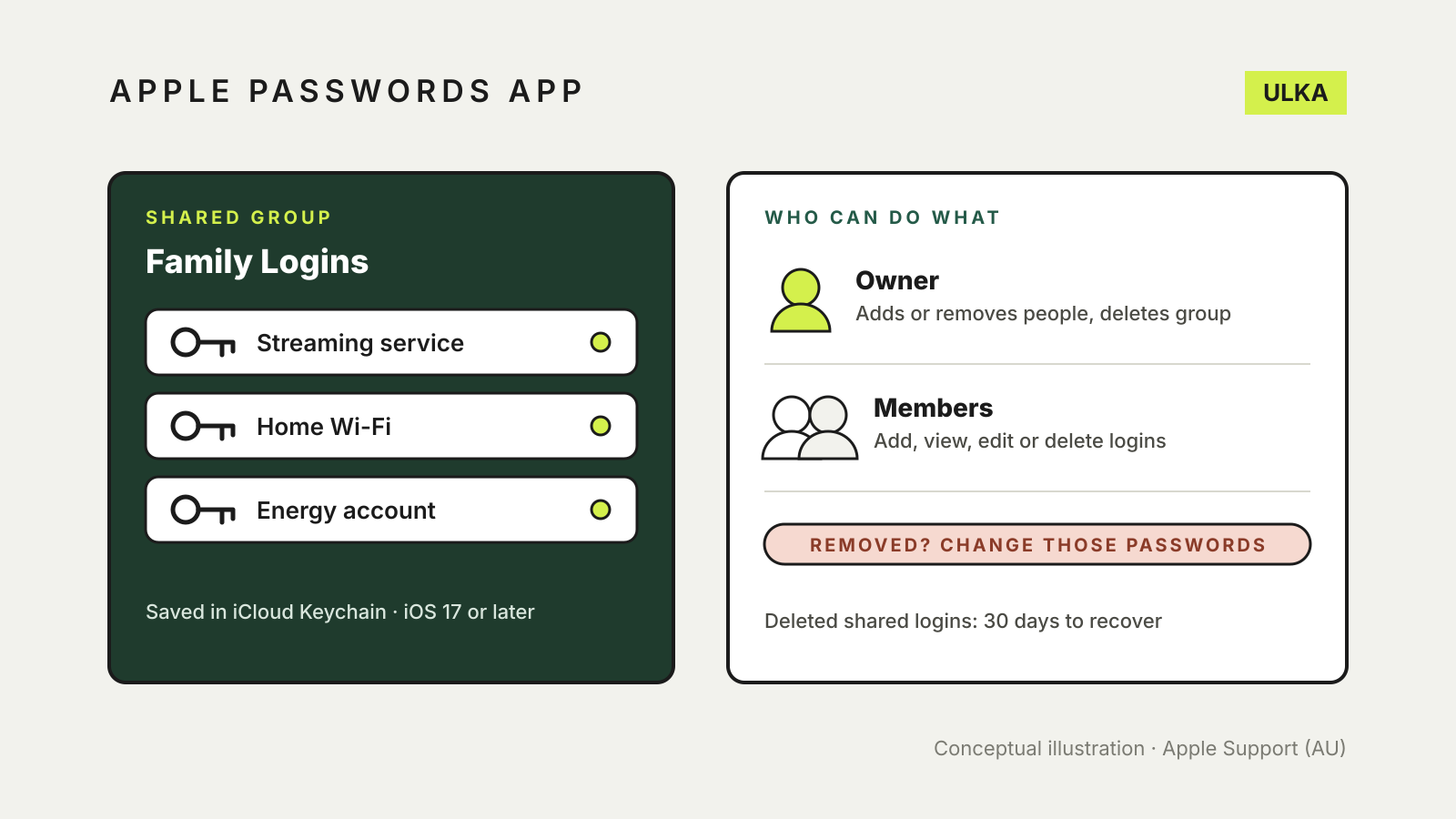
Apple Passwords app shared group: set up and share with family
Share logins with family in the Apple Passwords app: who can join, what members can change and what to do after.
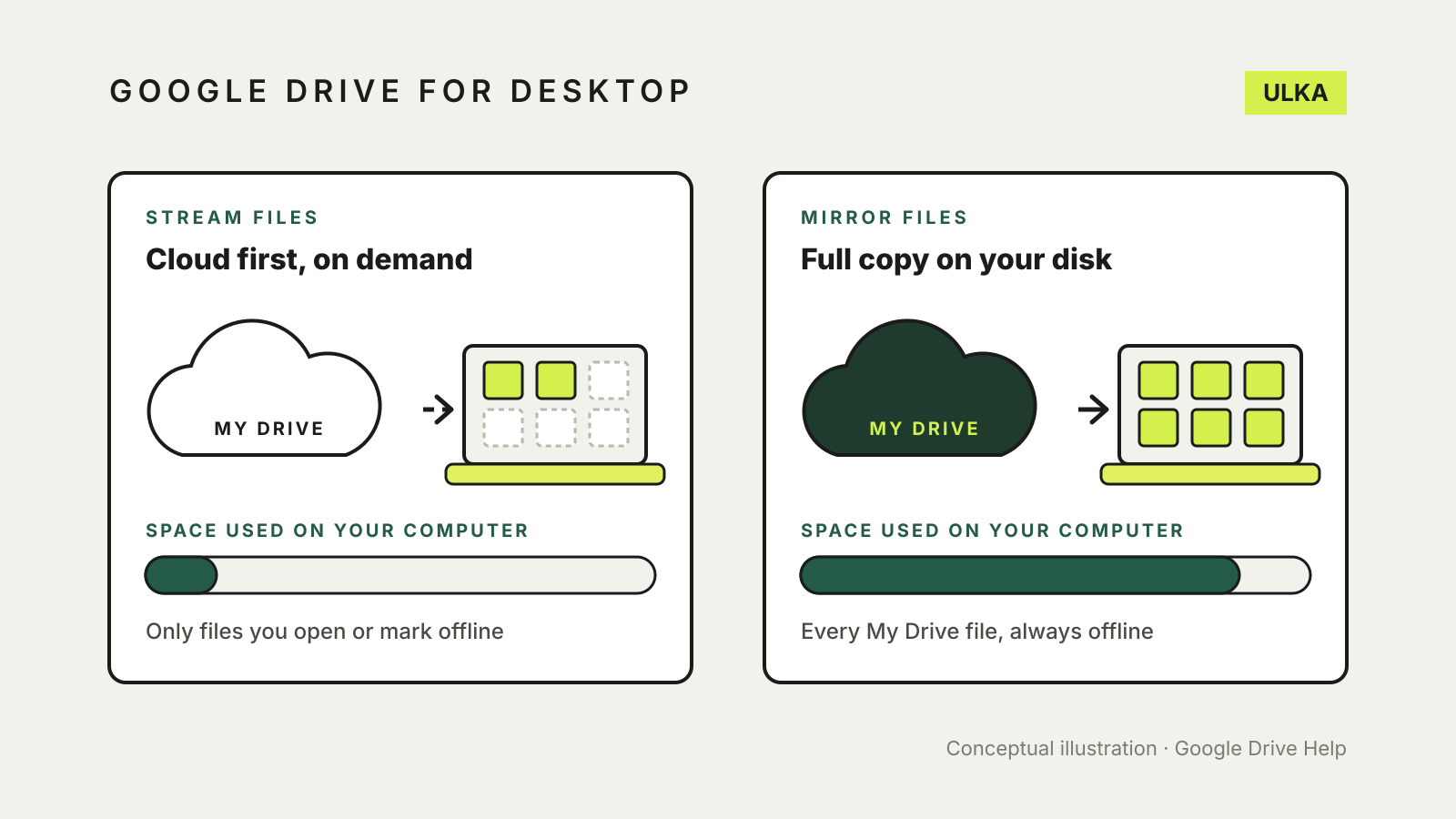
Google Drive stream vs mirror files: which desktop mode to use
Streaming saves disk space; mirroring keeps every file offline. How to choose, switch safely and keep files offline.
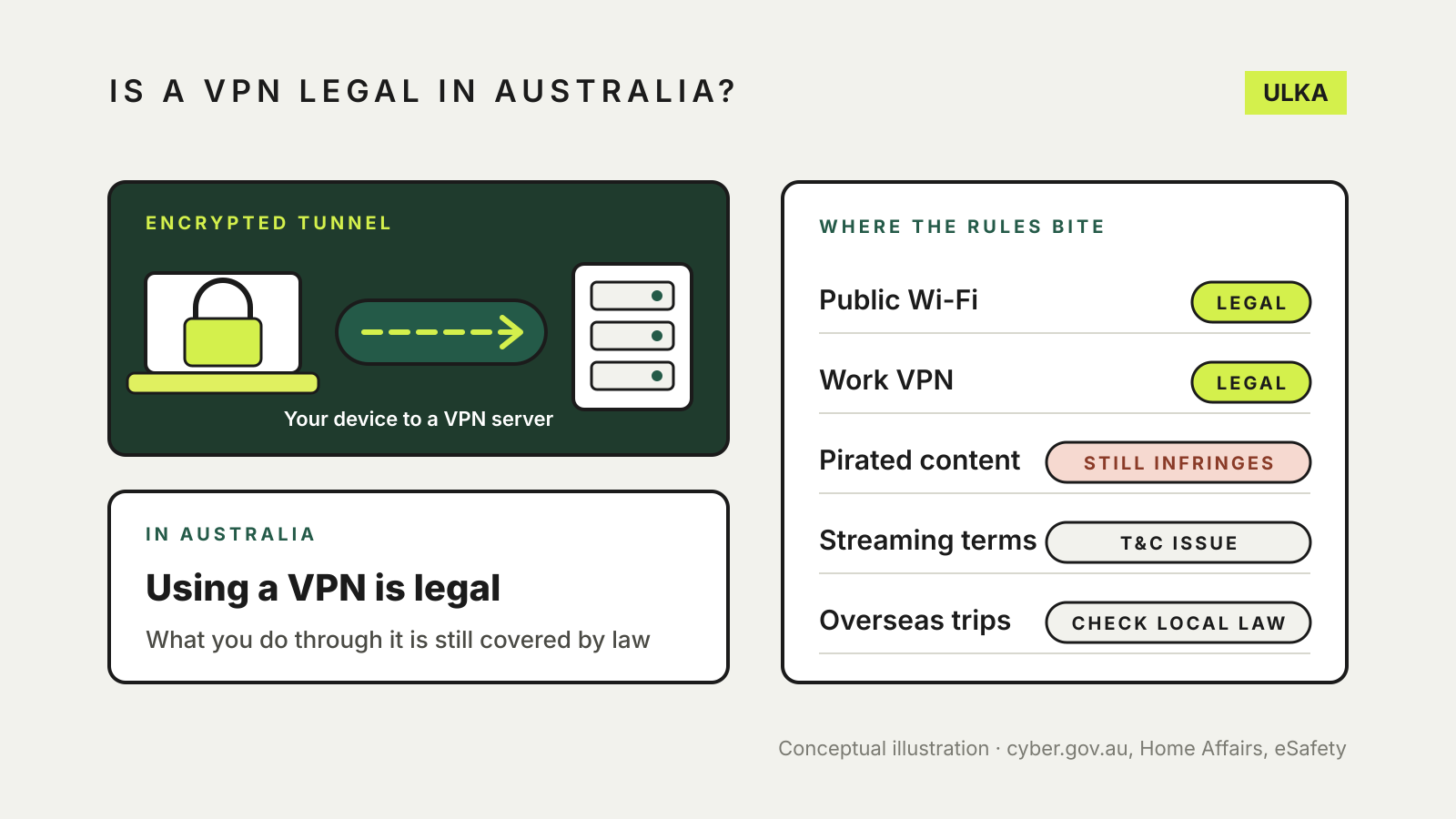
Is a VPN legal in Australia? What the law says
VPNs are legal in Australia. What the law does cover: data retention, site blocking, under-16 rules and travel.
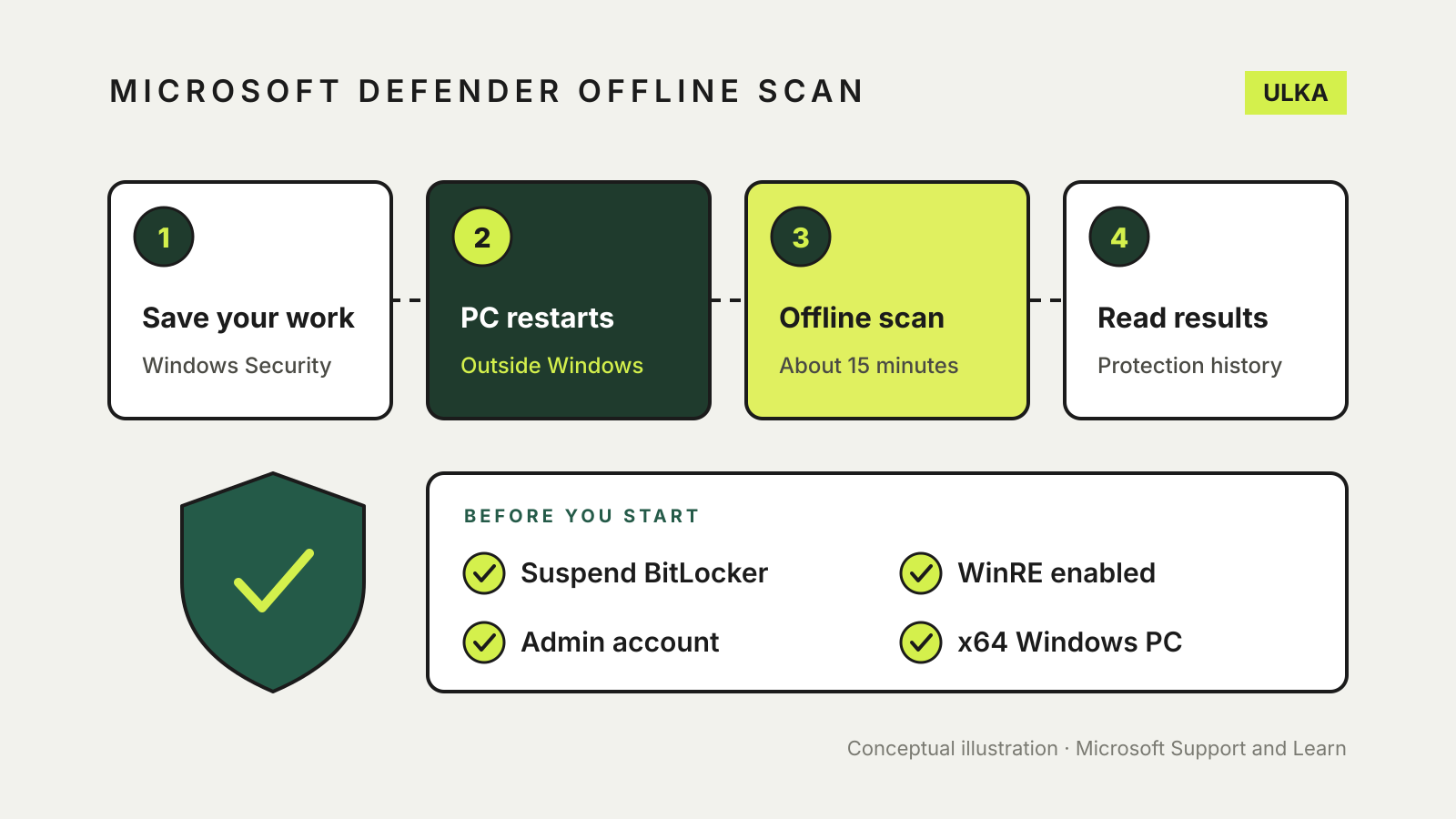
Microsoft Defender Offline scan: when and how to run it
A restart-time scan for malware that hides from Windows. When to run it, how long it takes and where results appear.
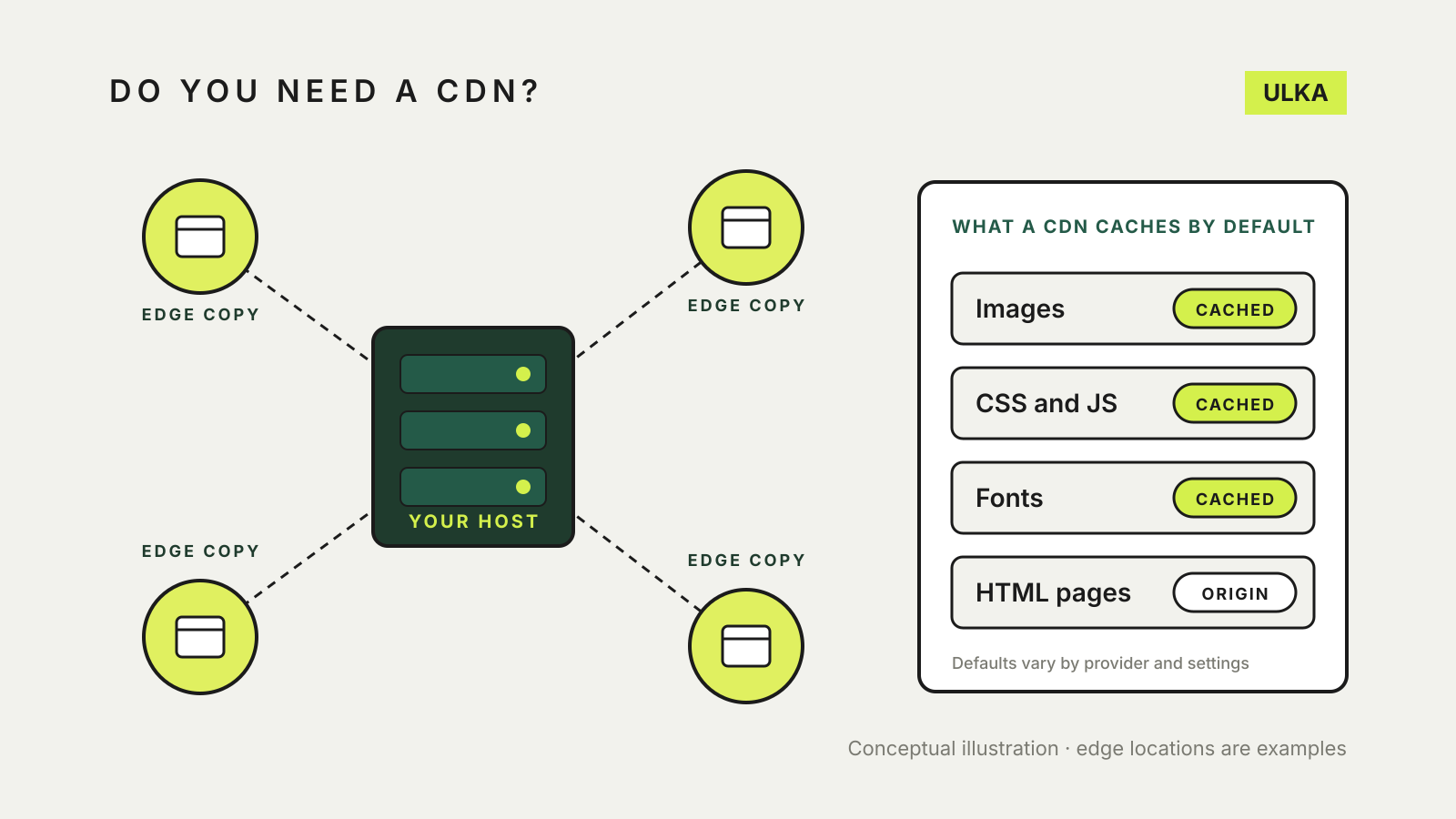
Do I need a CDN for my website? A small-site guide
What a CDN does, when a small site gains from one, what it caches and what to check before you switch it on.
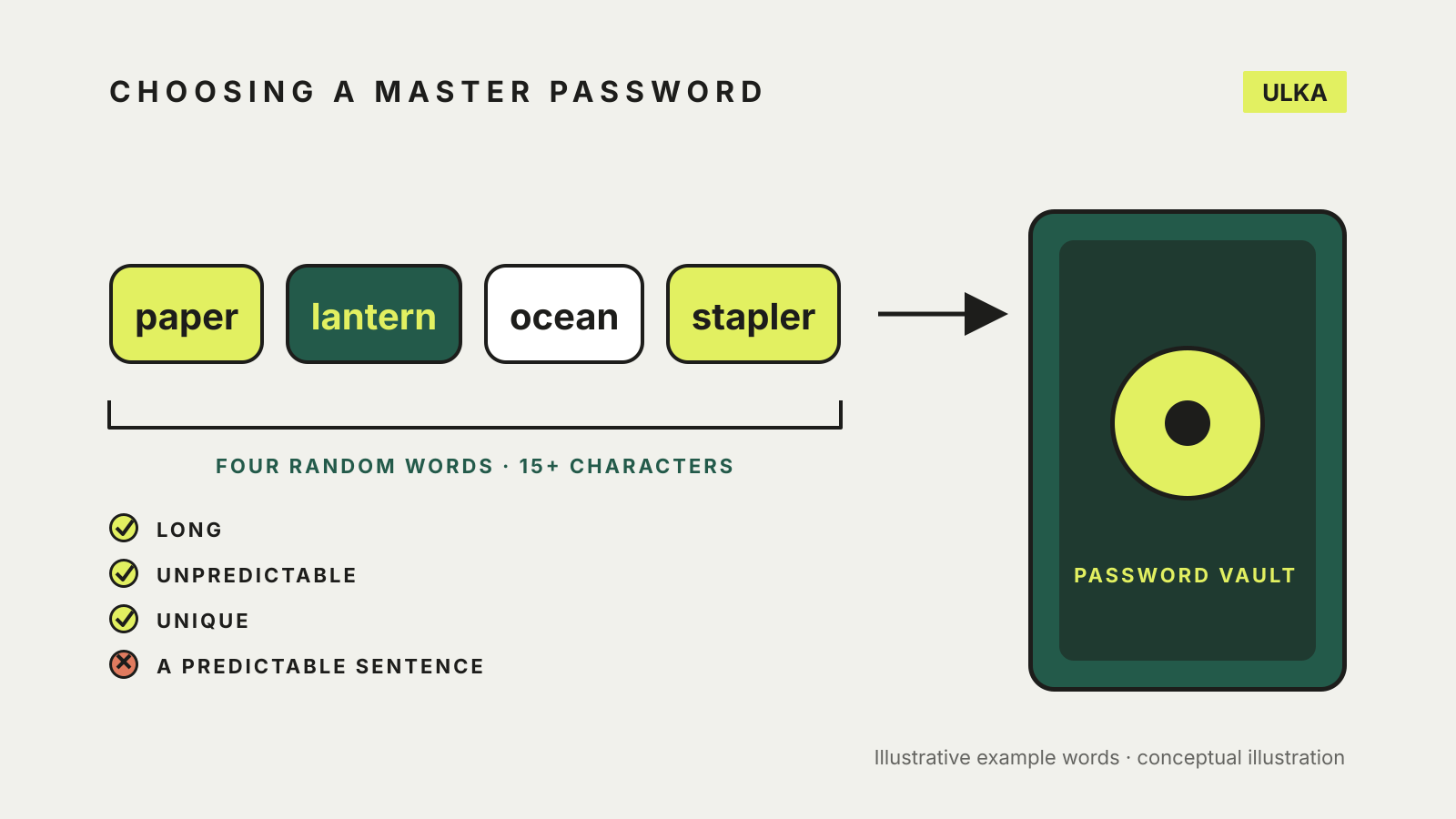
How to choose a master password for your password manager
Use a passphrase of four or more random words. How to build one, check it and plan for forgetting it.
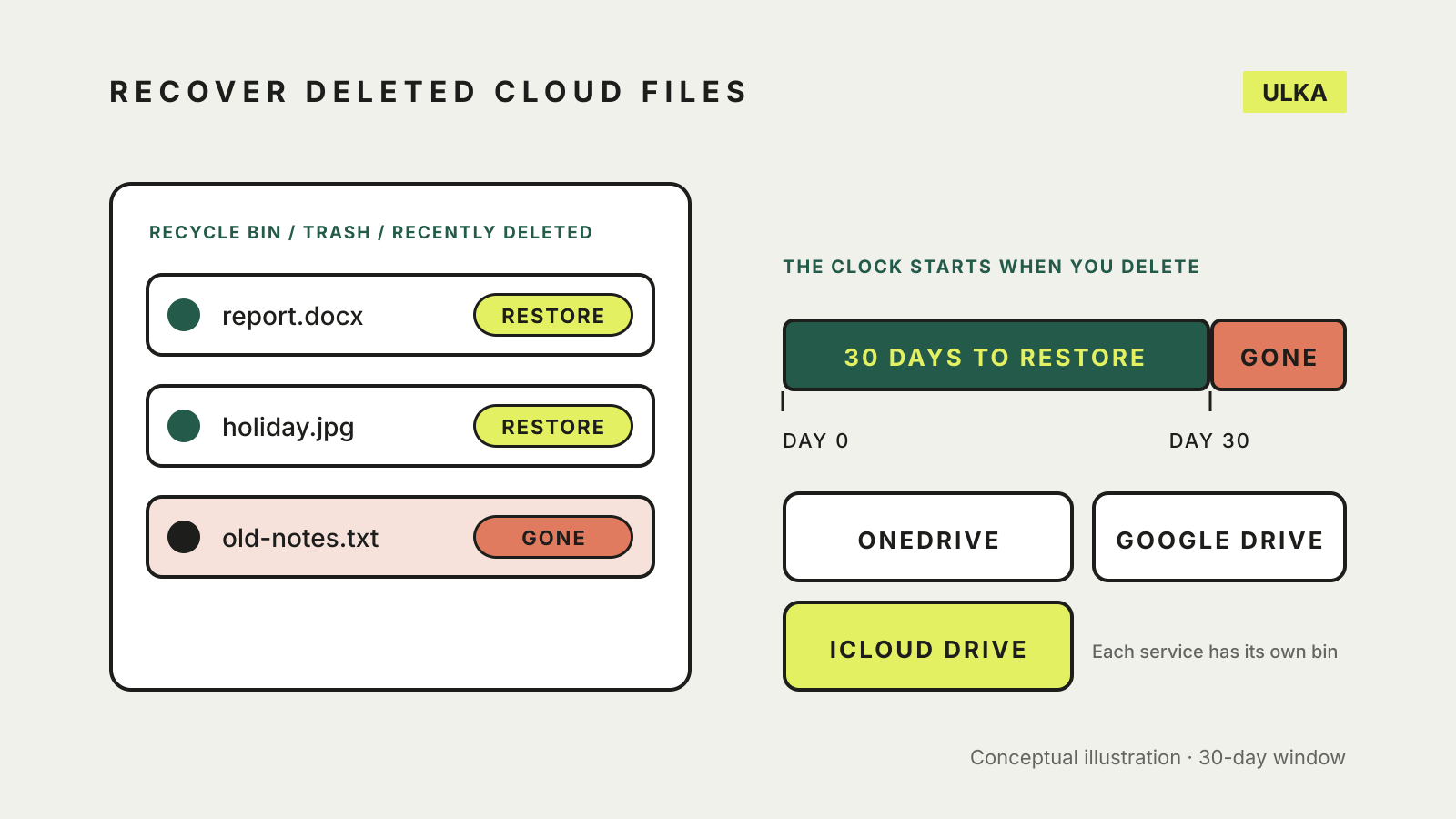
Recover deleted files from cloud storage: OneDrive, Drive, iCloud
Check the Recycle bin, Trash or Recently Deleted first. How long each service keeps files and what can't come back.
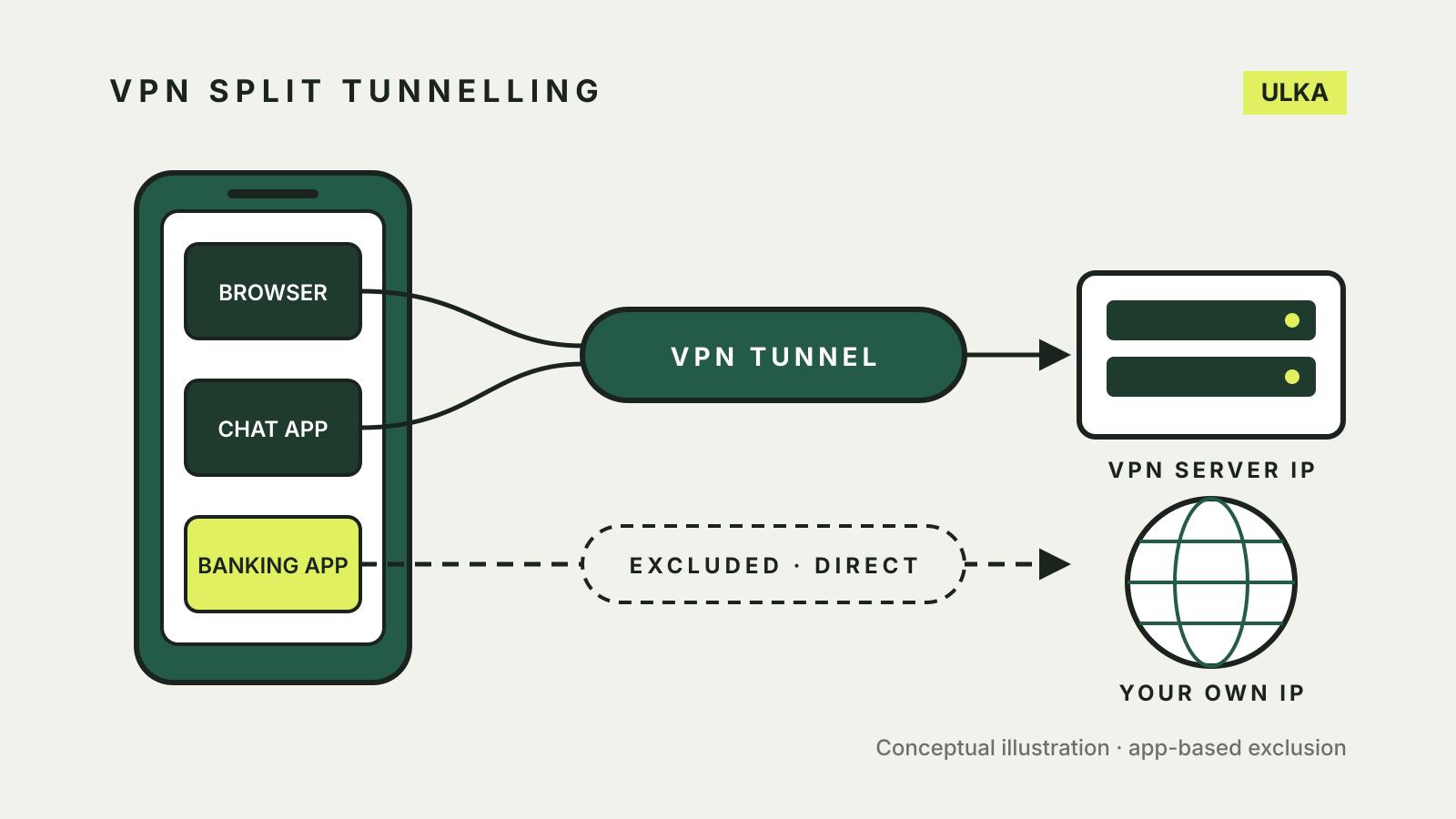
VPN split tunnelling: choose which apps skip the VPN
Split tunnelling sends chosen apps outside the VPN. How the modes work and the kill switch and DNS catches.
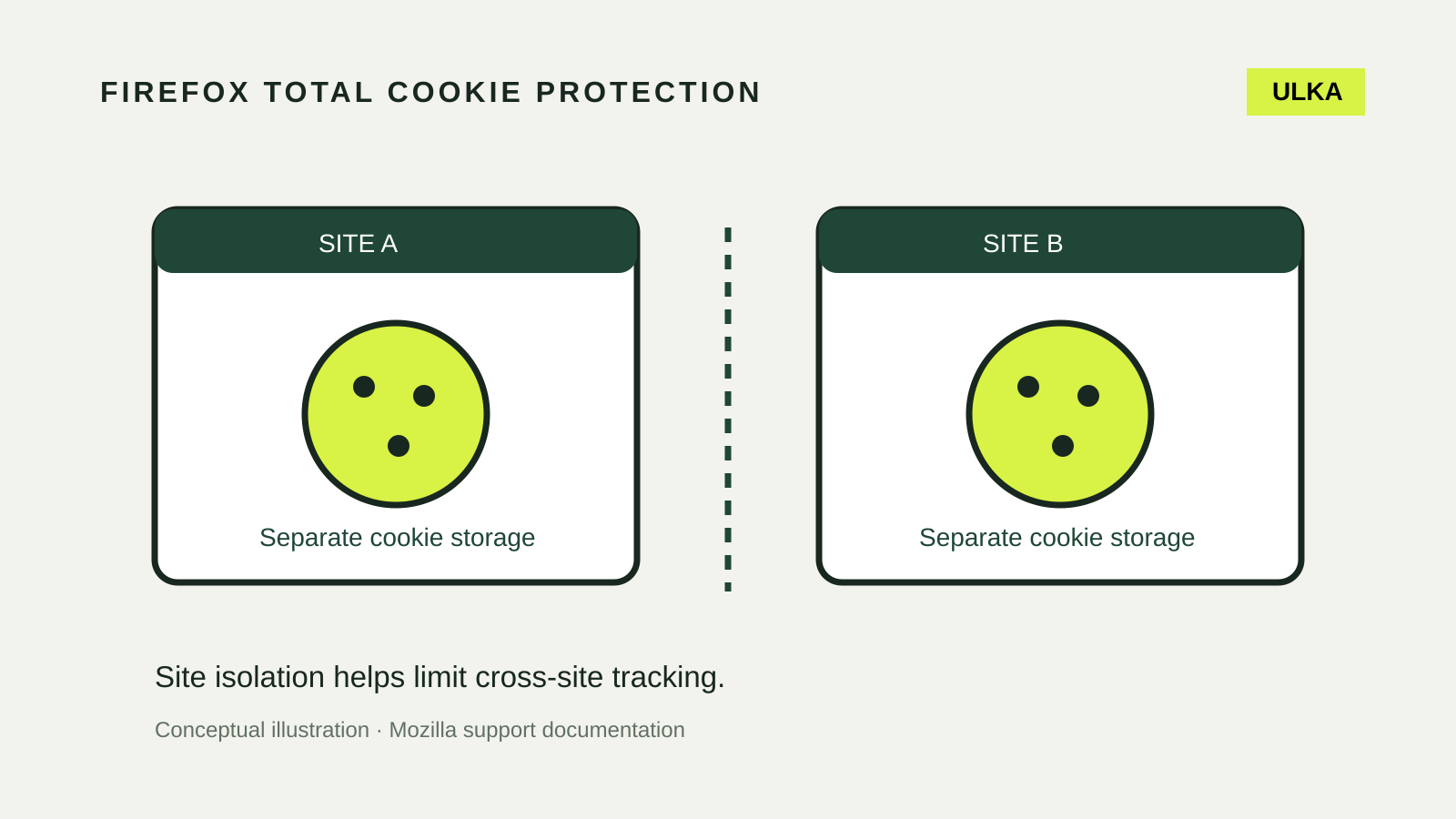
Firefox Total Cookie Protection: settings and site fixes
Keep cookie isolation enabled and diagnose broken sign-ins with a narrow, reversible site test.
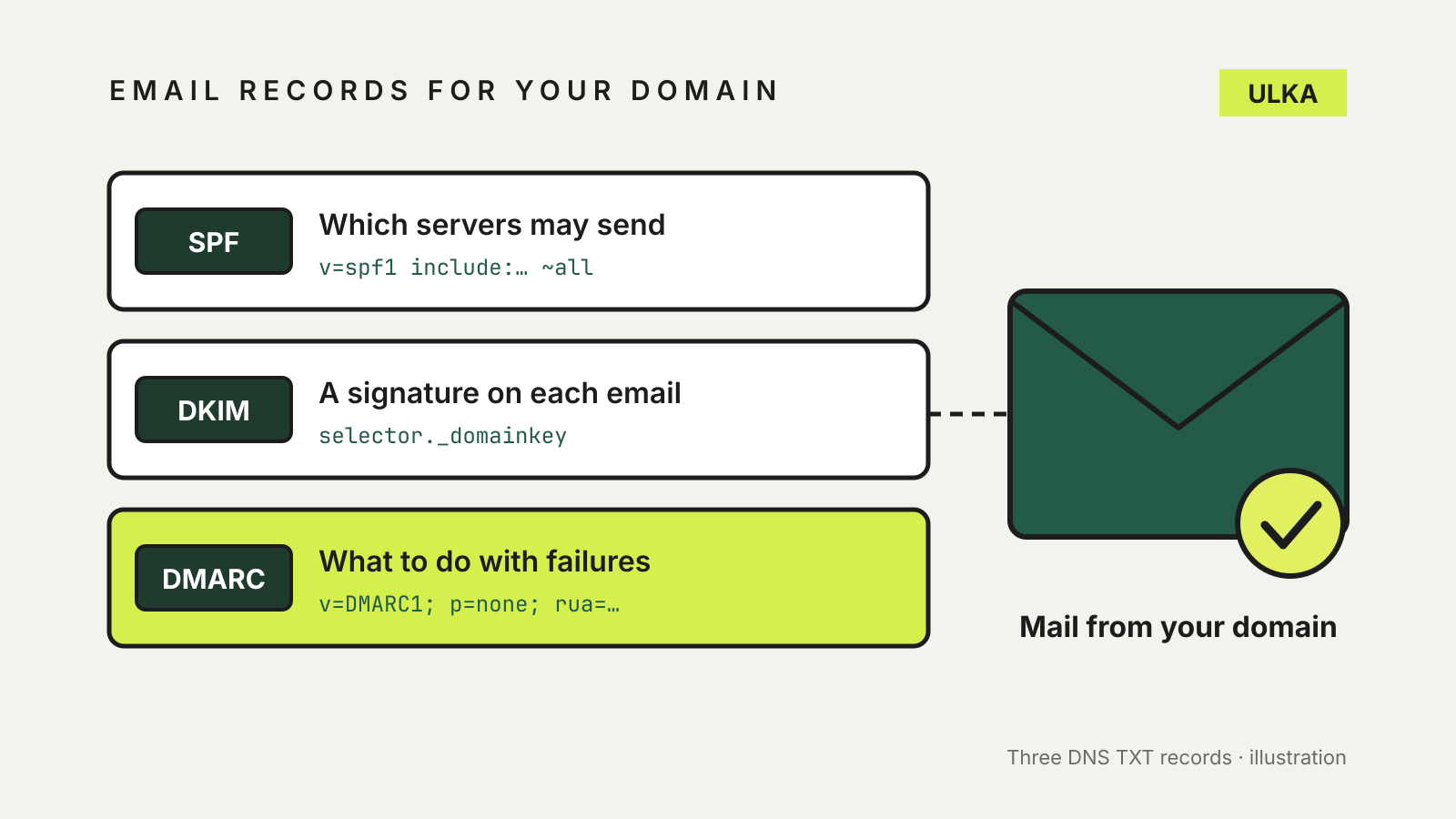
SPF, DKIM and DMARC explained: protect your domain's email
What SPF, DKIM and DMARC records do, and a safe order to add them to your domain.
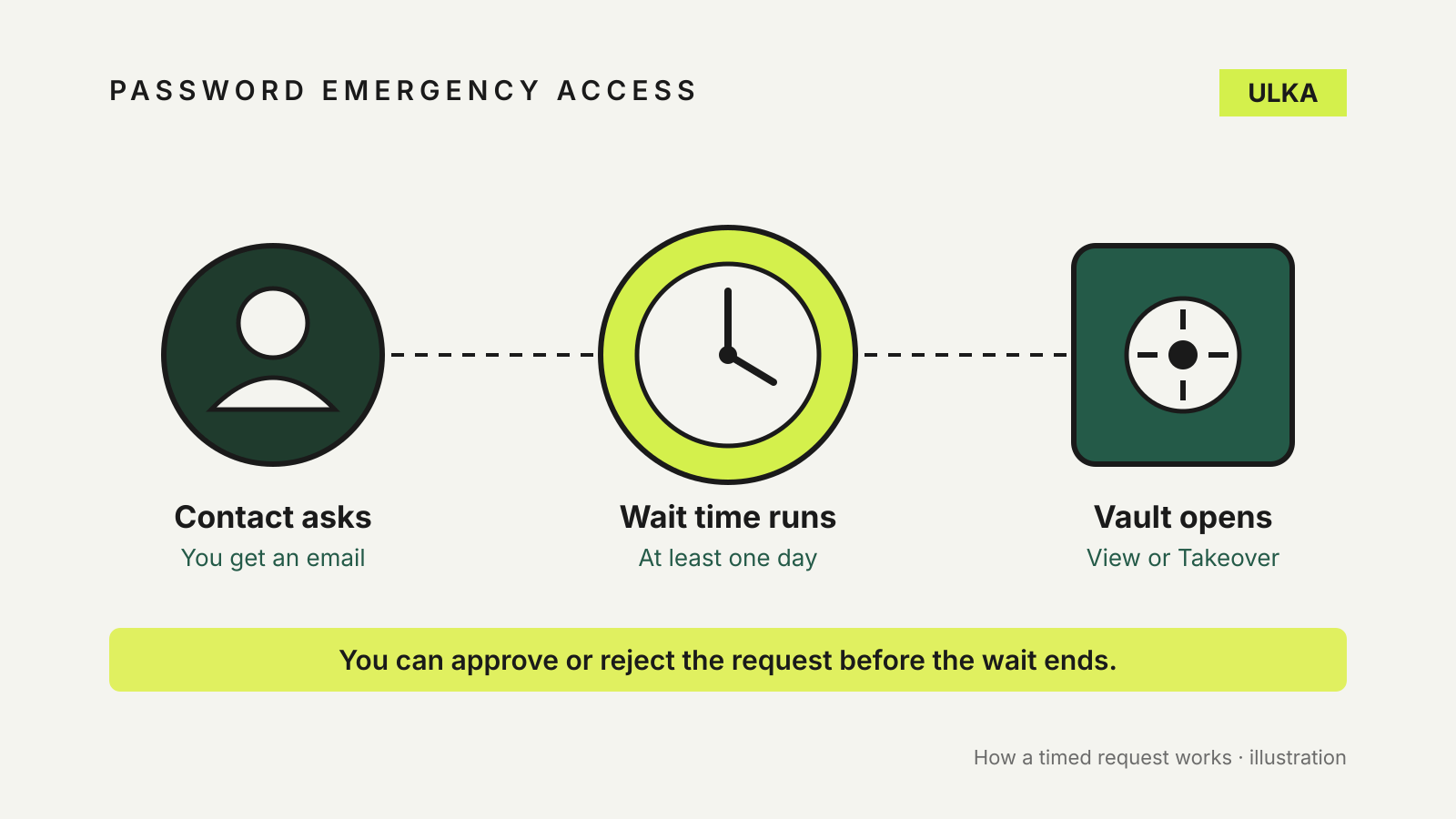
Password manager emergency access: let someone in when you can't
Bitwarden, 1Password and Apple handle emergency access very differently. Here is how to set up each one.
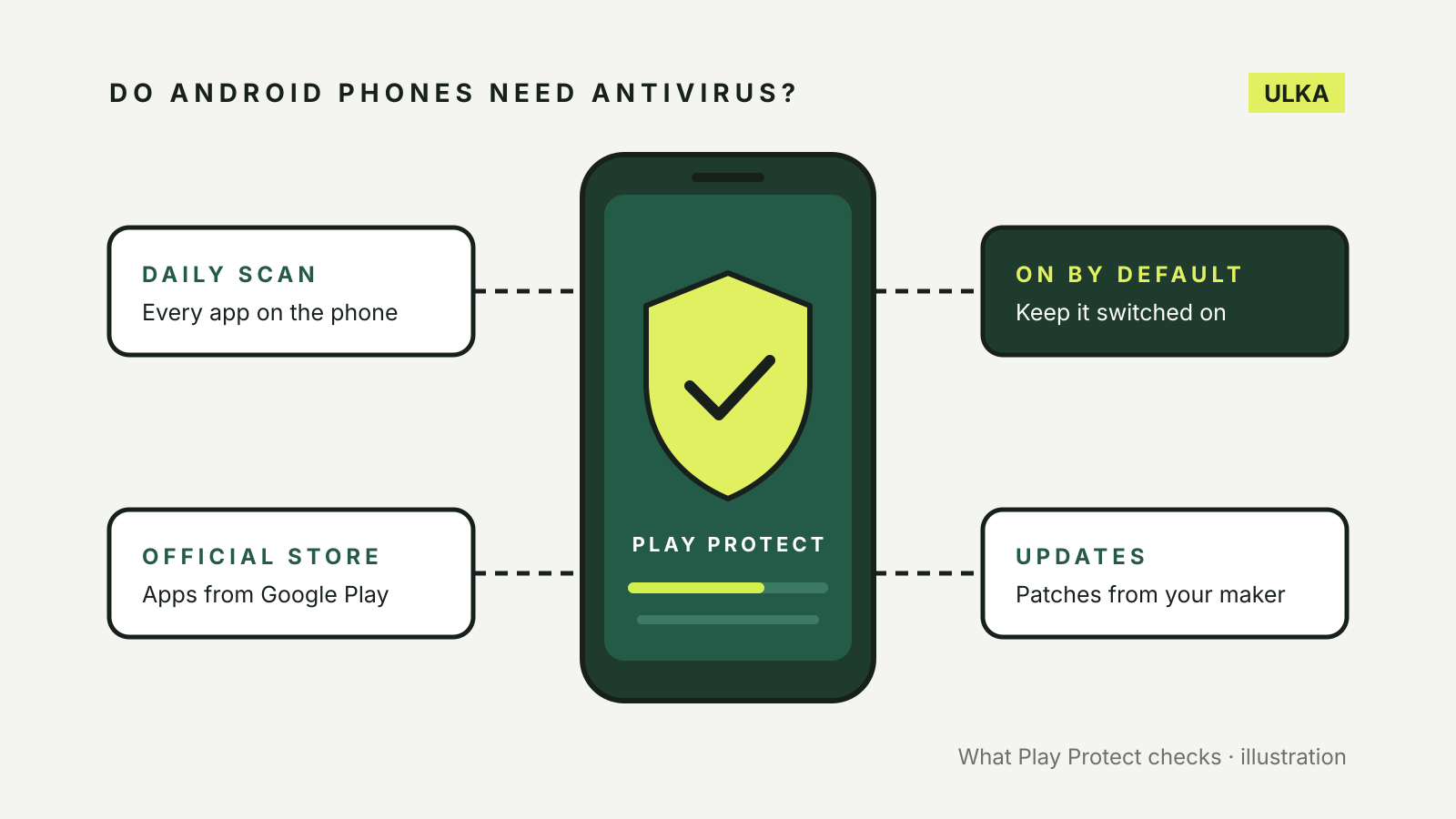
Do Android phones need antivirus? What Play Protect does
Most Android phones already scan apps with Google Play Protect. Here is what it covers, what it misses and when to pay.
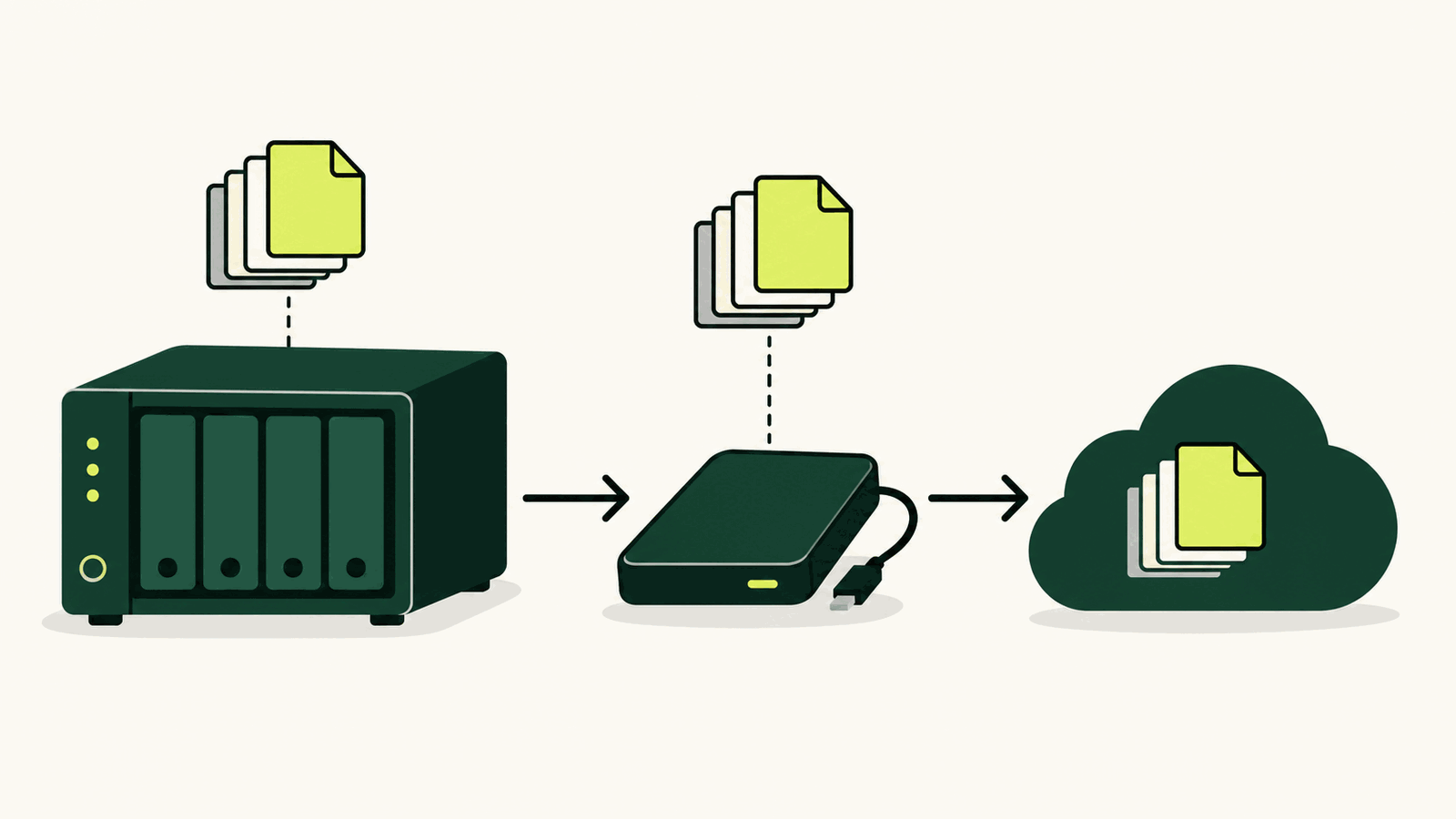
How to back up a NAS: local, offsite and restore checks
Build a 3-2-1 NAS backup with versioned local and offsite copies, then prove it works with restore tests.
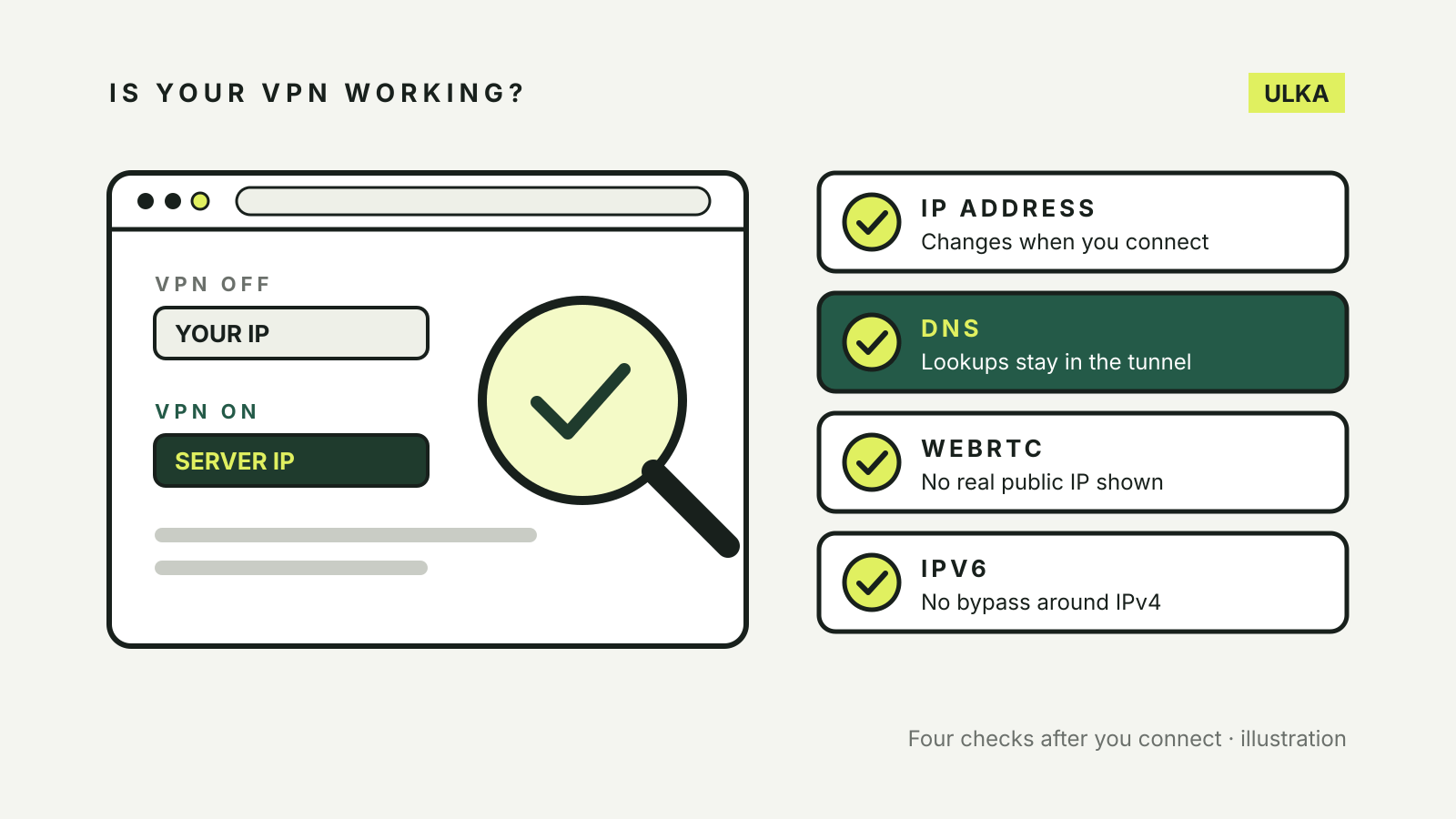
How to check if your VPN is working: IP, DNS and WebRTC tests
Compare your IP address, then test for DNS, WebRTC and IPv6 leaks. What each test shows and what to do if one fails.
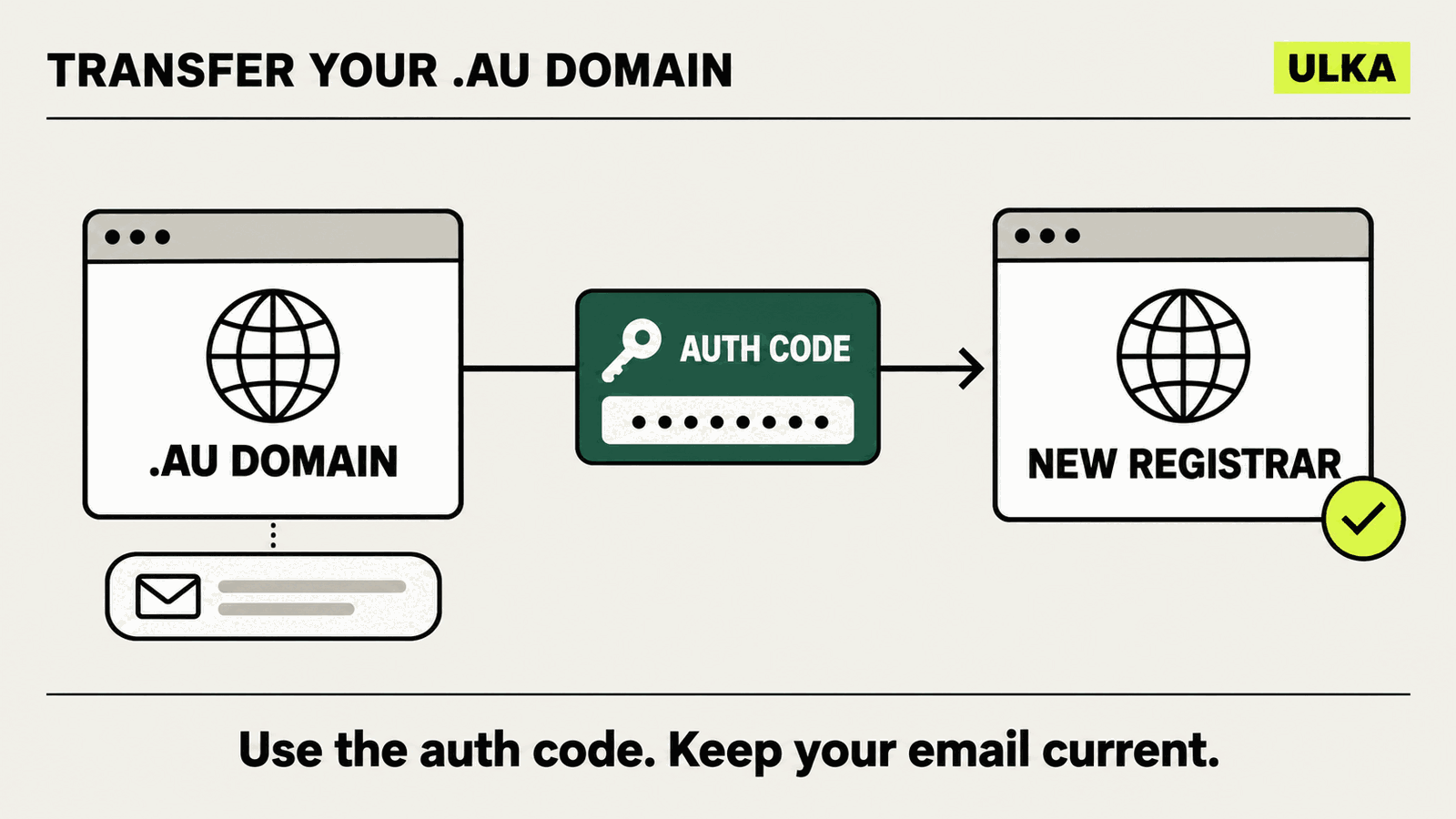
How to transfer a .au domain to another registrar
Move a .au domain between registrars without confusing the auth code, hosting or a change of registrant.
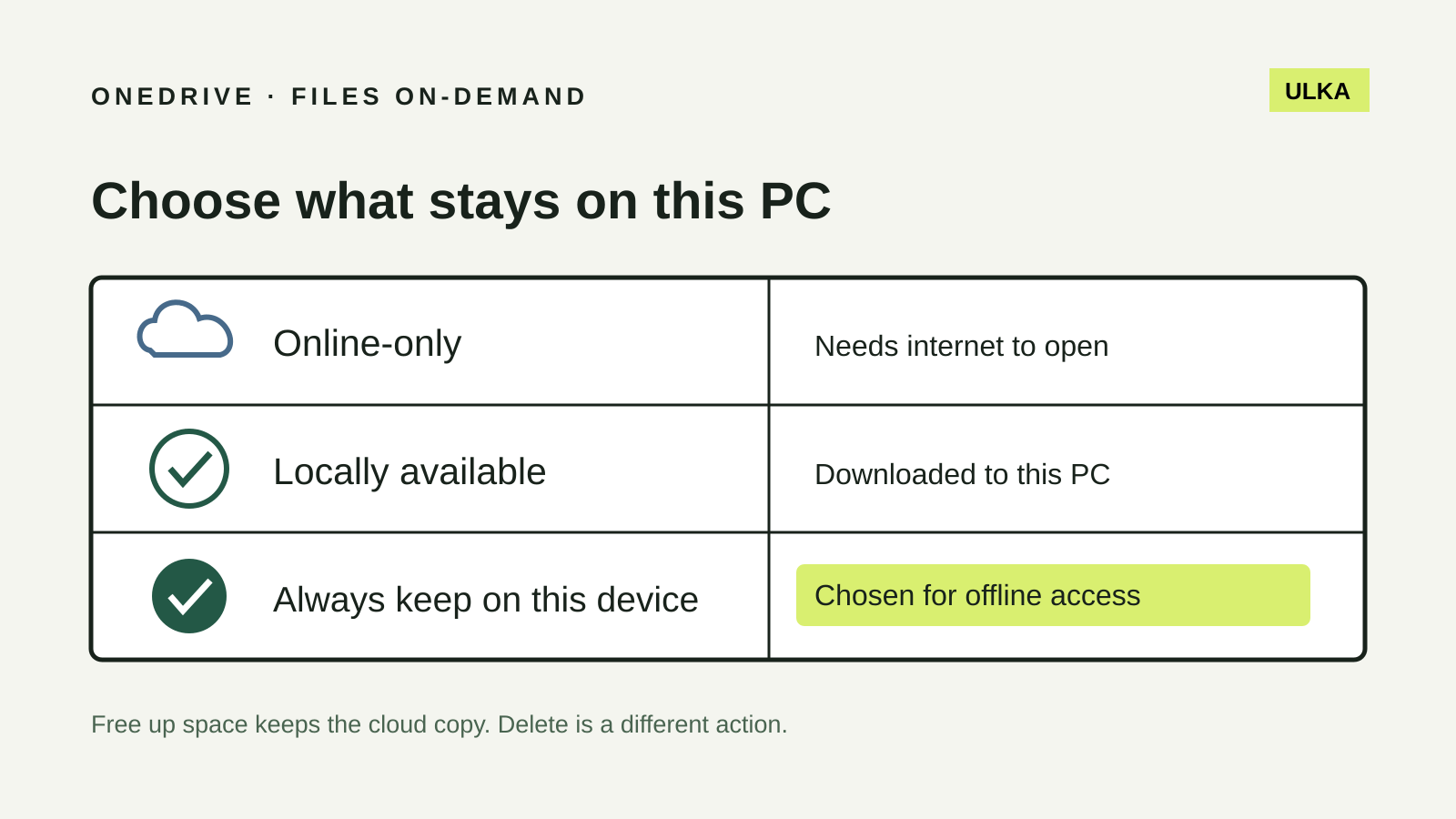
OneDrive Files On-Demand: keep the right files offline
Choose which Windows files stay offline and understand why Free up space is different from Delete.
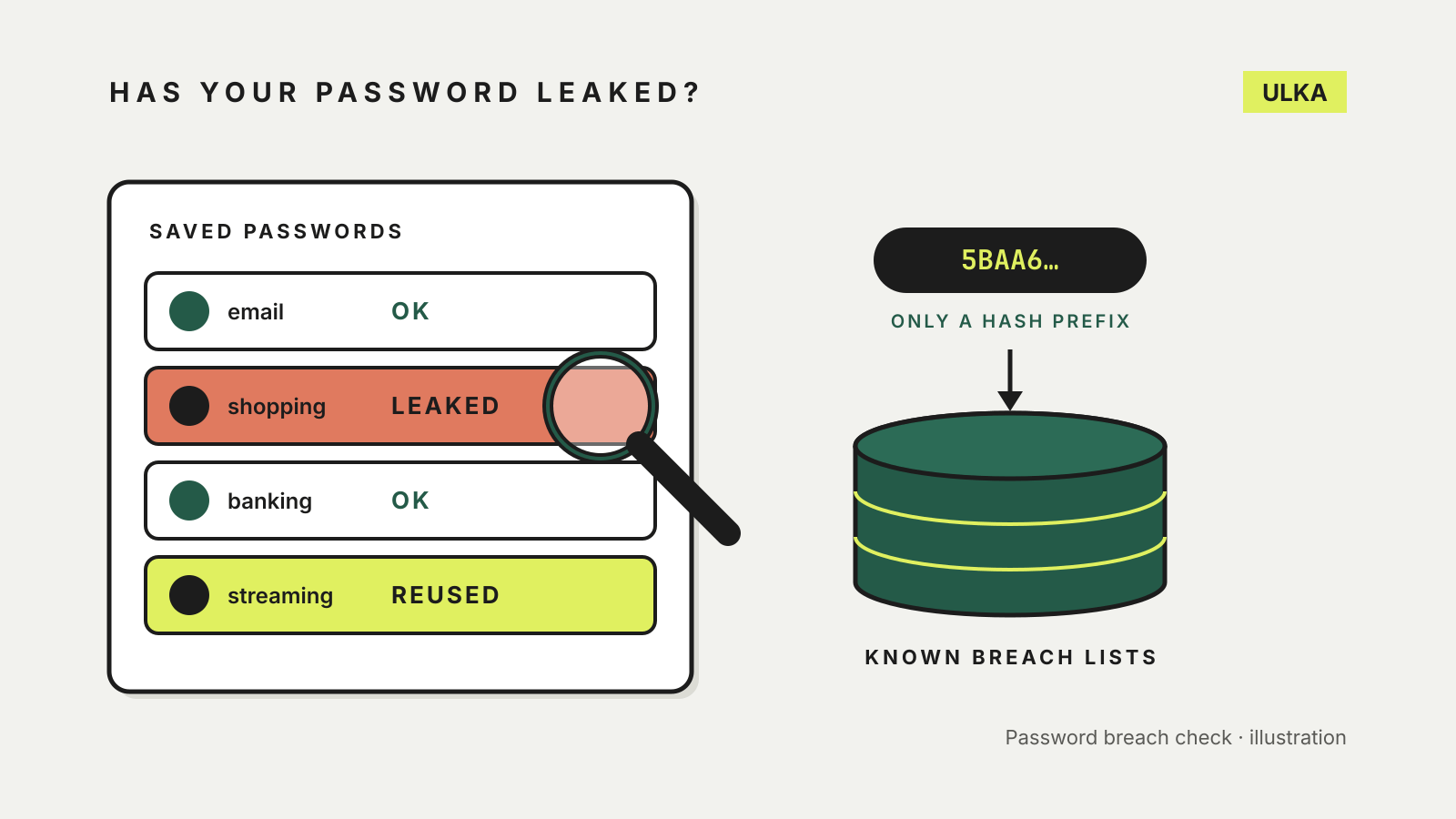
How to check if your password has been leaked, and what to do next
Your password manager can already check for leaked passwords. Where to look, how it stays private and what to change.
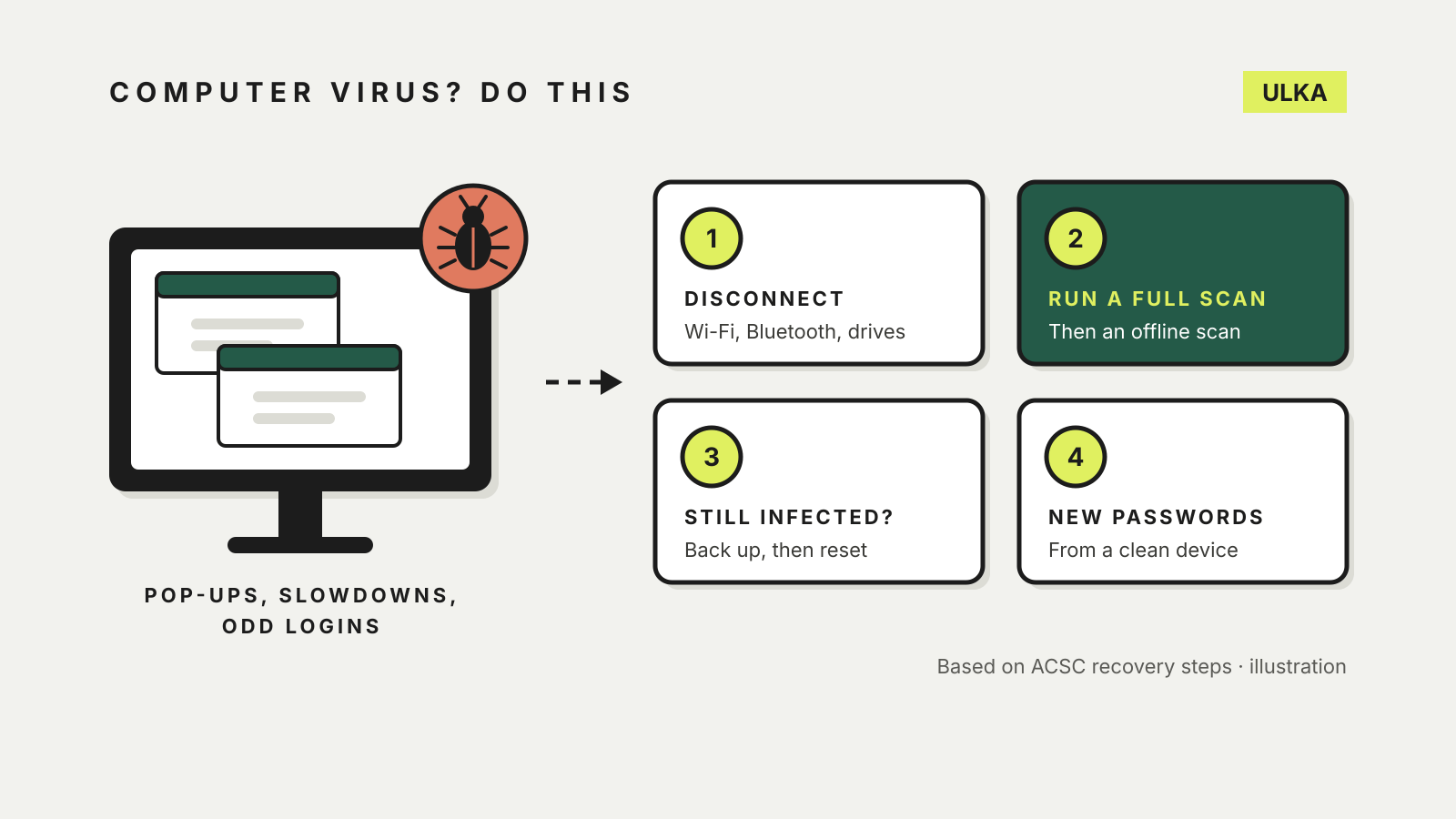
What to do if your computer has a virus: a step-by-step plan
Disconnect, scan, reset if needed, then change passwords from a clean device: the ACSC's recovery steps in order.
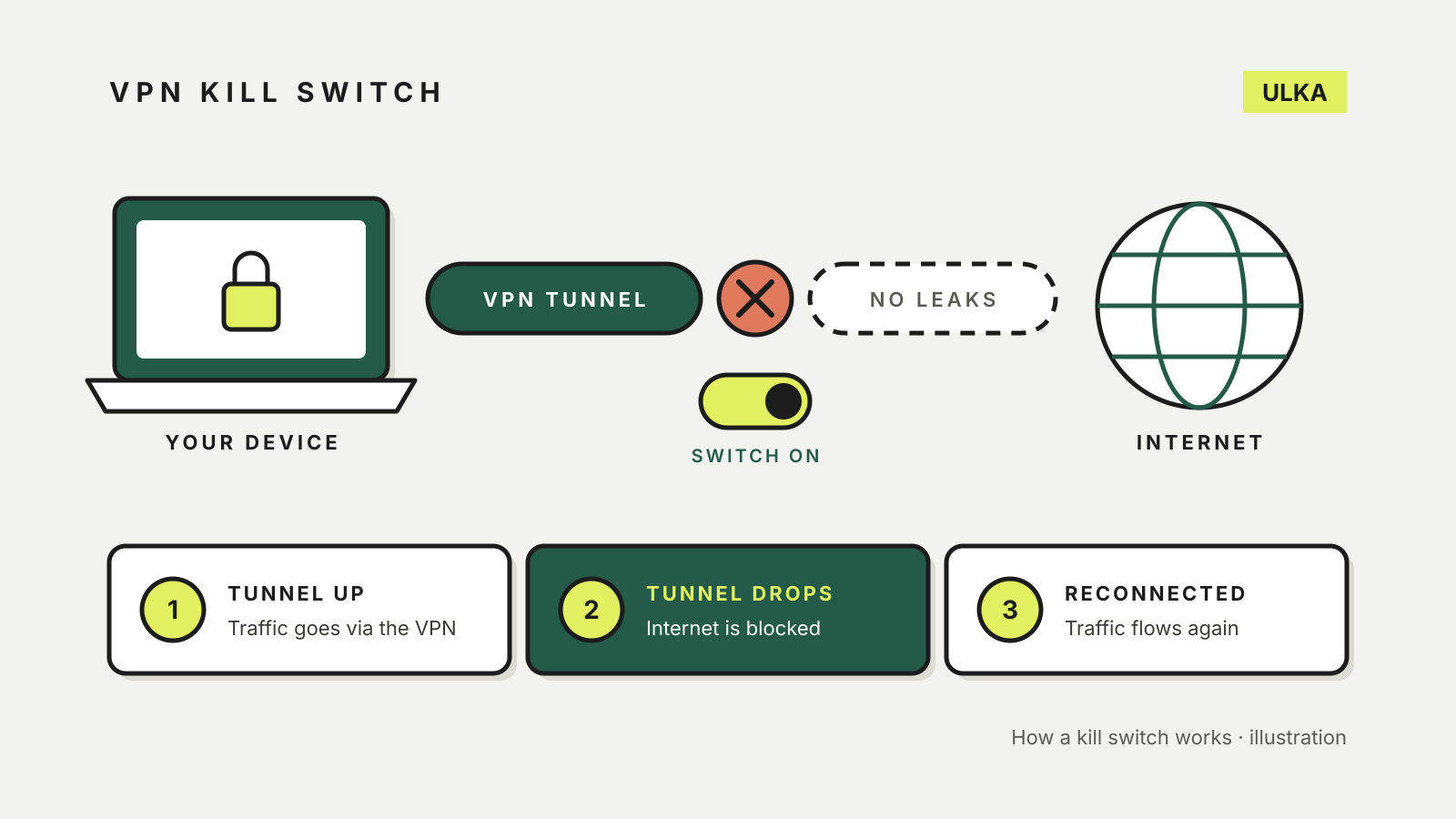
What is a VPN kill switch, and should you turn it on?
A VPN kill switch blocks the internet when the VPN drops. Here is how the types differ and where to turn it on.
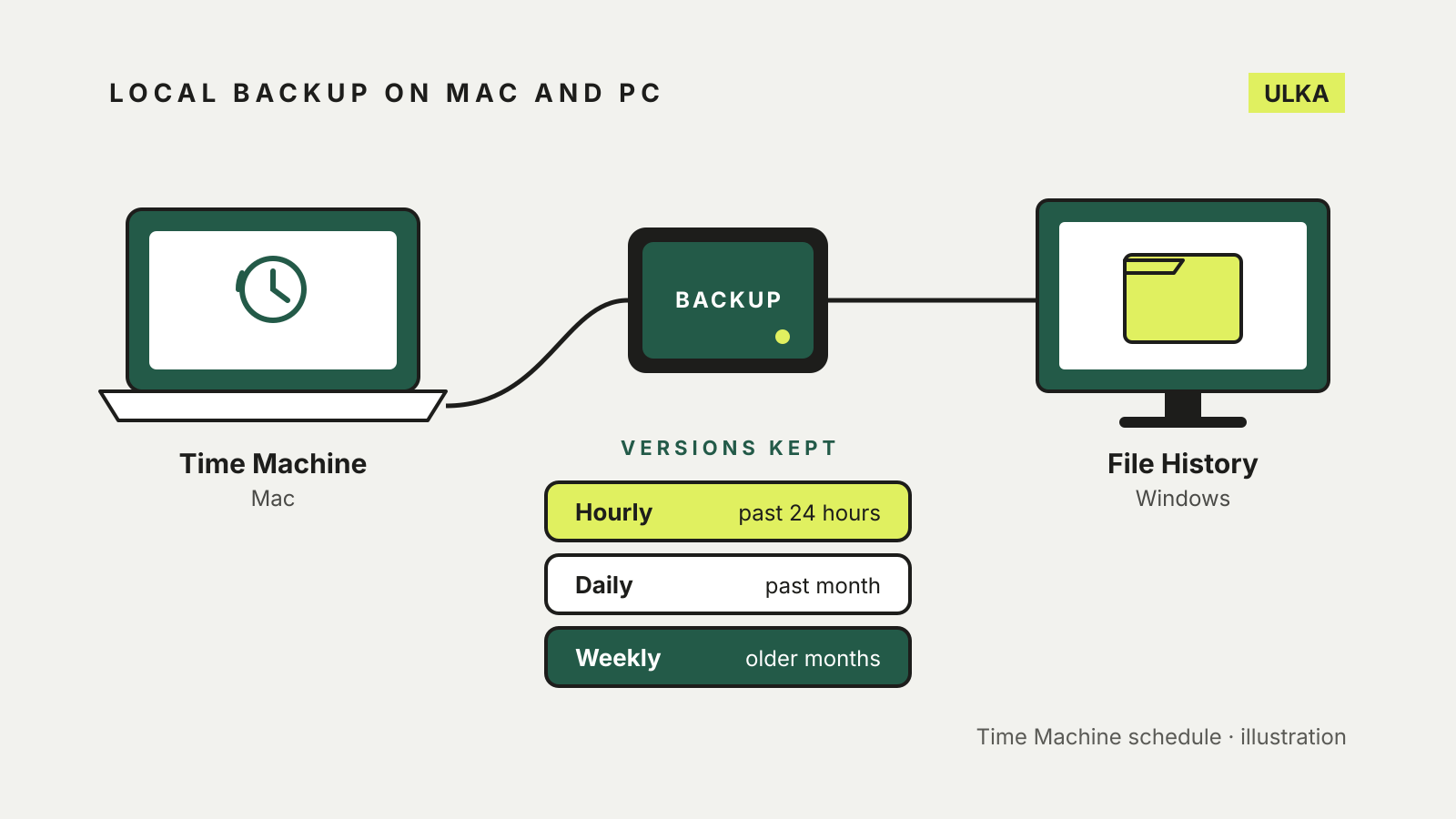
Windows File History vs Time Machine: set up a local backup
File History and Time Machine both keep earlier versions of your files on an external drive. How to set each one up.
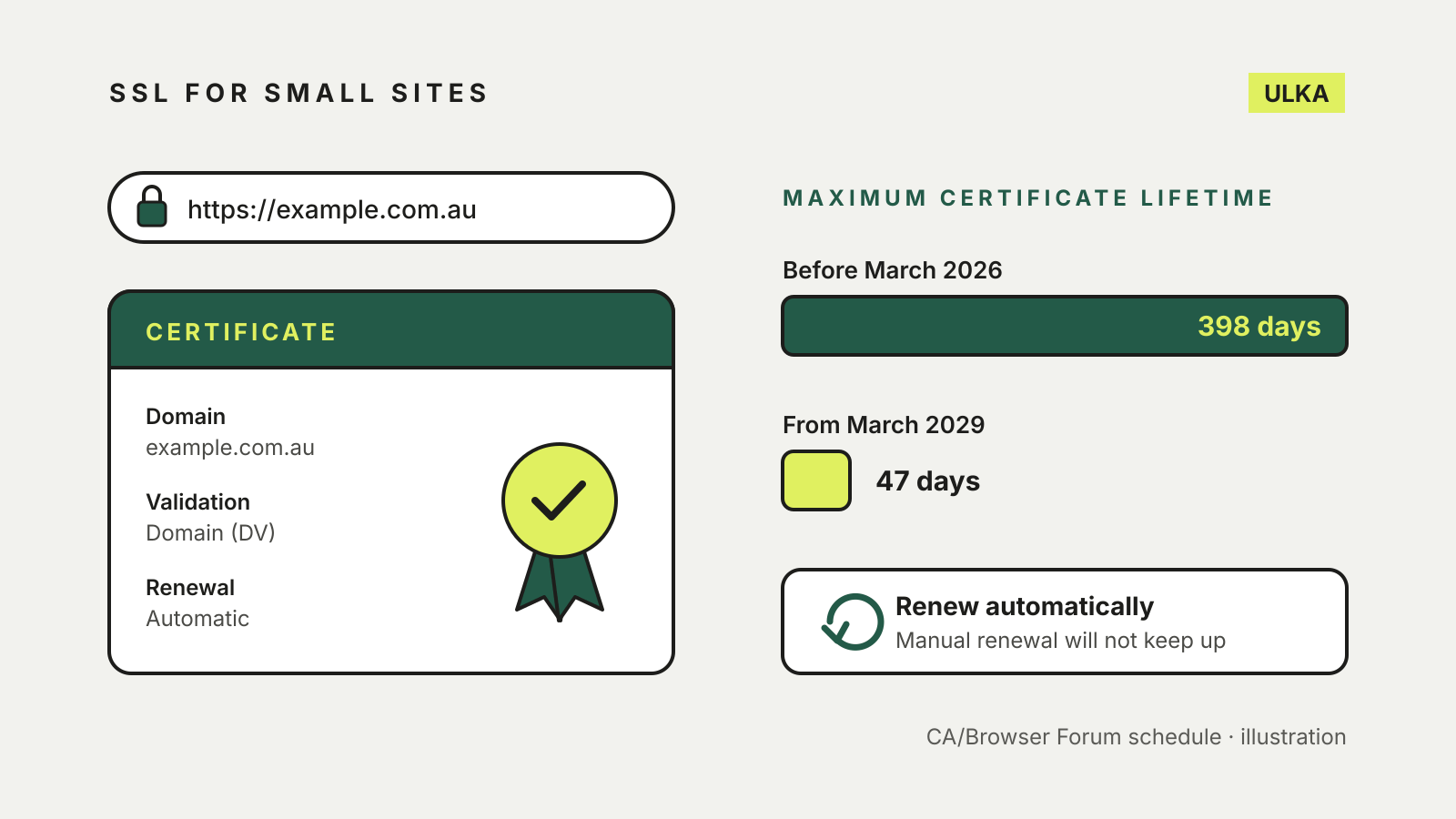
Free SSL certificate for your website: how it works and what to check
Most small sites can run HTTPS on a free certificate. What to check: validation, automatic renewal and mixed content.
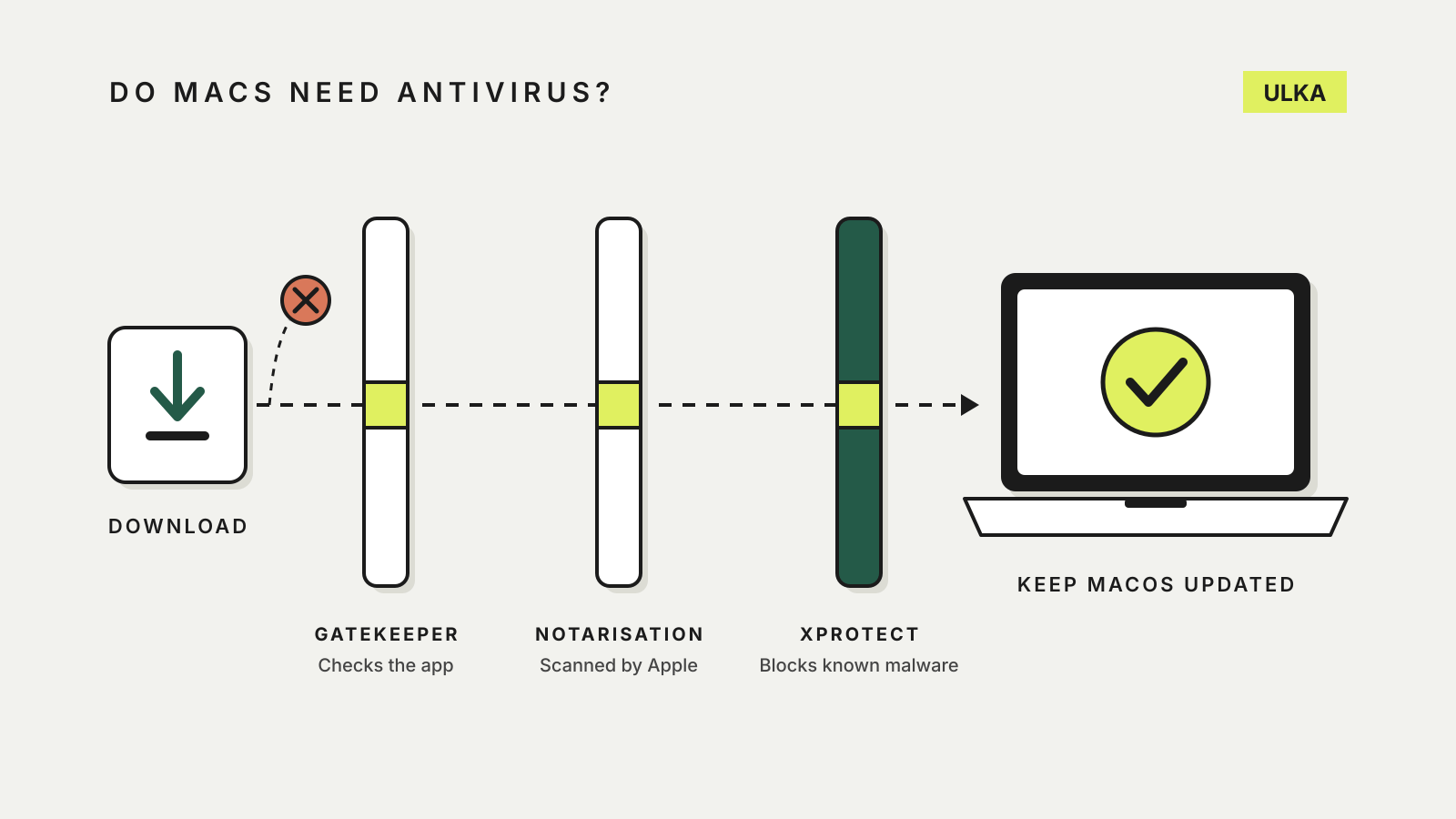
Do Macs need antivirus? What macOS already does
Every Mac has built-in malware protection. Here is what it covers, what it misses and when paying makes sense.
-
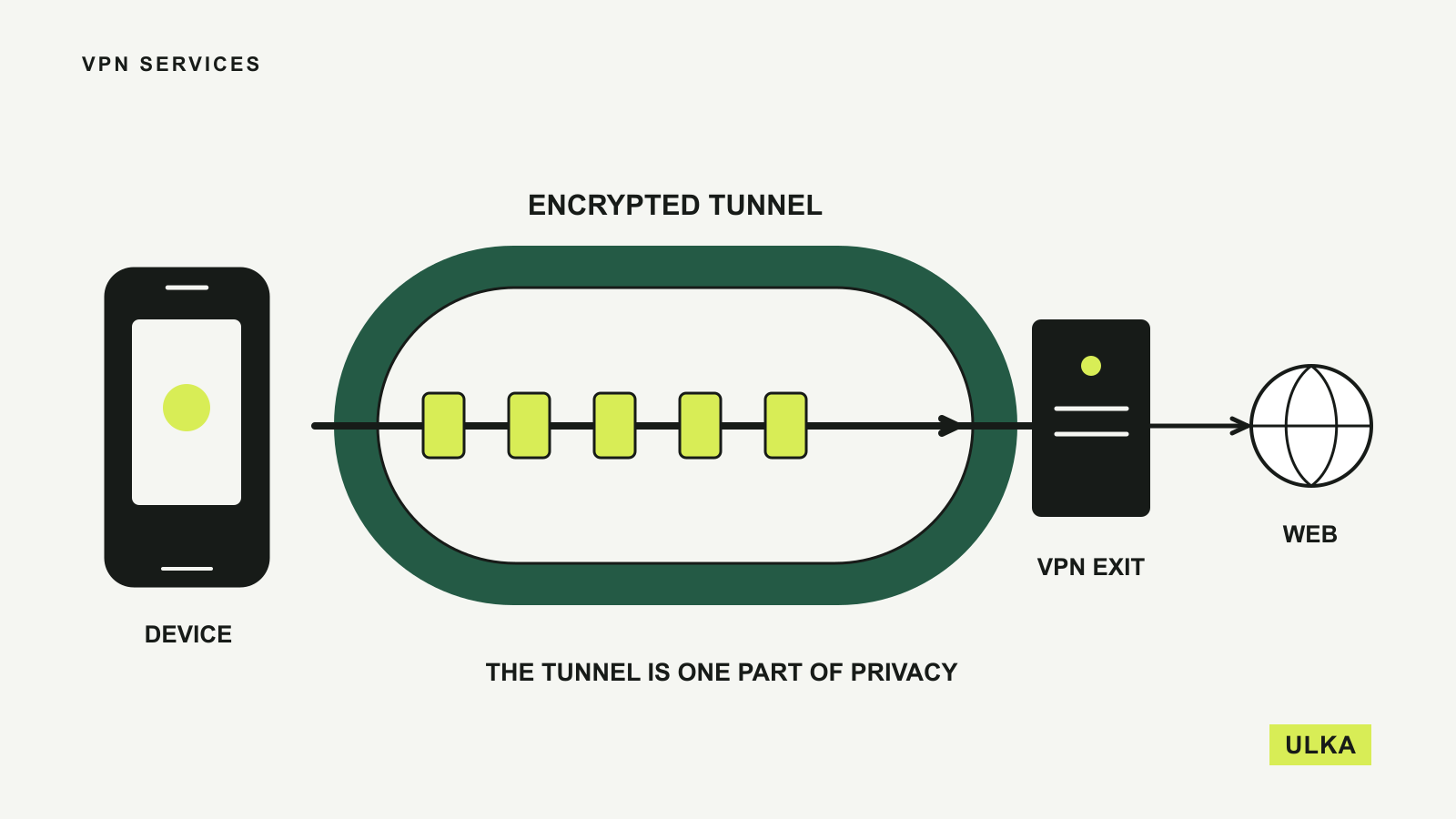
VPN services: four options for Australians
Compare four VPN services by device limits, Australian locations, useful features and the next renewal bill.
-
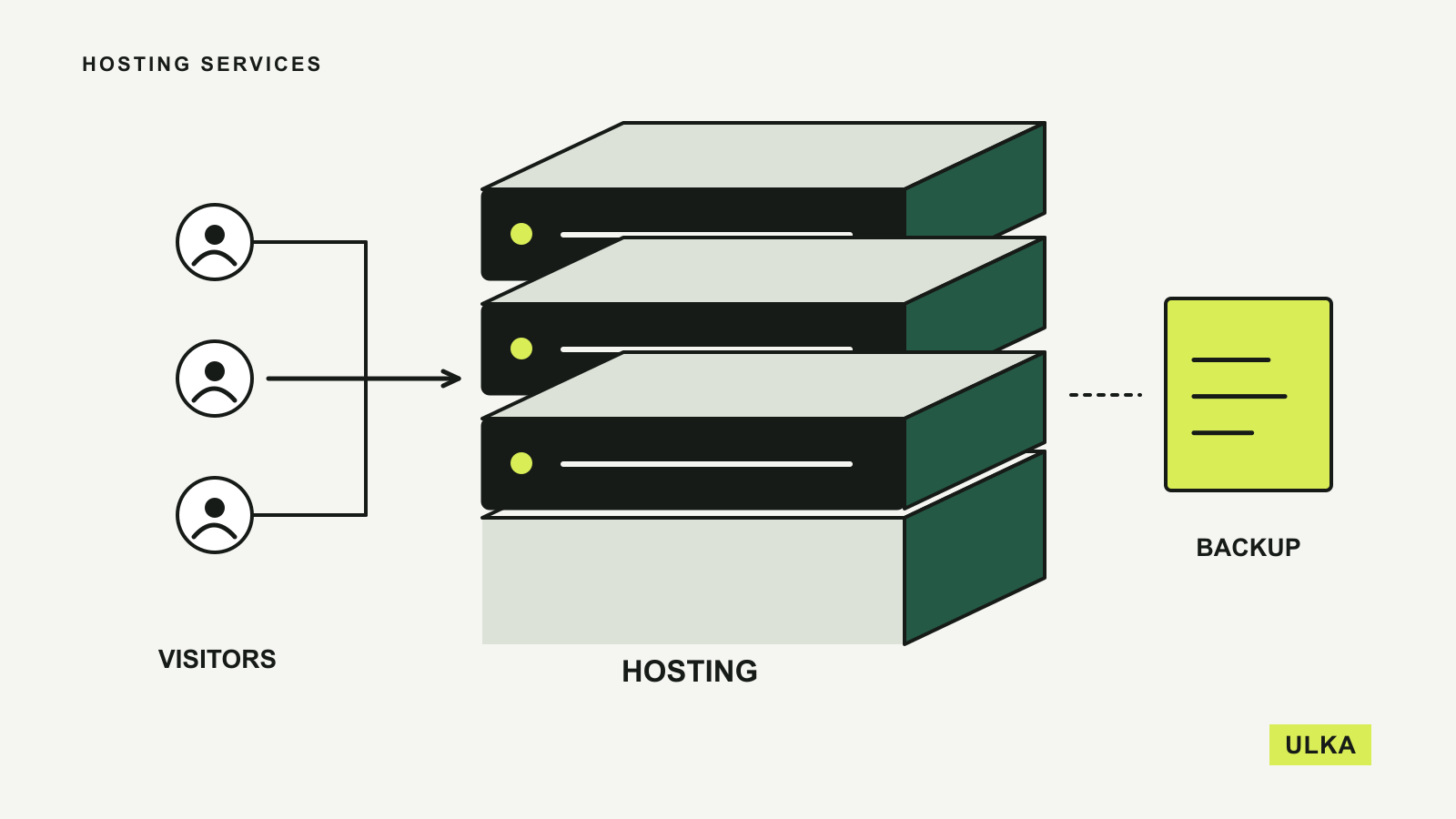
Hosting services for an Australian website
Compare hosting by support, backups, server location and the bill that arrives after the introductory offer.
-
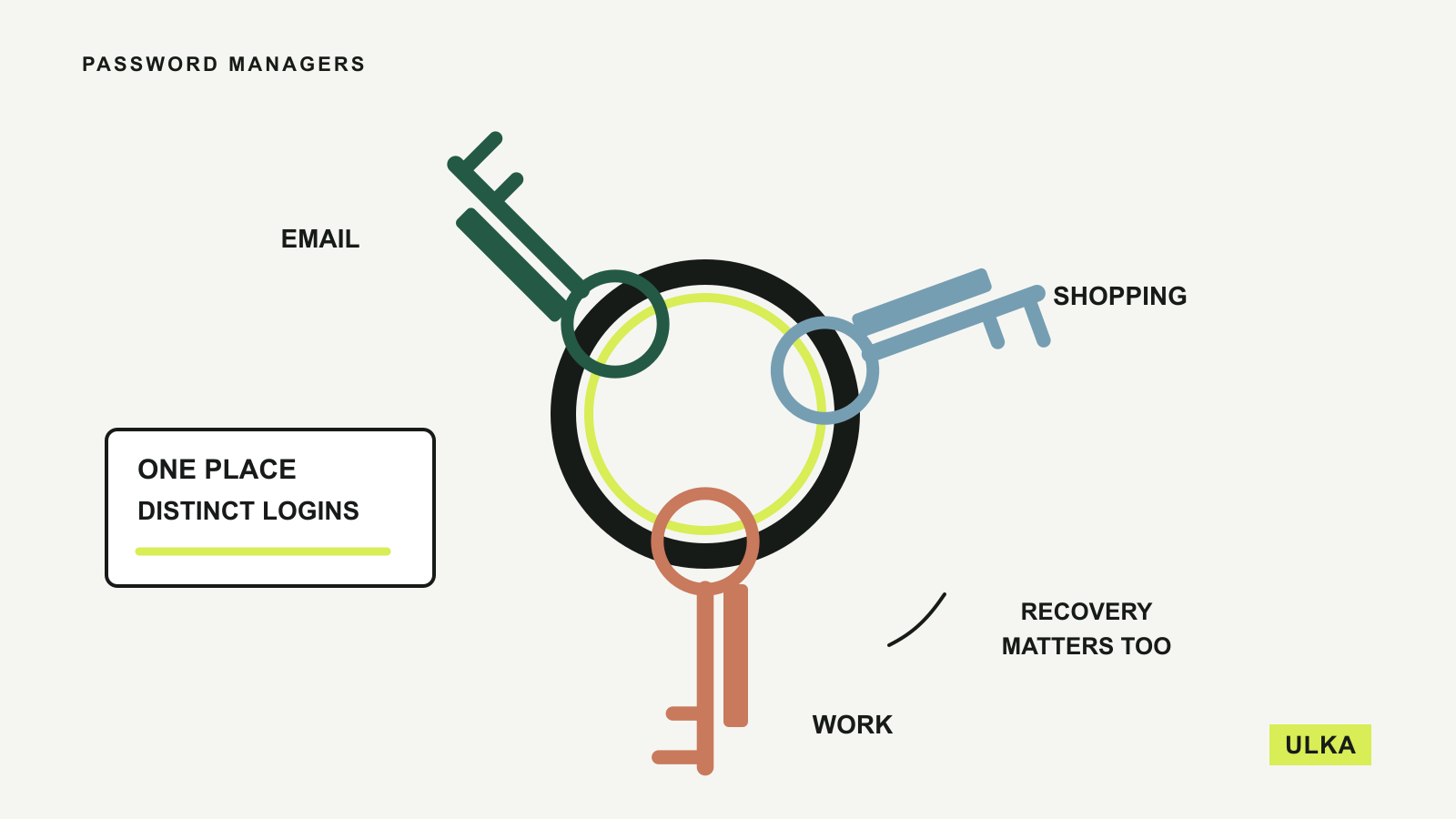
Password managers for your everyday accounts
Compare four password managers by free features, device access, family sharing and recovery options.
-
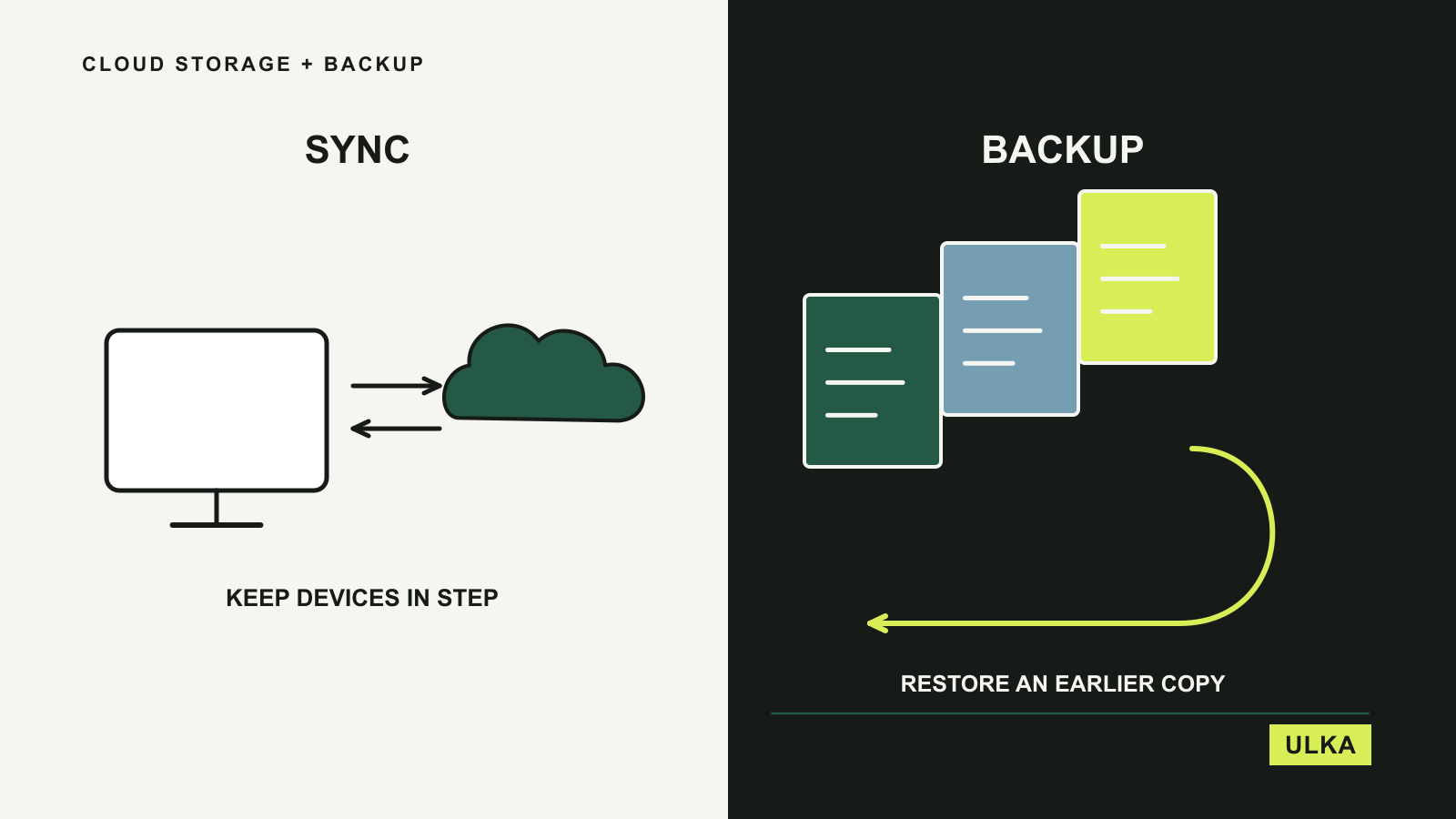
Cloud storage and backup for everyday files
Choose between everyday file access and a recovery plan with four cloud storage and backup options.
-
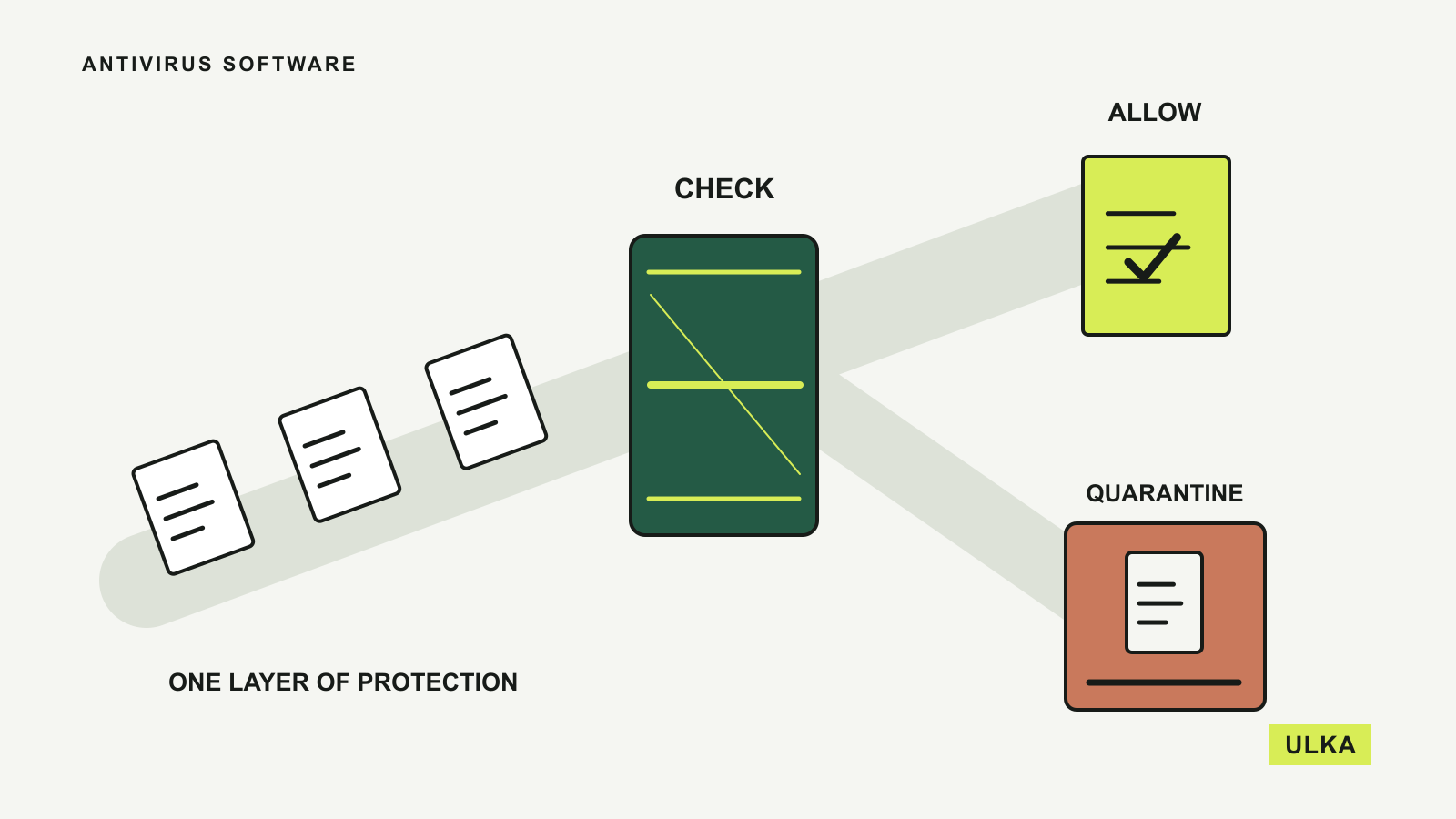
Antivirus software: what is worth paying for
Compare built-in Windows protection and three paid suites by device coverage, useful extras and renewal terms.
Choosing a digital service means looking beyond its introductory offer. ULKA’s buying guides compare documented features, platform support, account controls and the practical limits of each option. We explain who a service may suit and what to check before committing. Start with security if you are protecting accounts and devices, hosting if you are publishing a website, or cloud storage and backup if you are planning how to keep files accessible and recoverable. Current subscription costs in Australian dollars are listed in our subscription prices section.
Read about ULKA’s editorial approach or contact the editors.