
Gaming
Explore gaming hardware, subscriptions and Australian services.
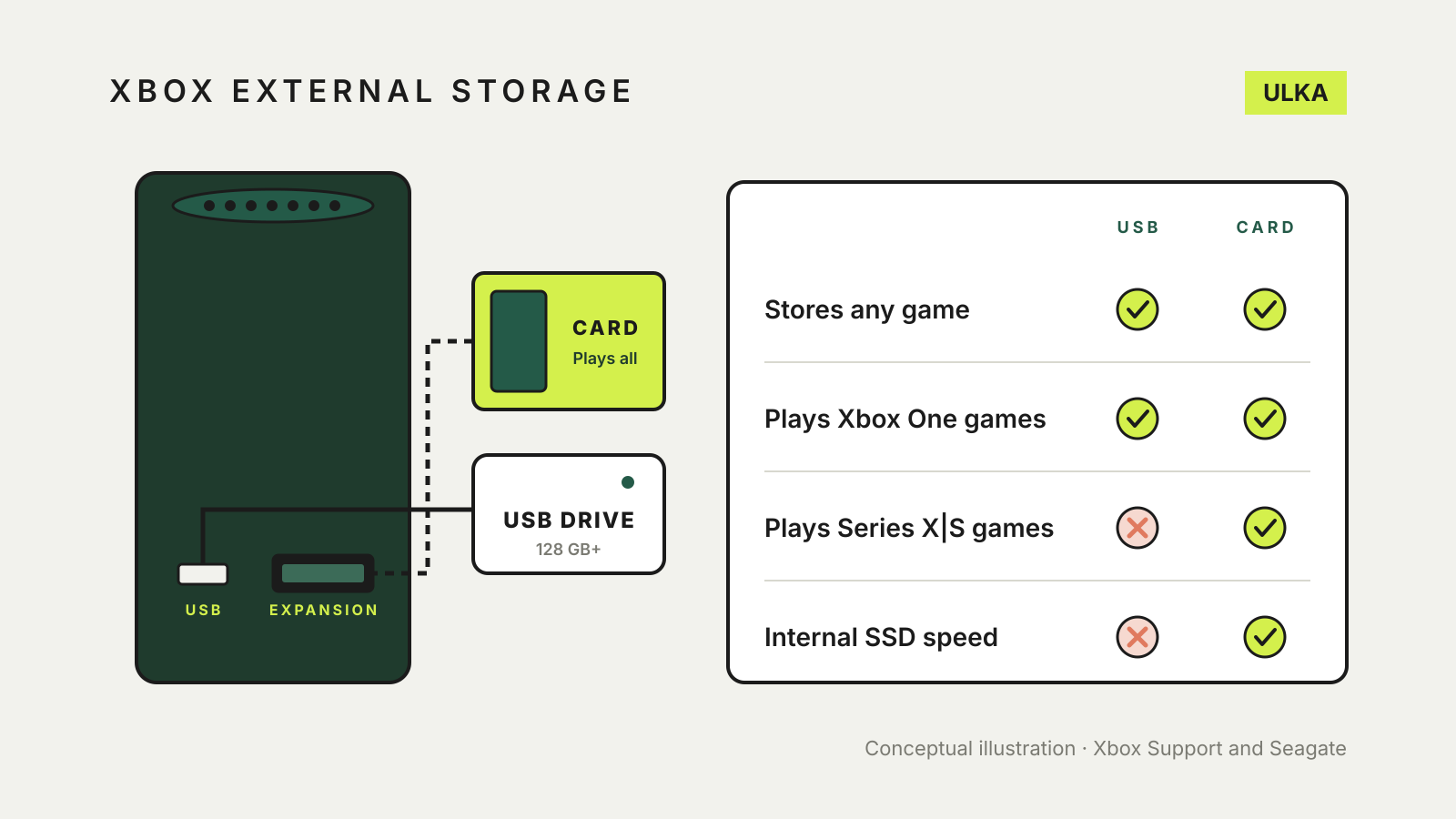
Xbox external storage: set up a drive and move games
A USB drive stores any Xbox game but plays only older ones. Set one up, choose install locations and move games.
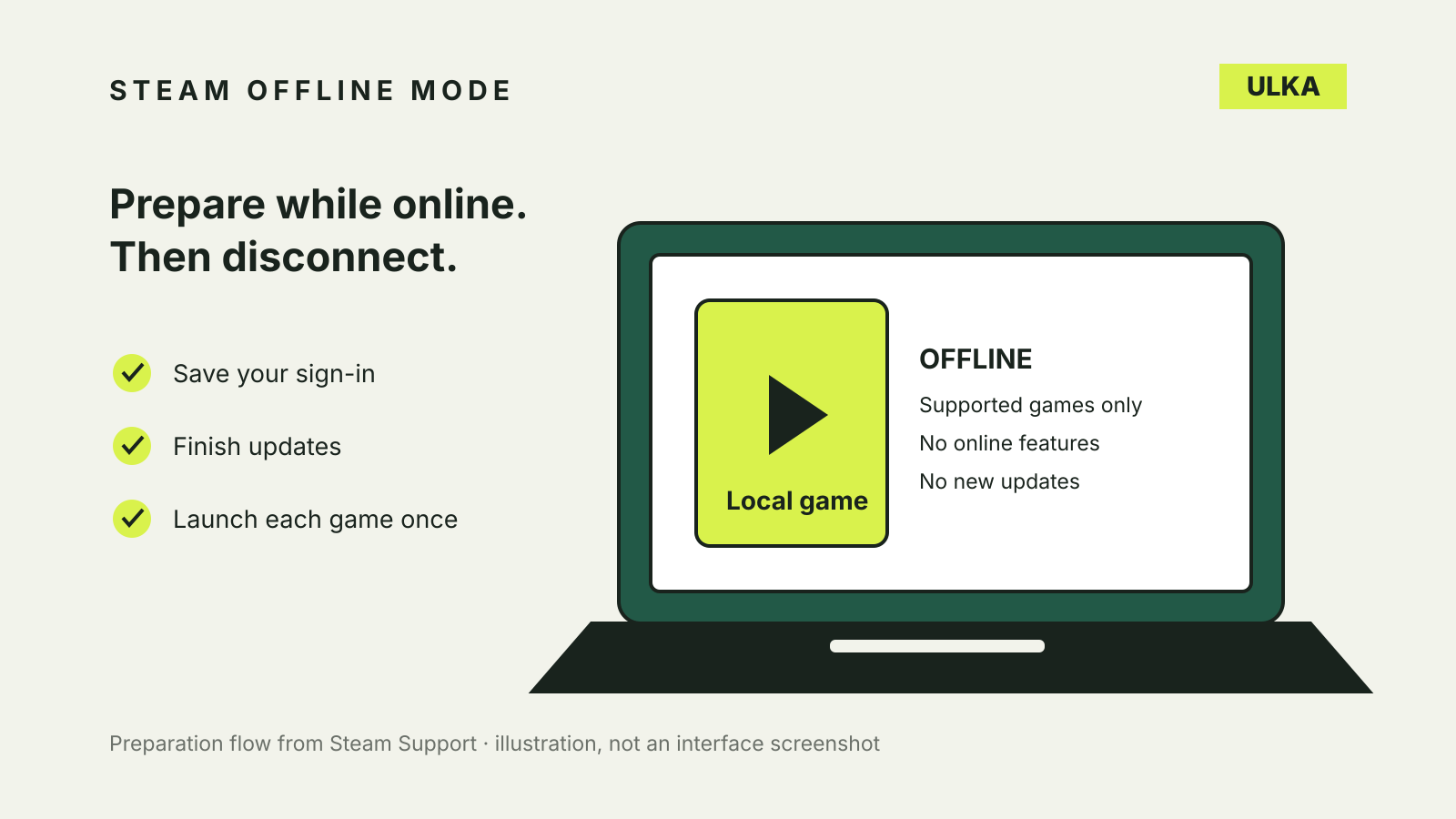
Steam Offline Mode: prepare your PC before you disconnect
Set up Steam Offline Mode, test your games and understand why a downloaded title can still need a connection.
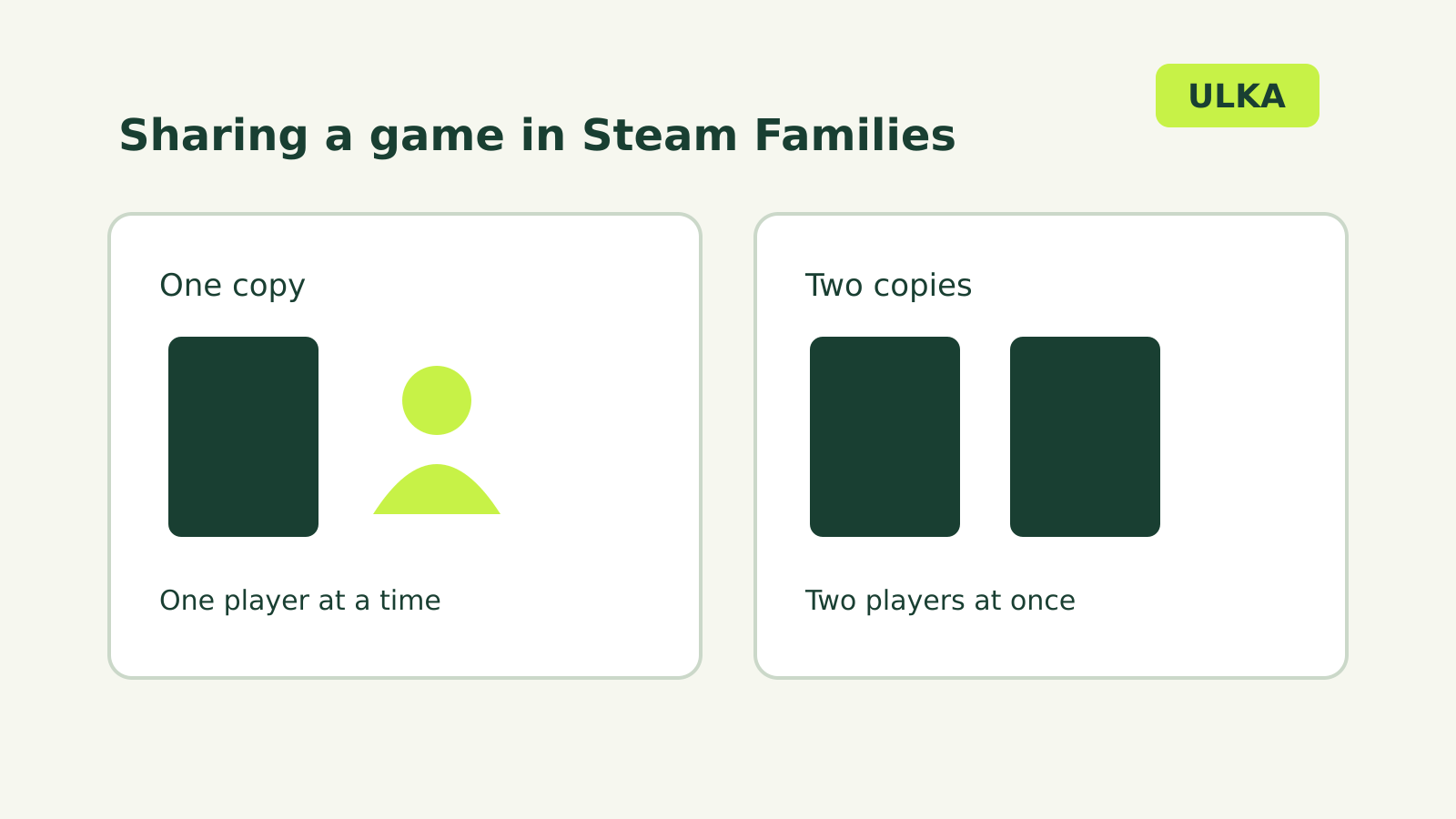
Steam Families sharing: how many people can play?
Share eligible games with your household and understand simultaneous play limits.
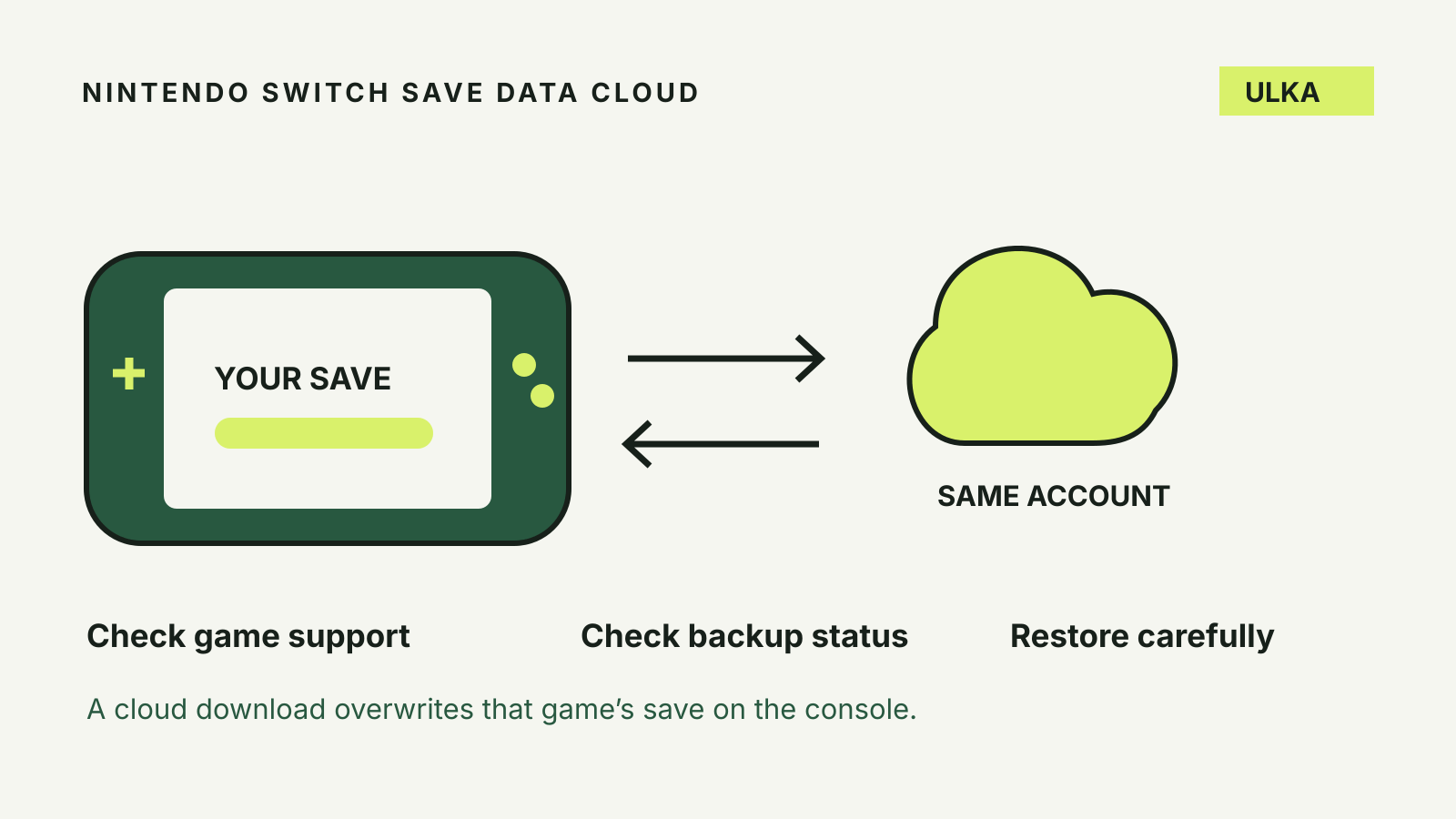
Nintendo Switch cloud saves: back up and restore safely
Check game support, protect the right user’s progress and avoid overwriting a newer save.
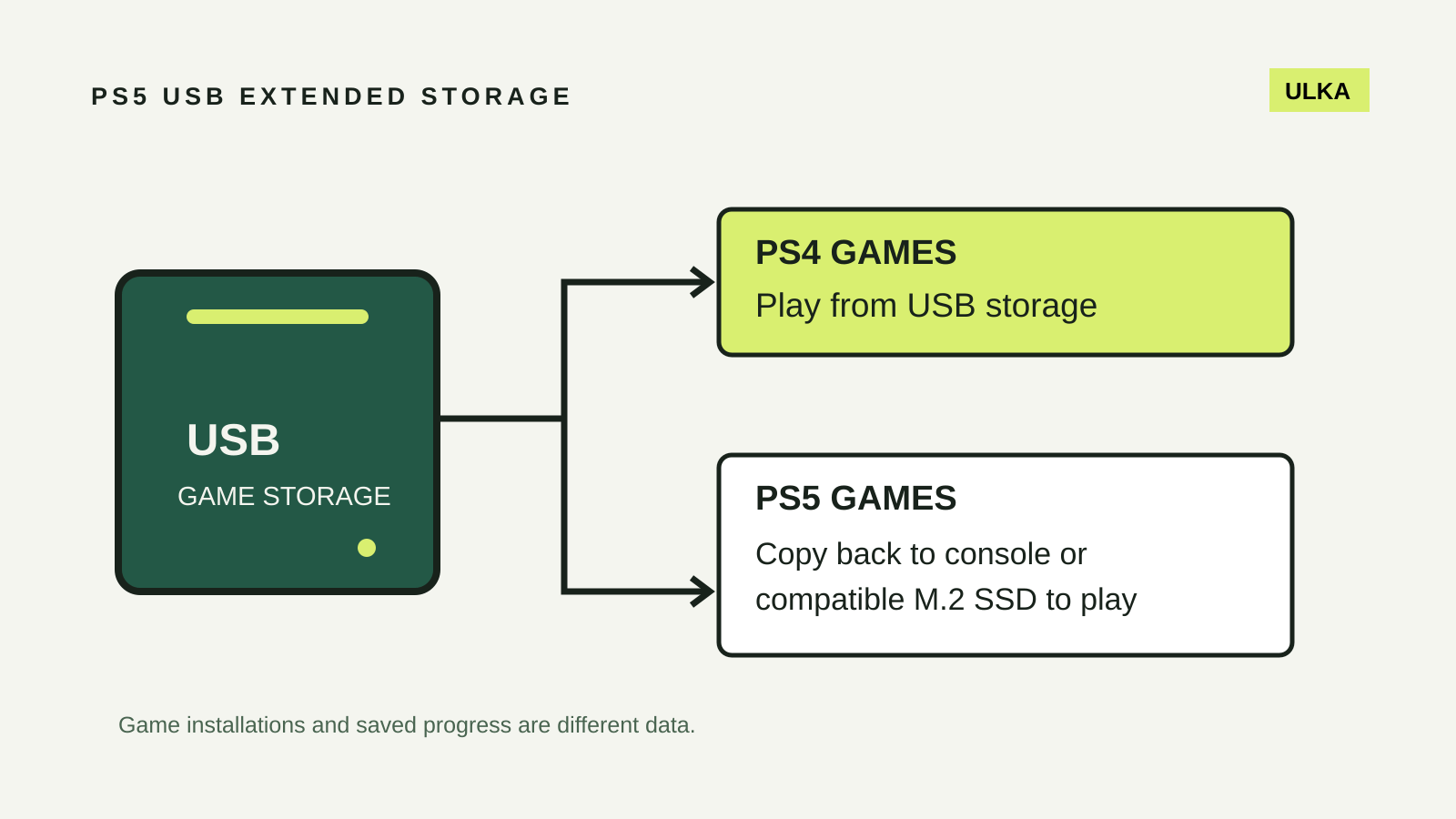
PS5 USB extended storage: what you can store and play
Use USB storage for PS4 games and archived PS5 installations, with separate checks for saved progress.
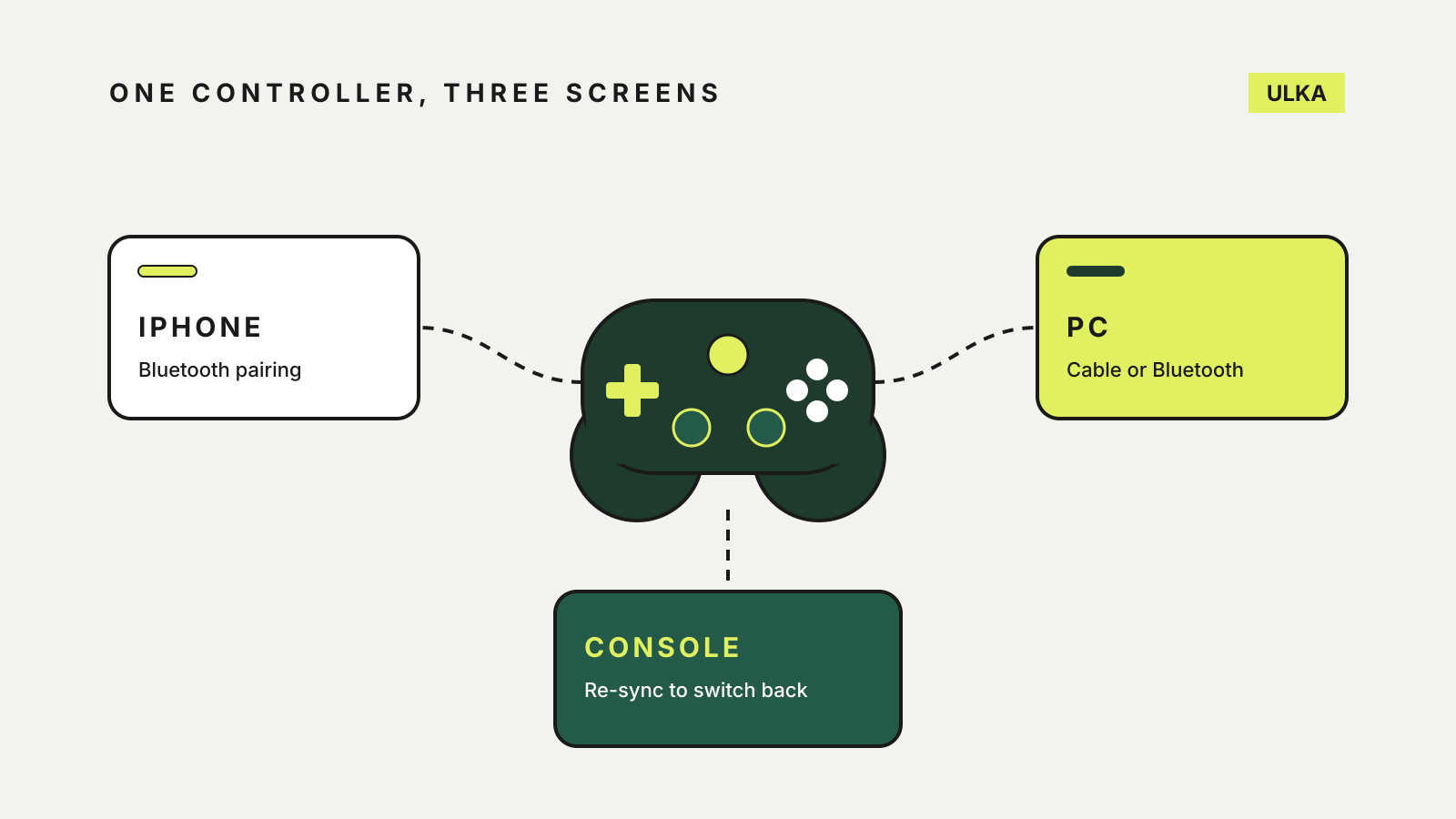
How to use an Xbox controller on iPhone, PC and console
Pair it with an iPhone, remap the buttons, then move the same controller to a PC or back to the console.
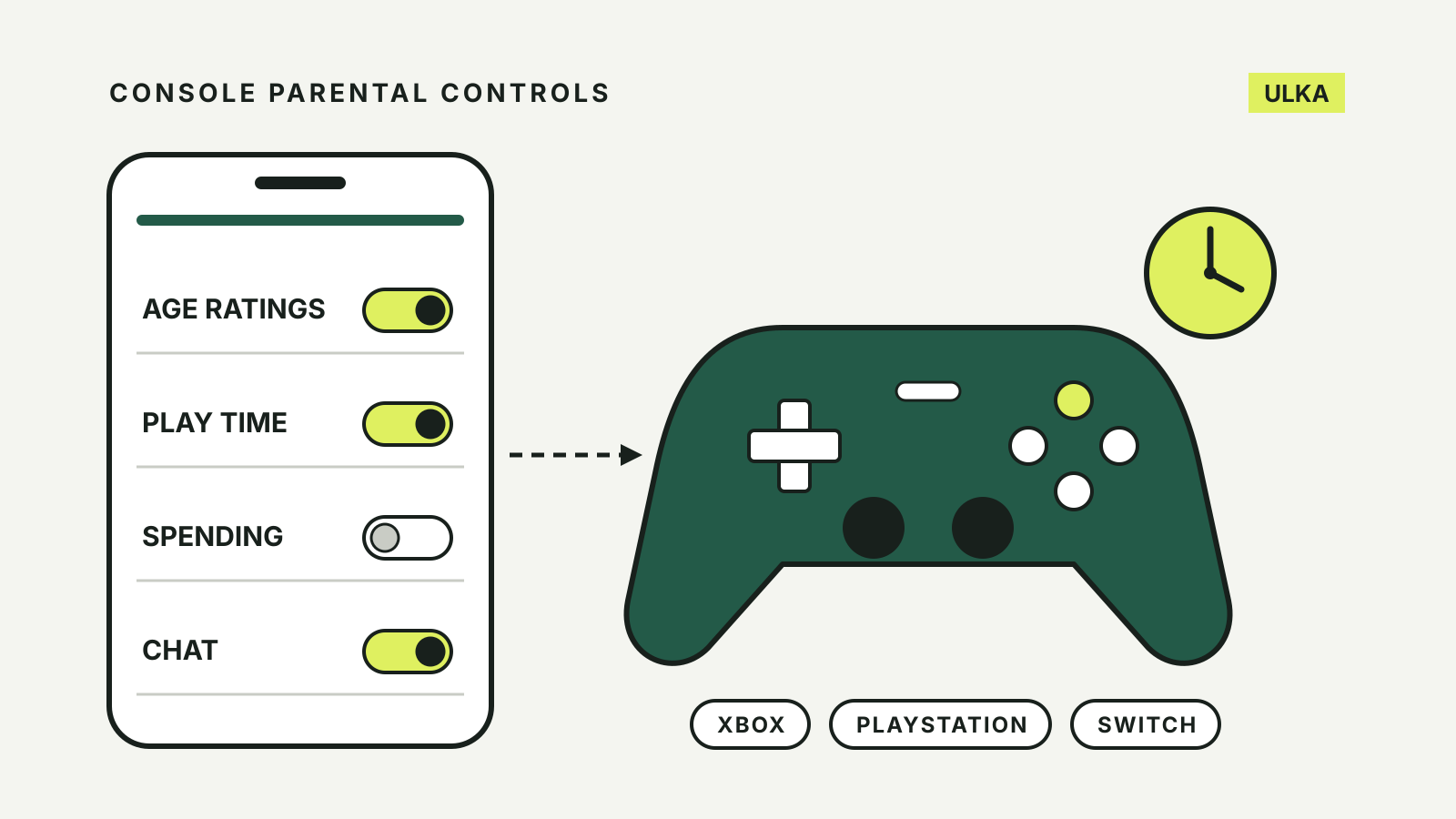
Console parental controls on Xbox, PlayStation and Switch
Set age ratings, play time, spending and chat limits on Xbox, PlayStation and Nintendo Switch.
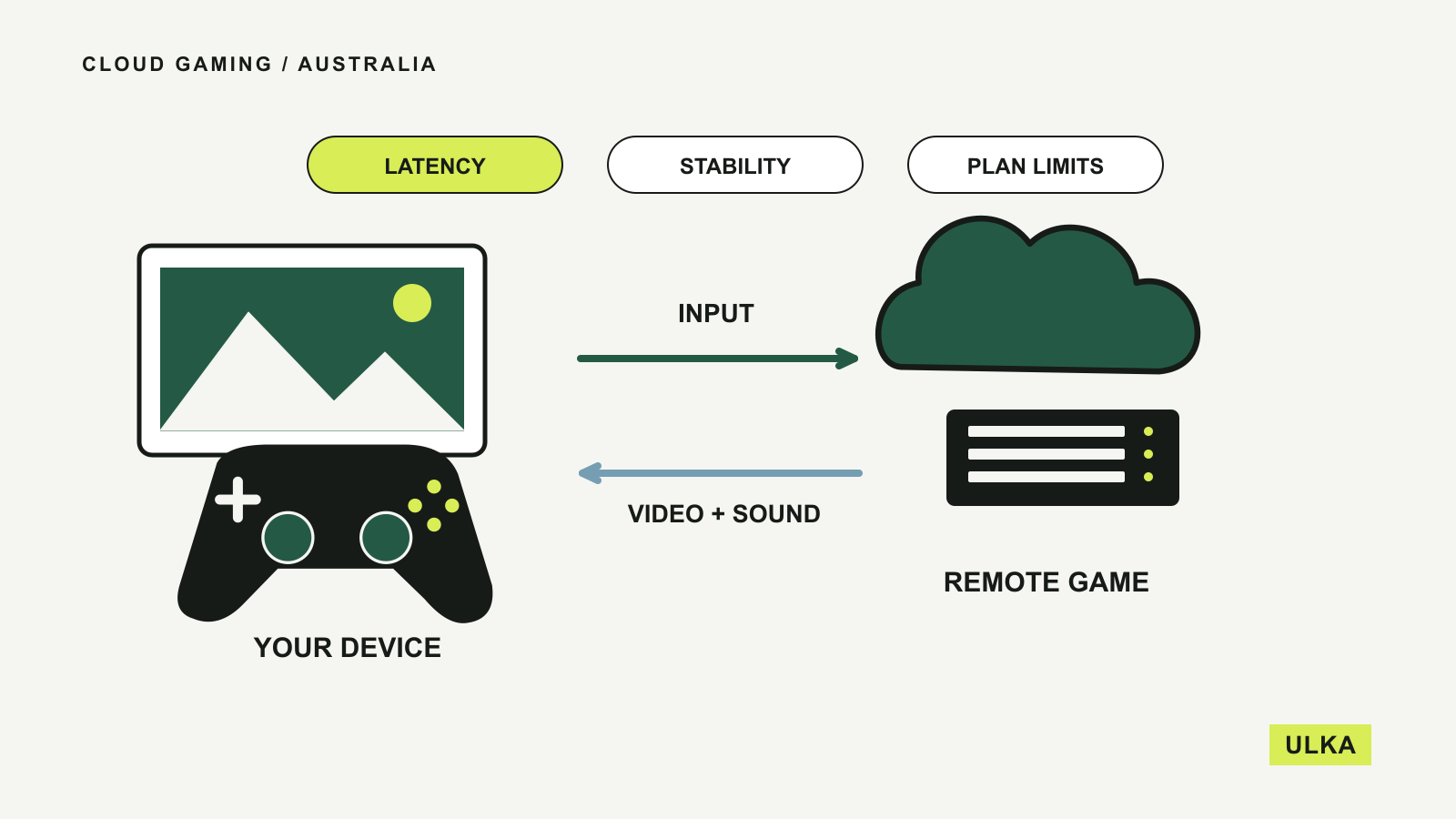
Cloud gaming in Australia: check before you subscribe
Compare game access, local plans and your connection before relying on a streamed gaming setup.
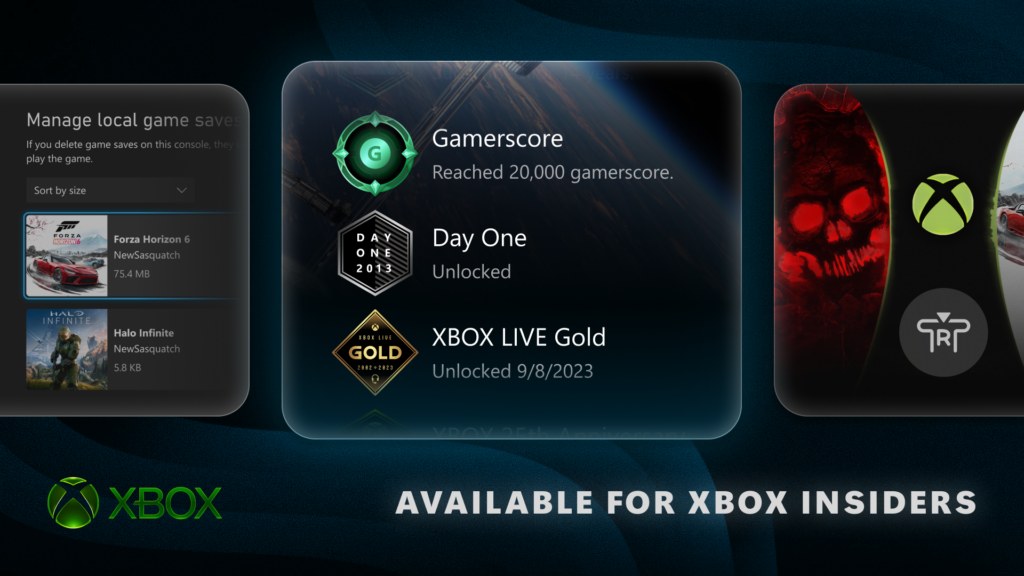
Xbox tests Home controls and clearer local-save management
An Xbox Insider preview tests new Home options and local-save controls.
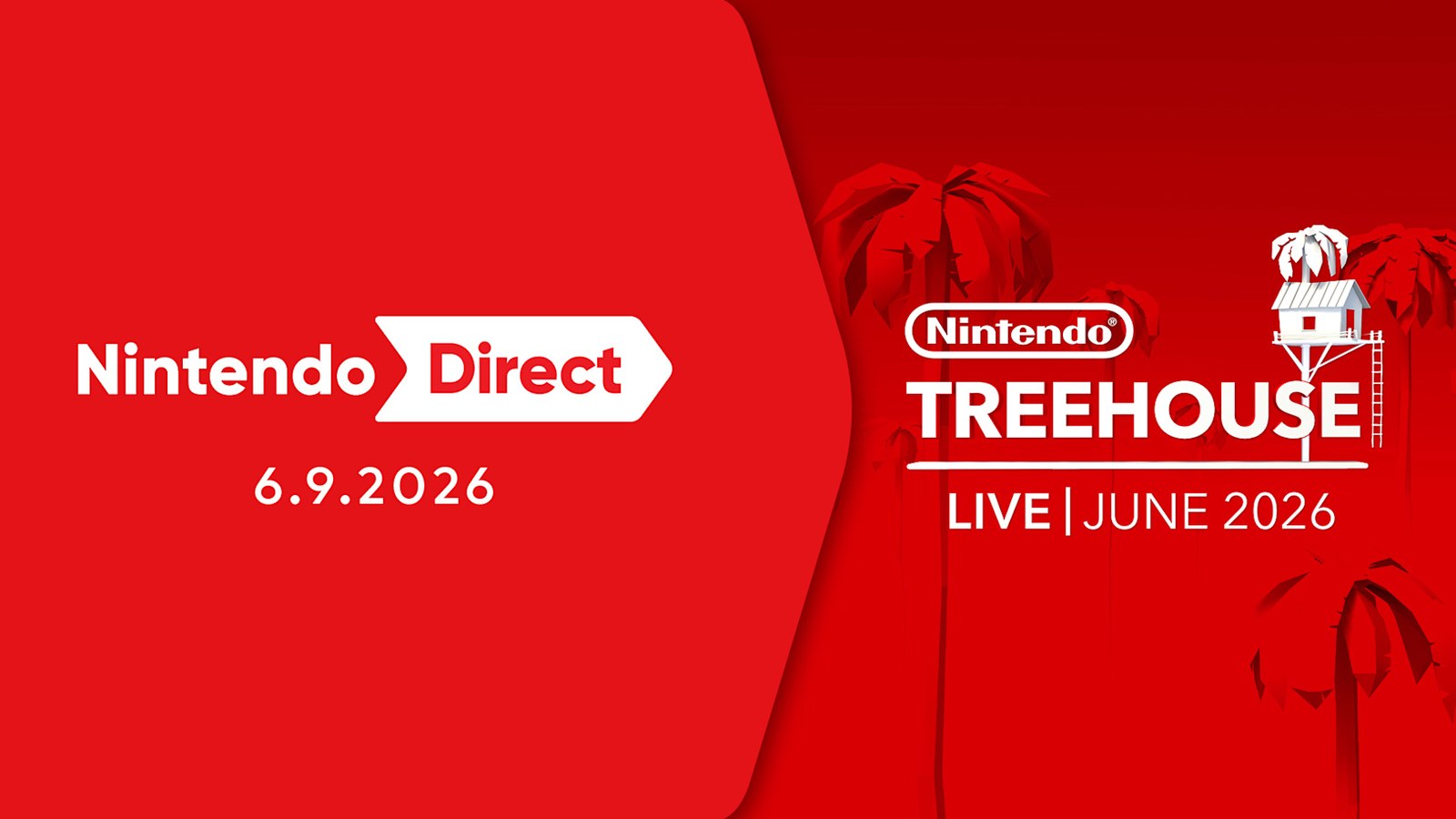
Nintendo Direct separates near-term games from 2027
Zelda, Kingdom Hearts and Xenoblade announcements come with very different release schedules.
Xbox reveals an anniversary Series X and a dated games lineup
Xbox's June showcase dates upcoming games and previews an anniversary Series X.
Gaming covers the hardware and services that shape where and how you play. Our guides look at device support, libraries, subscriptions and the network requirements behind streaming games. For Australian readers, local service availability can matter as much as headline specifications. Start with the platform and games you want to use, then compare the complete cost and the restrictions attached to each option before making a purchase.
Check the games you want to play and the controllers you already own before comparing the price of a subscription.
Read about ULKA’s editorial approach or contact the editors.