
Best Cloud Storage & Backup
Compare file access, cloud synchronisation and recoverable backups.
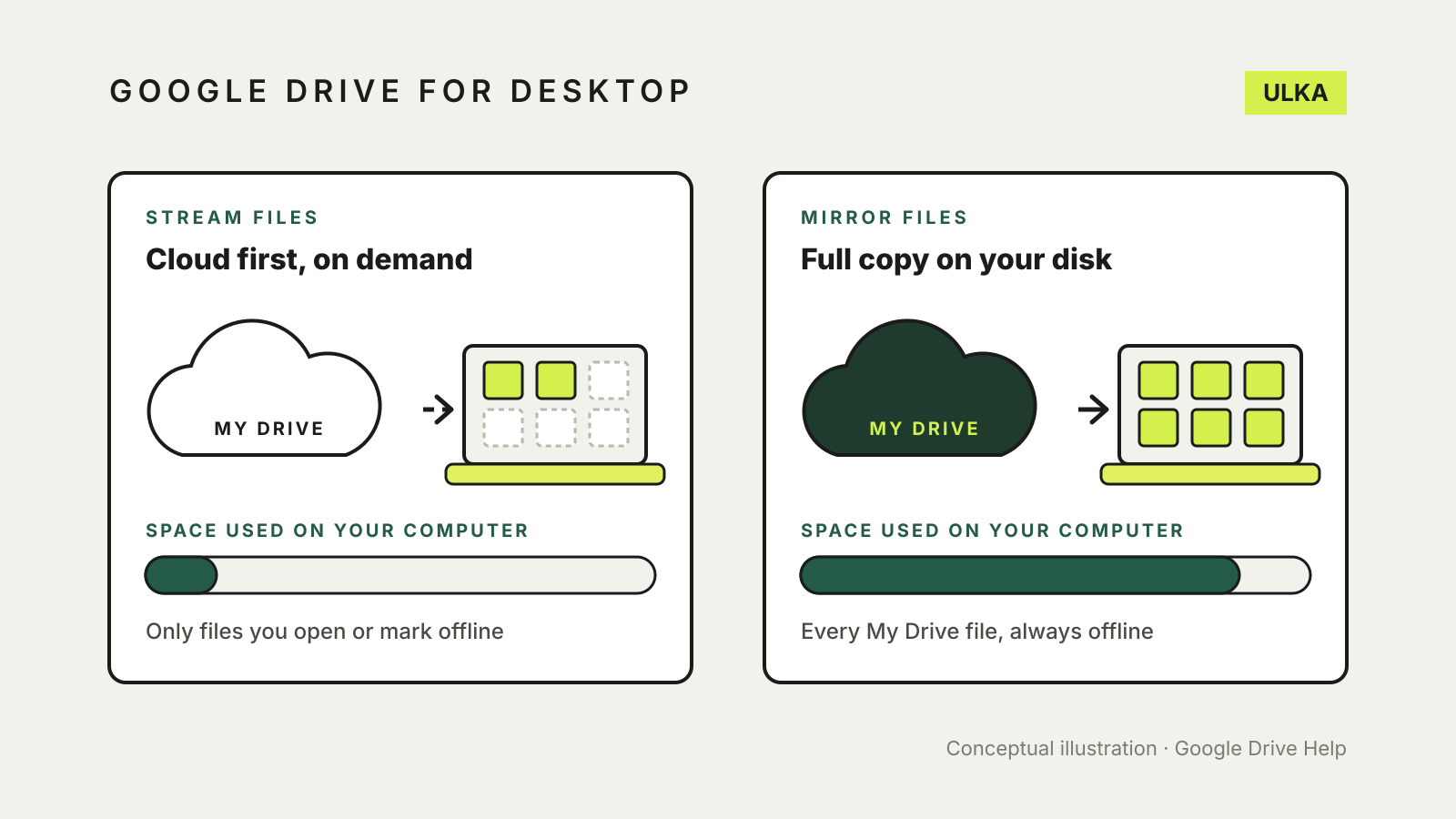
Google Drive stream vs mirror files: which desktop mode to use
Streaming saves disk space; mirroring keeps every file offline. How to choose, switch safely and keep files offline.
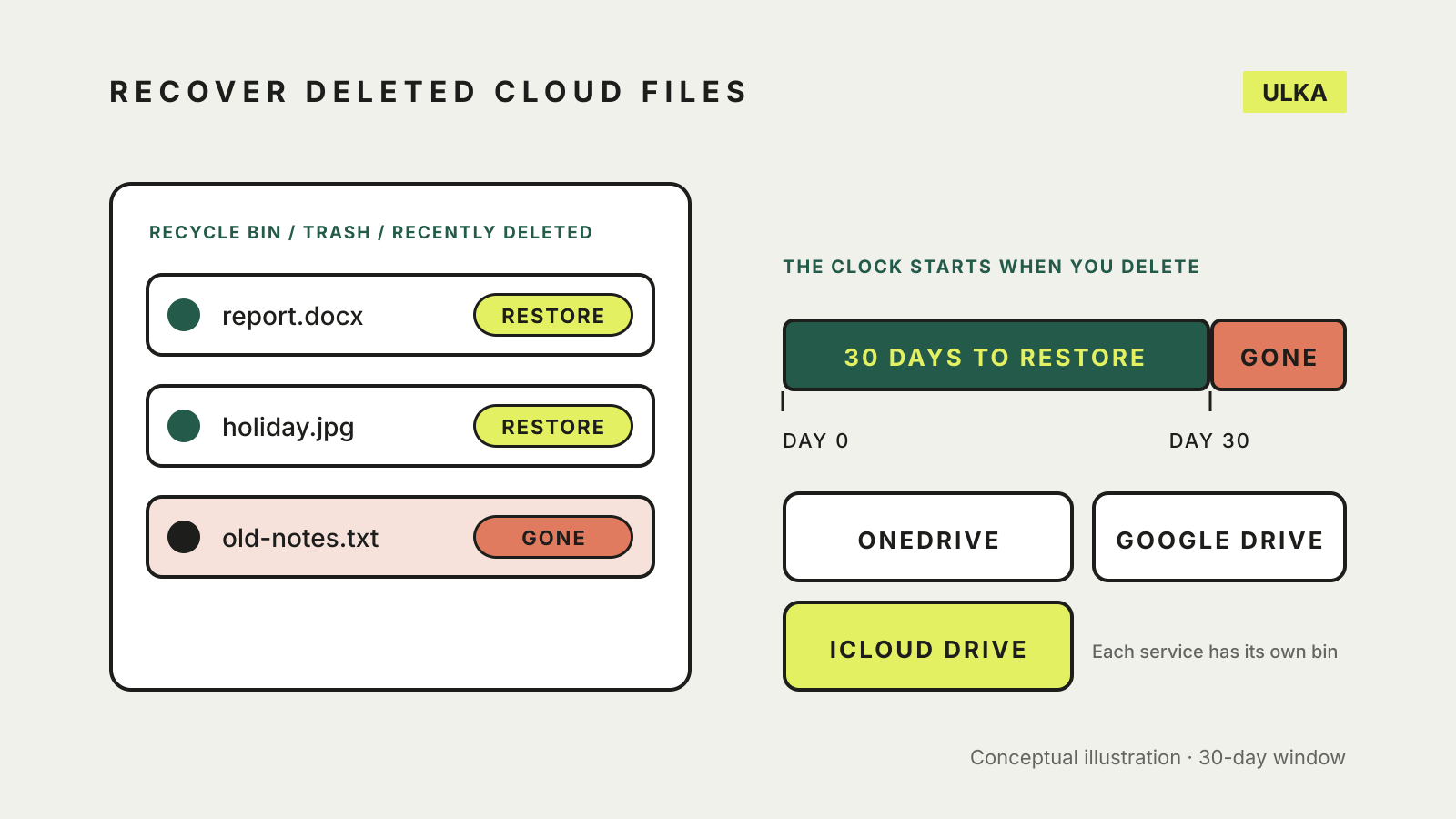
Recover deleted files from cloud storage: OneDrive, Drive, iCloud
Check the Recycle bin, Trash or Recently Deleted first. How long each service keeps files and what can't come back.
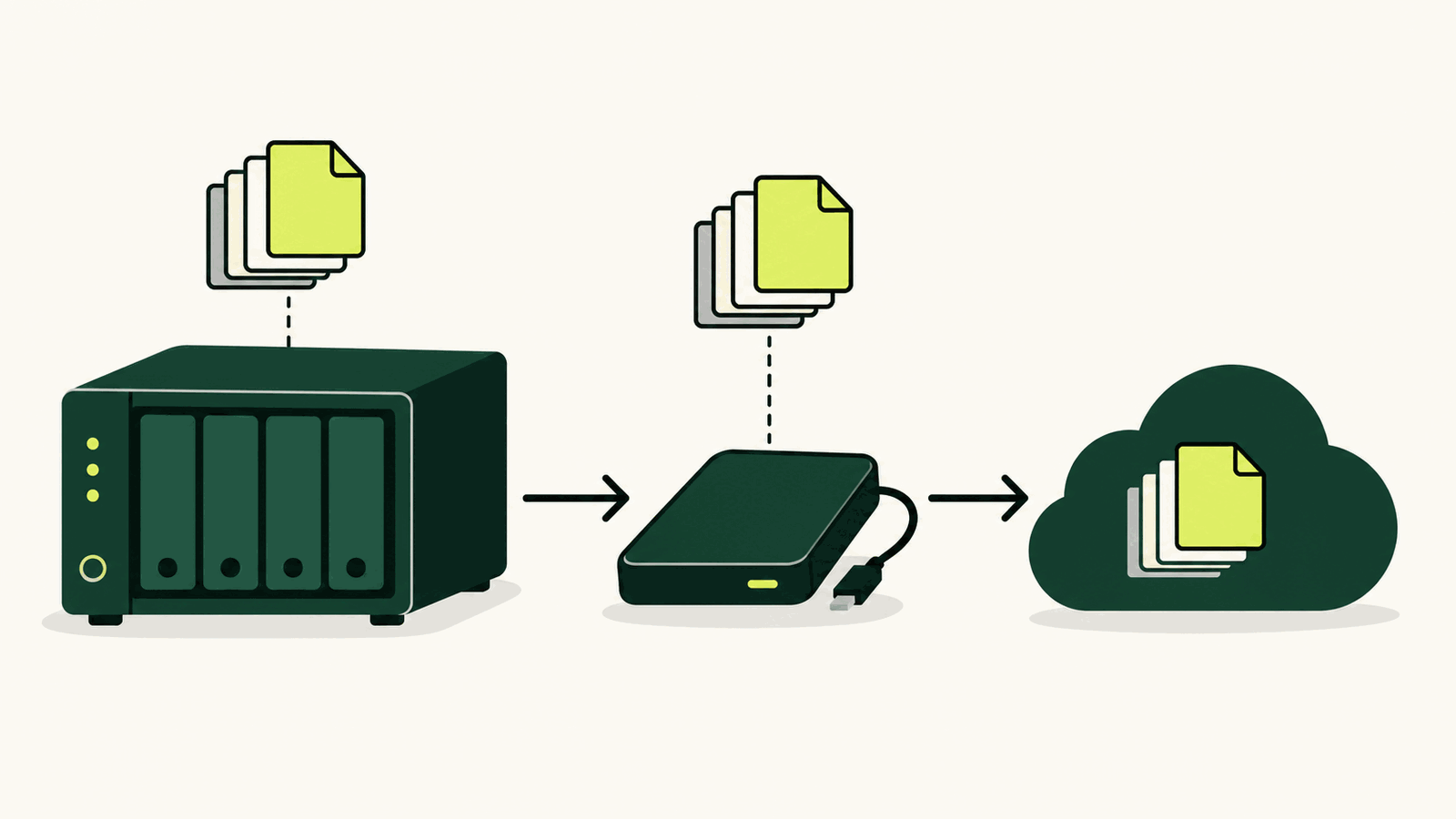
How to back up a NAS: local, offsite and restore checks
Build a 3-2-1 NAS backup with versioned local and offsite copies, then prove it works with restore tests.
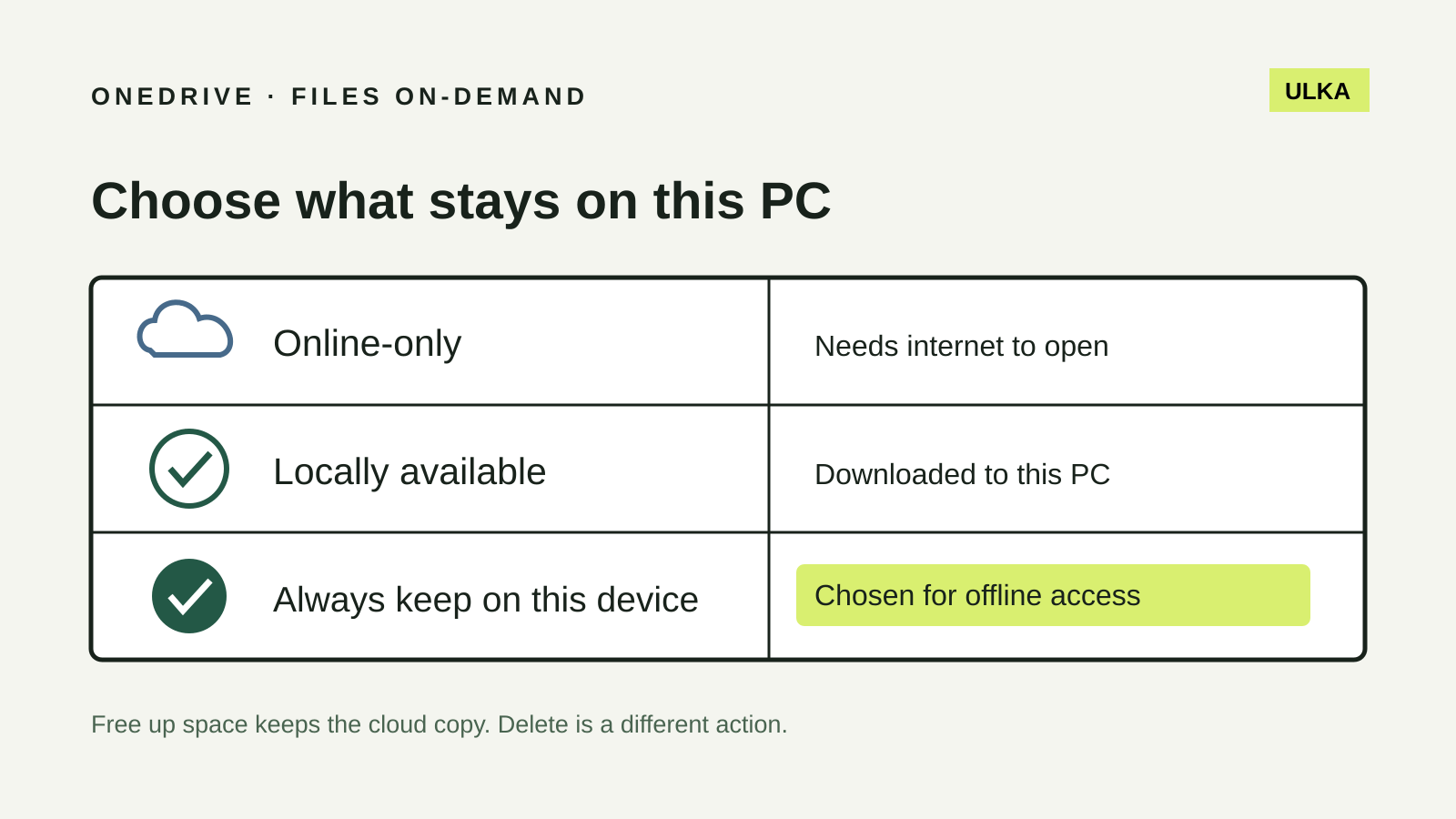
OneDrive Files On-Demand: keep the right files offline
Choose which Windows files stay offline and understand why Free up space is different from Delete.
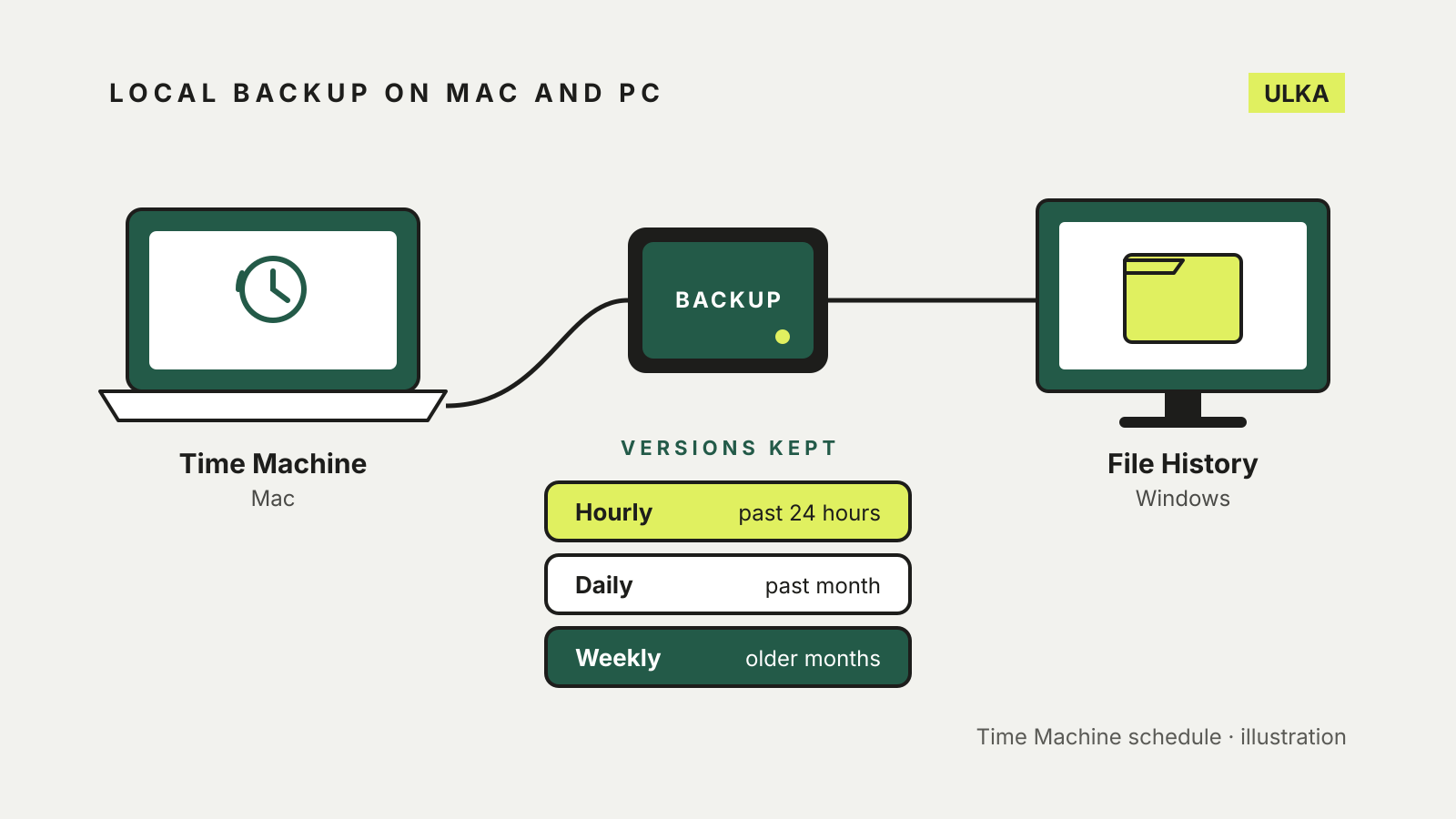
Windows File History vs Time Machine: set up a local backup
File History and Time Machine both keep earlier versions of your files on an external drive. How to set each one up.
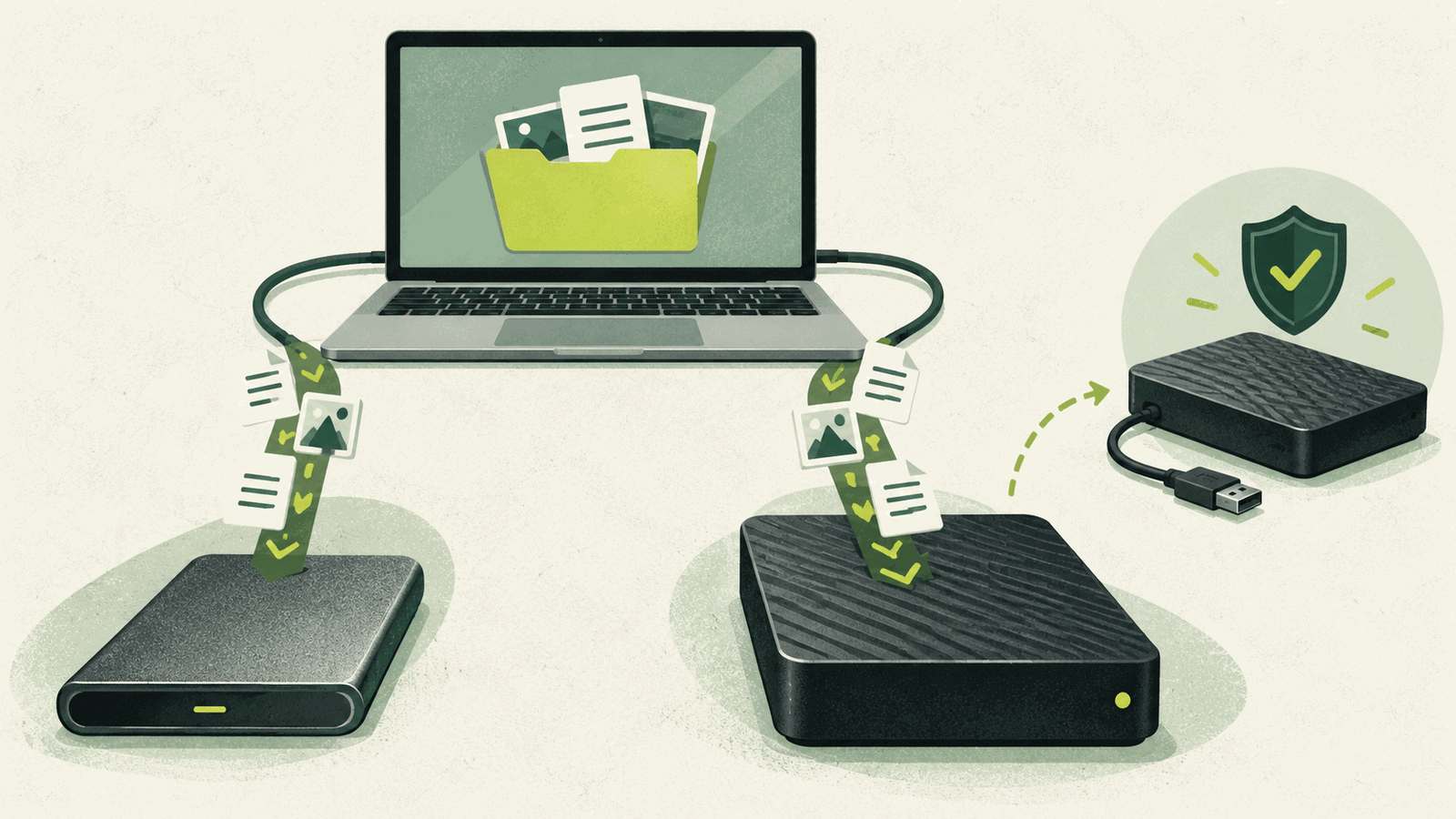
SSD vs HDD for backup: which external drive to buy
Choose an external SSD or hard drive by capacity, speed, portability and how you will keep a second copy.
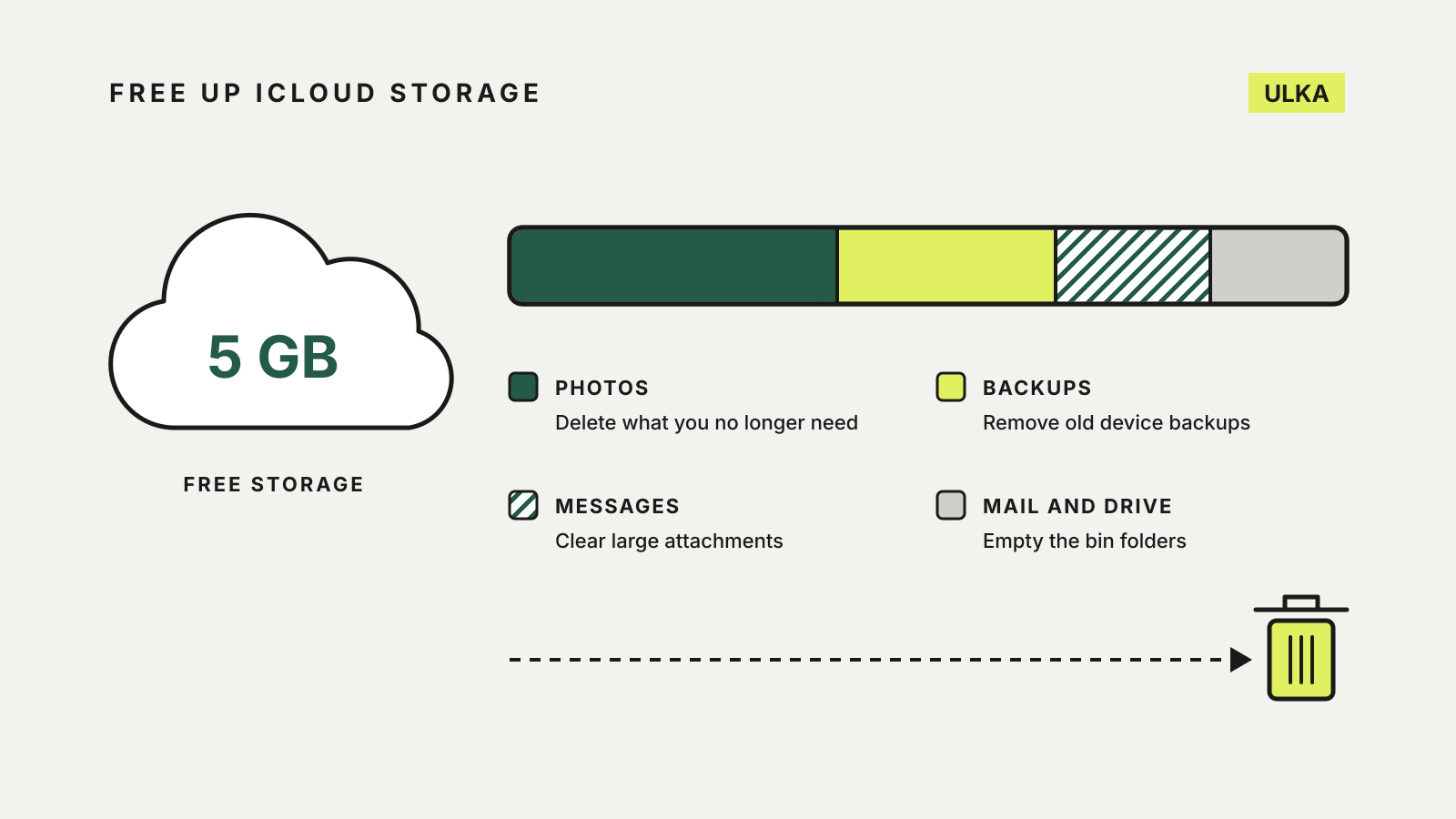
How to free up iCloud storage before paying for more
Clear old backups, photos, Messages attachments and Mail before you pay for a bigger iCloud+ plan.
Google Takeout: download your data without missing a product
Google Takeout builds a portable archive of selected Google products. It is an export, not a complete backup service.
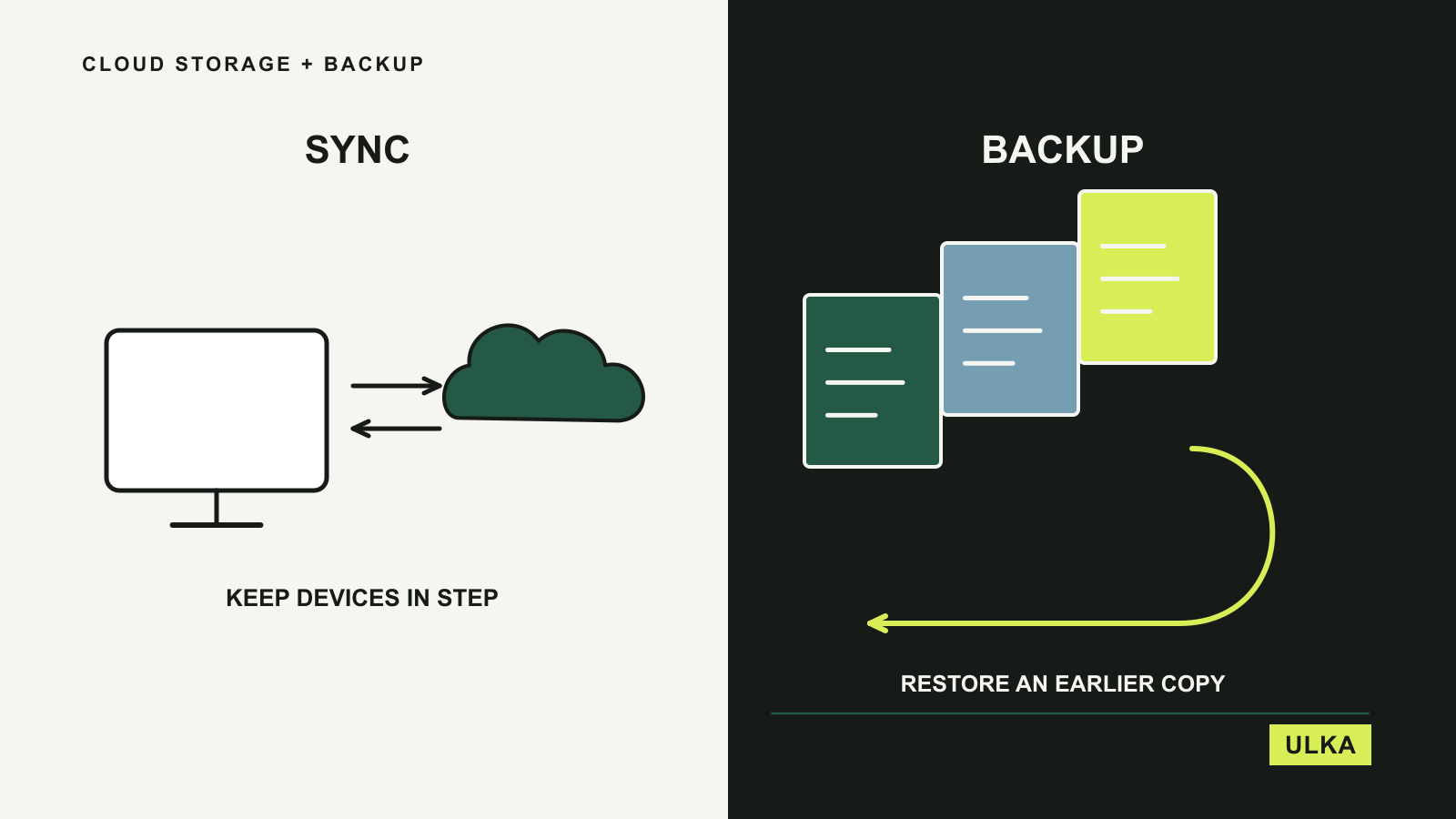
Best cloud storage and backup for everyday files
Choose between everyday file access and a recovery plan with four cloud storage and backup options.
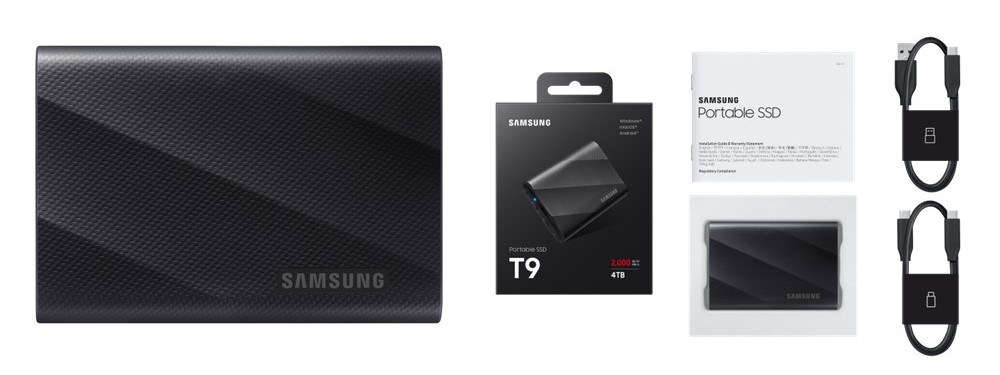
Backups that restore: build and test a recovery plan
Go beyond the completion message: organise copies, measure the recovery gap and restore real files.
Proton Drive improves file transfers and mobile scanning
Proton's April recap covers faster transfers, mobile scanning and spreadsheet improvements.
Cloud storage, synchronisation and backup solve related but different problems. ULKA explains those differences and compares services according to whether you need sharing, access from several devices or a way to recover lost files. Storage capacity is only part of the decision: version history, restoration and account access deserve attention too. Use these guides to plan what you would do if a device failed or a file was accidentally removed.
Read about ULKA’s editorial approach or contact the editors.