
Best Antivirus Software
Compare built-in and paid security features across your devices.
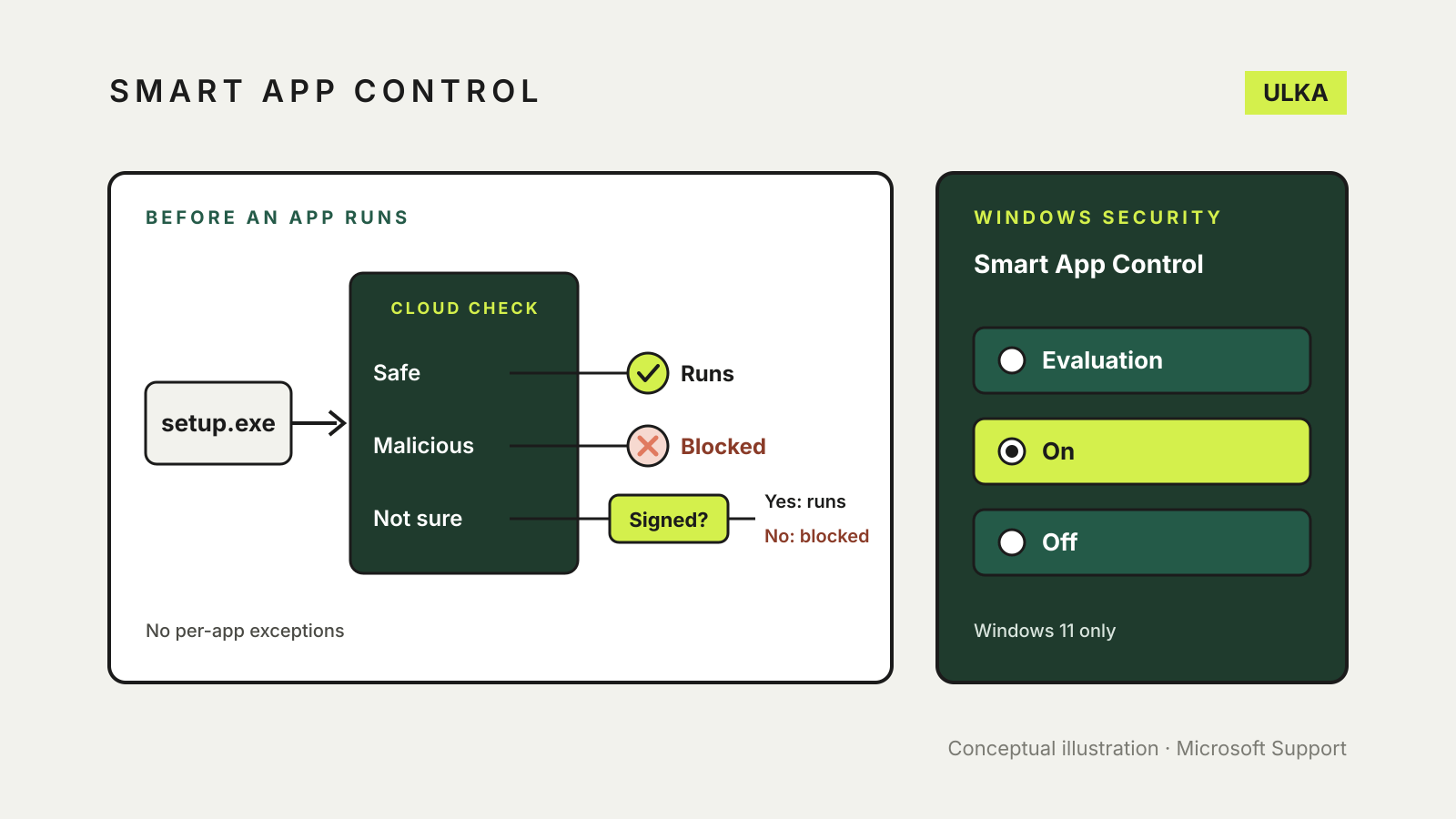
Smart App Control in Windows 11: what it blocks and why
What Windows 11 Smart App Control blocks, its three modes and how to turn it back on.
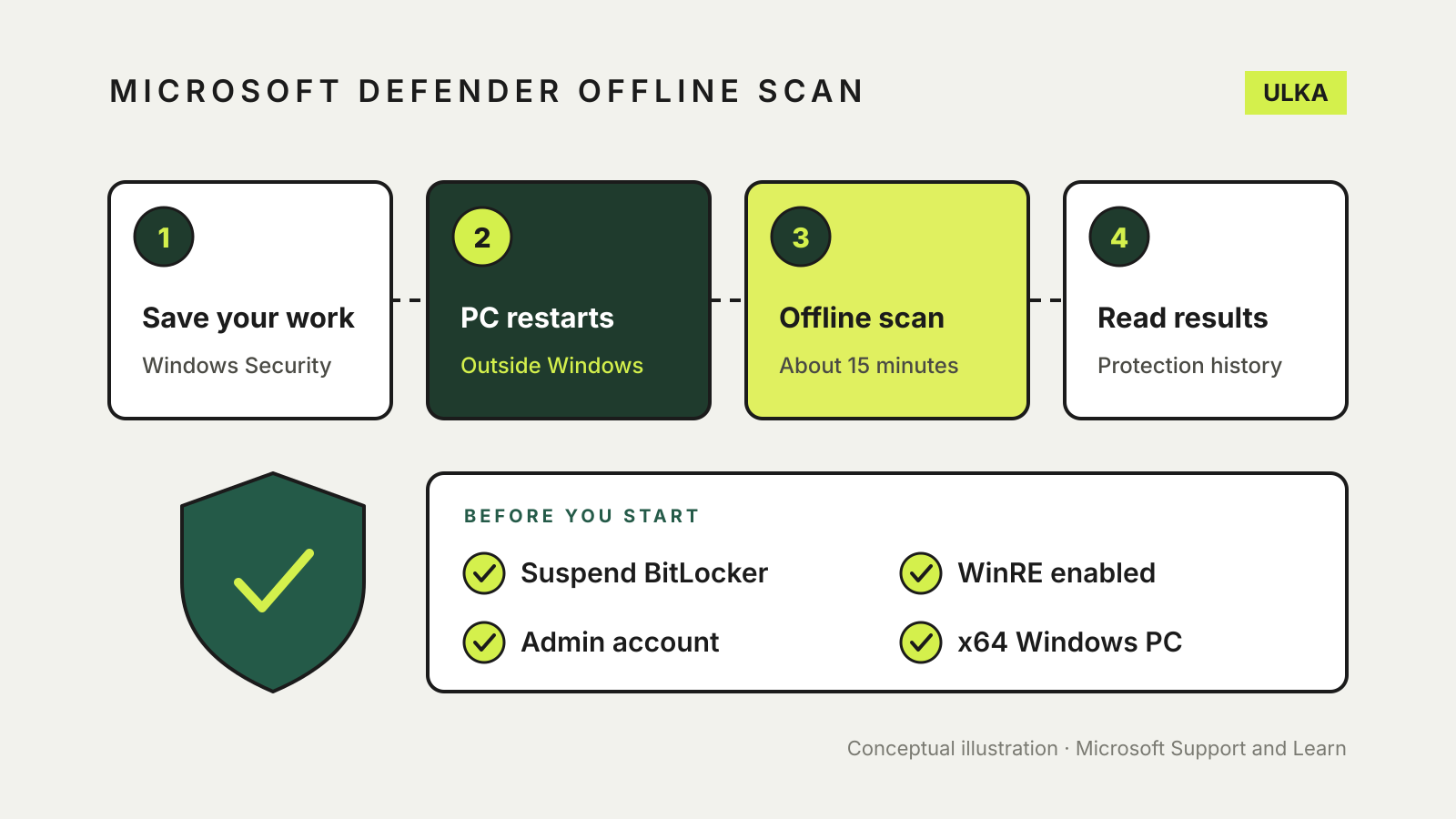
Microsoft Defender Offline scan: when and how to run it
A restart-time scan for malware that hides from Windows. When to run it, how long it takes and where results appear.
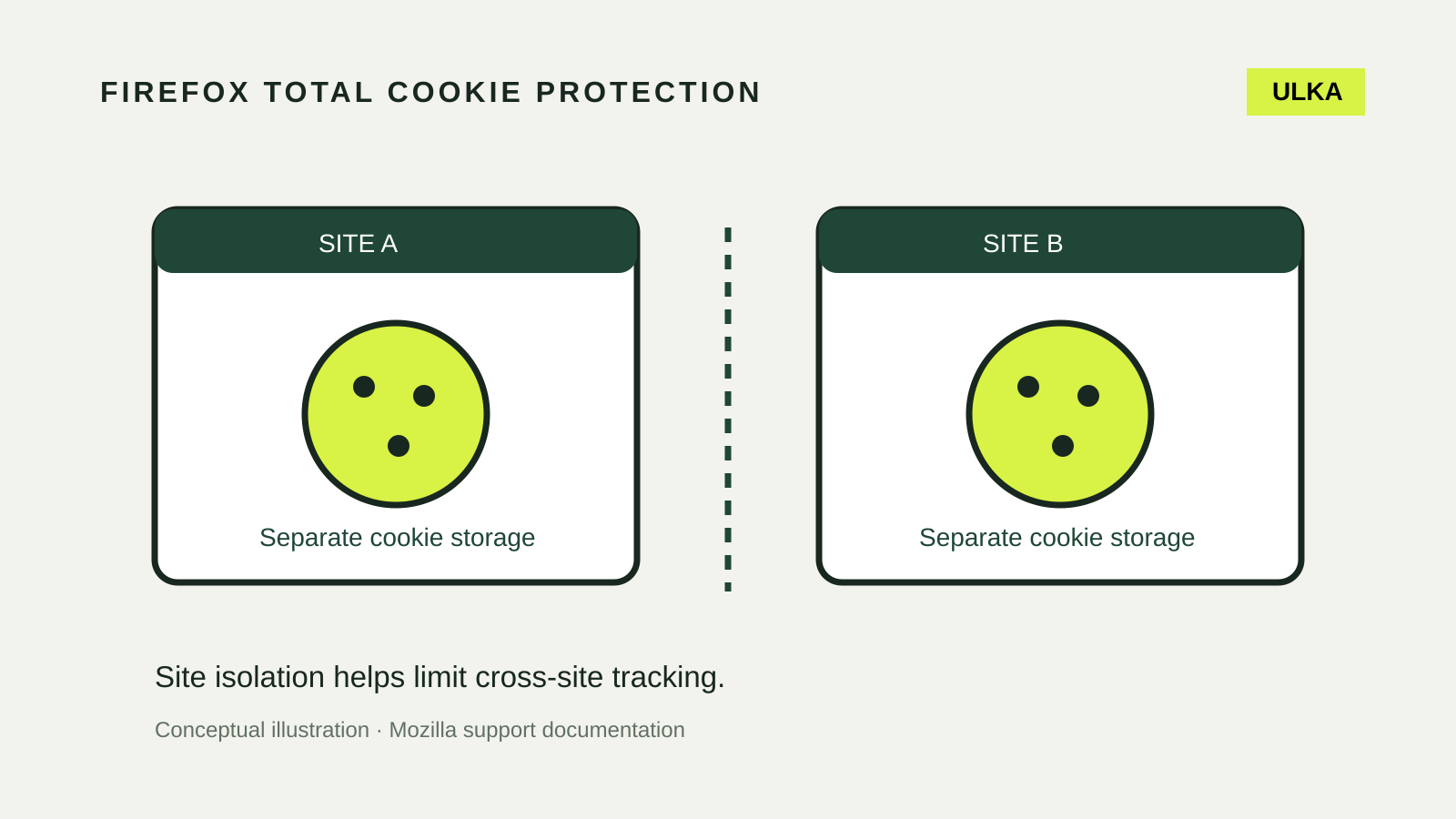
Firefox Total Cookie Protection: settings and site fixes
Keep cookie isolation enabled and diagnose broken sign-ins with a narrow, reversible site test.
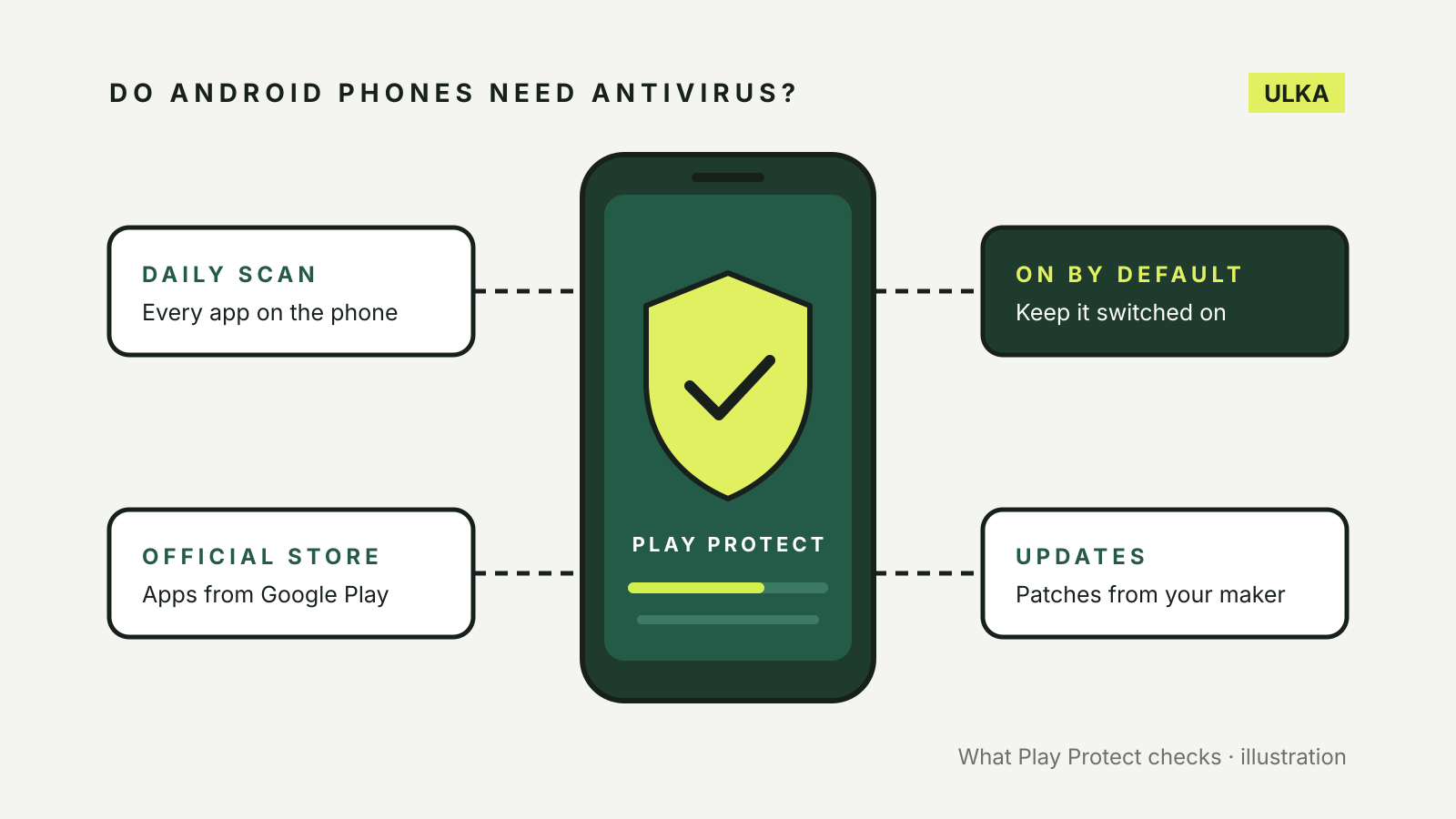
Do Android phones need antivirus? What Play Protect does
Most Android phones already scan apps with Google Play Protect. Here is what it covers, what it misses and when to pay.
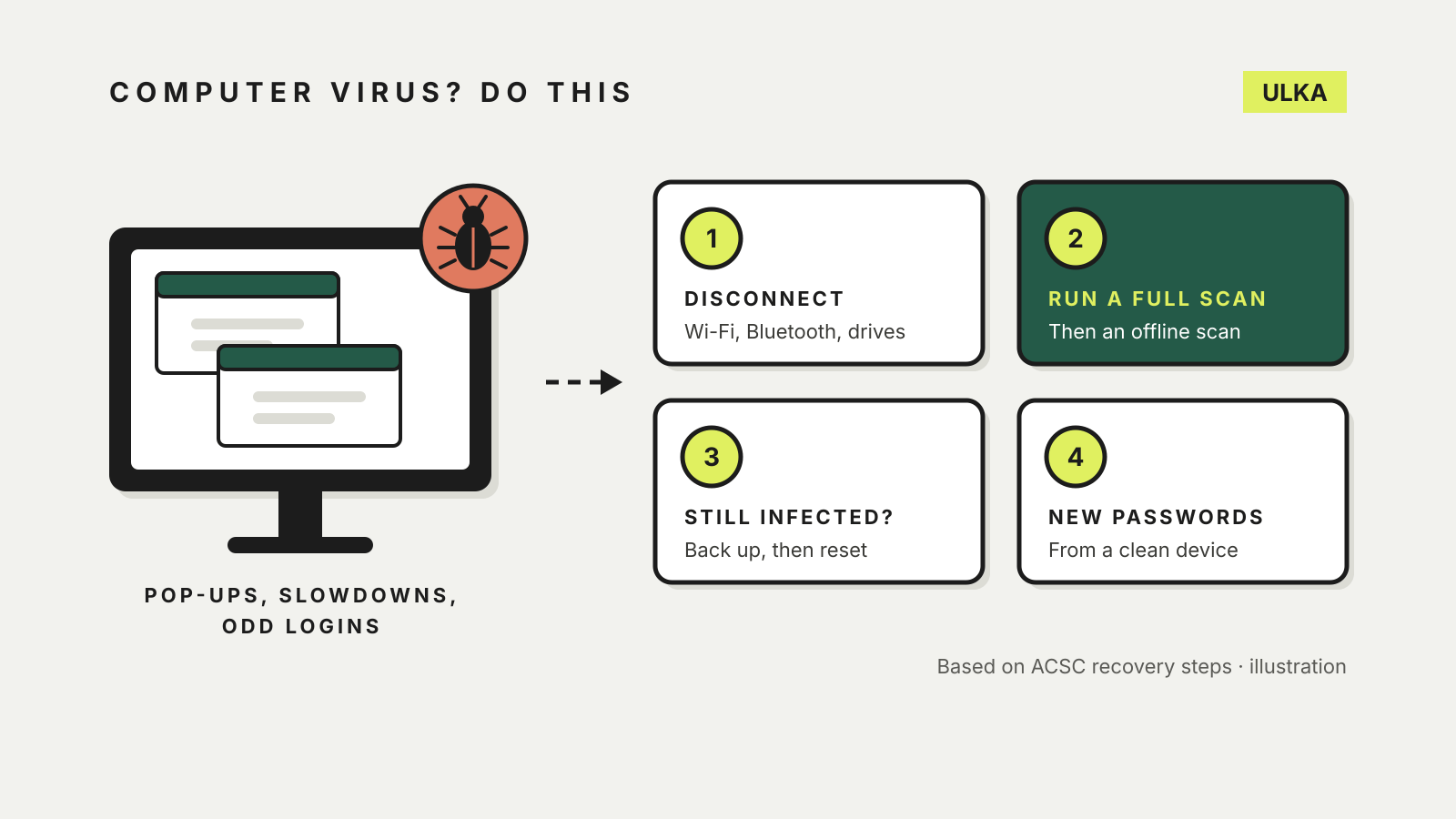
What to do if your computer has a virus: a step-by-step plan
Disconnect, scan, reset if needed, then change passwords from a clean device: the ACSC's recovery steps in order.
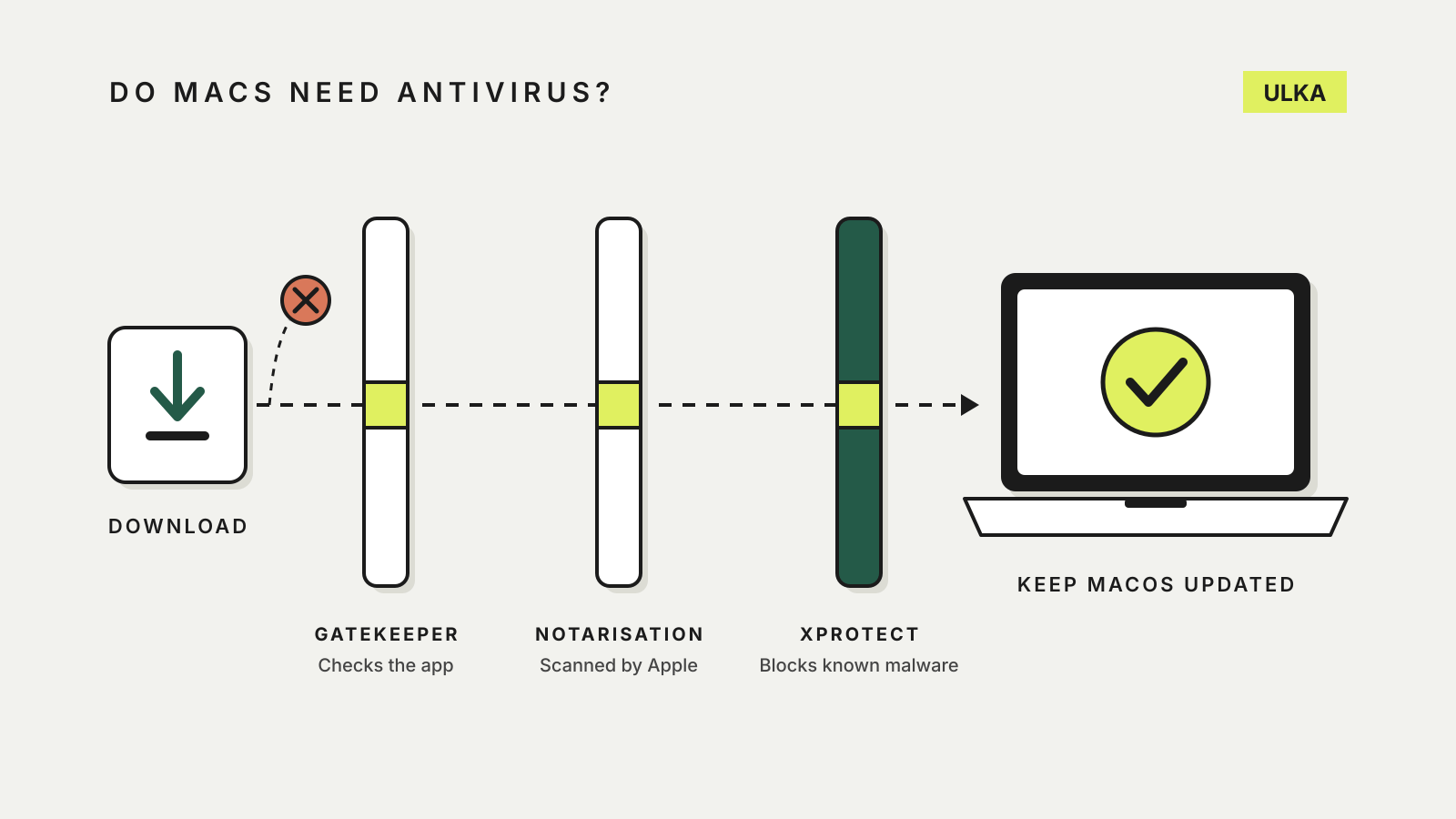
Do Macs need antivirus? What macOS already does
Every Mac has built-in malware protection. Here is what it covers, what it misses and when paying makes sense.
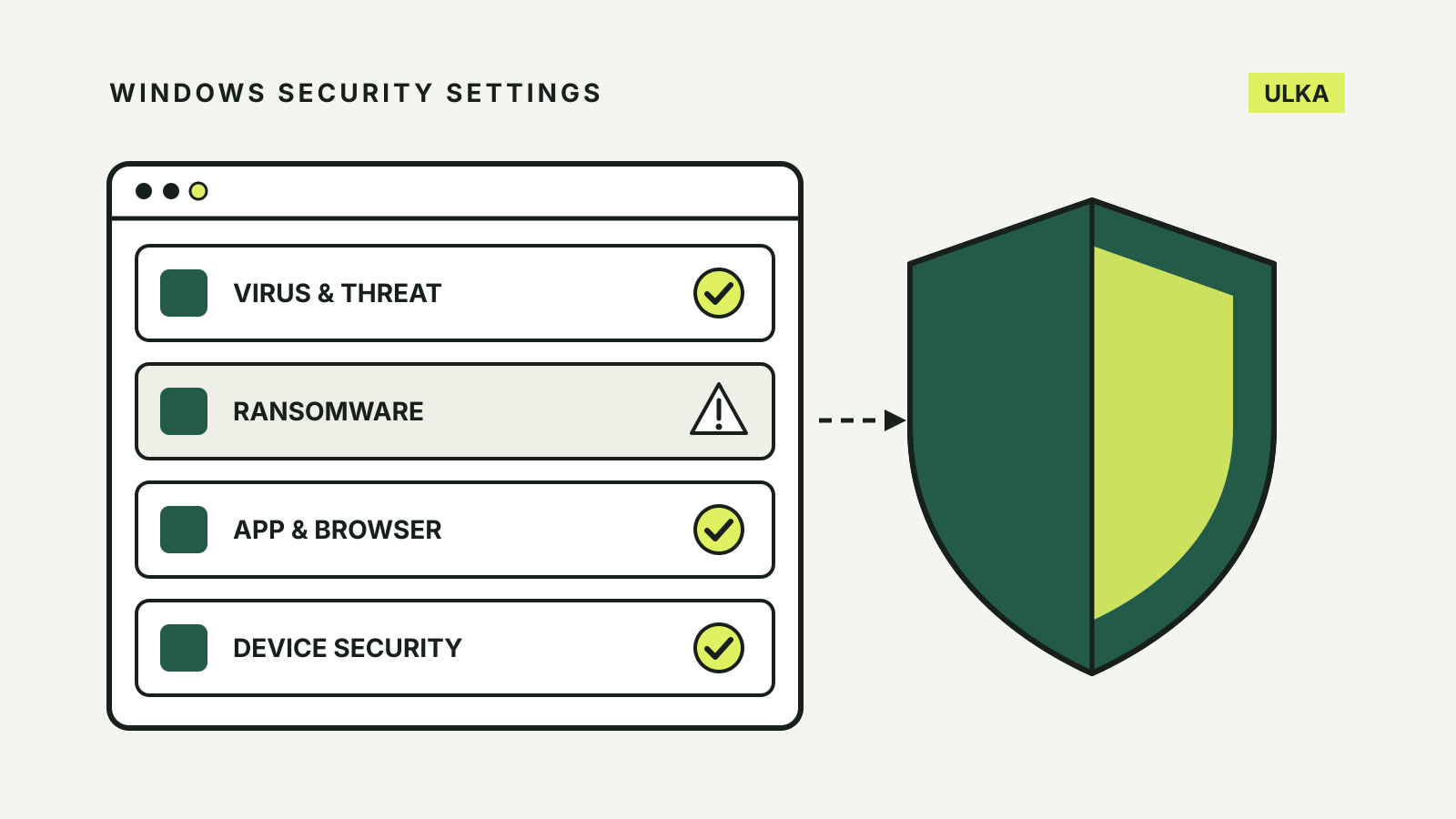
Windows Security settings worth checking
Seven Windows Security switches to check in Windows 11, from tamper protection to memory integrity.
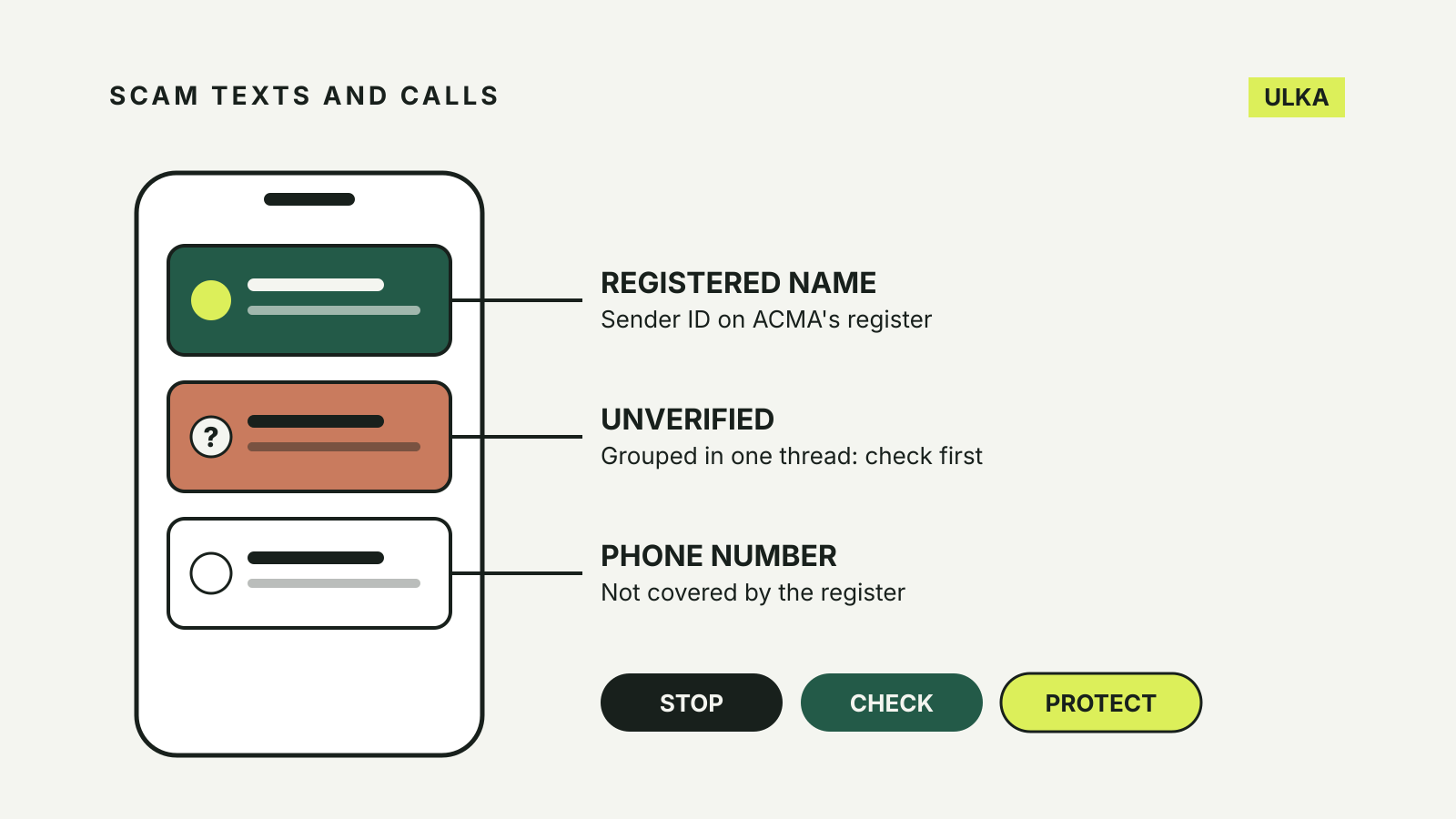
How to spot scam texts and calls in Australia
What the "Unverified" SMS label means, the warning signs ACMA lists, and what to do if you have replied.
Best antivirus software: what is worth paying for?
Compare built-in Windows protection and three paid suites by device coverage, useful extras and renewal terms.
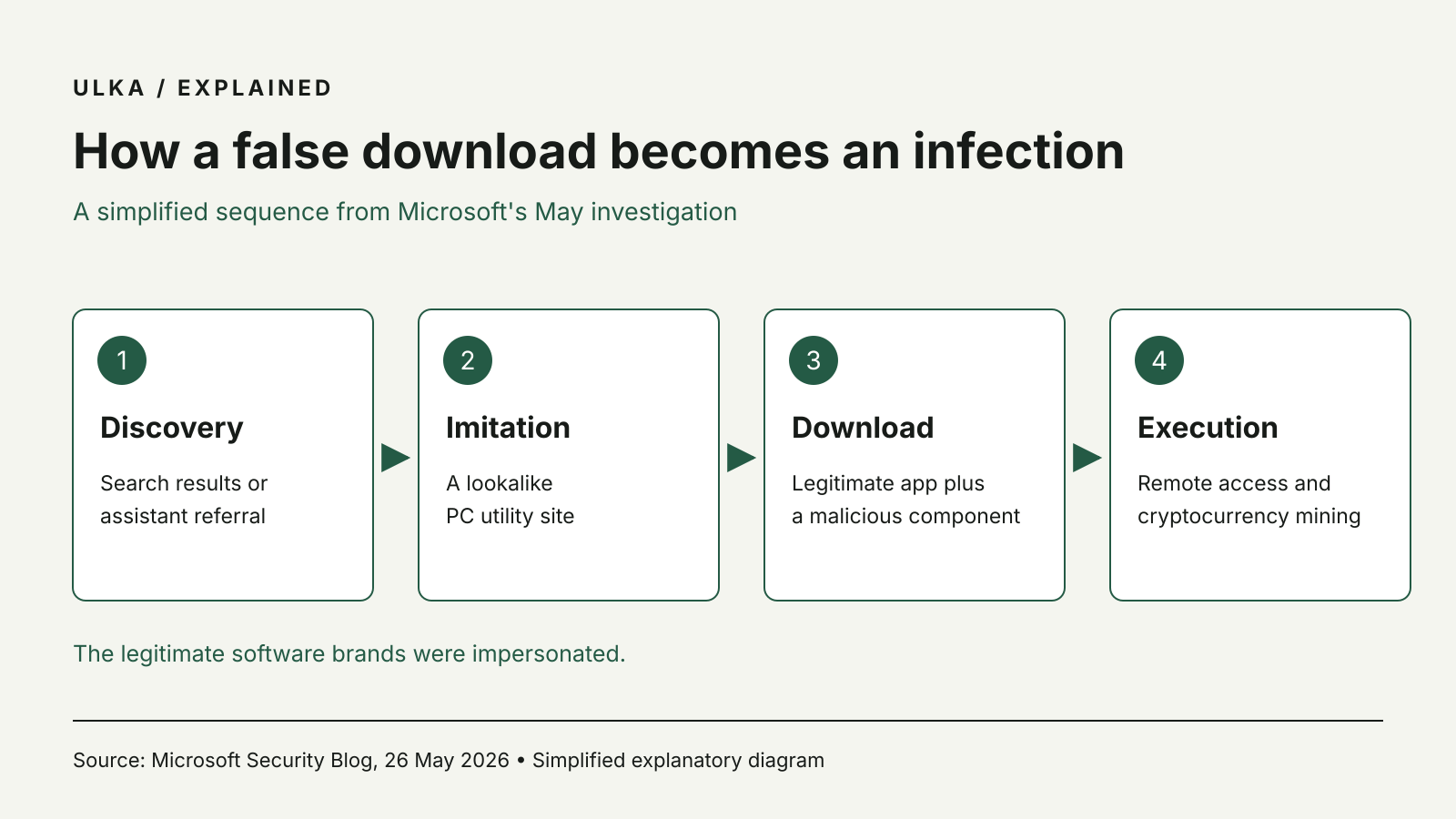
Fake PC utility downloads spread miners, Microsoft warns
Microsoft describes fake PC utility sites spreading miners and remote-access software.
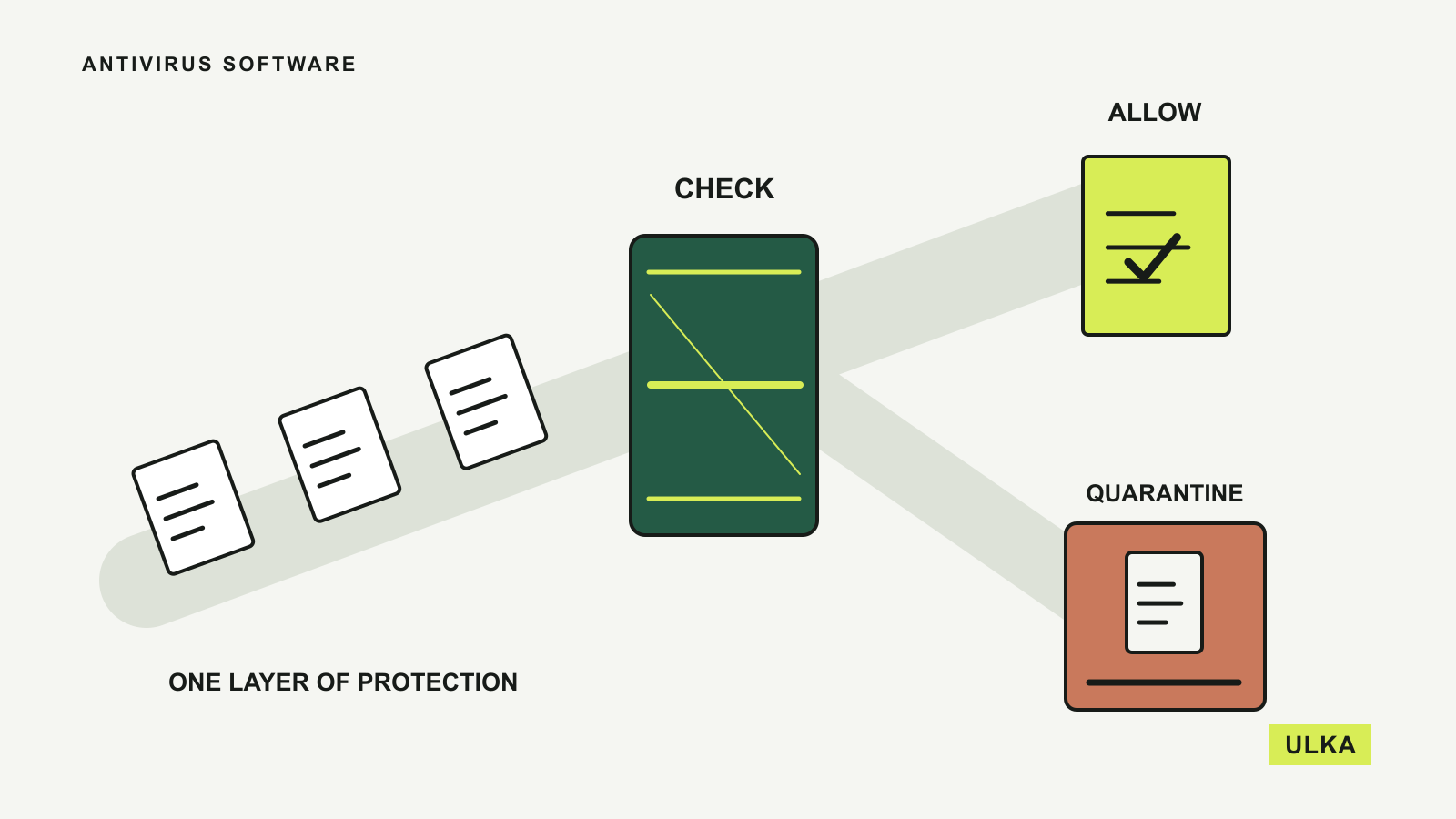
Security software is one part of protecting a device. ULKA compares built-in protection and paid packages by their supported platforms, account features and the needs of individuals or families. We separate documented features from independent laboratory findings and avoid treating a subscription as a guarantee of safety. Check renewal costs and the tools already included with your operating system before paying for overlapping protection.
Check each device separately: a subscription can cover several operating systems while offering different protection tools on each one.
Read about ULKA’s editorial approach or contact the editors.