
TECH
Practical guides to phones, computers and gaming in Australia.
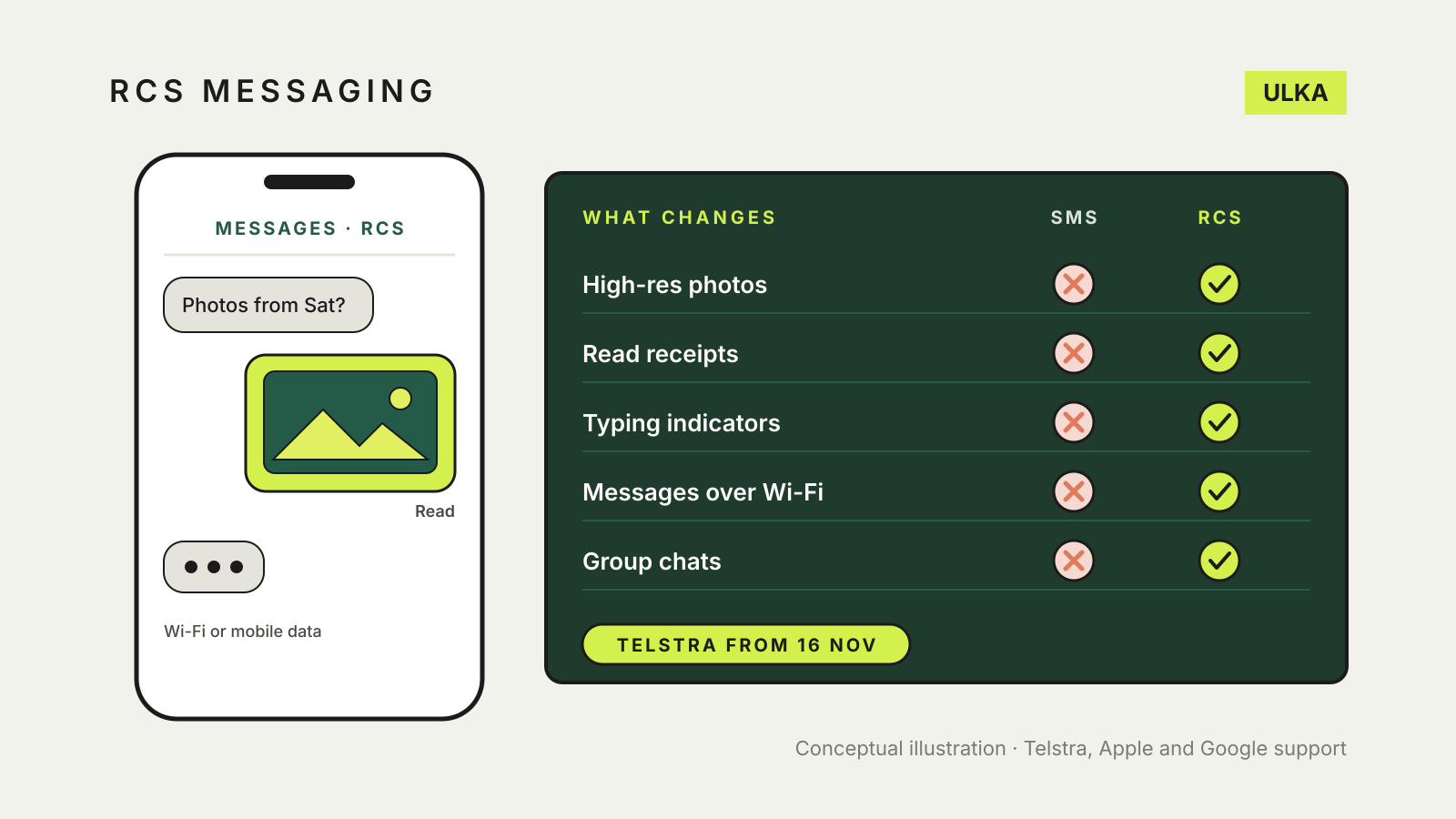
RCS messaging in Australia: what changes from 16 November
Telstra switches on RCS from 16 November. What changes over SMS and how to check your phone.
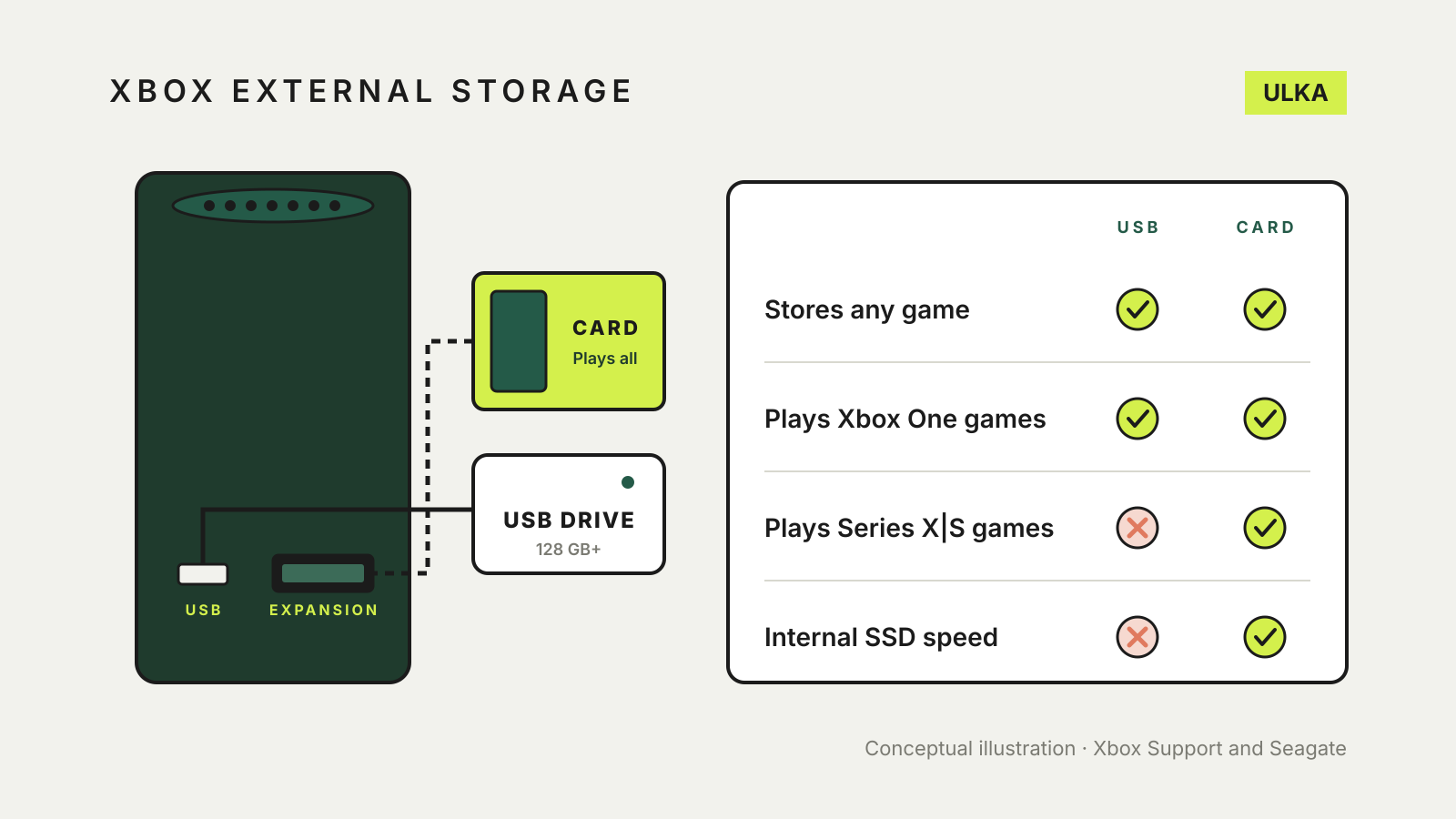
Xbox external storage: set up a drive and move games
A USB drive stores any Xbox game but plays only older ones. Set one up, choose install locations and move games.
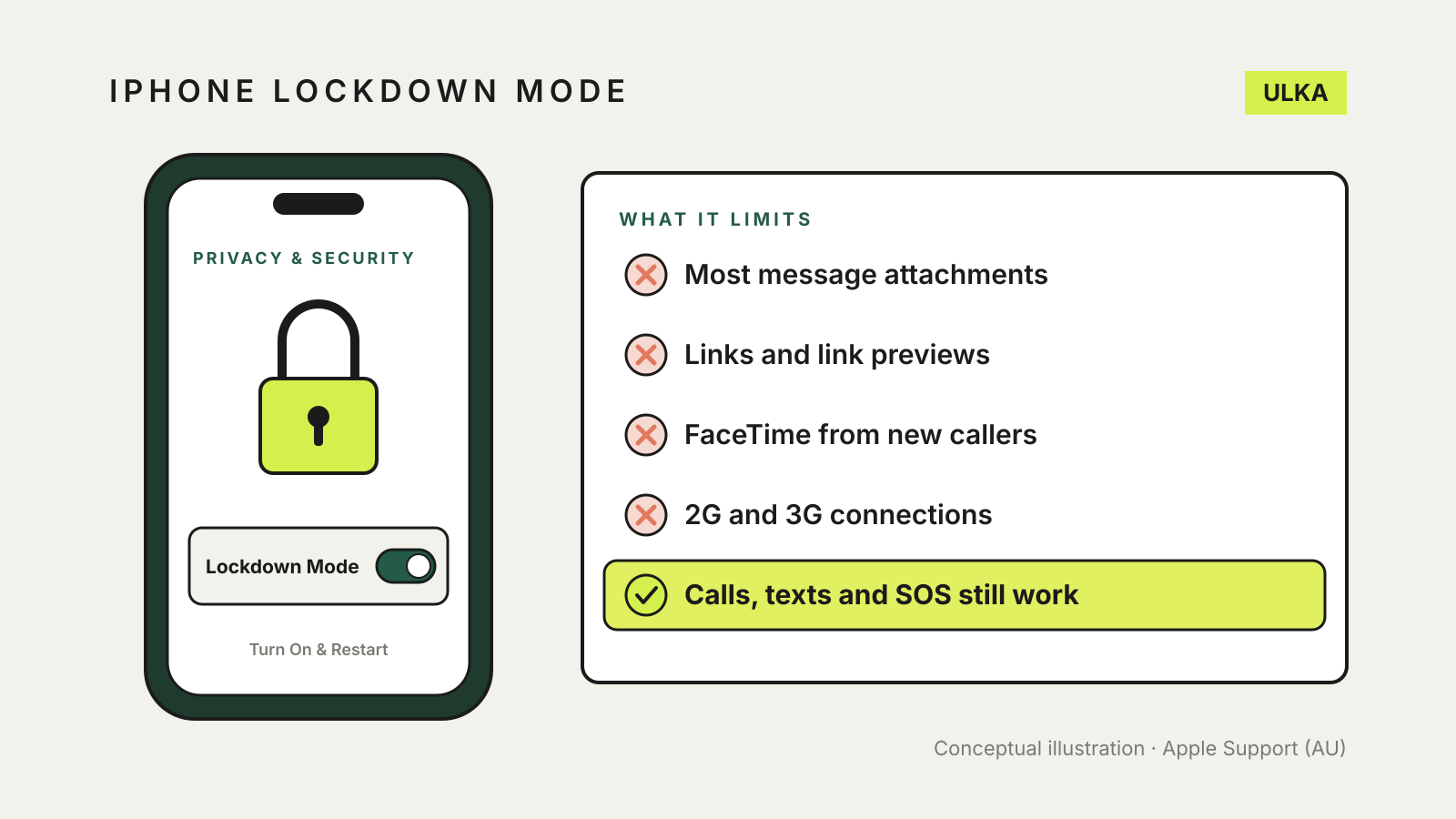
iPhone Lockdown Mode: who needs it and what it limits
Apple's strictest security setting blocks most attachments and some web features. Who needs it and how to set it up.
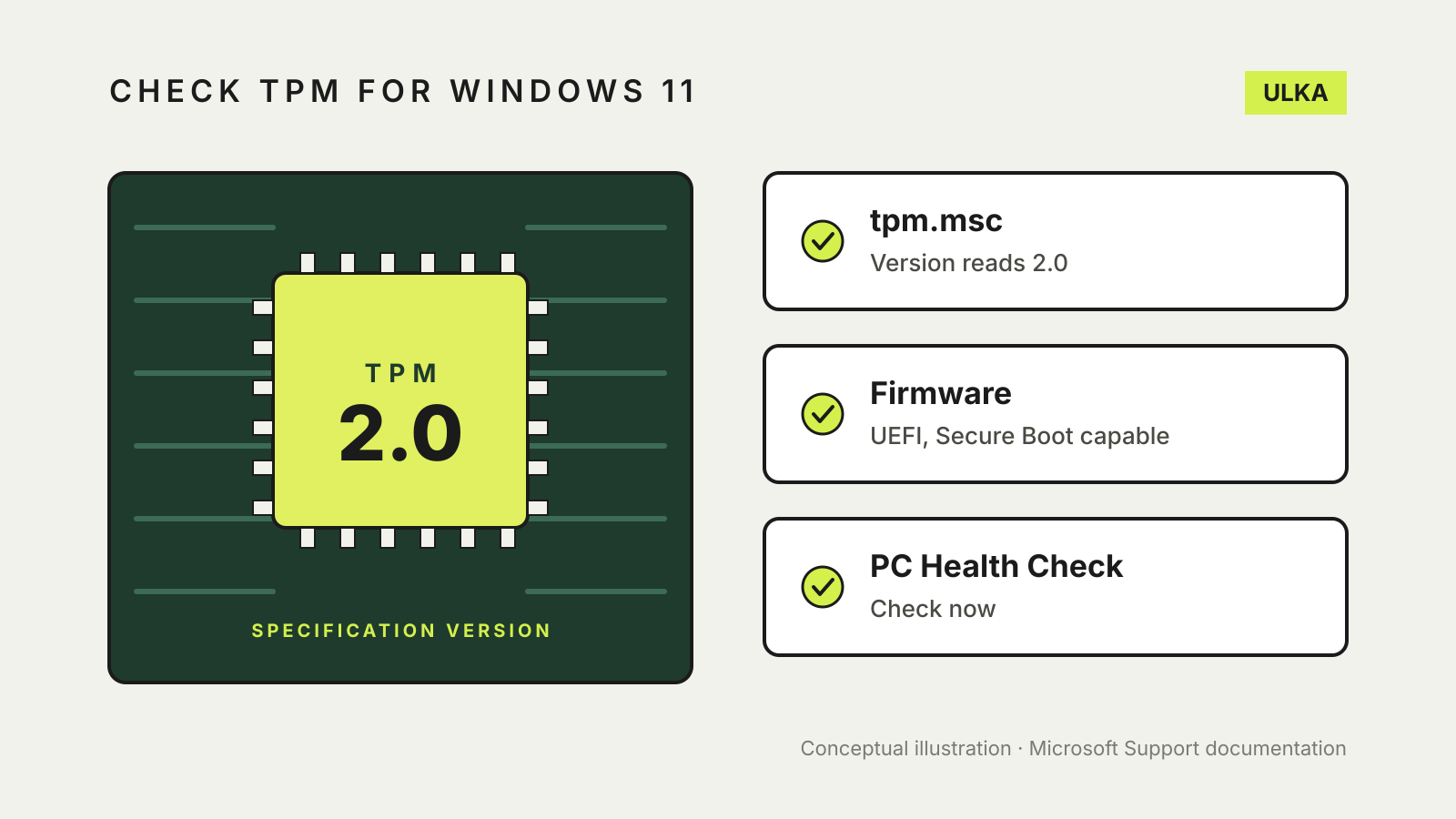
Check TPM for Windows 11: TPM 2.0, Secure Boot and PC Health Check
Run tpm.msc to see your TPM version, then check UEFI and Secure Boot before the Windows 11 upgrade.
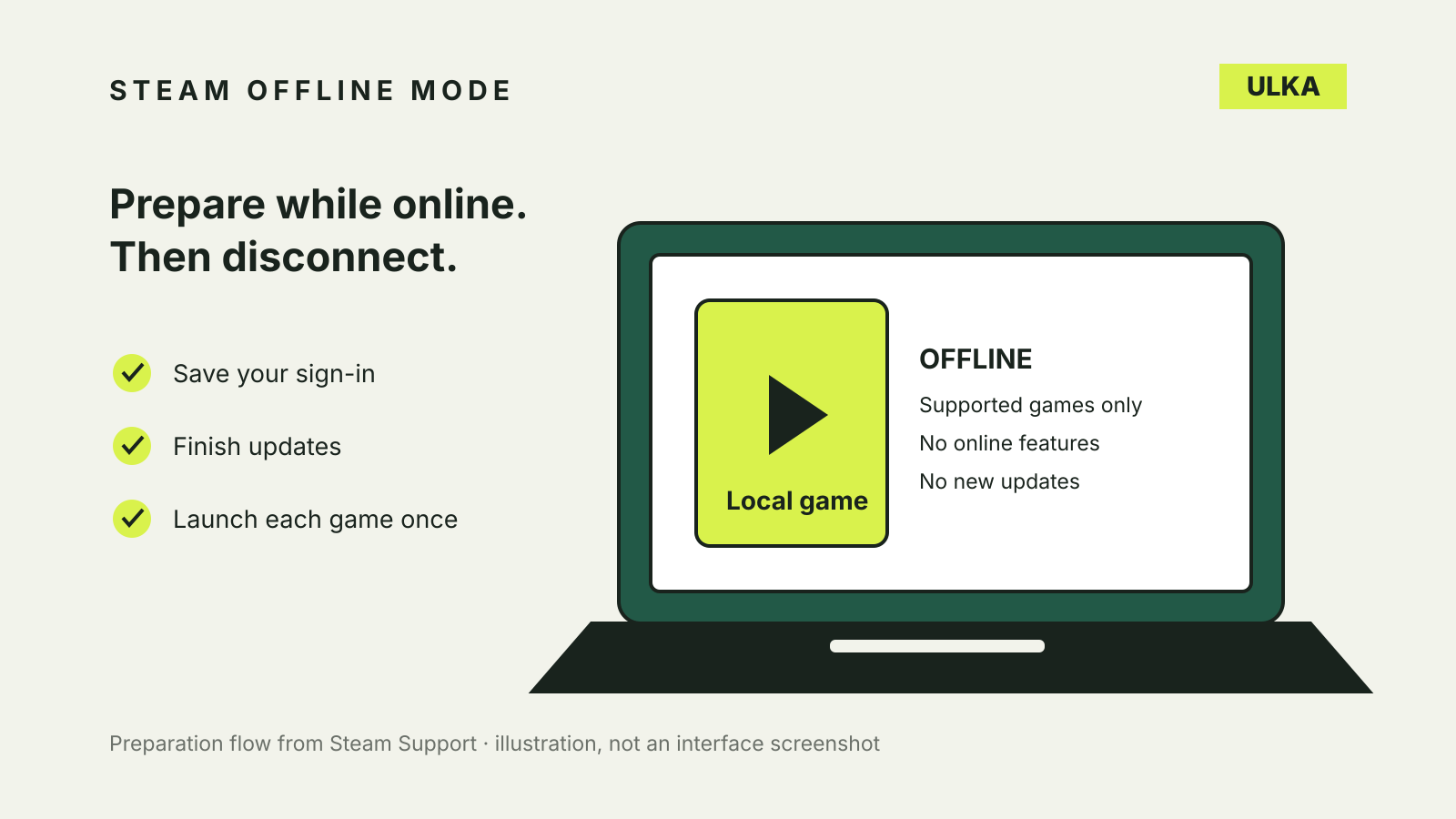
Steam Offline Mode: prepare your PC before you disconnect
Set up Steam Offline Mode, test your games and understand why a downloaded title can still need a connection.
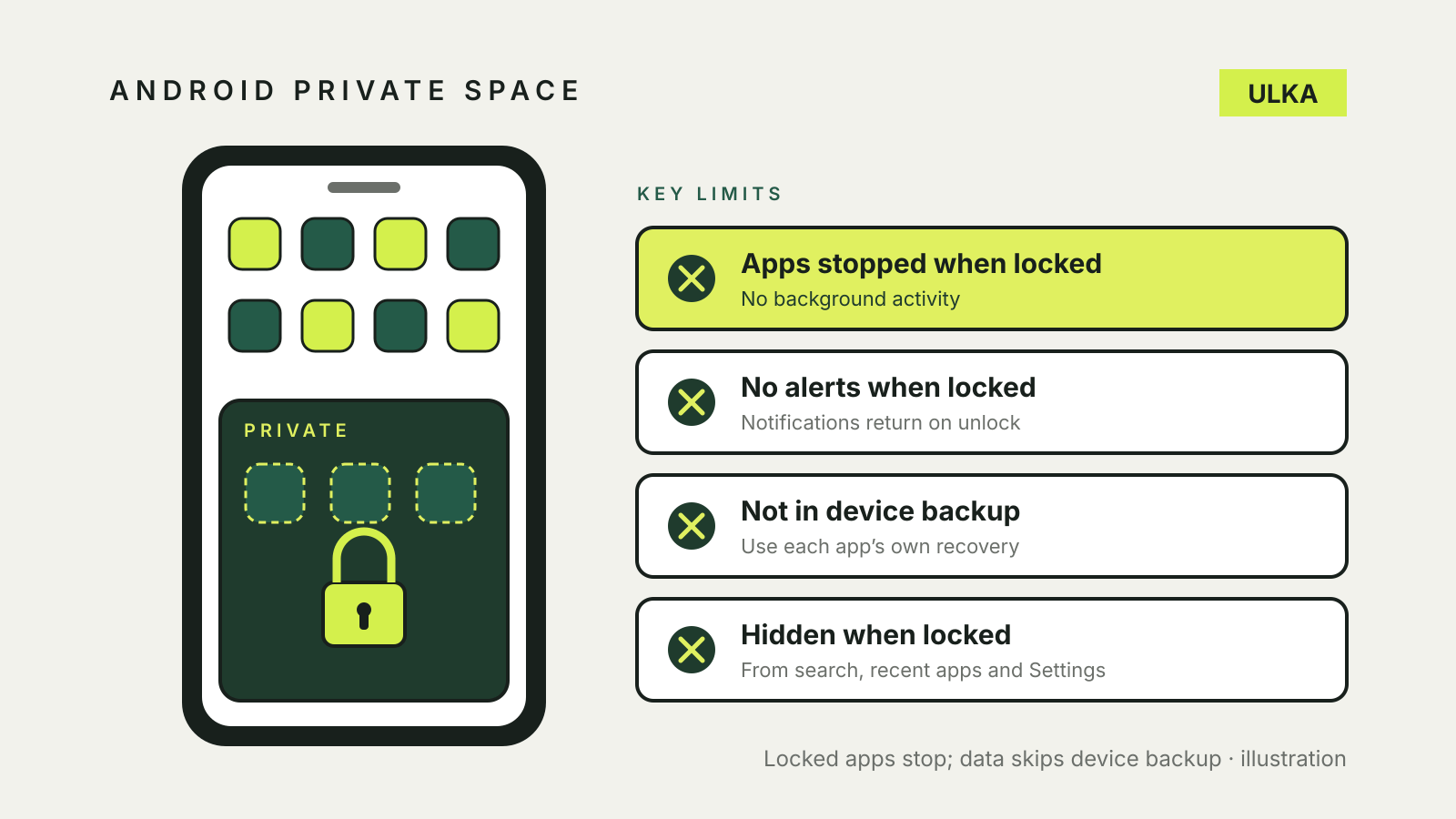
Android Private Space: hide apps and understand the limits
Set up Android Private Space, understand locked-app notifications and check backup and privacy limits.
Mac FileVault recovery key: turn it on safely
Turn on FileVault, choose an iCloud or recovery-key route, and store the recovery details away from the Mac.
Windows Nearby sharing: send files between PCs
Turn on Windows Nearby sharing, send files over Bluetooth or Wi-Fi, and fix a PC that does not appear.
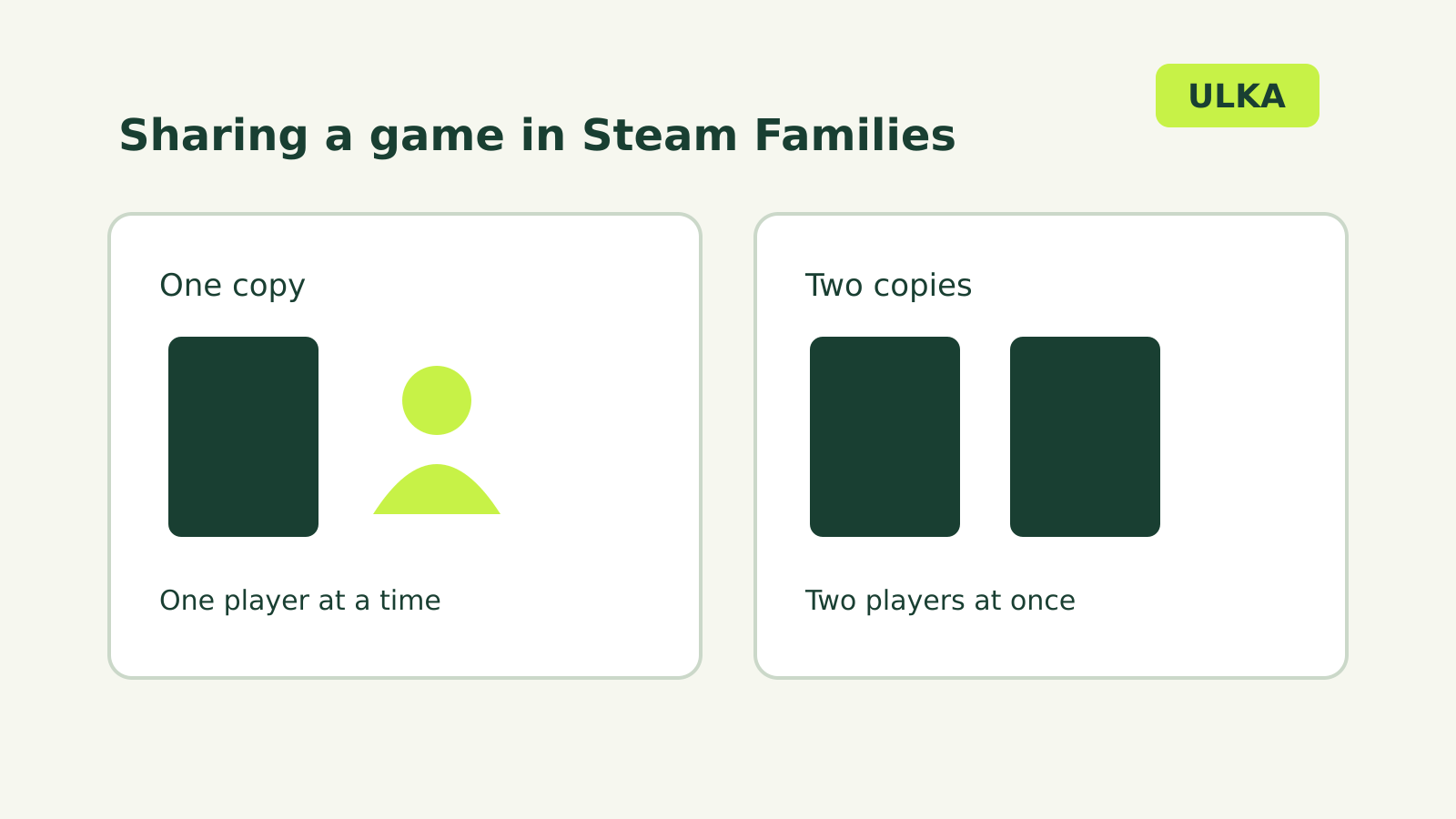
Steam Families sharing: how many people can play?
Share eligible games with your household and understand simultaneous play limits.
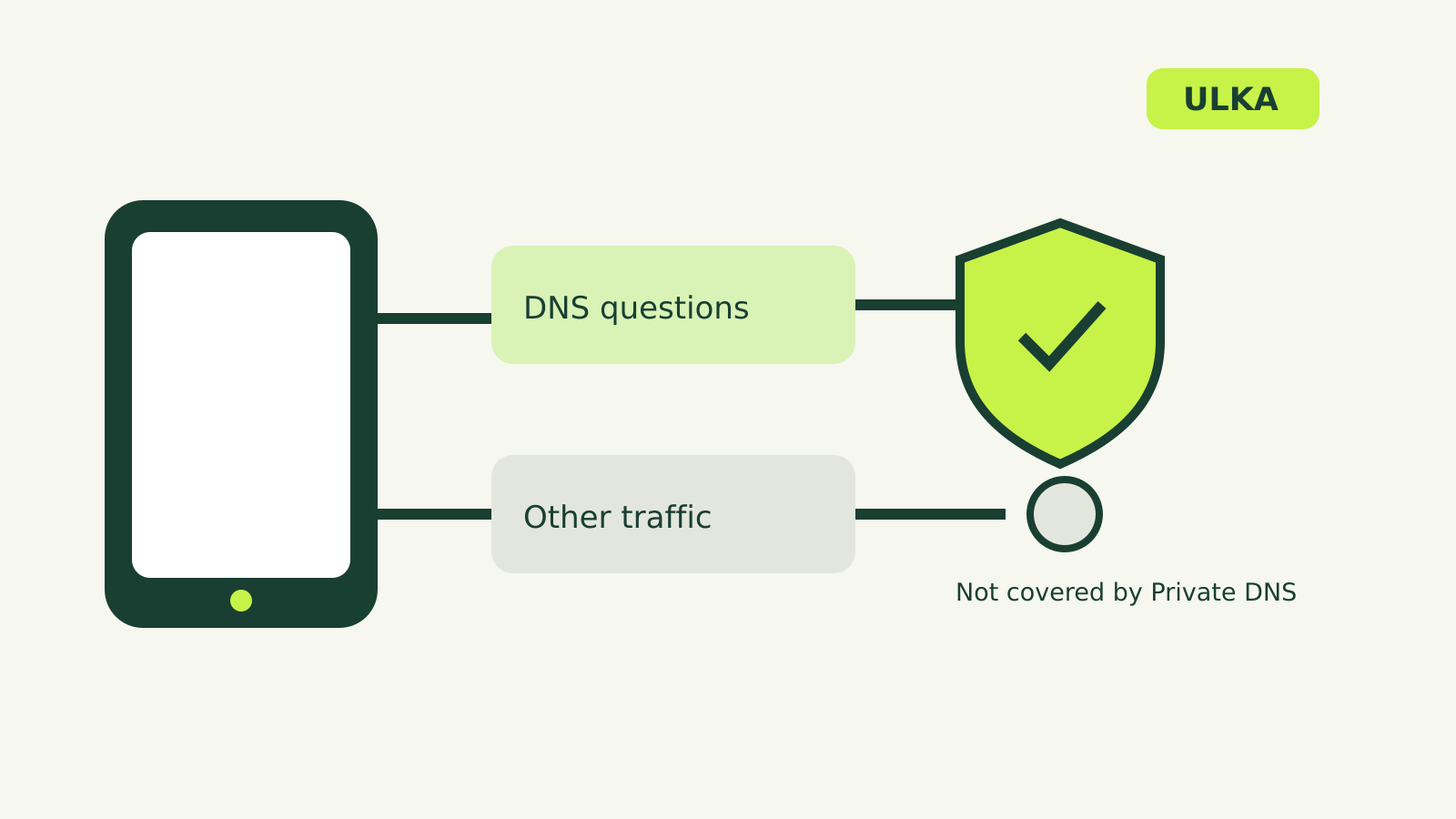
Android Private DNS: what it does and how to change it
Find Android Private DNS, choose a setting and understand what it protects.
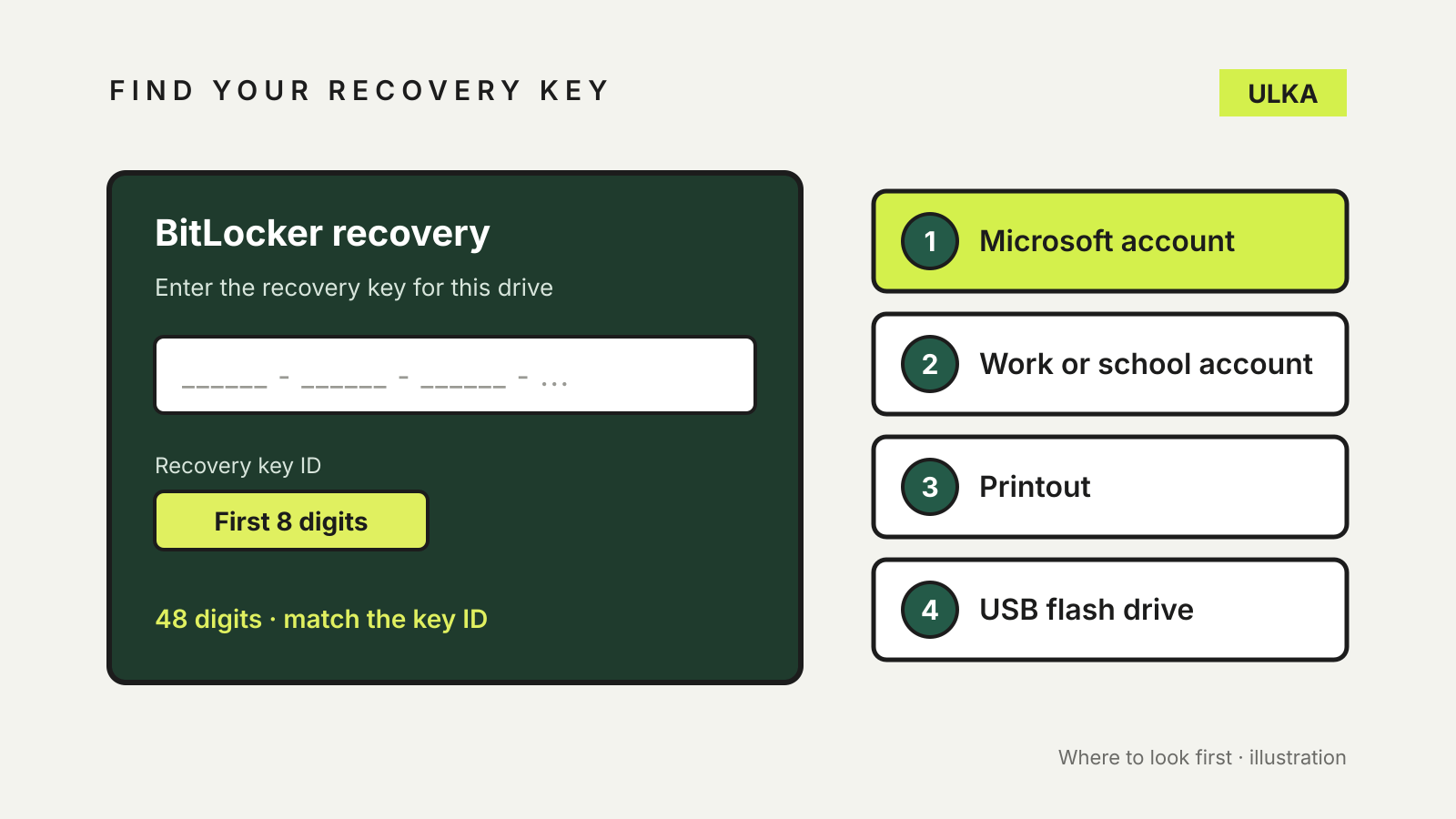
Find BitLocker recovery key: where it's stored and how to back it up
Where to find your BitLocker recovery key, and how to back it up before Windows asks.
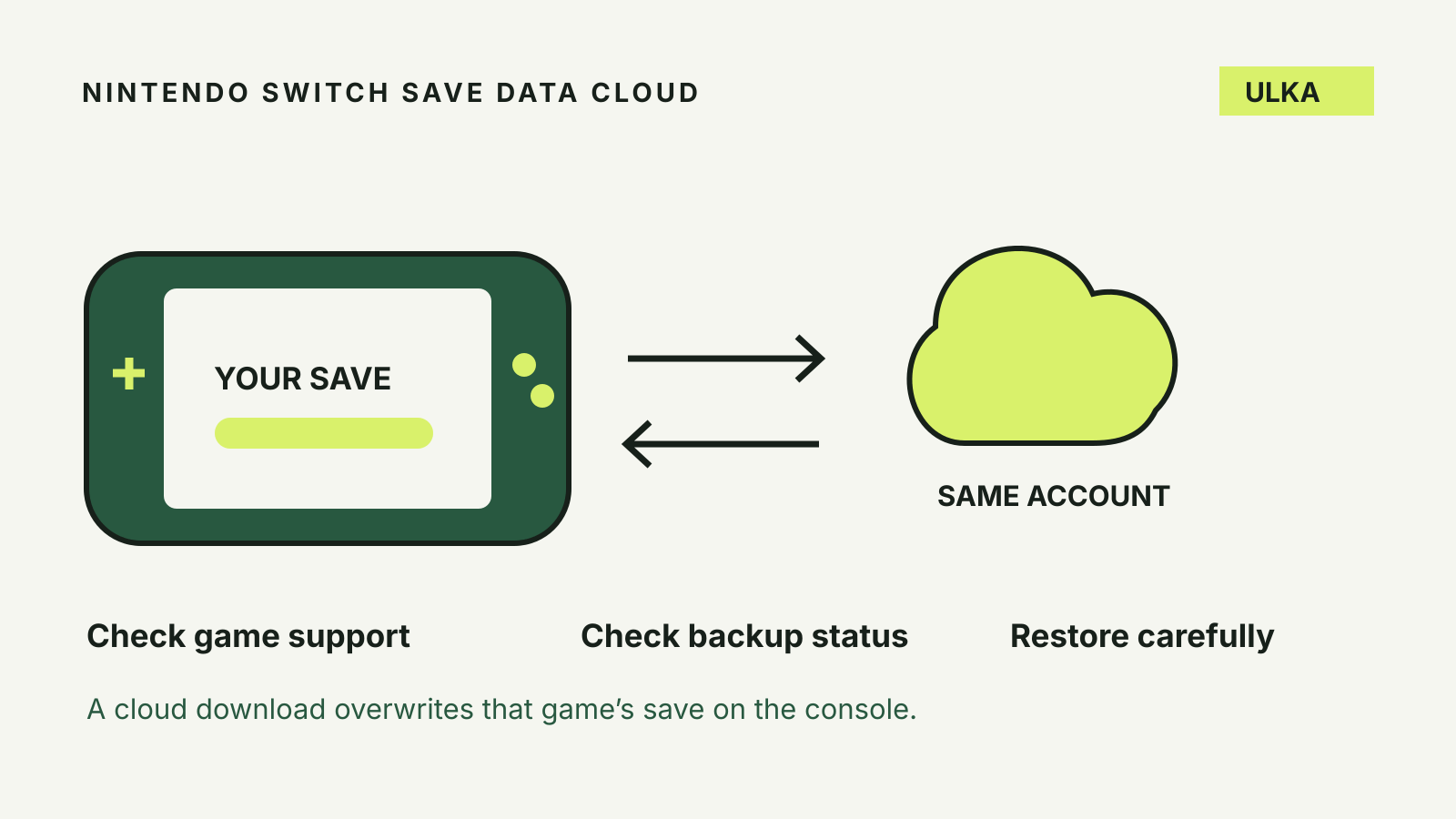
Nintendo Switch cloud saves: back up and restore safely
Check game support, protect the right user’s progress and avoid overwriting a newer save.
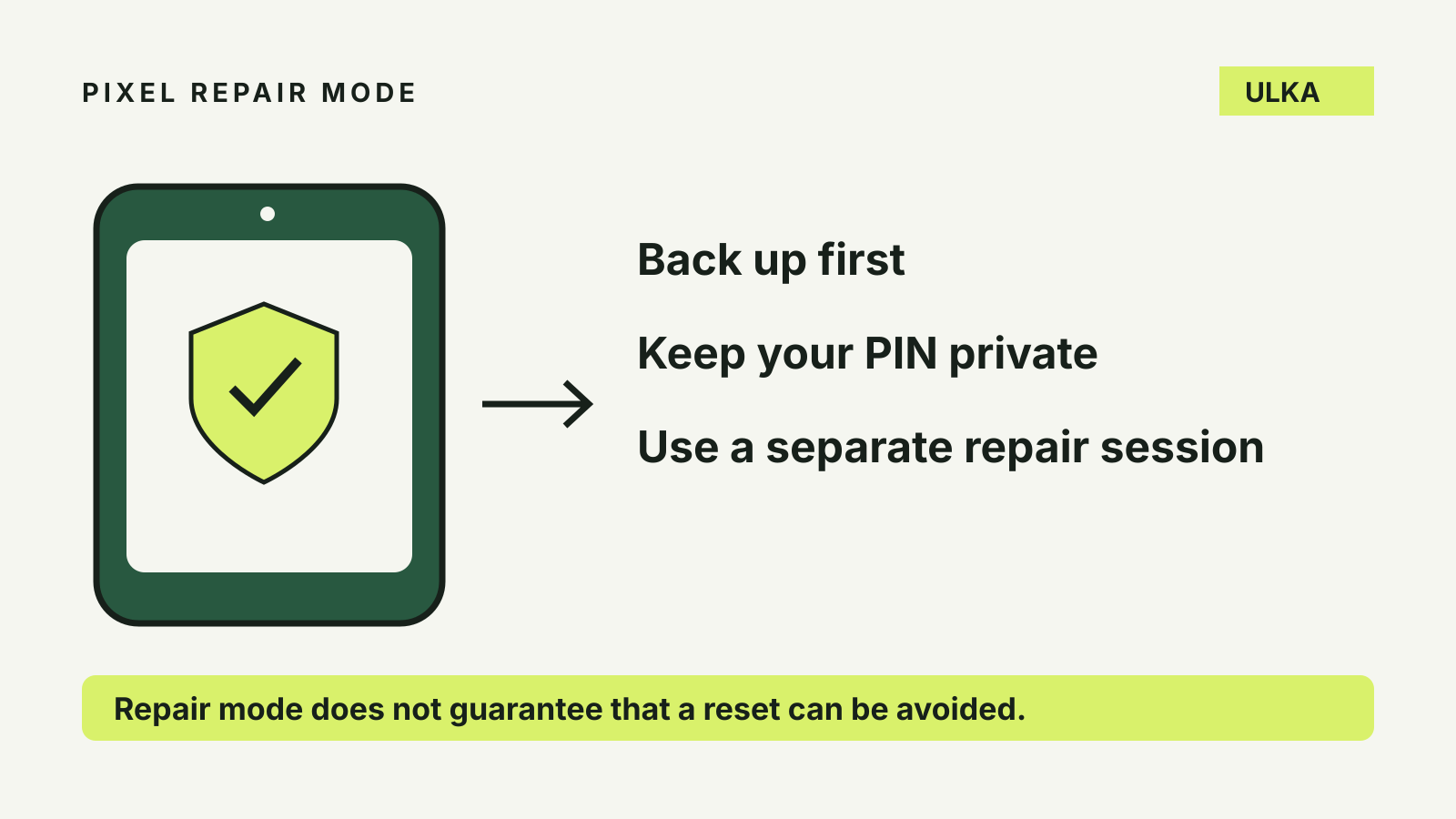
Pixel repair mode: protect privacy before a repair
How to enable Pixel repair mode, keep your PIN private and prepare for a repair that may still need a reset.
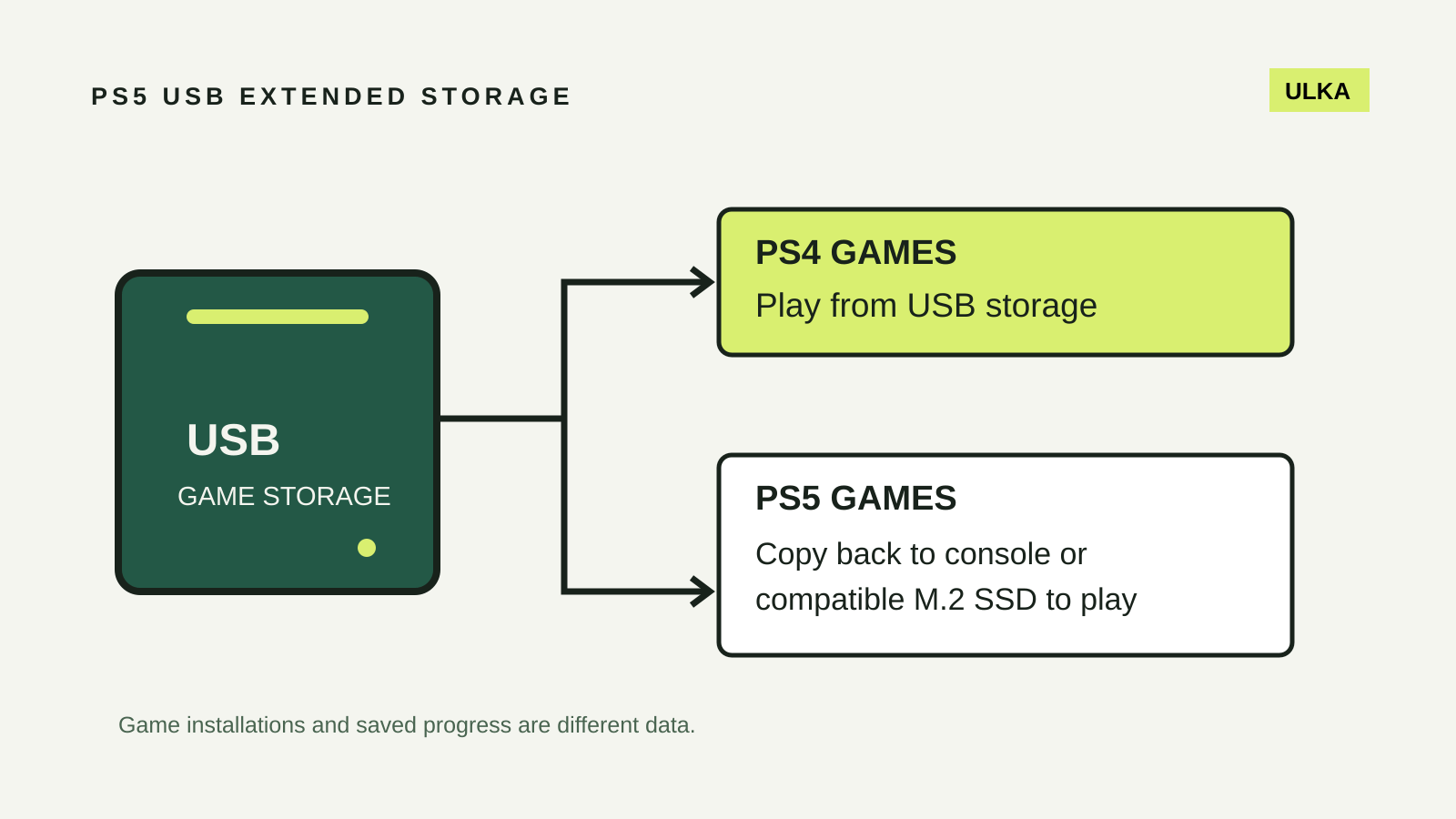
PS5 USB extended storage: what you can store and play
Use USB storage for PS4 games and archived PS5 installations, with separate checks for saved progress.
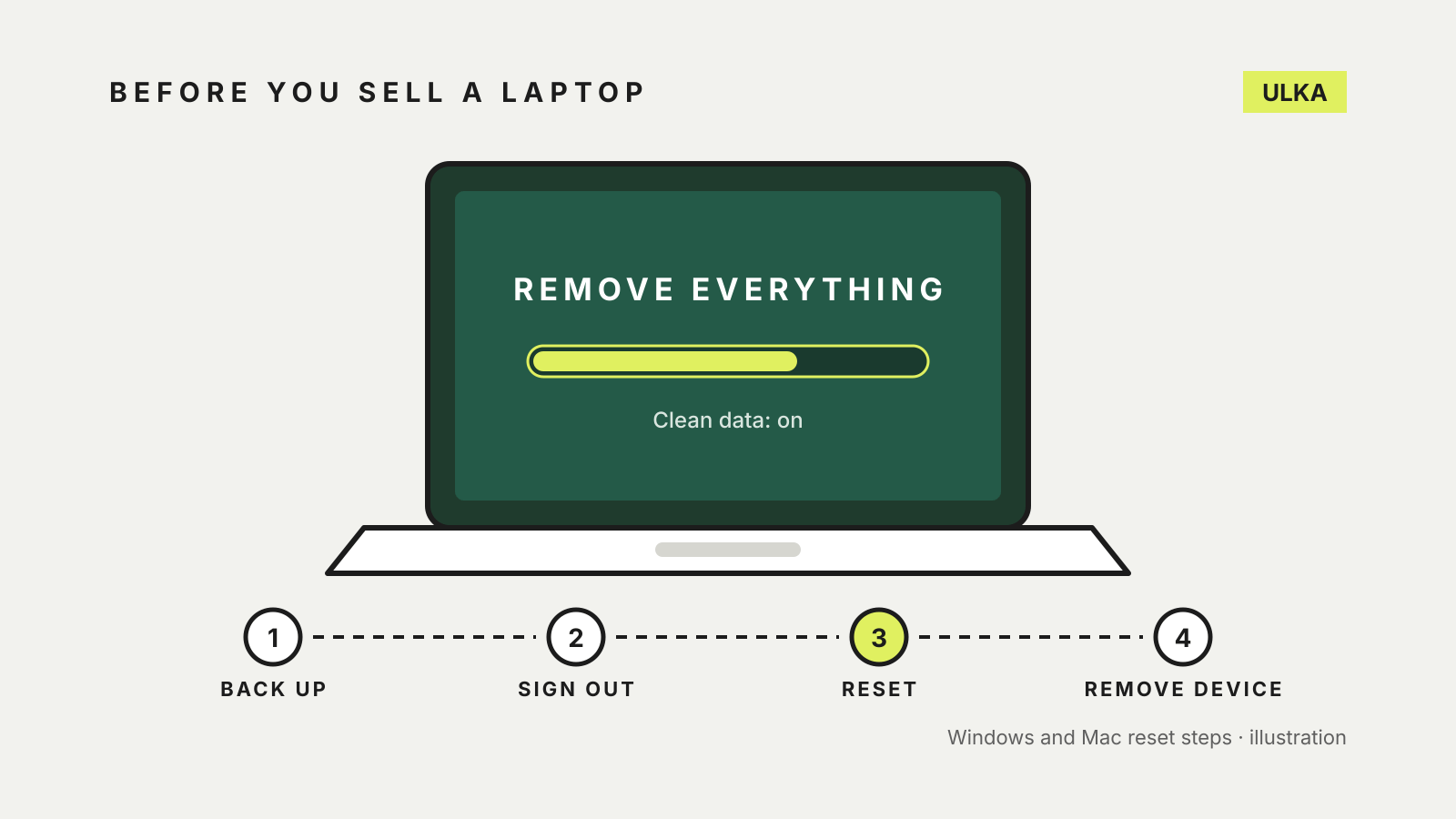
How to wipe a laptop before selling it, on Windows or Mac
Back up, reset and sign out: the Windows and Mac steps to clear a laptop properly before you sell or give it away.
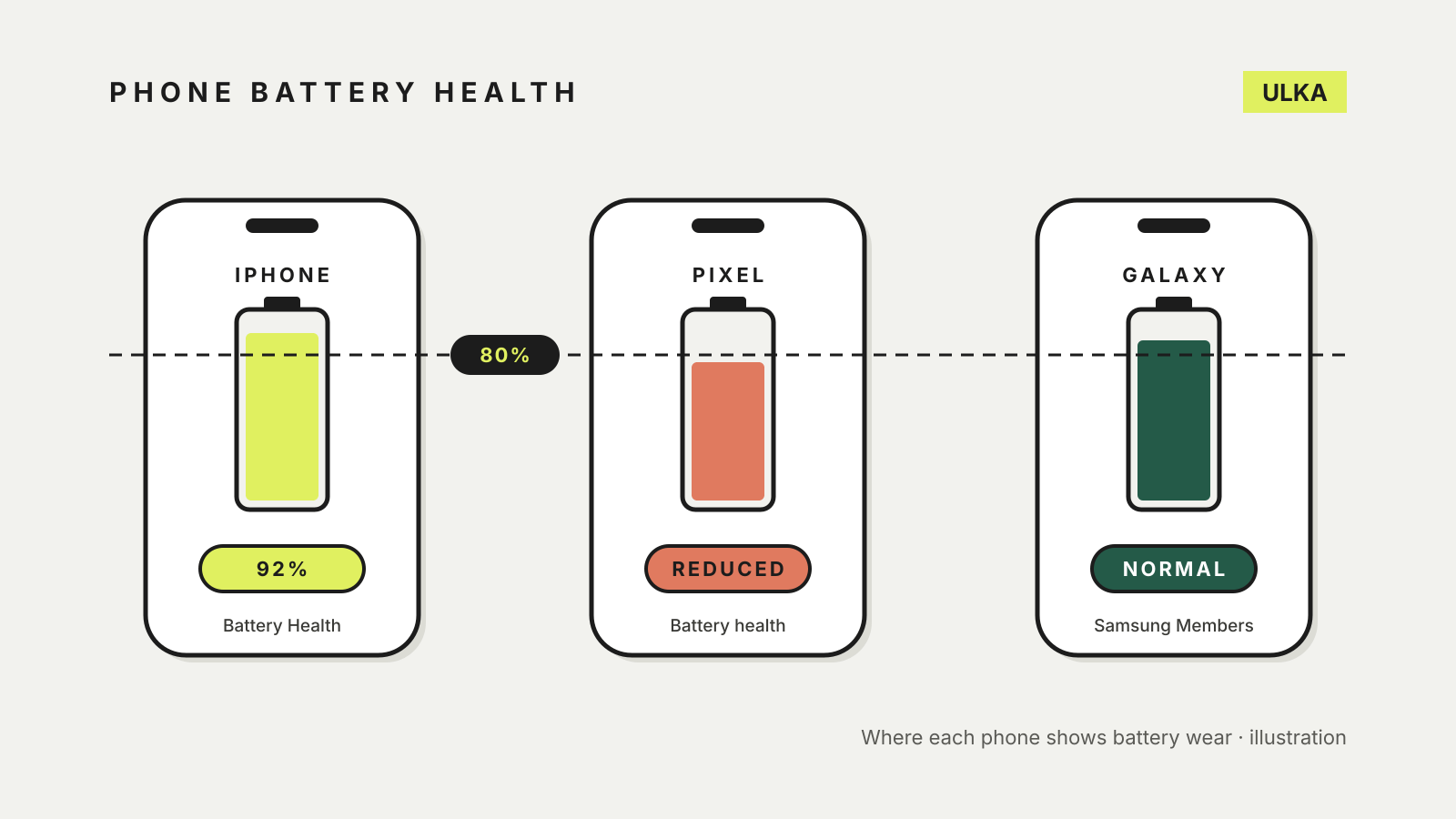
How to check phone battery health on iPhone, Pixel and Galaxy
Where to check phone battery health on iPhone, Pixel and Galaxy, and what 80 per cent capacity means.
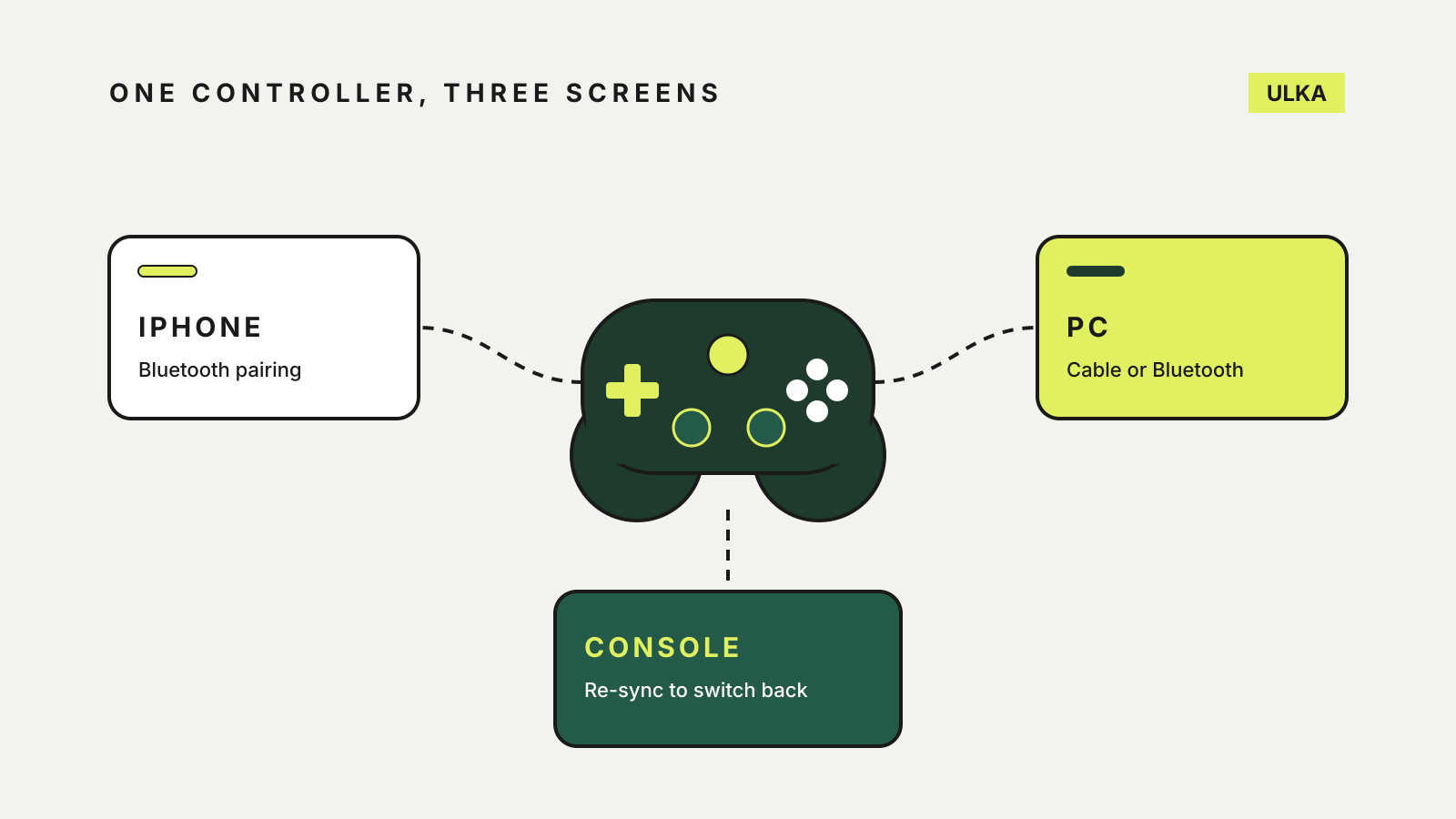
How to use an Xbox controller on iPhone, PC and console
Pair it with an iPhone, remap the buttons, then move the same controller to a PC or back to the console.
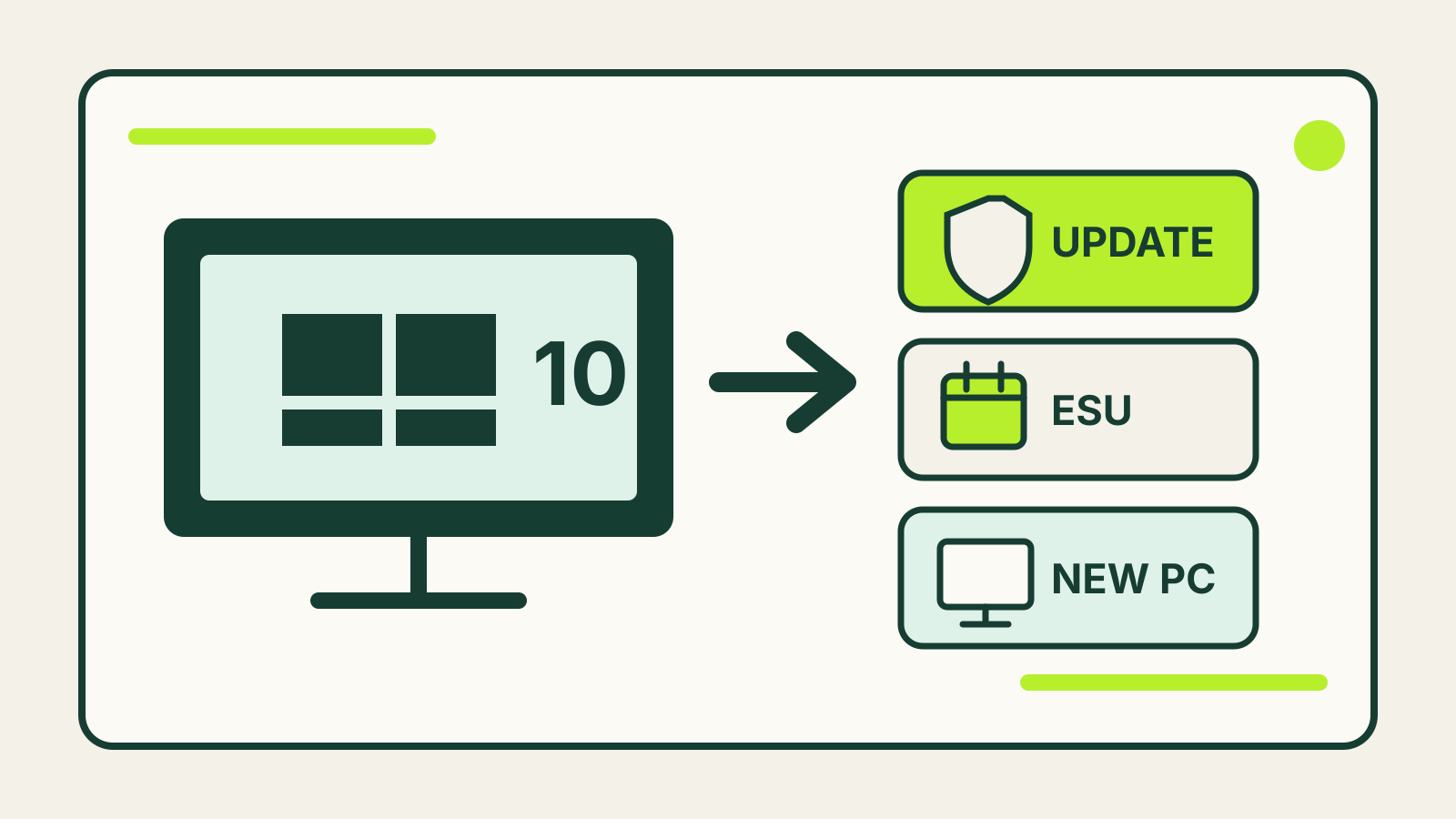
Windows 10 End of Support Options: Upgrade, ESU or Replace?
Choose between Windows 11, Extended Security Updates and replacing a Windows 10 PC after support ended.
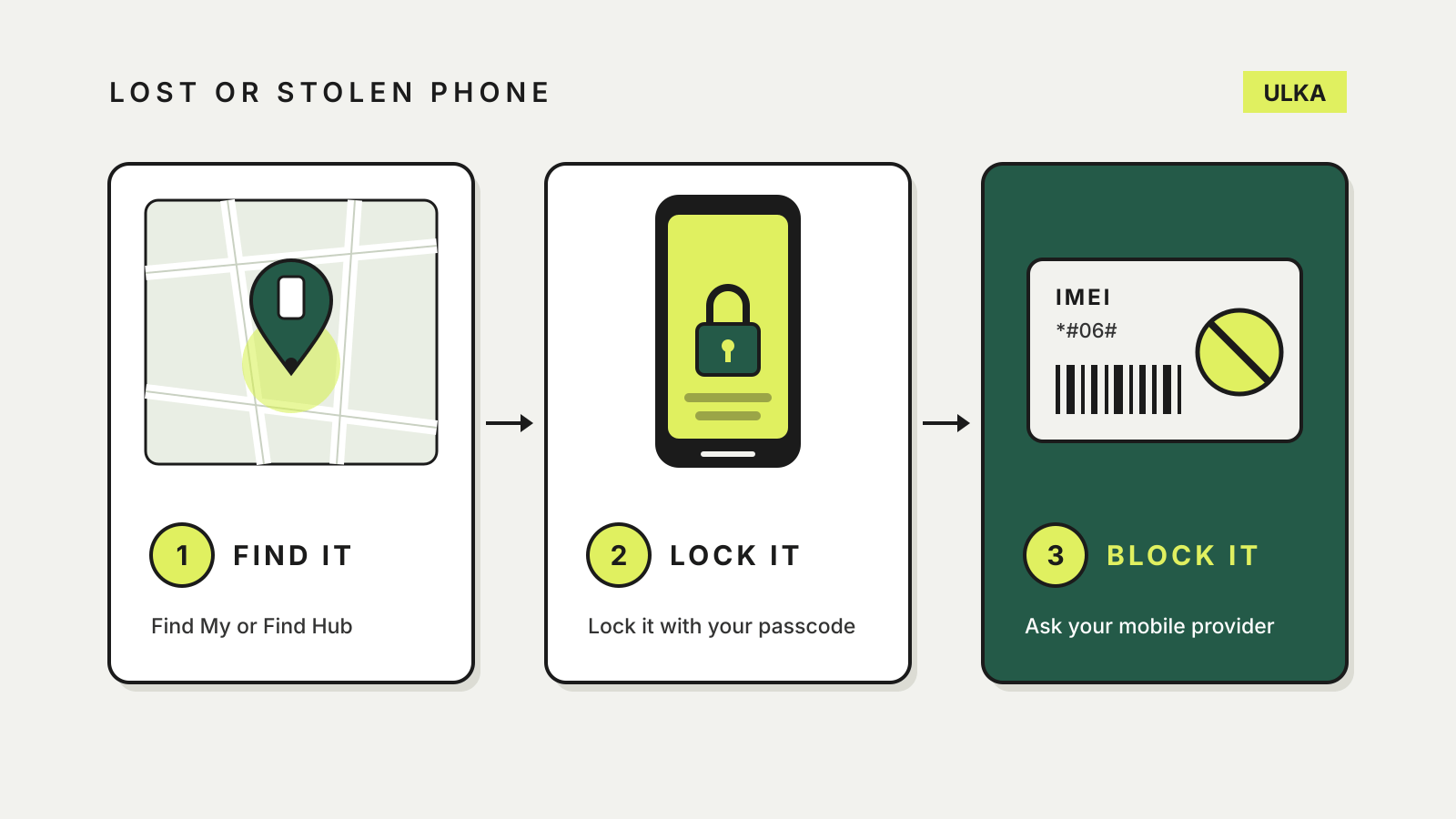
Lost or stolen phone in Australia: find it, lock it, block it
Find it, lock it, then block its IMEI: the order that protects your phone, your accounts and your bill.
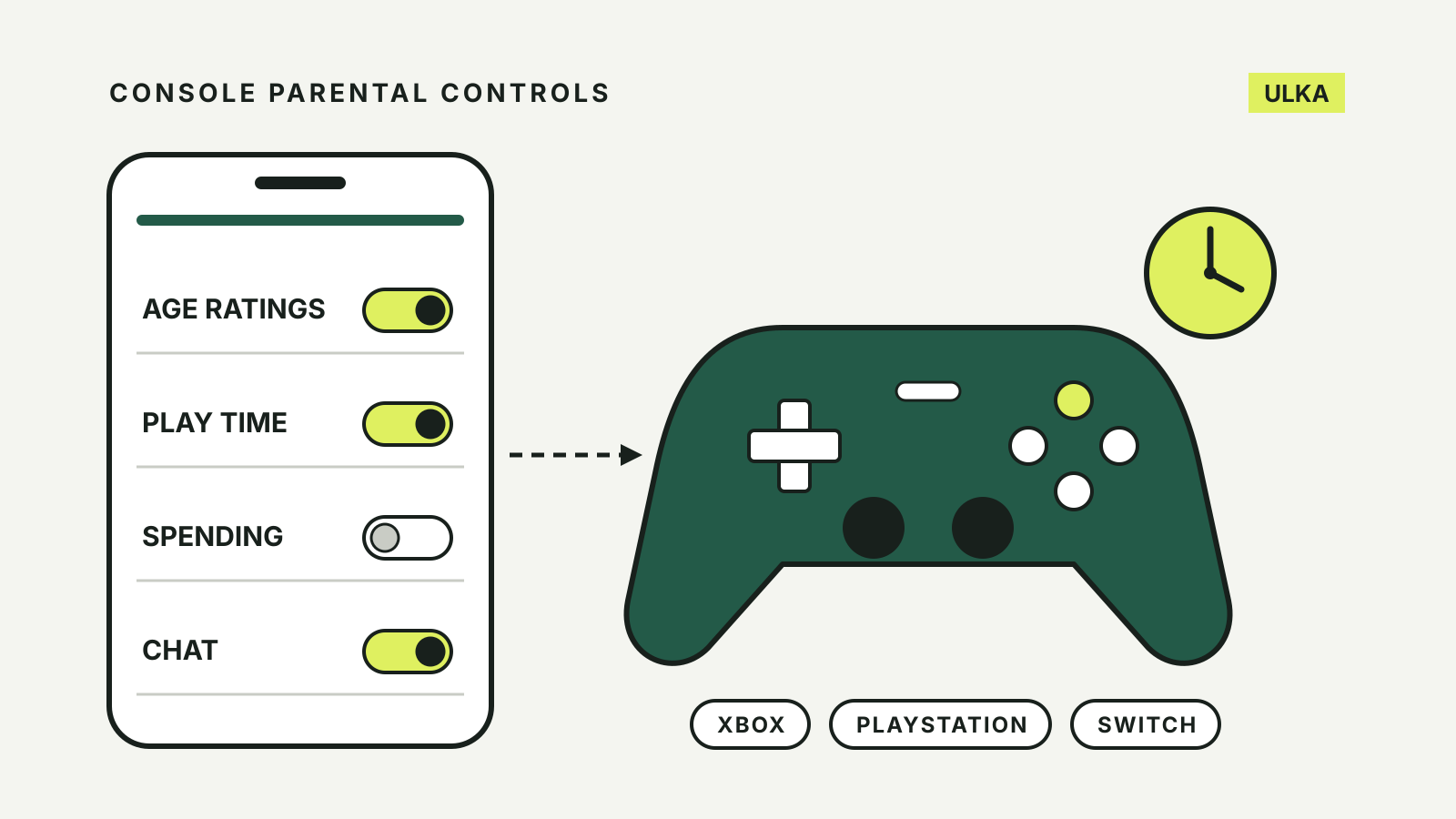
Console parental controls on Xbox, PlayStation and Switch
Set age ratings, play time, spending and chat limits on Xbox, PlayStation and Nintendo Switch.
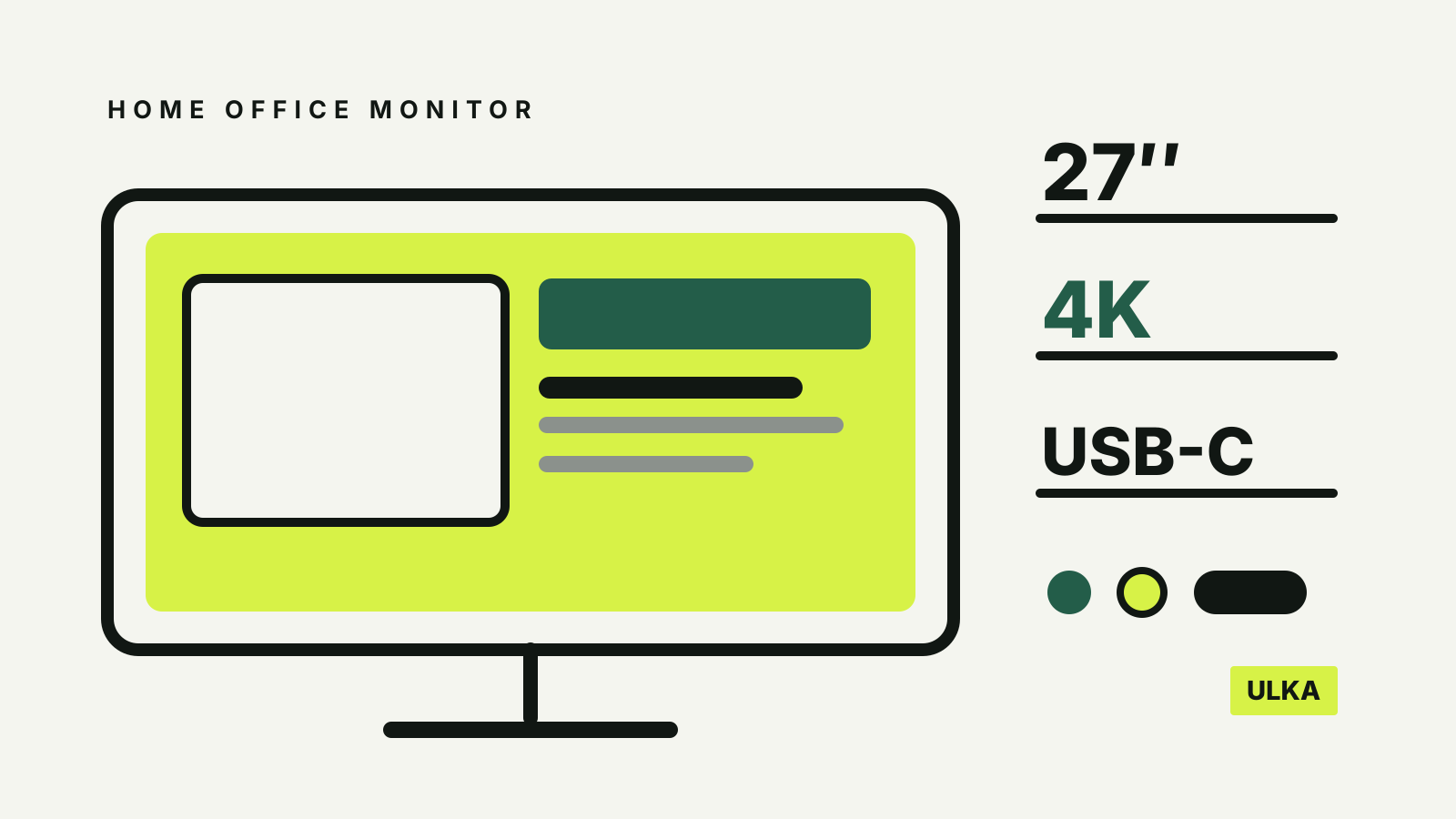
Choosing a home-office monitor: size, resolution and ports
Choose a home-office monitor by checking desk fit, native resolution, laptop output, USB-C and stand adjustment.
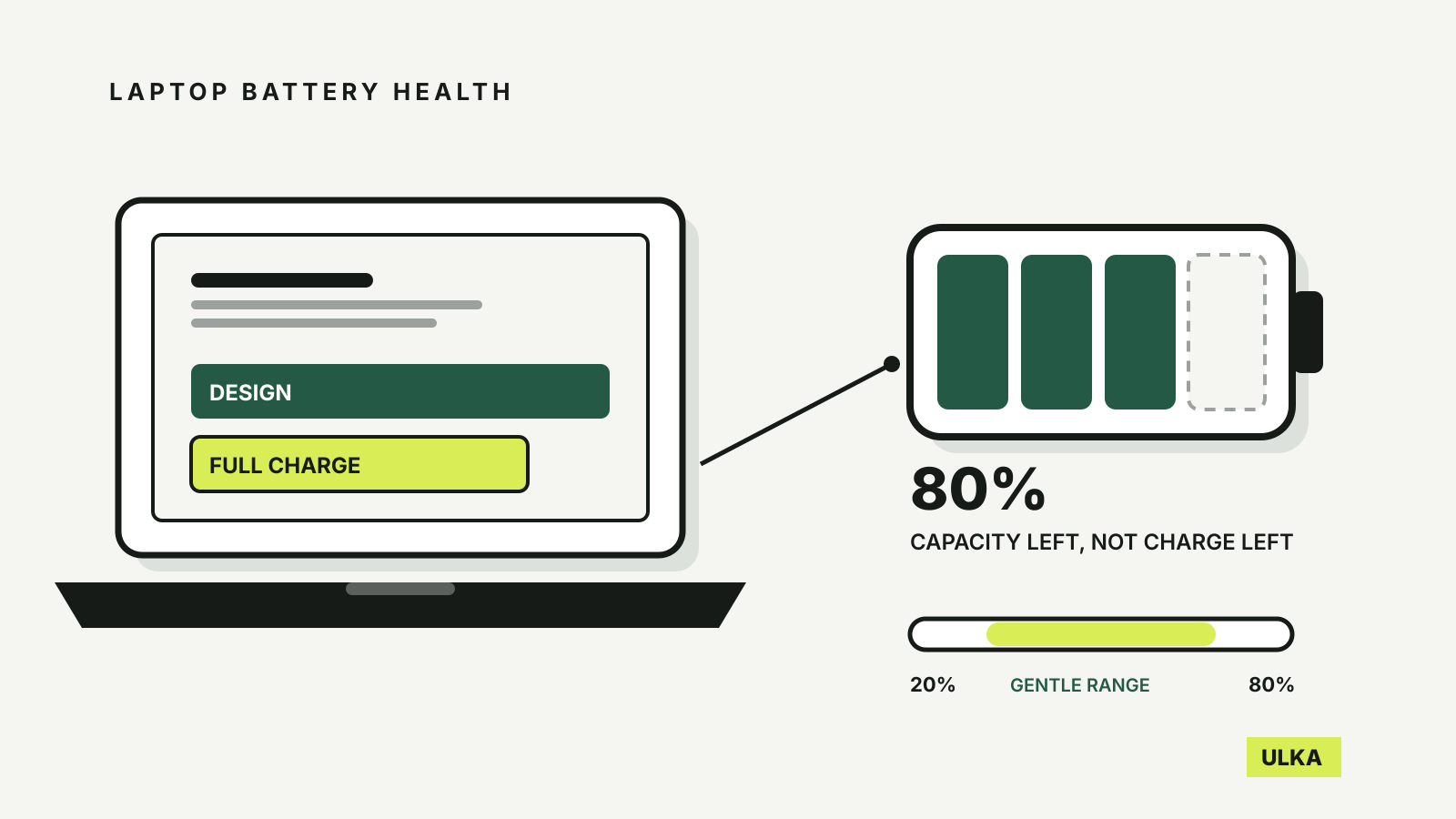
How to check laptop battery health on Windows and Mac
Read laptop battery capacity on Windows or macOS, judge the percentage and slow wear with charge settings.
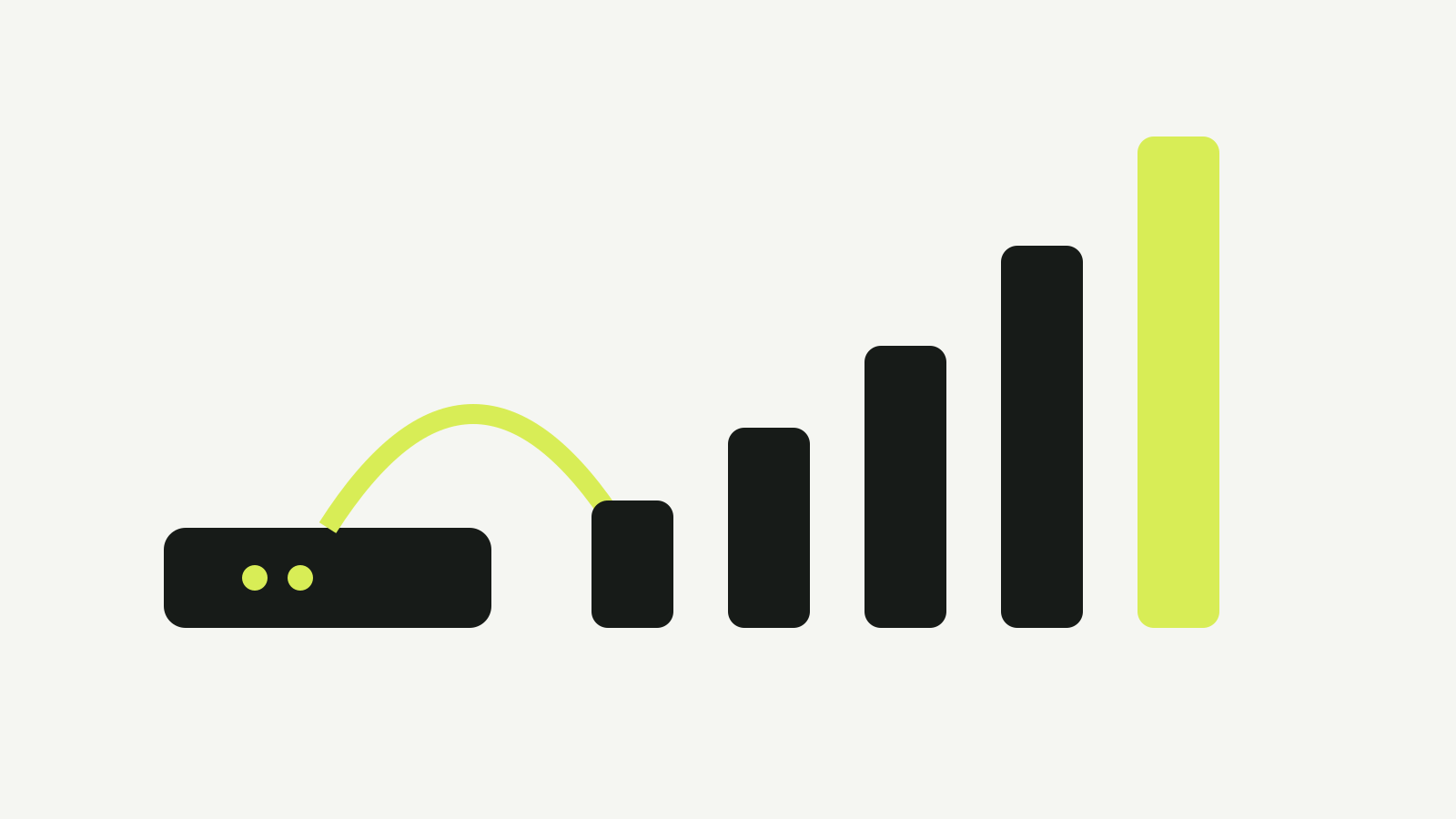
NBN Speed Tiers Explained: Which Plan Fits Your Home?
Every NBN speed tier from 12/1 to 2000 Mbps, by technology, with Fixed Wireless speeds.
Moving Android to iPhone: What Transfers
Check copied data, messages and account access before erasing the old phone.
-
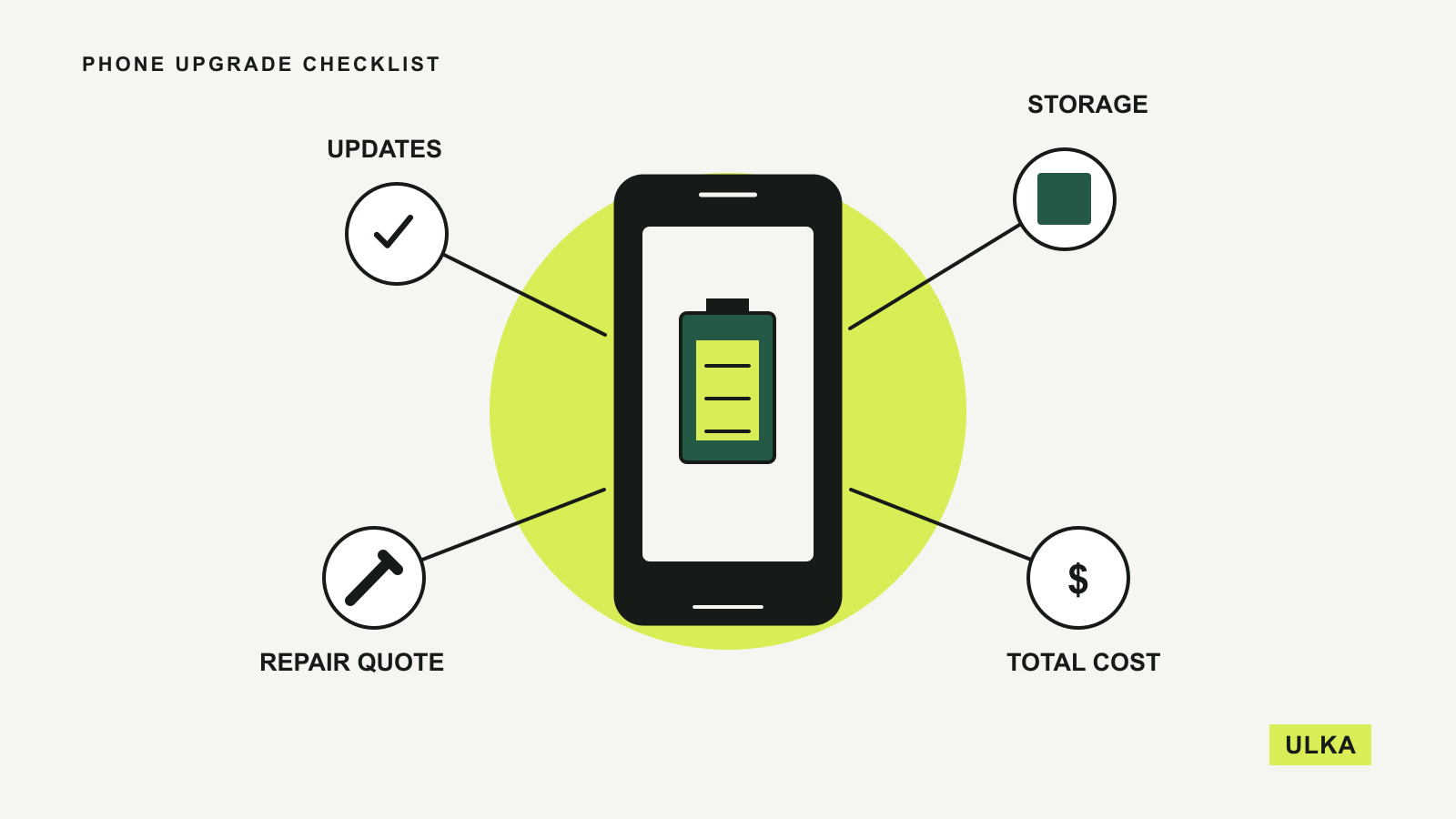
Repair or replace your phone: a checklist
Check battery health, support, storage and everyday frustrations before buying your next phone.
-
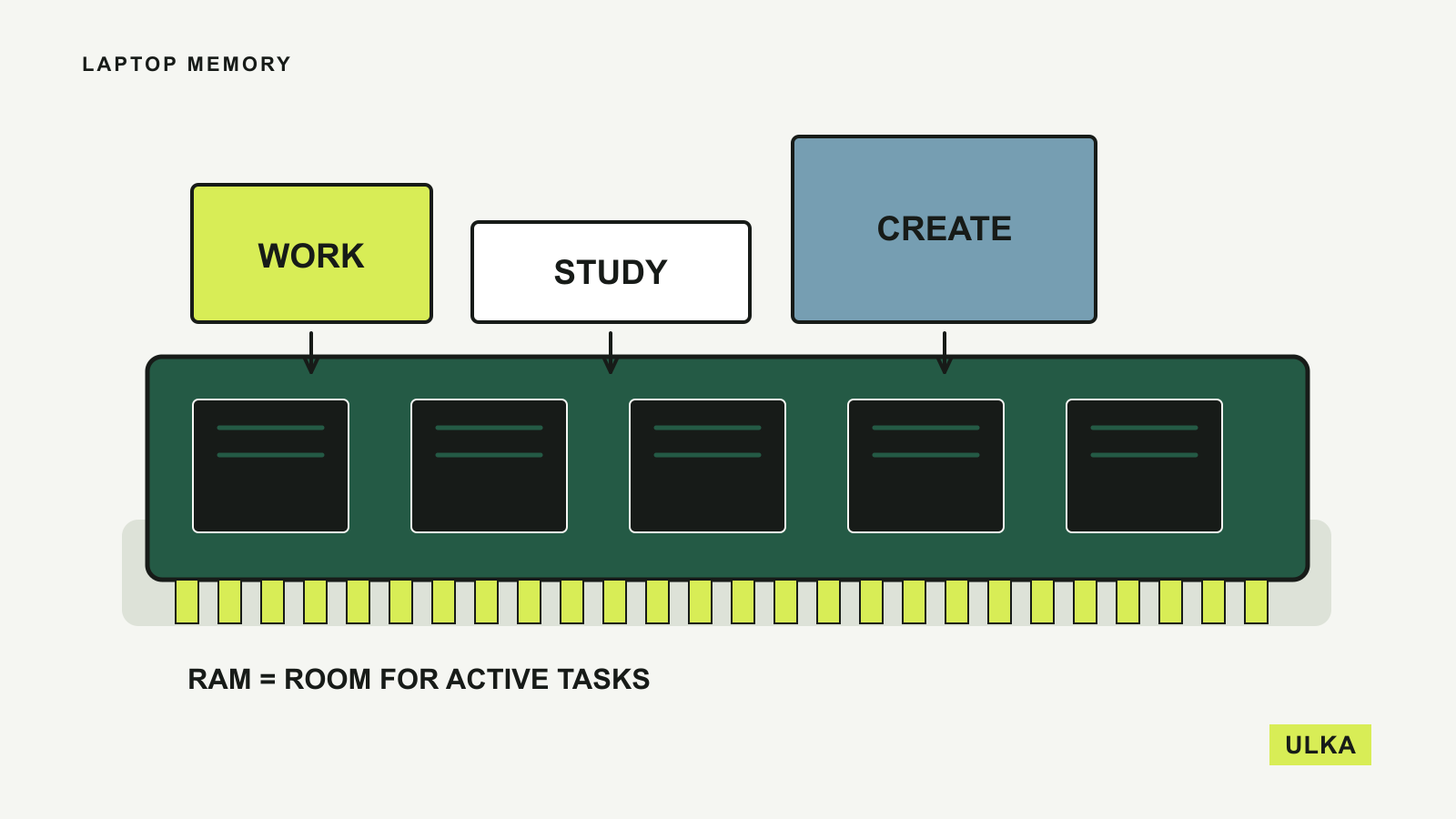
Laptop RAM: how much a new laptop needs
Match laptop memory to your apps, then check whether you can upgrade it later.
-
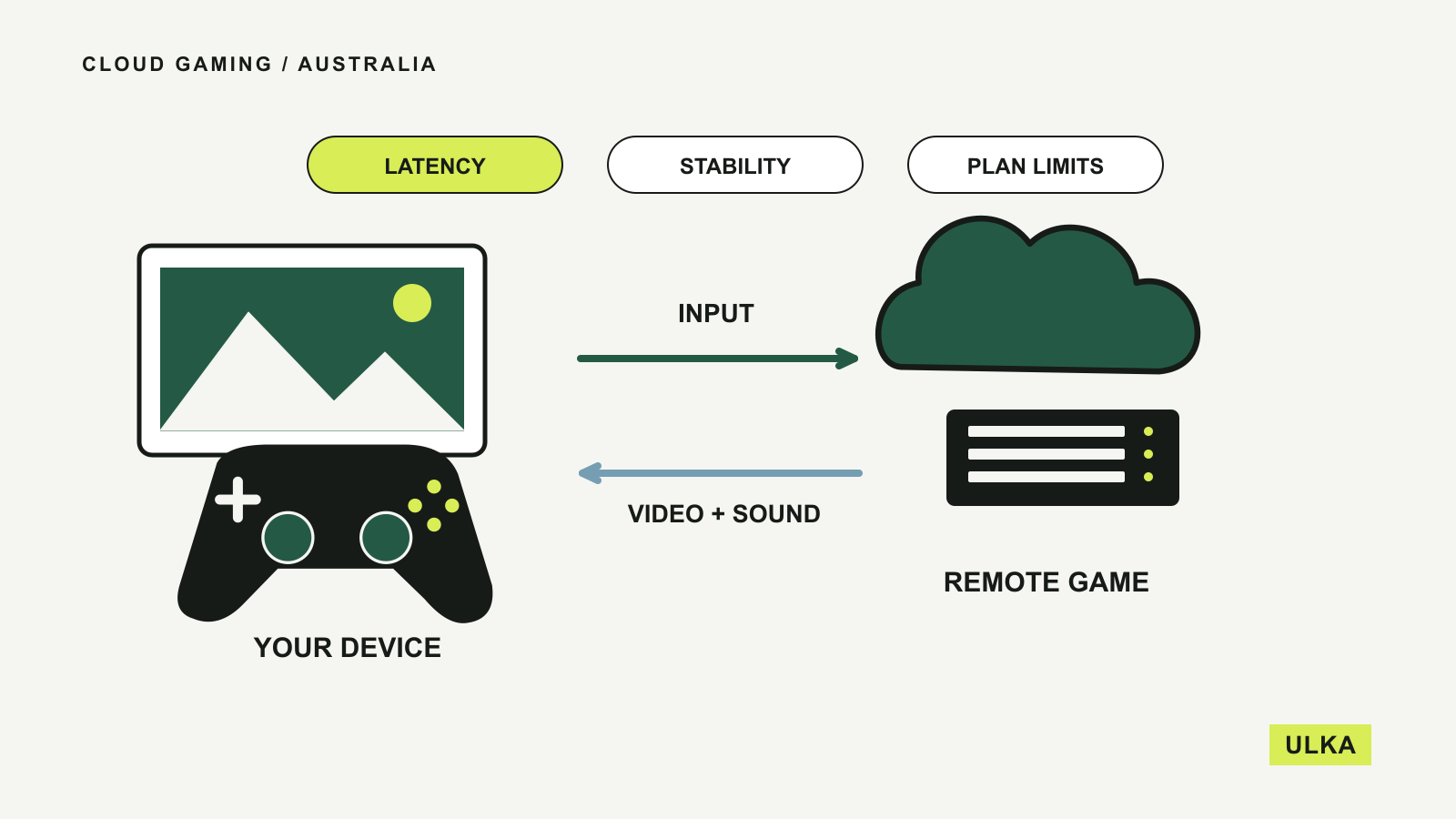
Cloud gaming in Australia: what to check first
Compare game access, local plans and your connection before relying on a streamed gaming setup.
A useful device should fit the software, budget and habits you already have. ULKA’s technology coverage looks at phones, computers and gaming from that starting point. These guides explain the specifications that matter, compatibility checks worth making and the costs that can follow a purchase. Browse Mobile before replacing a phone, Computing when choosing or upgrading a work setup, and Gaming for hardware and services that fit the way you play.
Read about ULKA’s editorial approach or contact the editors.