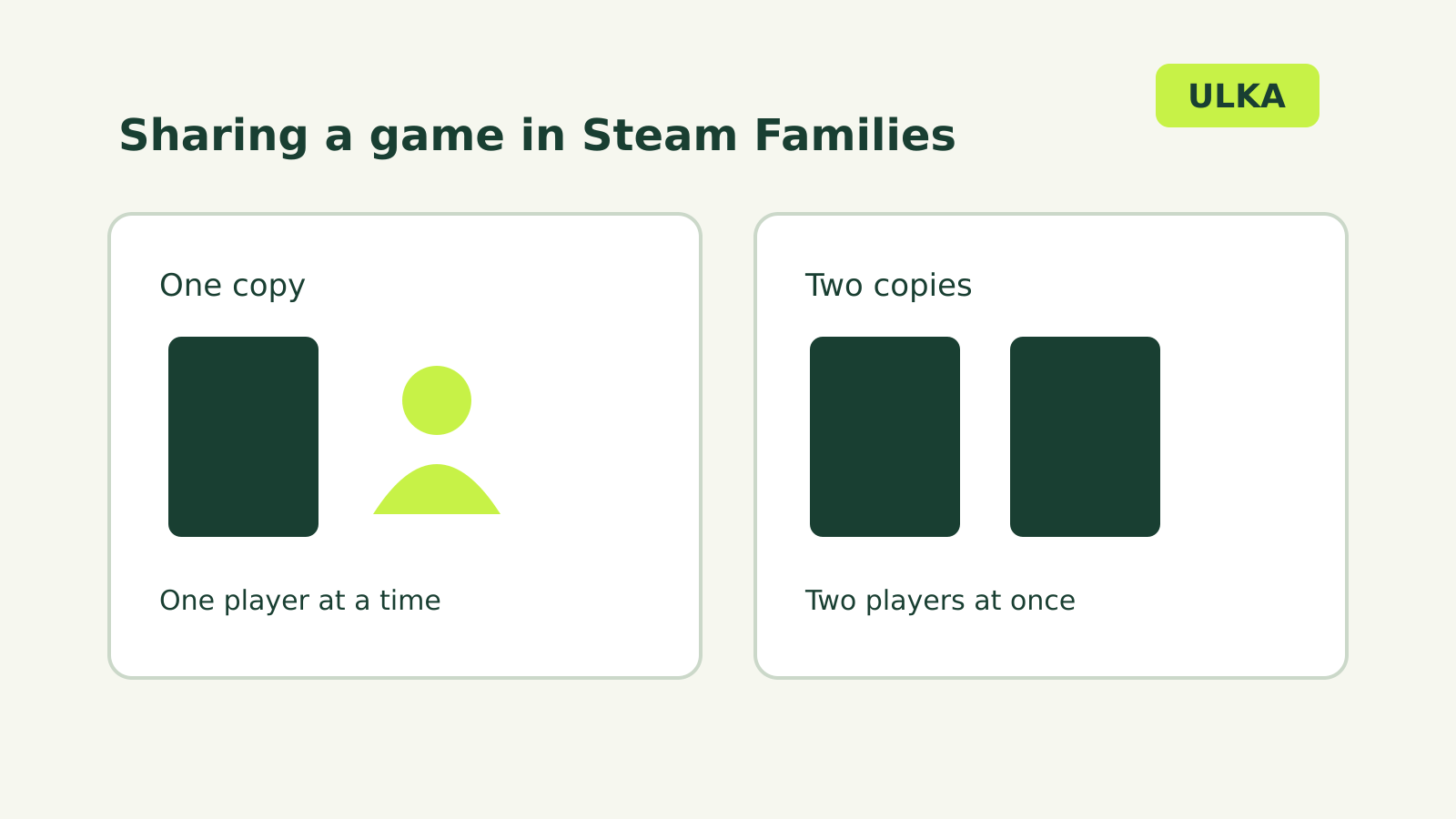
Steam Families lets up to six close family members in a household share eligible games while keeping their own Steam accounts. Different family members can play different games at the same time. To play the same game simultaneously, the family needs enough copies for the people playing it.
That distinction makes the library more flexible than a single shared login. It also means one purchase does not give six people simultaneous access to the same game. Valve explains the rules in its Steam Families guide.
How the shared library works
When you join a Steam Family, eligible games owned by members appear in a family library in your games list. The person who bought a game still owns it. Members use their own accounts, and achievements remain tied to those accounts. Saved-game behaviour depends on the game.
Valve says Steam Families is intended for a household of up to six close family members. It also says the participation requirements may change as it monitors use. You do not need to share your password with another member.
In the Steam client, you can group games by library if you want to see family titles separately from your own. A game may still be unavailable to a particular member because of sharing, regional or platform restrictions.
How many people can play at once?
Imagine the family owns one copy each of Game A and Game B. One person can play Game A while another plays Game B. They do not have to wait for the entire shared library to become free.
Now imagine two people want to play Game A at the same time. If the family owns only one copy, one person must wait or another member must buy a copy. With two copies in the family, two members can play that game simultaneously.
The copy count applies to that game, not to the total number of games owned by the household. Check whether a game supports Family Sharing before relying on this arrangement.
Create a family and invite members
Valve’s setup instructions start in Account Details on the Steam Store page:
- Open Family Management.
- Select Create a Family and enter a family name.
- Choose Invite a Member, then select or search for the person.
- Choose whether the member joins as an adult or a child.
Adults can manage invitations and restrictions. Child accounts are subject to parental controls; an adult can manage game access, Steam features and playtime settings. Choose the role carefully, since the controls and ability to leave differ.
Why a game may not be shareable
Not every title or piece of content is eligible. Valve lists games that require an additional third-party account, key or subscription among the exclusions. Free-to-play games and purchased downloadable content for them are also excluded from sharing.
Regional restrictions, operating-system support and a publisher’s decision to opt out can affect access. A game marked private by its owner is not shared either. If a title is missing, check the game’s eligibility and the accounts’ circumstances before assuming the family setup is broken.
Copies, DLC and saves
When you play another member’s game, Valve says you get that member’s downloadable content if the publisher has marked it shareable. If several family members own the same title, Steam asks which copy to use and remembers the choice.
If your usual copy is occupied, Steam looks for another available copy with identical DLC. If the available copy has different DLC, Steam can ask whether you want to switch. Valve warns that saved games may or may not work with a different DLC set, so do not assume a save will transfer cleanly between those copies.
A shared game can be played offline when the game supports Family Sharing. Individual game requirements still matter.
Leaving a Steam Family
Adults can leave, but Valve says they must wait one year from joining their previous family before creating or joining another. A family slot also has a one-year cooldown before a new member can occupy it. The wait is measured from joining, not necessarily from the day the adult leaves.
There is an exception for returning to the last family: Valve says you can rejoin it without waiting if it has fewer than six members. A child cannot leave on their own; an adult family member or Steam Support must remove the child.
Valve also warns that cheating or fraud by someone playing a shared game can affect the owner’s Family Sharing privileges and lead to a VAC ban. Invite trusted household members and keep account credentials private.