
AI Explorer
Understand AI agents, tools and the decisions that remain yours.
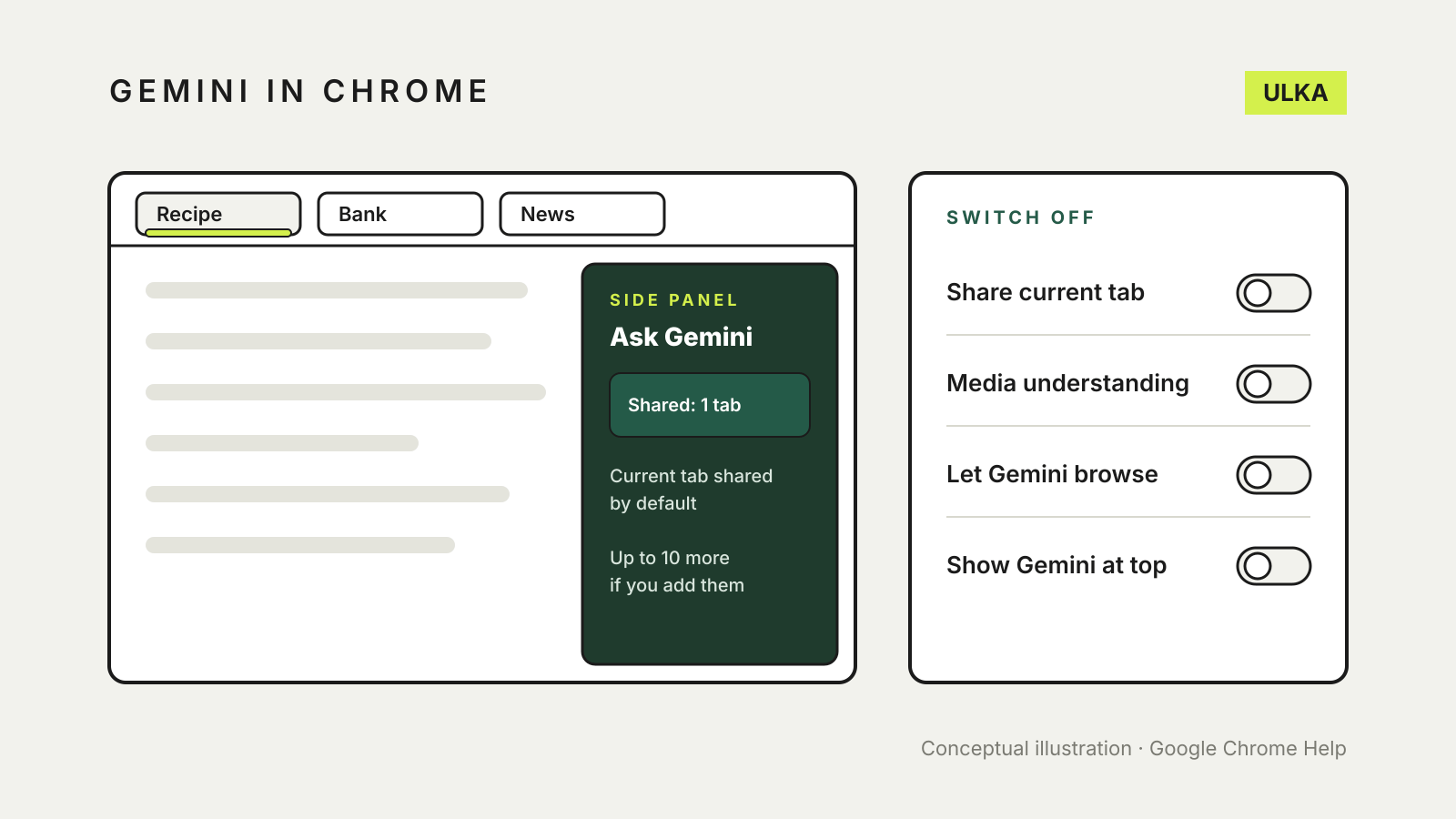
Gemini in Chrome: what it can see and how to turn it off
What Gemini in Chrome reads from your tabs, where it is stored, and the settings that switch it off on a computer.
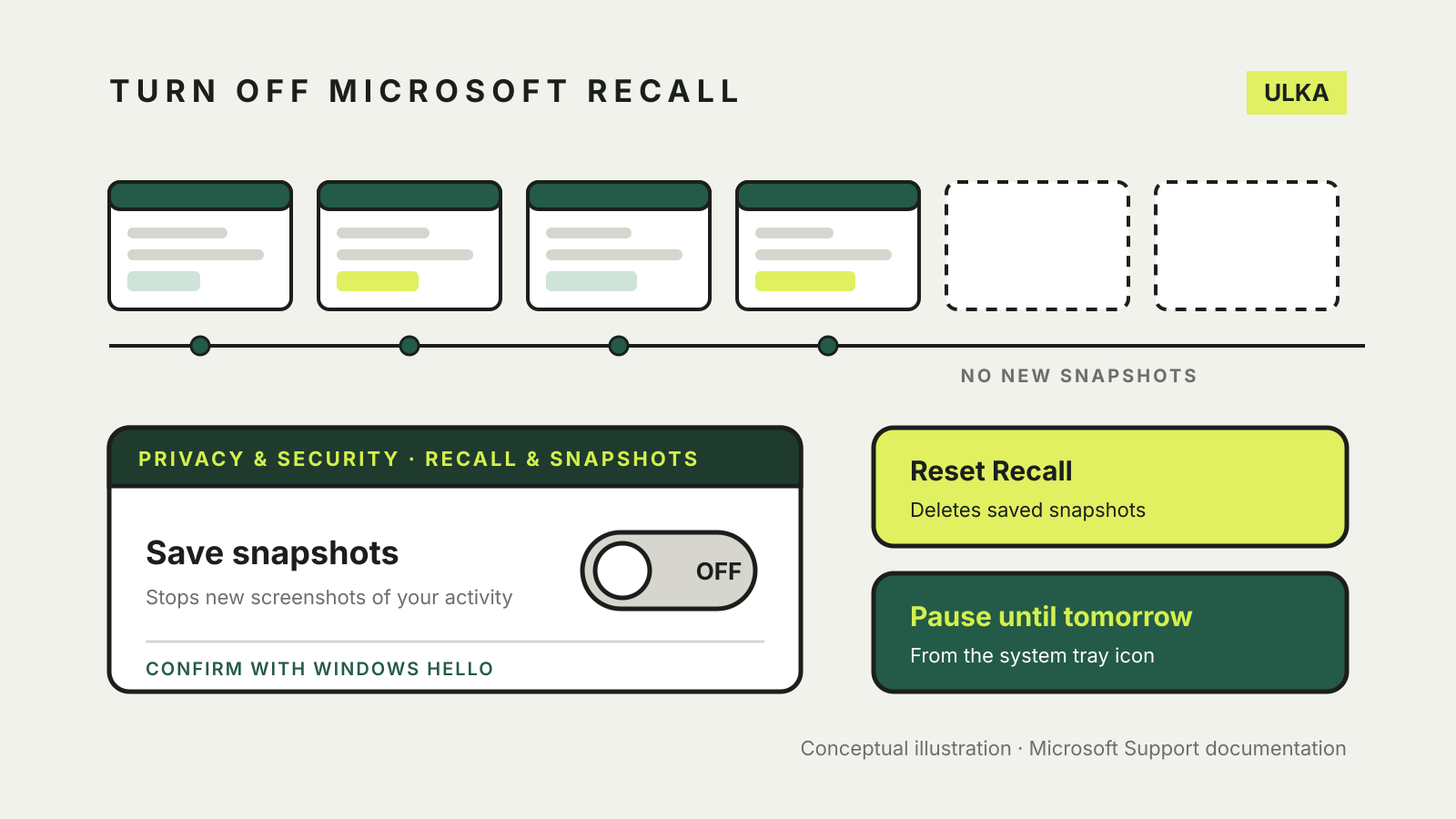
How to turn off Microsoft Recall and what its snapshots save
Switch off Save snapshots, then reset to delete what Recall stored. What it saves and how to filter it.
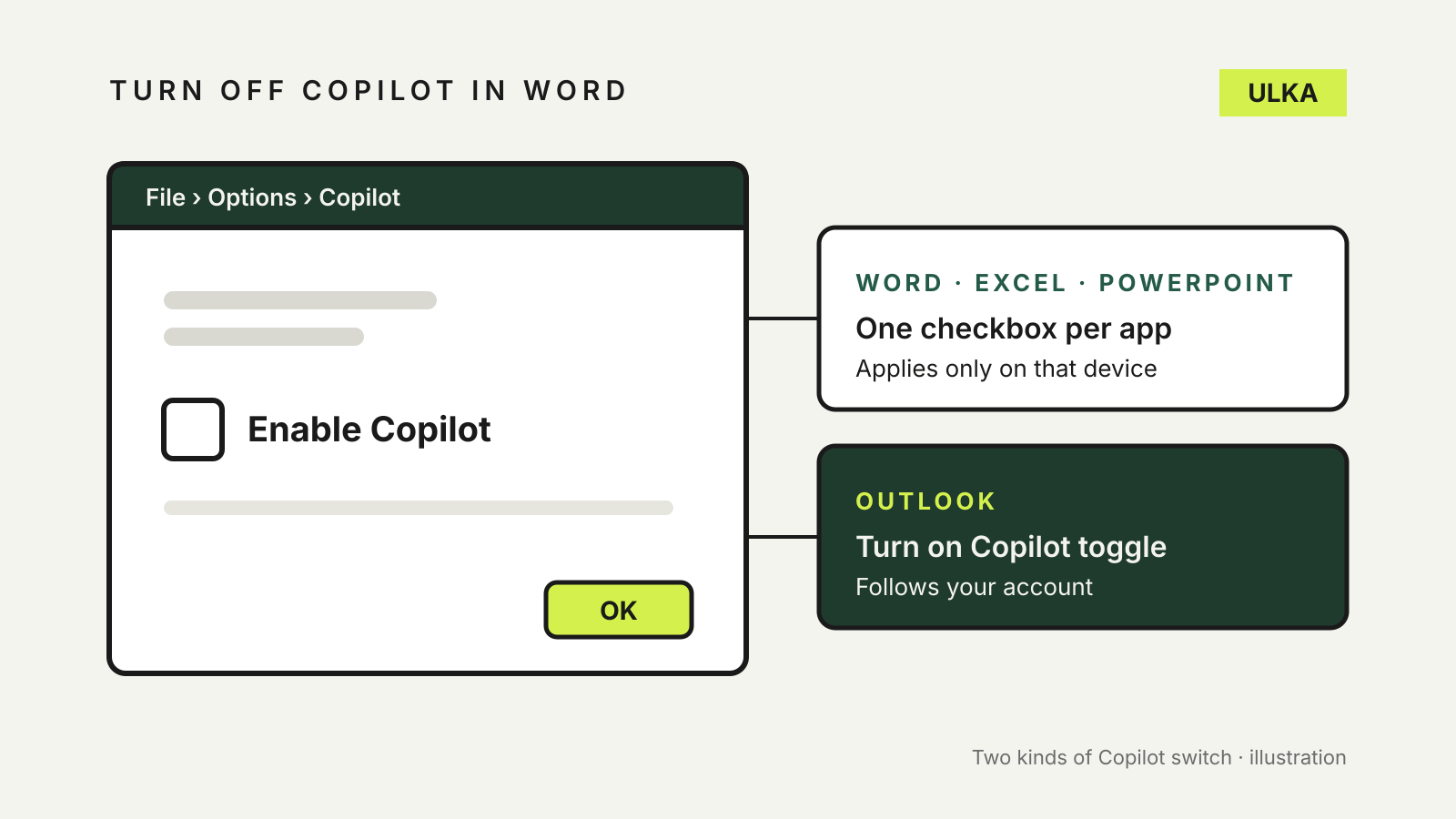
How to turn off Copilot in Word, Excel, PowerPoint and Outlook
Word, Excel and PowerPoint each have their own Copilot checkbox, and Outlook has a different switch. Here is where.
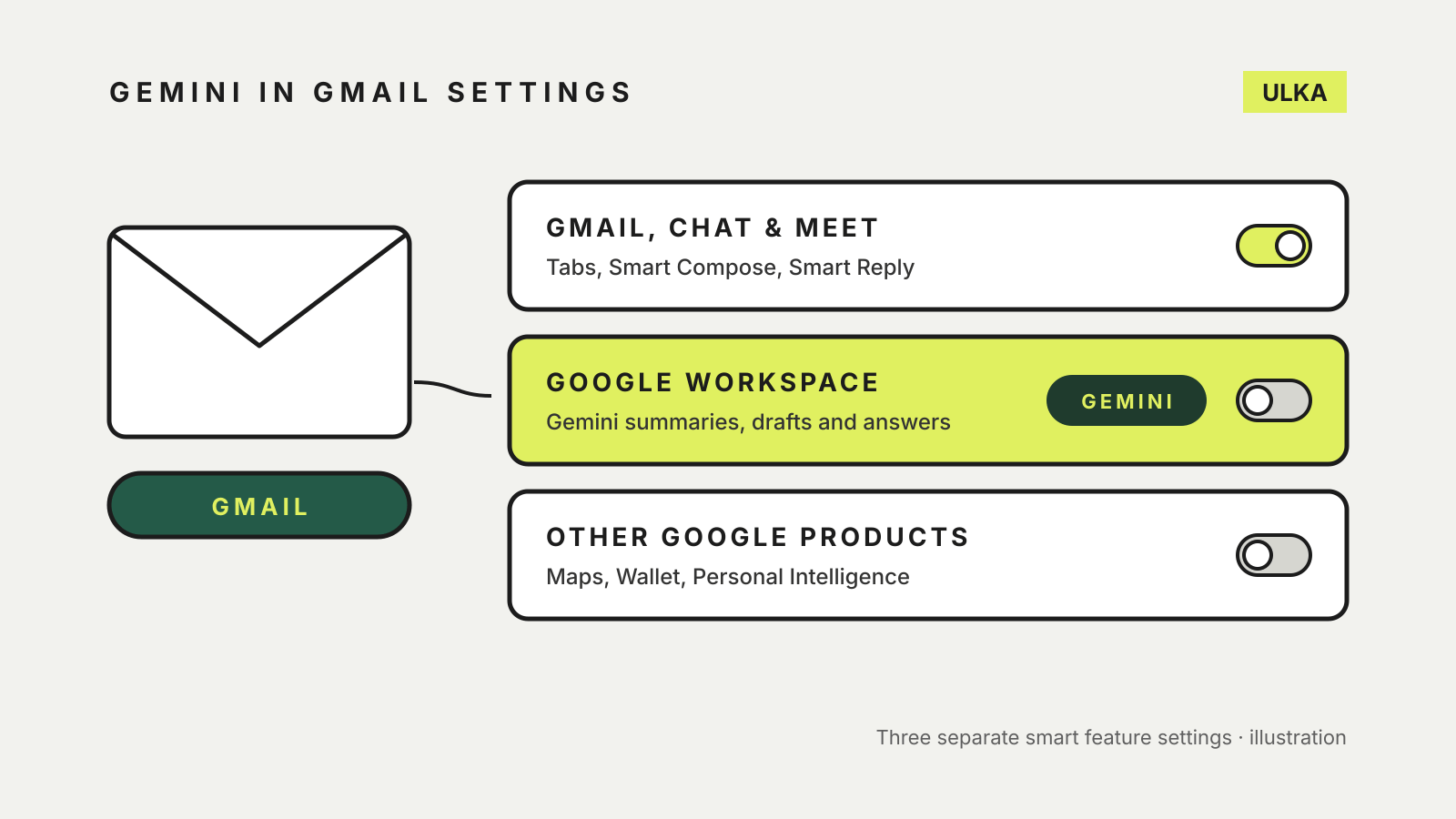
How to turn off Gemini in Gmail and Google Workspace
Gemini in Gmail sits behind Google's smart feature settings. Here is which one to switch off and what else it changes.
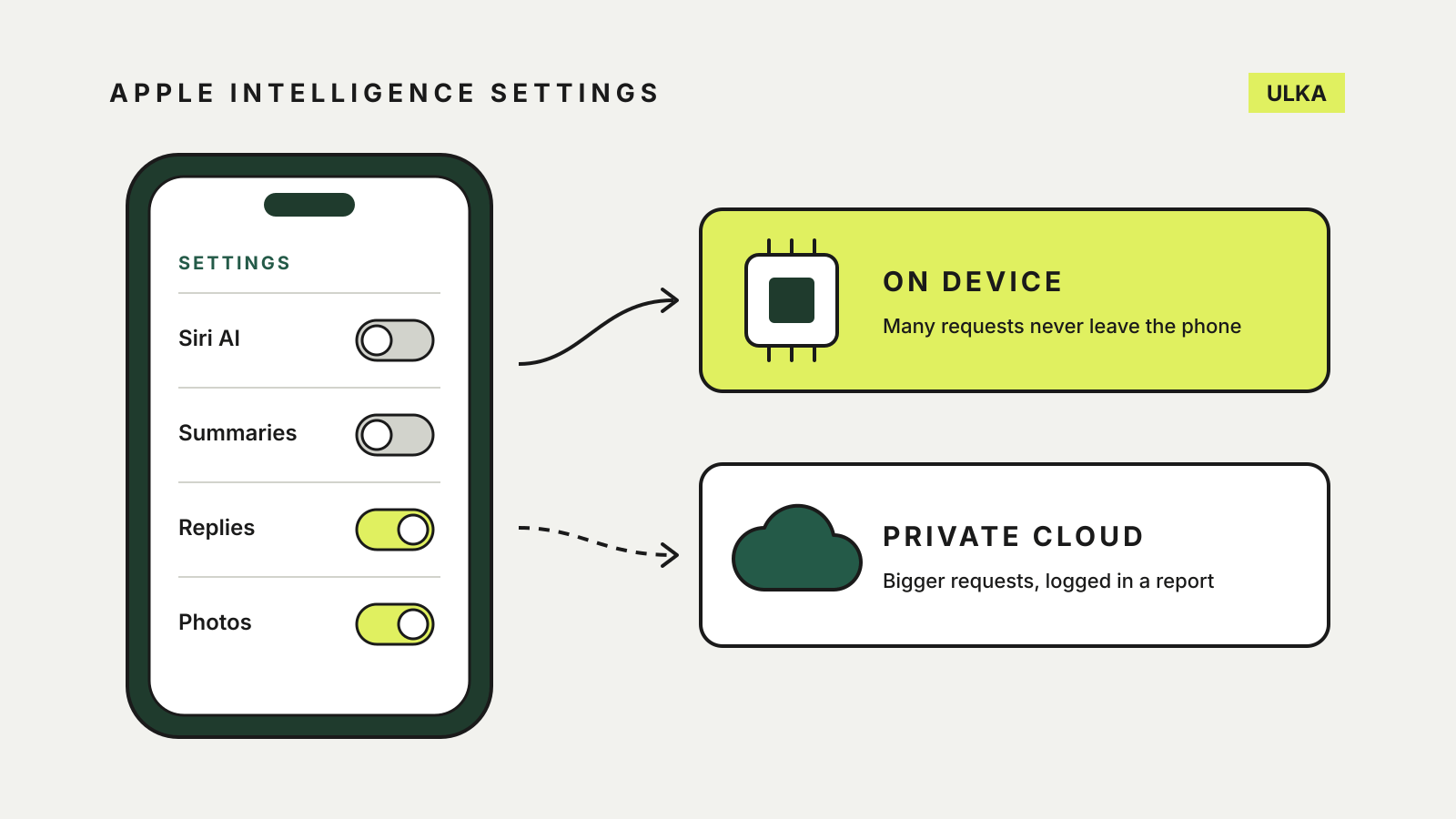
How to turn off Apple Intelligence on iPhone, feature by feature
Switch off Siri AI, summaries and smart replies one by one, and see what your iPhone sends to the cloud.
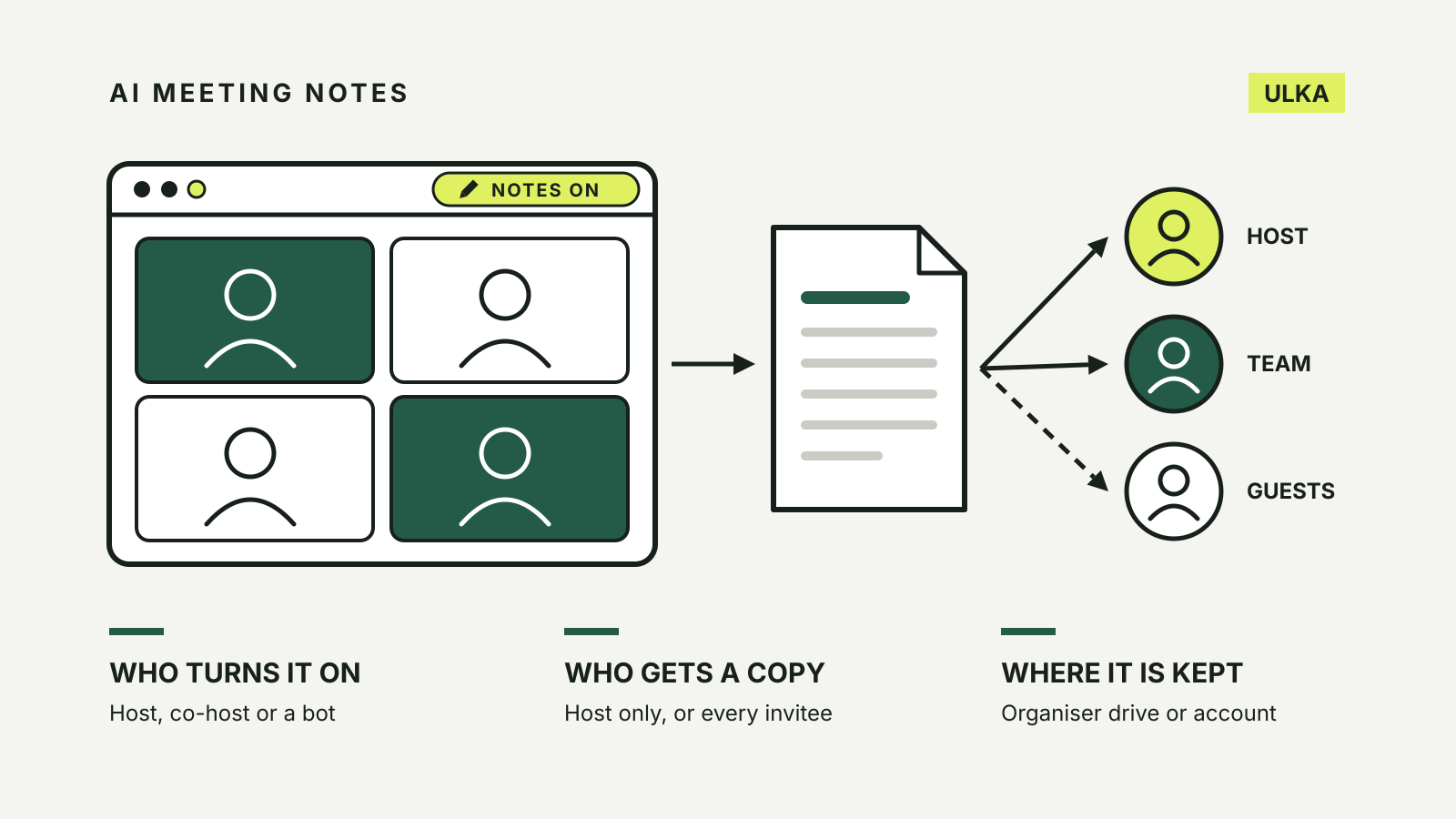
AI meeting notes privacy: consent, storage and settings
Who can switch on AI notes in Zoom, Meet, Teams and Otter, who gets a copy and where the notes are kept.
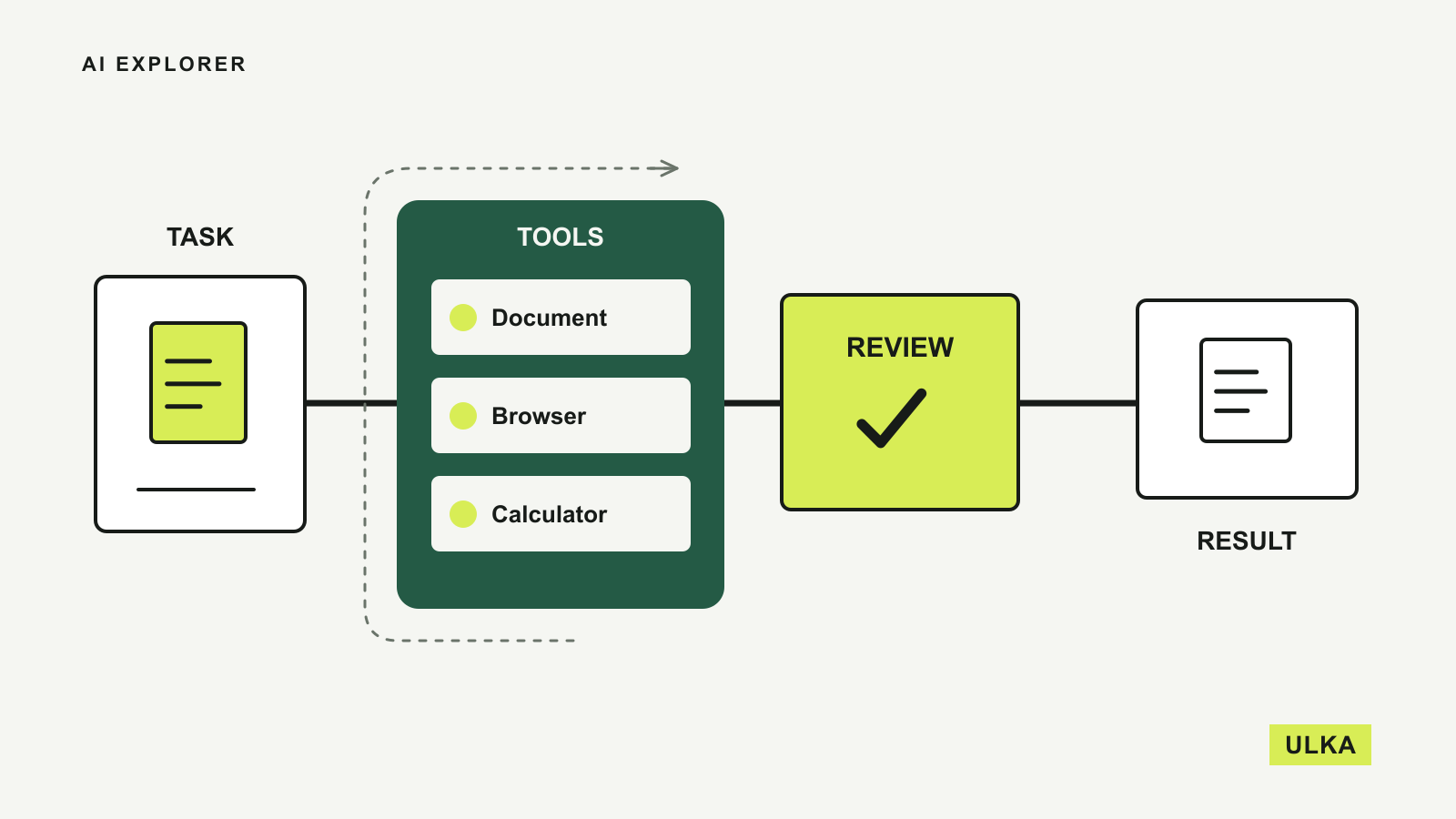
AI agents: what they do and where to start
Give an AI agent a useful first task, clear limits and a result you can check.

1Password lets Claude use approved logins without seeing passwords
1Password's Claude integration lets approved tasks use credentials without putting the secret into the model's context.

Local AI: follow the data before trusting the label
A practical guide to on-device models, memory, offline setup and the cloud steps that can remain.
Google expands Antigravity and adds managed Gemini agents
Google I/O brings Antigravity updates, managed Gemini agents and more developer tools.
AI Explorer explains how assistants and agents fit into real tasks. We look at instructions, information access, permissions and the points where a person needs to check an answer or approve an action. The aim is to help you make useful decisions without assuming every new feature is reliable for every job. Start with our guide to agents, then compare the tools that support the kind of work you have in mind.
Read about ULKA’s editorial approach or contact the editors.