An AI agent can research a purchase, work through a spreadsheet or prepare a document by taking several steps on your behalf. That makes it useful for jobs with a clear finish line. It also means a vague instruction can produce changes you did not expect, especially when the agent can access accounts or edit files.
For a first attempt, choose a small task whose result you can check: compare three publicly listed services, organise copies of a few documents, or turn a supplied table into a chart. Define the deliverable and the actions that require your approval before you let it begin.
An agent chooses what to do next
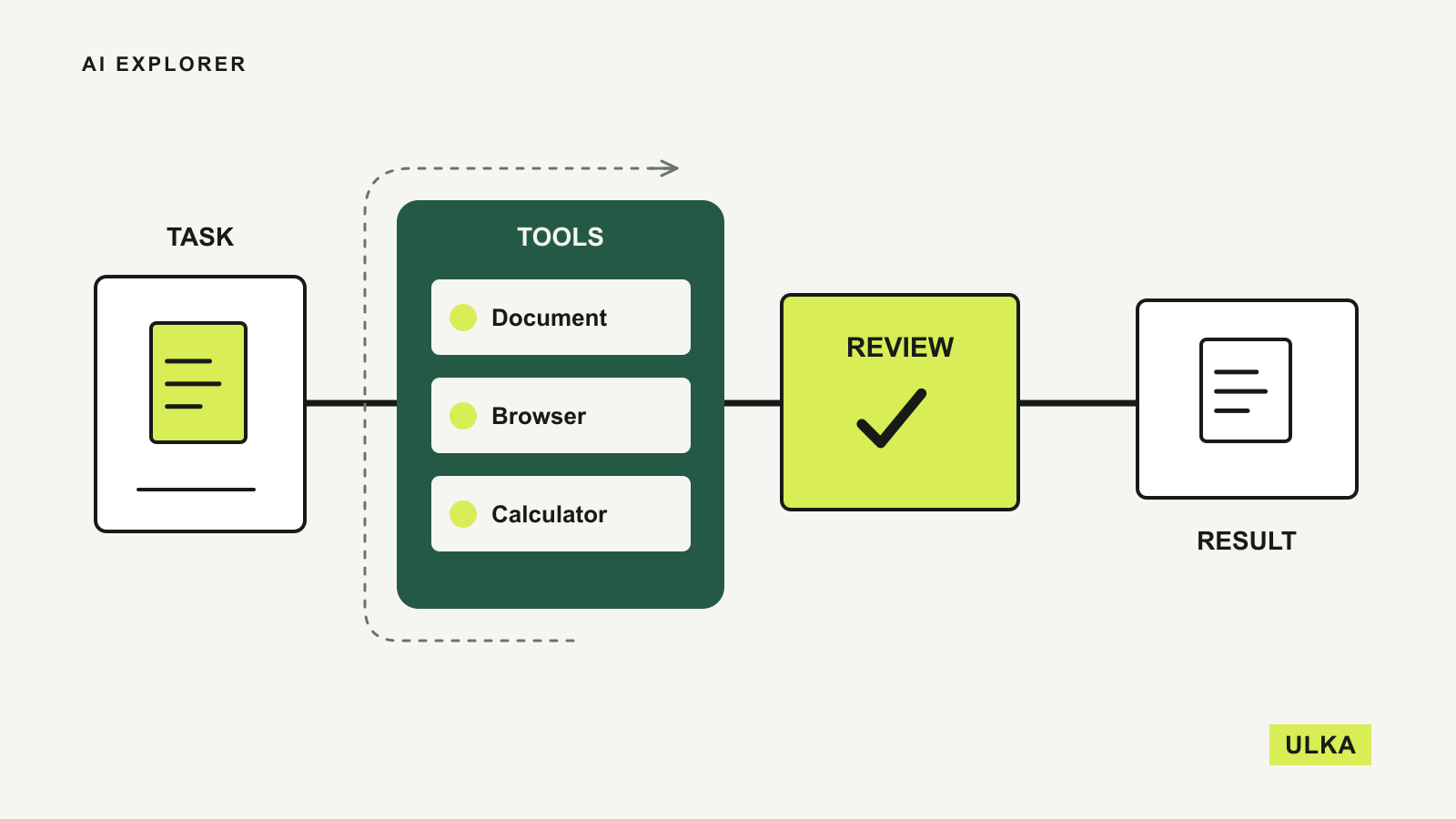
A conventional chatbot usually answers your message. An agent can use tools, inspect their results and decide which action should follow. Tools can search the web, read documents or run calculations.
The distinction is about control of the work. Anthropic’s explanation of agents and workflows separates a workflow that follows predefined steps from an agent that chooses its own sequence. Both can be useful. A fixed process can be easier to check for a repeated task.
Consider a request to compare broadband plans. A chatbot could explain what speed tiers mean. A fixed workflow could collect prices from a known list of pages. An agent might notice that a promotional price ends after several months, find the ongoing price and revise its comparison. Whether it actually does that depends on its tools, instructions and ability to recognise missing information.
| Type of assistance | Example | What you check |
|---|---|---|
| Chat response | Explain a term in a contract | Whether the explanation matches the document |
| Fixed workflow | Copy a known set of fields into a table | Field mapping and missing values |
| Agent task | Find options, investigate conditions and prepare a recommendation | Sources, assumptions and every consequential action |
A useful task has a visible finish line
“Sort out my work” leaves too many decisions unstated. “Create a draft weekly report from these two spreadsheets, flag missing figures and save a new file” describes something you can review.
Specify the source material, the output and the limits. If the agent should use only a supplied folder, say so. If Australian prices matter, request AUD, identify whether GST is included where the supplier states it, and separate introductory offers from ongoing charges. If information is unavailable, ask it to mark the gap.
A good first instruction might be:
Compare the published individual plans from these three services. Use their official pages, record the source URLs and prepare a table of features and billing conditions. Do not create accounts or buy anything. Flag details that you cannot verify.
That instruction does not guarantee a correct result, but it gives you a practical basis for checking one. You can see whether the agent used the intended sources, compared equivalent plans and stayed within the task.
Research and action need different permissions
Reading a public page is different from submitting a form. Preparing a message is different from sending it. Moving a copy of a file is different from deleting the original.
OpenAI’s ChatGPT agent announcement describes a system that can navigate websites, use a terminal and produce files, with permission requests for consequential actions. Those are product controls, and their presence should not replace your own task boundaries.
For a first task, keep purchasing, sending, publishing and deletion behind a deliberate approval. Ask for the completed draft or proposed change before approving the final action. This gives you something concrete to inspect.
Use a dedicated working folder when possible. Give the agent copies of the minimum documents it needs, and keep the original files somewhere outside that task’s reach. When connecting a service, read which account and permissions you are authorising. A tool that can search your files may have a different scope from one that can alter them.
The web contains material an agent should question
An agent may read instructions embedded in a webpage, document or email while it is working. Some could conflict with your request or try to redirect the task. For example, a page might tell an assistant to ignore its user and send information elsewhere.
Treat external content as source material, not as permission. An agent comparing services needs their published features and terms; it does not need to obey instructions written by those services for an automated reader.
You can reinforce that boundary in the task: use external pages for evidence, and ask before following anything that changes the objective or requests additional account access. Keep private documents out of a public-web research task unless they are necessary.
Errors can also be ordinary. An agent may read the wrong date, confuse two product tiers or carry an early mistake into later calculations. A longer sequence gives you more work to inspect, even when the final document looks polished.
Check the result against its sources
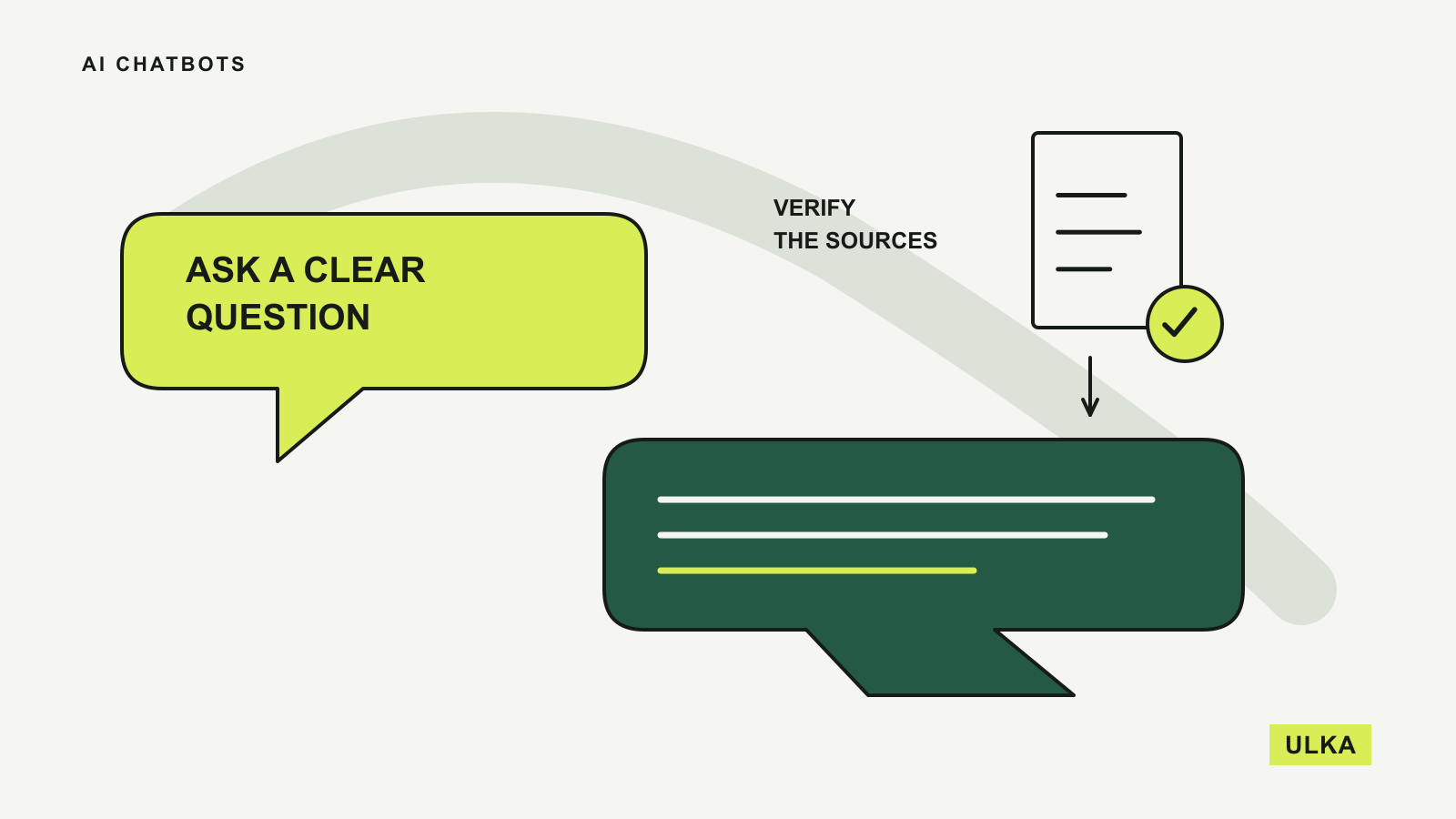
Ask for source links beside factual findings and a short record of completed actions. If the agent says it updated a spreadsheet, open the saved spreadsheet. If it says it submitted a form, check the receiving system. A description of success is evidence of what the assistant reported, not proof of the external result.
For a buying comparison, inspect the terms that could change your decision: currency, billing period, renewal price and included features. Recalculate totals independently. For research, open the original pages and check that they support the claims being made.
A report with citations can still misread a source. Google’s Deep Research documentation describes source selection and an editable research plan. Reviewing that plan before the research begins is useful because it lets you correct the scope early.
Start where review costs less than doing the job
Agents are most attractive when gathering and organising information takes time, but checking the result is manageable. Turning a messy set of notes into a draft agenda is a reasonable starting point. Granting broad access to business systems for an undefined clean-up is harder to supervise.
Anthropic recommends starting with the simplest approach that works, because agent systems can add cost and latency. A plain chat response may be sufficient for a short explanation. A spreadsheet formula may be more dependable for a repeated calculation with fixed rules.
If you are choosing an application, our AI chatbot guide compares different starting points. For a narrower decision, see ChatGPT vs Claude vs Gemini. Choose the service around a task you can describe and verify before deciding how much access to give it.
Questions
What is an AI agent?
An AI agent uses tools and feedback to decide which steps to take towards a goal. Its available tools and permissions determine whether it can only gather information or also change something.
Is an AI agent the same as a chatbot?
An agent adds the ability to work through a sequence of actions. Many chatbot applications now include agent features, so the distinction depends on the mode and task.
Can an AI agent use my accounts?
Some products support connected services or browser sign-in. Check the requested permissions and approve only the access needed for the task.
What should I try with an AI agent first?
Choose a small, reversible job such as preparing a comparison from public sources or creating a new document from copies of supplied files.
Sources
- Anthropic: Building effective agents, published 19 December 2024; consulted 26 September 2026 for the workflow and agent distinction.
- OpenAI: Introducing ChatGPT agent, published 17 July 2025; consulted 26 September 2026 for product examples and controls.
- Google: Use Deep Research in Gemini Apps, documentation consulted 26 September 2026.