
Computing
Understand computers, memory, displays and useful upgrades.
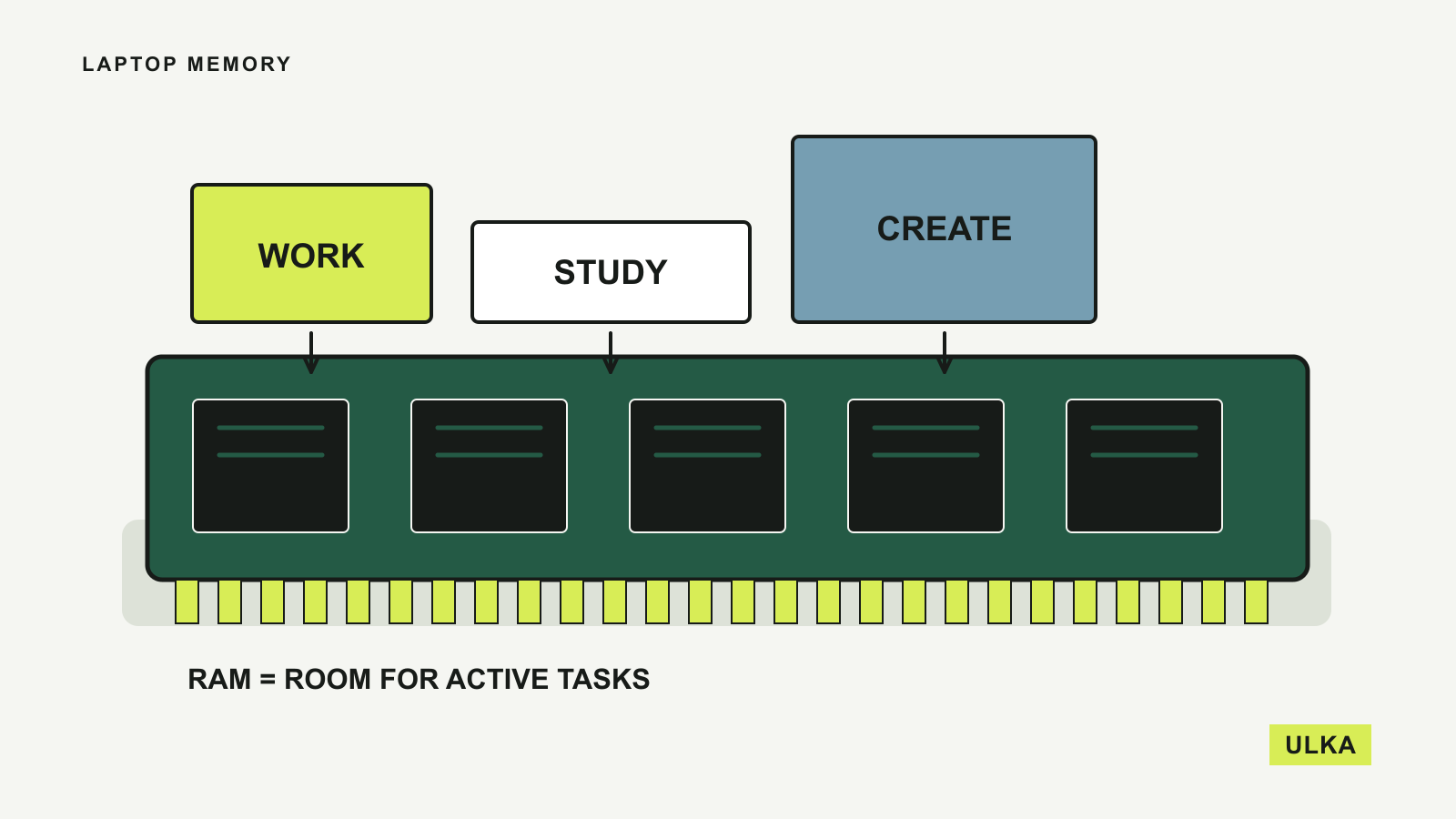
A computer should be chosen for the applications it needs to run. ULKA’s Computing guides explain memory, storage, displays, ports and compatibility in terms of everyday work and study. We look at where an upgrade helps and where another specification is unlikely to change the experience. Use the guides to prepare a shortlist and check the exact configuration before buying: a familiar model name can cover several very different machines.
Start with the applications you rely on, then check their requirements against the specific laptop configuration you are considering.
Read about ULKA’s editorial approach or contact the editors.