
Best Password Managers
Compare password managers, sharing and recovery options.
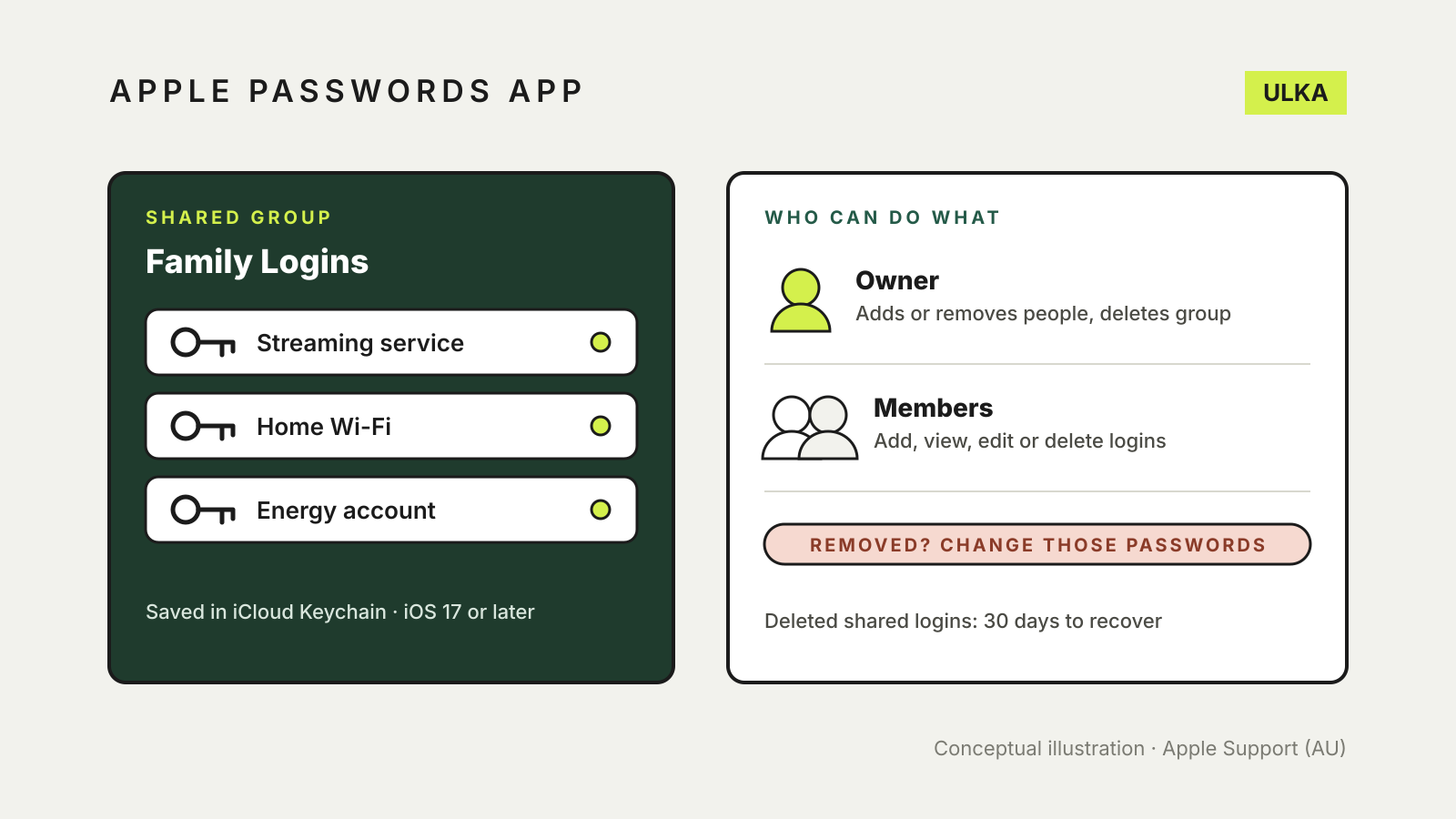
Apple Passwords app shared group: set up and share with family
Share logins with family in the Apple Passwords app: who can join, what members can change and what to do after.
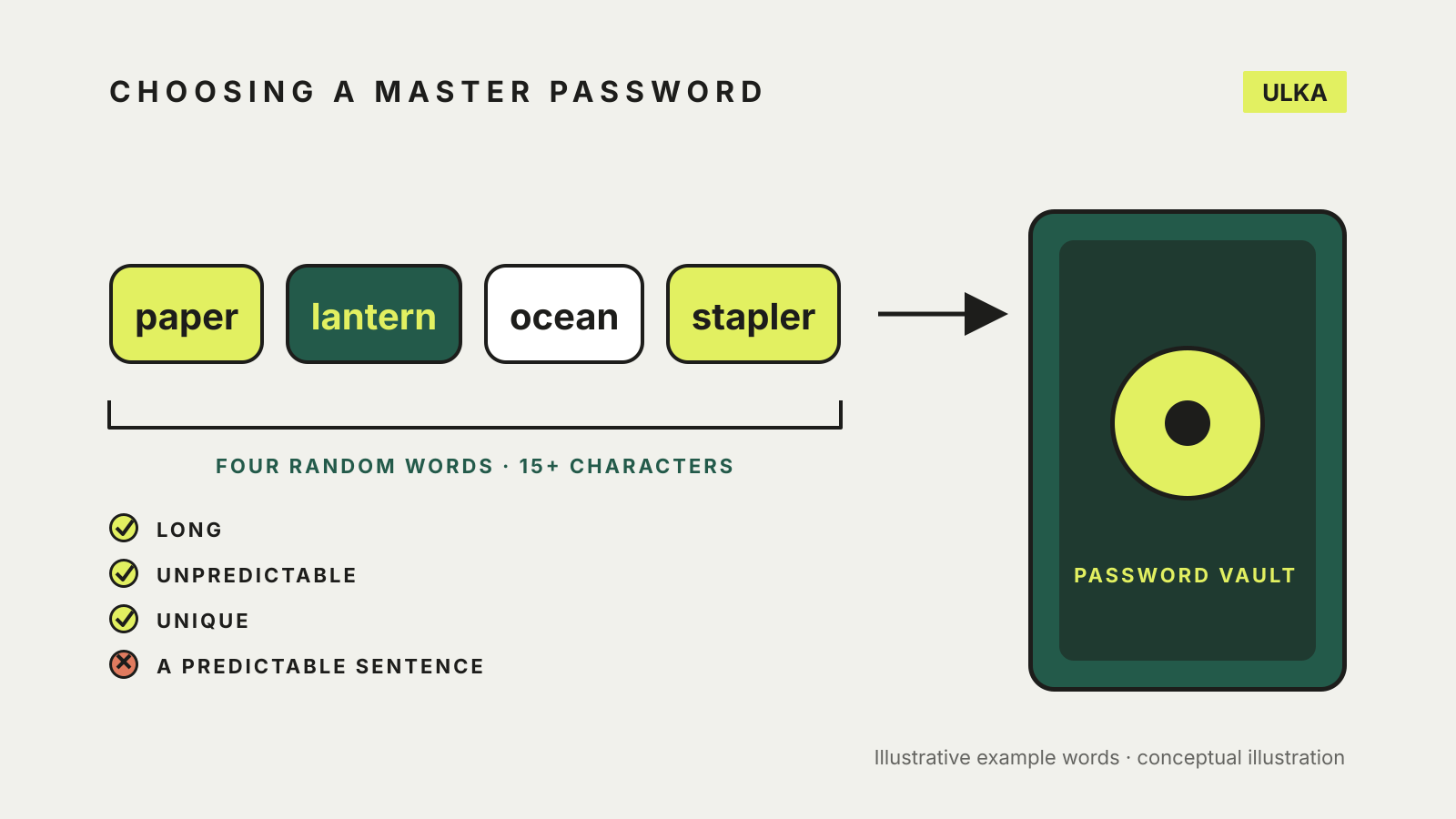
How to choose a master password for your password manager
Use a passphrase of four or more random words. How to build one, check it and plan for forgetting it.
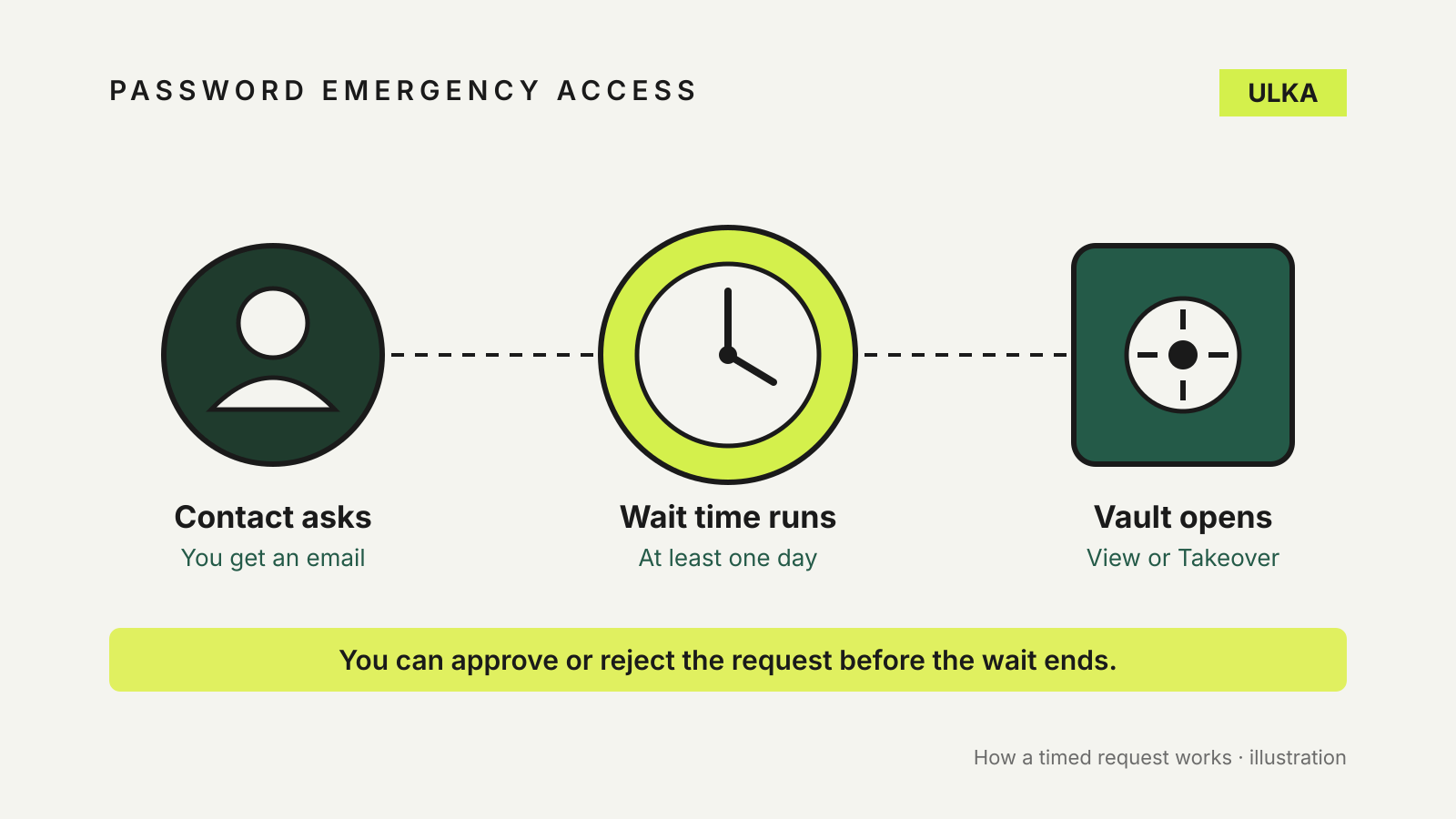
Password manager emergency access: let someone in when you can't
Bitwarden, 1Password and Apple handle emergency access very differently. Here is how to set up each one.
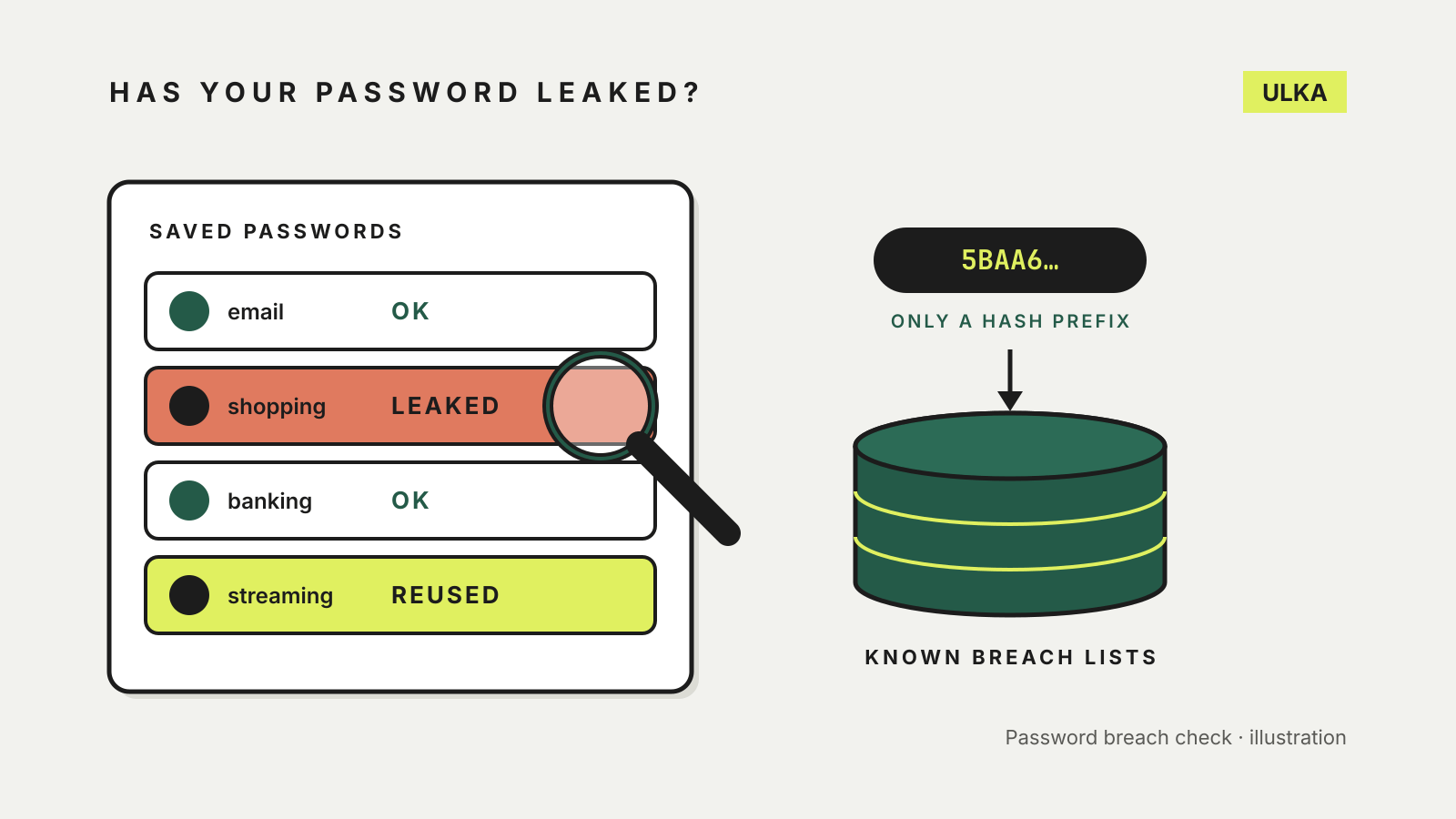
How to check if your password has been leaked, and what to do next
Your password manager can already check for leaked passwords. Where to look, how it stays private and what to change.
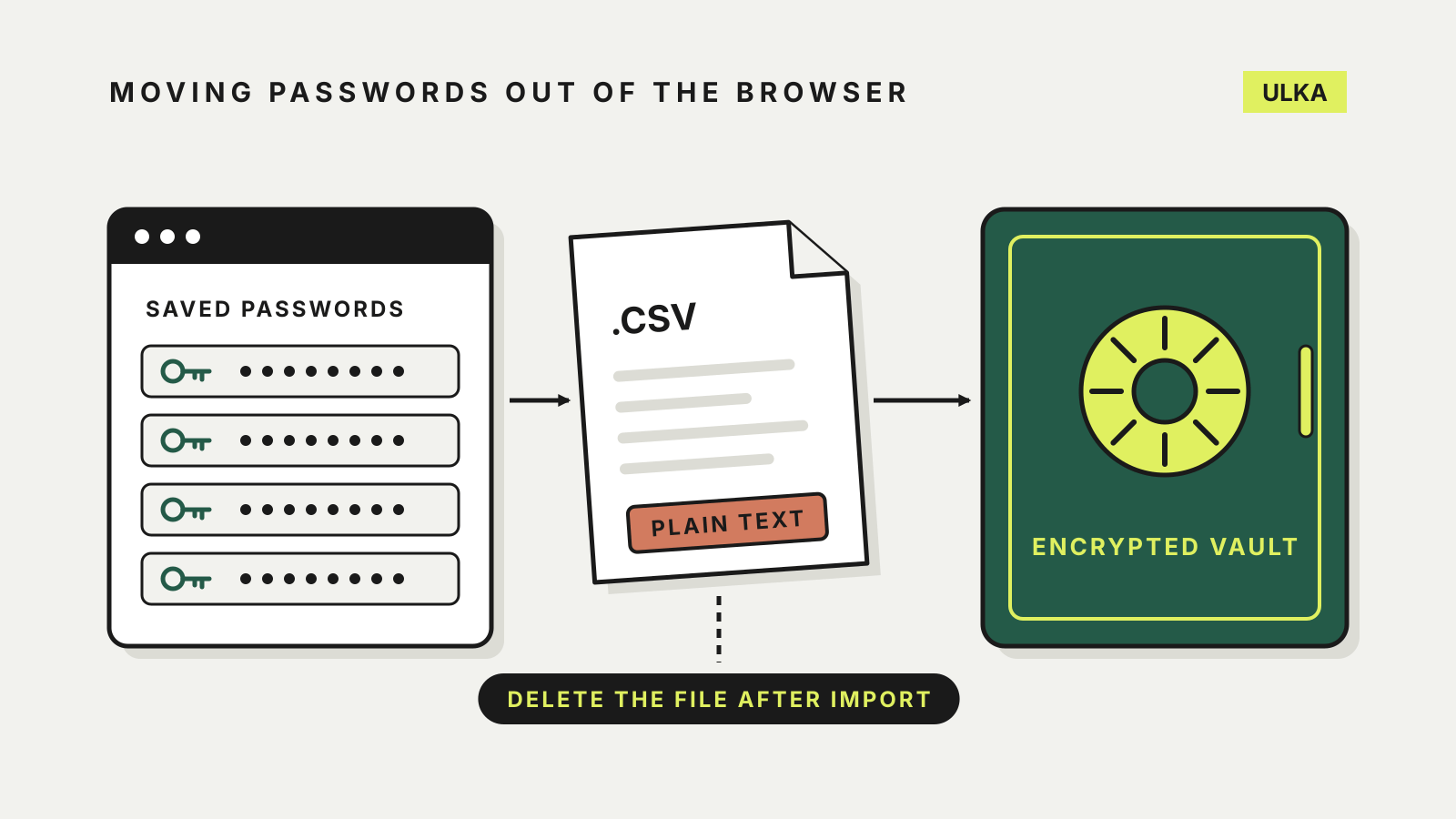
How to import passwords from Chrome into a password manager
Export, import, then delete the plain-text file: how to move Chrome passwords into a password manager safely.
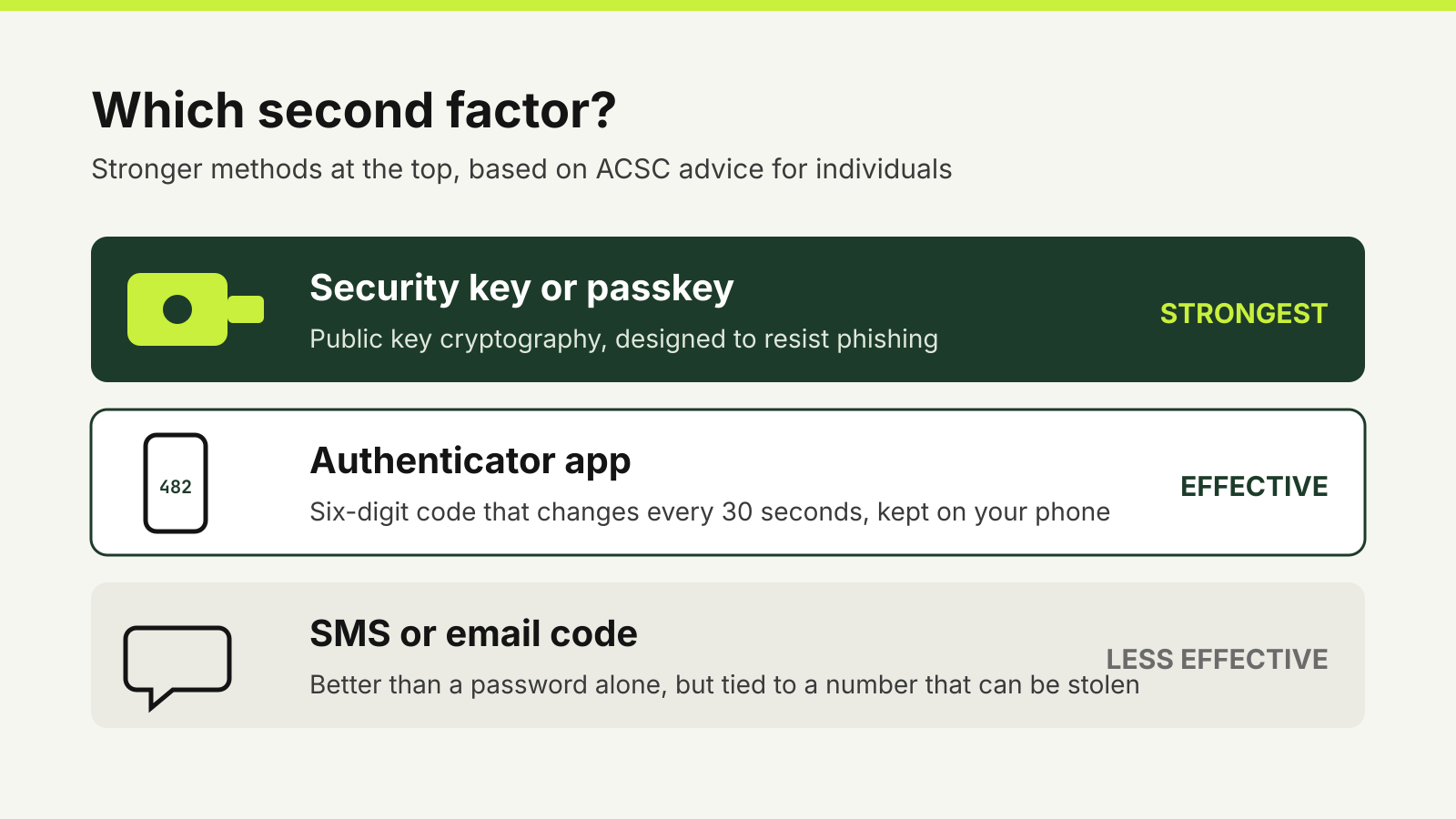
Authenticator app or SMS code: which second factor to use
Why an authenticator app beats an SMS code, where security keys fit, and how to switch without locking yourself out.
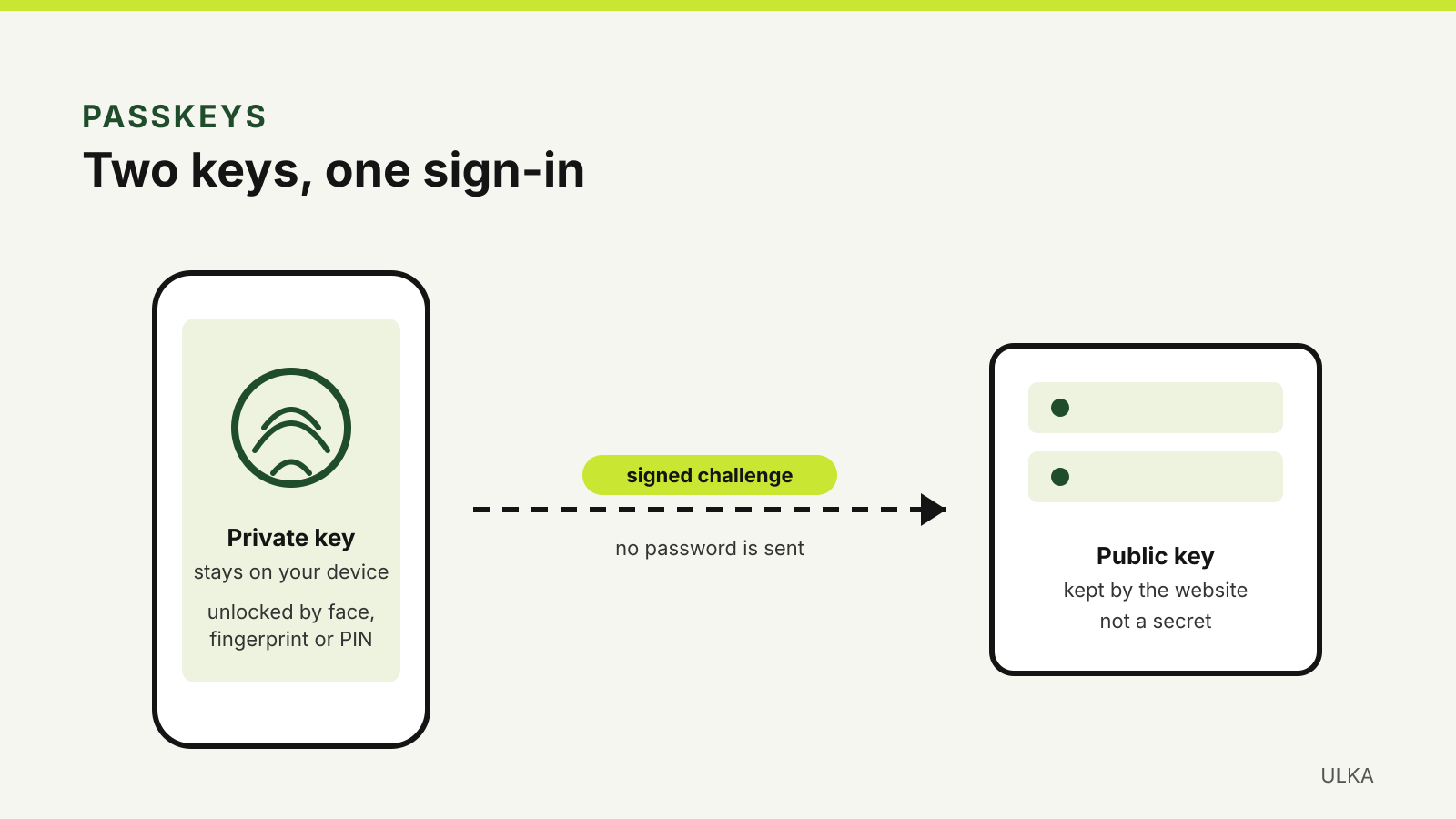
How to set up passkeys on Google, Apple, Microsoft and myGov
Set up passkeys on your key accounts, choose where they are stored and keep a way back in.
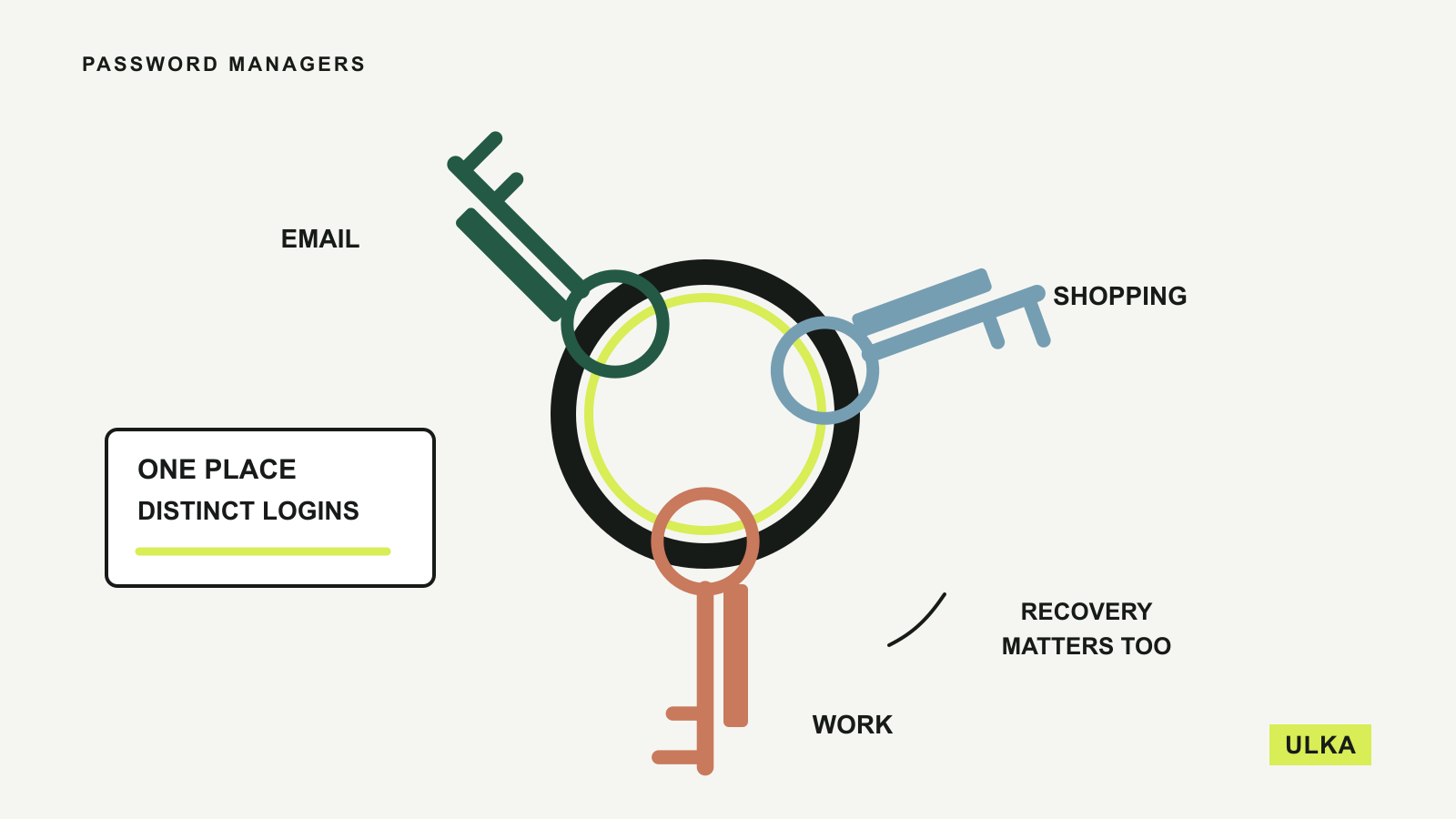
Best password managers for your everyday accounts
Compare four password managers by free features, device access, family sharing and recovery options.
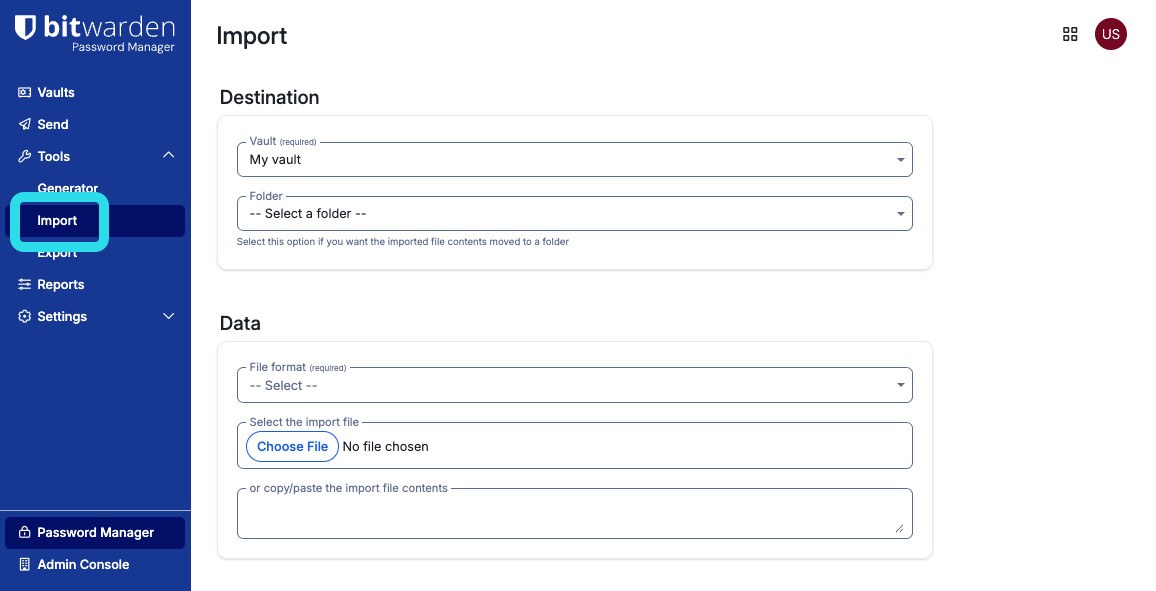
Bitwarden adds Keeper imports and Send controls
August’s business update improves migration and sharing oversight, with an interface beta still ahead.
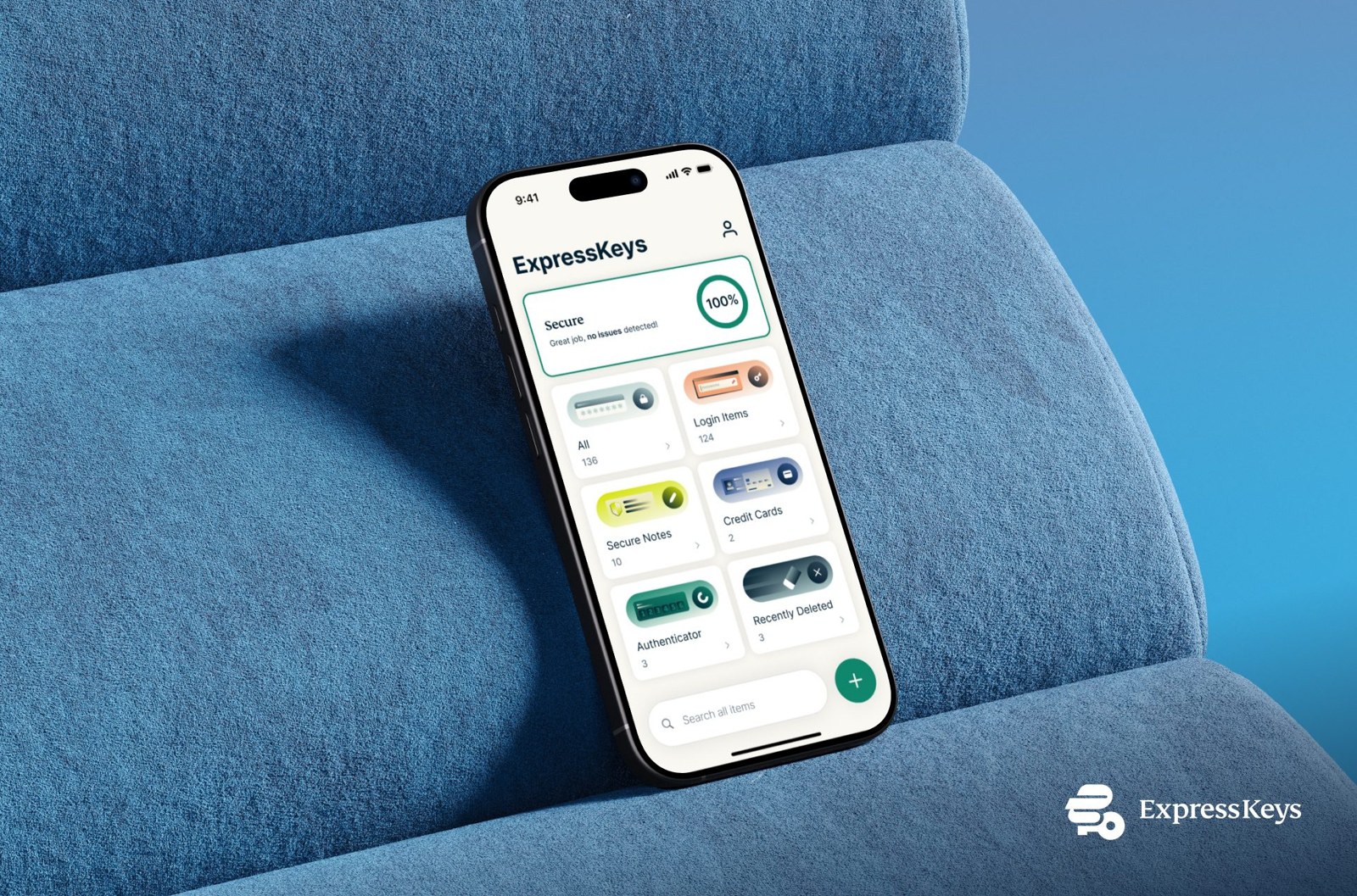
ExpressKeys adds passkeys, sharing and deleted-item recovery
ExpressKeys adds passkeys, secure sharing and recovery for deleted items.
Bitwarden adds Fill assist for difficult login forms
Bitwarden Fill assist fixes autofill on mapped sites. Where to turn it on, how the list updates and what it overrides.
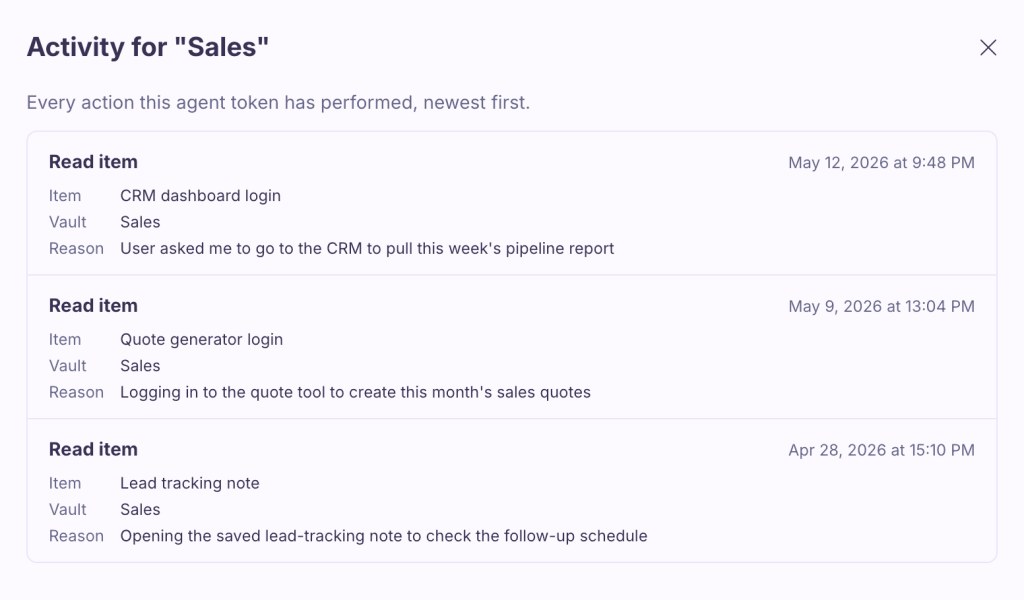
Proton Pass adds expiring access tokens for AI agents
Proton Pass adds scoped, expiring access tokens for AI agents.
A password manager should make unique passwords and account recovery easier to manage. ULKA compares personal and family options, device support, sharing controls and practical ways to move existing records. We also explain how passkeys change some logins without removing every password from your life. Consider the recovery arrangements before choosing a service, especially when family members depend on shared access.
Consider who must recover an account if a device is lost, and check sharing permissions before inviting other people.
Read about ULKA’s editorial approach or contact the editors.