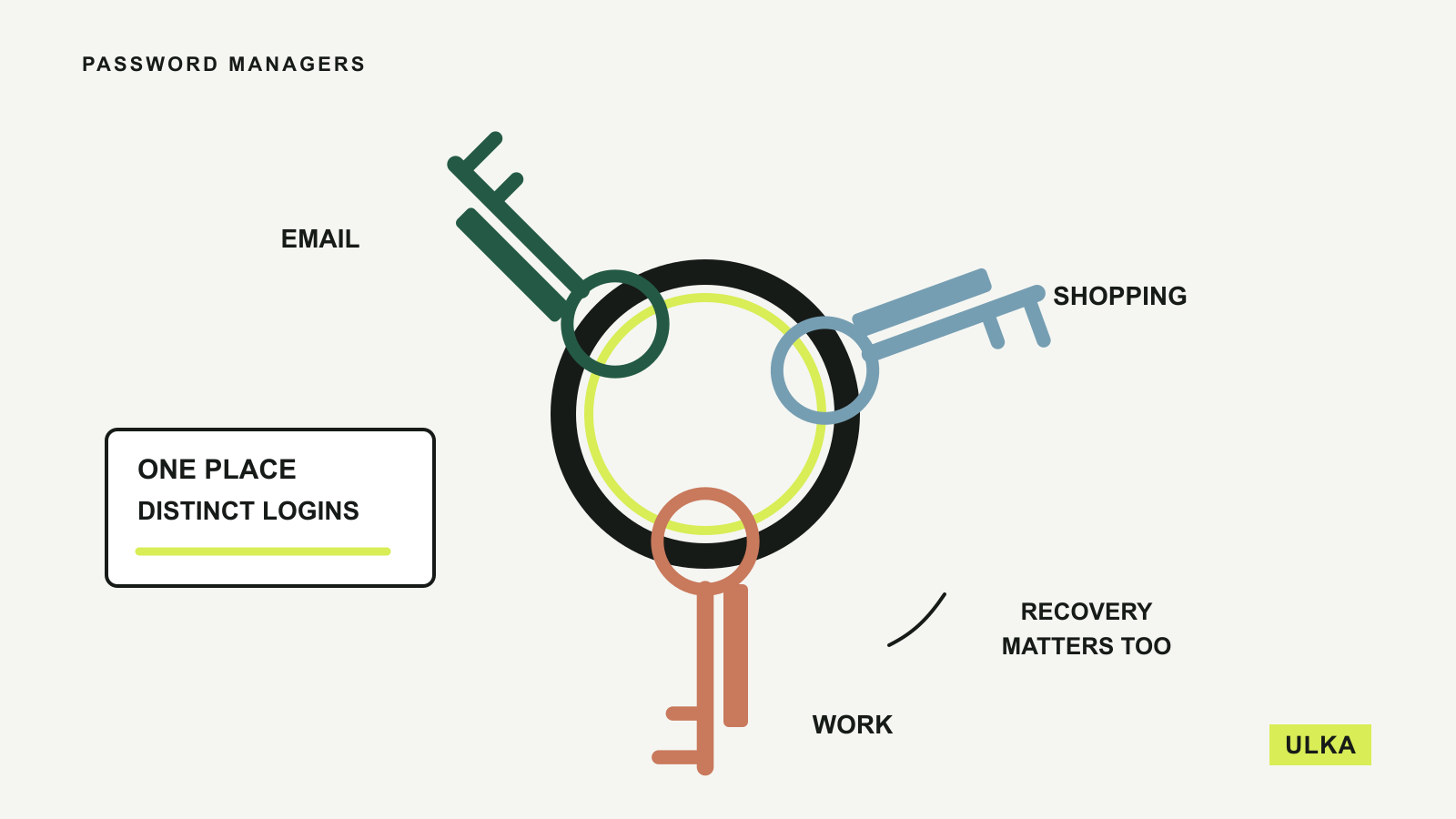
A password manager earns its place by making unique passwords easier to use every day. The right choice should work on your phone and computer, let you share the occasional household login safely and give you a recovery plan you understand. A long list of premium features matters less if signing in becomes awkward enough that you stop using it.
Bitwarden, 1Password, Proton Pass and NordPass cover different combinations of those needs. This comparison is based on their published personal-plan features and documentation, checked on 26 September 2026. We compare device access, household sharing, recovery options and billing terms.
Four password managers to consider
| Service | A useful fit for | The decision to make |
|---|---|---|
| Bitwarden | Someone wanting broad device access and a free starting point | Which sharing and recovery features require a paid plan |
| 1Password | A household wanting shared vaults across several platforms | Subscription cost and a clear account-recovery arrangement |
| Proton Pass | Someone who also wants email aliases | Whether paid alias and sharing features justify upgrading |
| NordPass | Someone considering the wider Nord product range | Free versus Premium device-switching and sharing features |
All four offer ways to store and fill credentials, but the details of family access, recovery and subscriptions differ. Try the browser extension and mobile app together. A successful login on a laptop tells you little about whether the manager fits the way you use a phone, tablet or shared household account.
Bitwarden is a practical free starting point
Bitwarden’s published features include unlimited password storage and devices, browser and mobile applications, passkey management and encrypted export. Its core offering makes it a useful option for someone moving away from repeated passwords without immediately committing to a subscription.
The distinction to inspect is between storing your own credentials and administering access for other people. Sharing a single account with a partner is a smaller requirement than organising credentials for a whole family. Bitwarden offers different personal and family arrangements, so write down who needs access and to which items before selecting a plan.
The personal-product documentation also explains the importance of the master password and recovery preparation. Do not assume a support agent can simply reveal the contents of an encrypted vault if you forget how to unlock it. Review any emergency-access arrangement, its plan requirements and the person you would trust before you need it.
Bitwarden’s pricing page displays US-dollar annual billing. An Australian customer should check the checkout currency and tax treatment rather than reading a bare dollar sign as Australian dollars. Its main appeal here is the breadth of the starting feature set, with a paid upgrade available if the additional capabilities solve a specific problem.
1Password gives households a structured way to share
1Password’s personal offering combines password and passkey storage with access across major desktop and mobile platforms. It documents shared vaults on the Families plan and expiring links for sending individual items, including to someone who does not use 1Password.
Those two types of sharing answer different needs. A shared vault can hold the household accounts that two people regularly maintain. An expiring link is more appropriate for an occasional handover. Neither approach requires turning every personal login into a household login; keep private and shared items in the appropriate places.
1Password also describes its Secret Key as an additional part of its account protection, alongside the account password. That makes preserving your setup and recovery information part of the decision. Before moving all your logins, understand what you will need when replacing a phone or signing in on a new computer, and ensure the recovery material is not available only inside the vault it unlocks.
This is a paid-subscription choice with a trial to assess the workflow. The pricing page distinguishes monthly and annual billing and flags first-year promotional conditions. For Australian buyers, check the supported billing currency and ongoing total. The family features are the reason to consider it; a temporary discount should not be the reason to choose your long-term access system.
Proton Pass adds email aliases to the decision
Proton Pass Free lists unlimited logins and devices, passkey support and a limited allocation of hide-my-email aliases. An alias can be useful when you want a sign-up address that forwards to your inbox without handing every service the same primary address.
The paid plan adds features including more extensive alias use, an integrated authenticator, sharing options and emergency access. Those are distinct benefits, so assess them separately. Someone mainly seeking a password vault may be satisfied with the free tier, while a reader managing many sign-ups may place more value on the alias controls.
Proton also offers Pass within larger subscriptions that include its other services. If you already pay for a Proton package, check the account entitlements before buying a second plan. Conversely, a larger bundle is not automatically cheaper for your purposes if you only need the password manager. Our VPN guide considers the separate VPN decision.
There is a little housekeeping to do before relying on aliases. Know where messages are forwarded and how you will retain access to addresses attached to important accounts. Do not use a disposable sign-up habit for an account you will need to recover years later without checking the consequences. For Australian billing, use the final checkout details: location-sensitive pricing should not be inferred from a generic international page.
NordPass needs a careful Free-versus-Premium comparison
NordPass’s plan documentation says the Free plan includes unlimited password storage, autosave, autofill and synchronisation. Premium adds sharing, Password Health and Data Breach Scanner, as well as more convenient switching between devices. That distinction matters if you move repeatedly between a work computer, personal laptop and phone.
Rather than deciding from the word “sync”, try the actual sign-in behaviour on the devices you use. Data synchronisation and remaining conveniently signed in across devices are different things. A free plan can be adequate for occasional use while still feeling restrictive in a busier routine.
NordPass also describes a Family arrangement with separate encrypted vaults. Separate accounts are preferable to giving everyone the same master credential because household members still have private information. Check who administers the subscription, which items can be shared and what happens when someone leaves the group.
Nord products are also sold in bundles, which can be relevant if you already have NordVPN. Check the named plan in your account before paying again, and compare the renewal for the whole package. A low initial bundle price can obscure which components you genuinely use. NordPass is a reasonable candidate for that existing-product context, with the free-plan restrictions understood beforehand.
Recovery and everyday behaviour matter more than extras
Before importing a large password collection, use a handful of ordinary accounts to check saving, autofill and updates. Confirm that changing a password on your phone leaves the correct credential available on the computer. If both the browser’s built-in manager and the new extension offer to save the same login, decide which one will be the main copy so you do not keep editing different records.
Plan the move out as well as the move in. Review the export formats and protect any exported file, since a readable export can contain the credentials you were trying to secure. Delete unnecessary migration copies when the move is complete. Keep a separate recovery record in an appropriate secure place, and check the provider’s instructions before altering authentication settings.
Use a strong, unique master password and enable the additional sign-in protection offered by the service. If you store authentication codes in the same vault for convenience, recognise the concentration of access and consider the arrangements you need for your most important accounts. Passkeys are useful where supported, but not every service accepts them, so password management still matters.
For a free cross-device starting point, compare Bitwarden and Proton Pass first. For regular household sharing, assess 1Password’s vault organisation alongside the other family plans. If NordPass is already part of a subscription, inspect that entitlement before paying for an alternative. The right purchase is the one you will use consistently and can recover safely. If a plan’s features or recovery options change, send the details through Contact.