
ULKA

Tech worth your time.

Guides & comparisons: Password managers
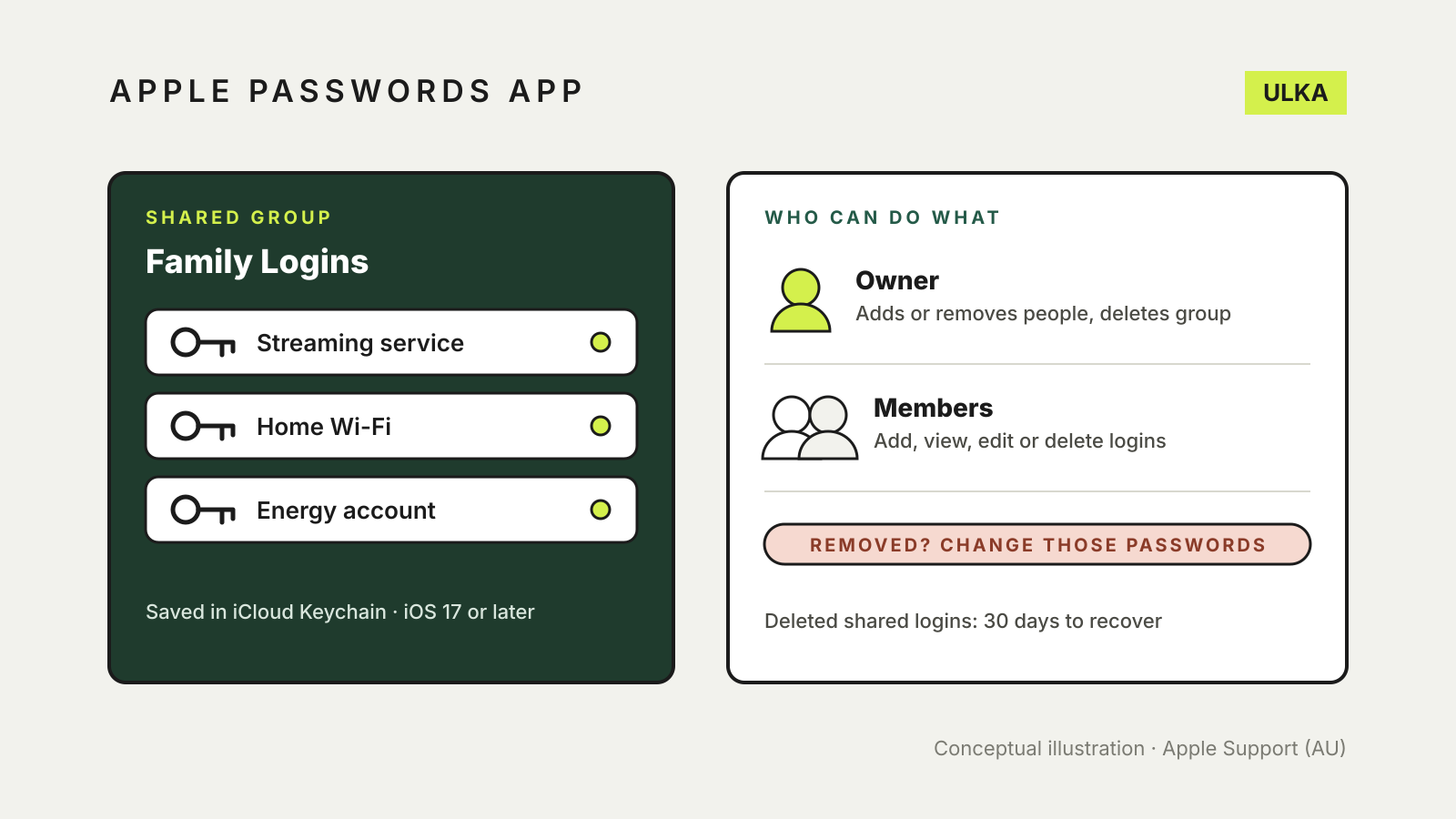
A shared group in the Apple Passwords app holds three logins, beside a panel showing what the owner and members can do and a reminder to change passwords after removing someone.
Password managers ·

Apple Passwords app shared group: set up and share with family

Share logins with family in the Apple Passwords app: who can join, what members can change and what to do after.
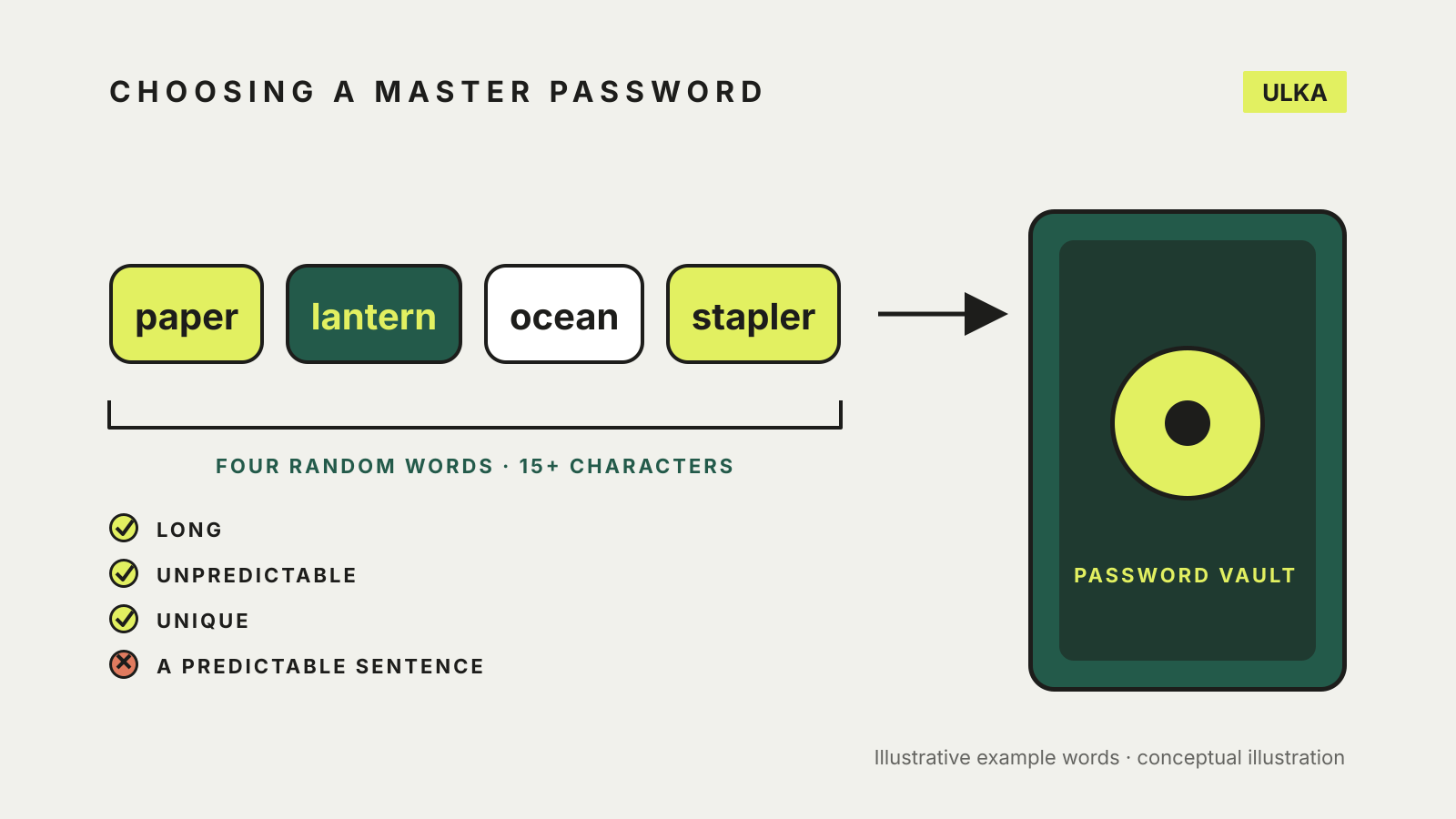
Four random example words forming a passphrase, with a checklist marking long, unpredictable and unique as good and a predictable sentence as poor, and an arrow to a password vault.
Password managers ·

How to choose a master password for your password manager

Use a passphrase of four or more random words. How to build one, check it and plan for forgetting it.
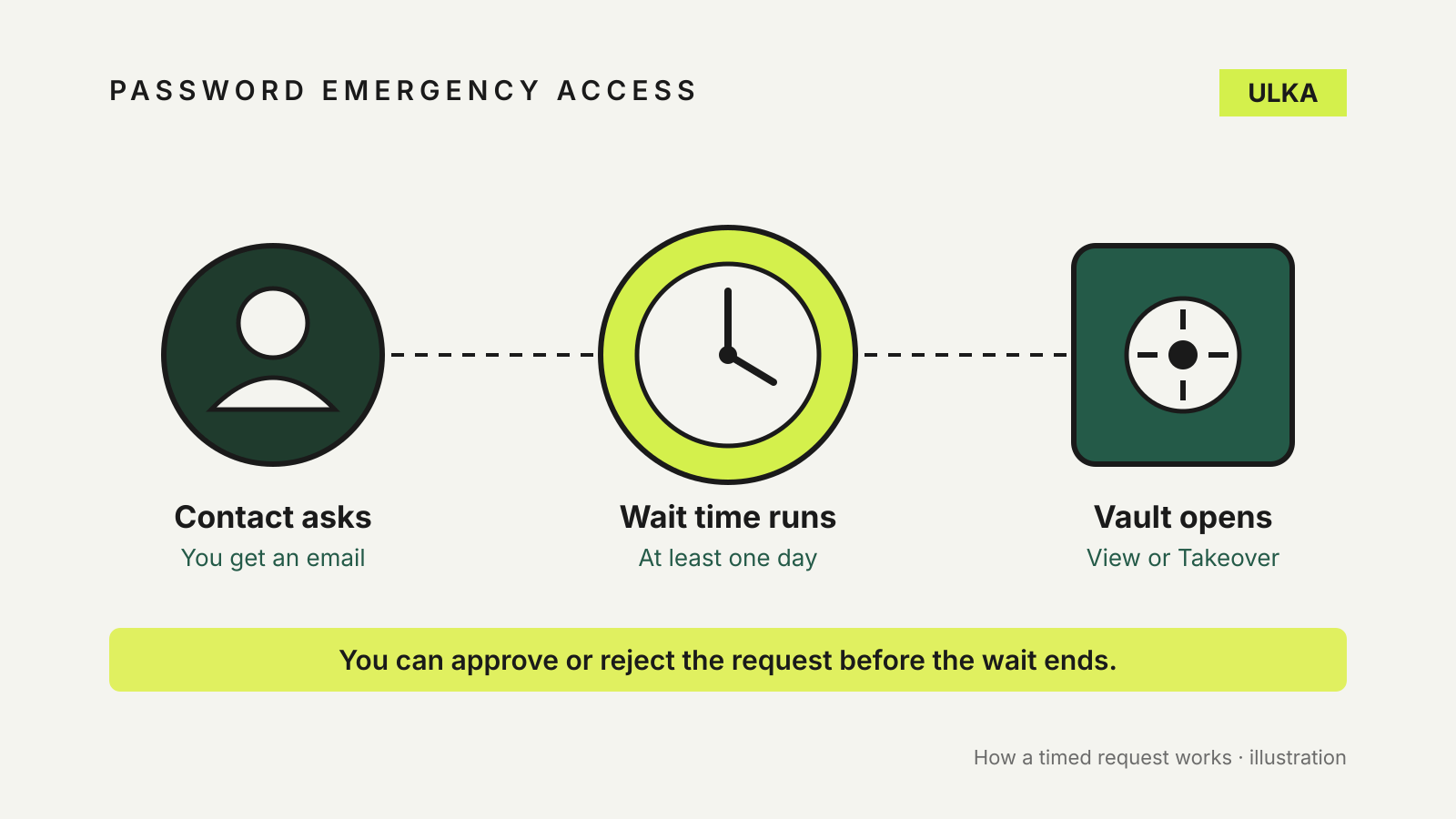
A trusted contact's request passes a wait-time clock before a password vault opens, with a note that you can approve or reject first.
Password managers ·

Password manager emergency access: let someone in when you can't

Bitwarden, 1Password and Apple handle emergency access very differently. Here is how to set up each one.
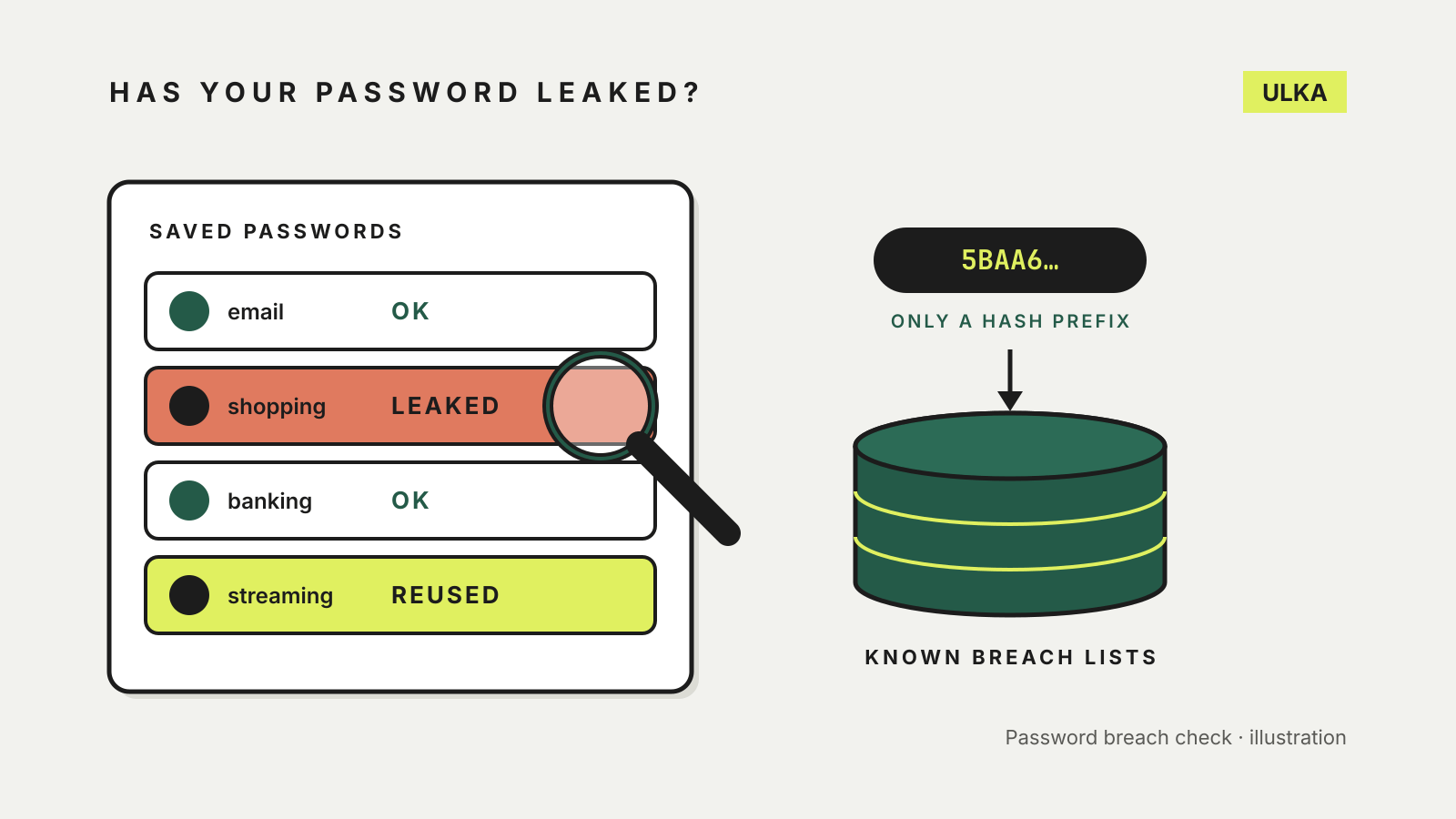
A list of saved passwords with one marked leaked and one reused under a magnifying glass, beside a hash prefix being checked against a database of known breach lists.
Password managers ·

How to check if your password has been leaked, and what to do next

Your password manager can already check for leaked passwords. Where to look, how it stays private and what to change.
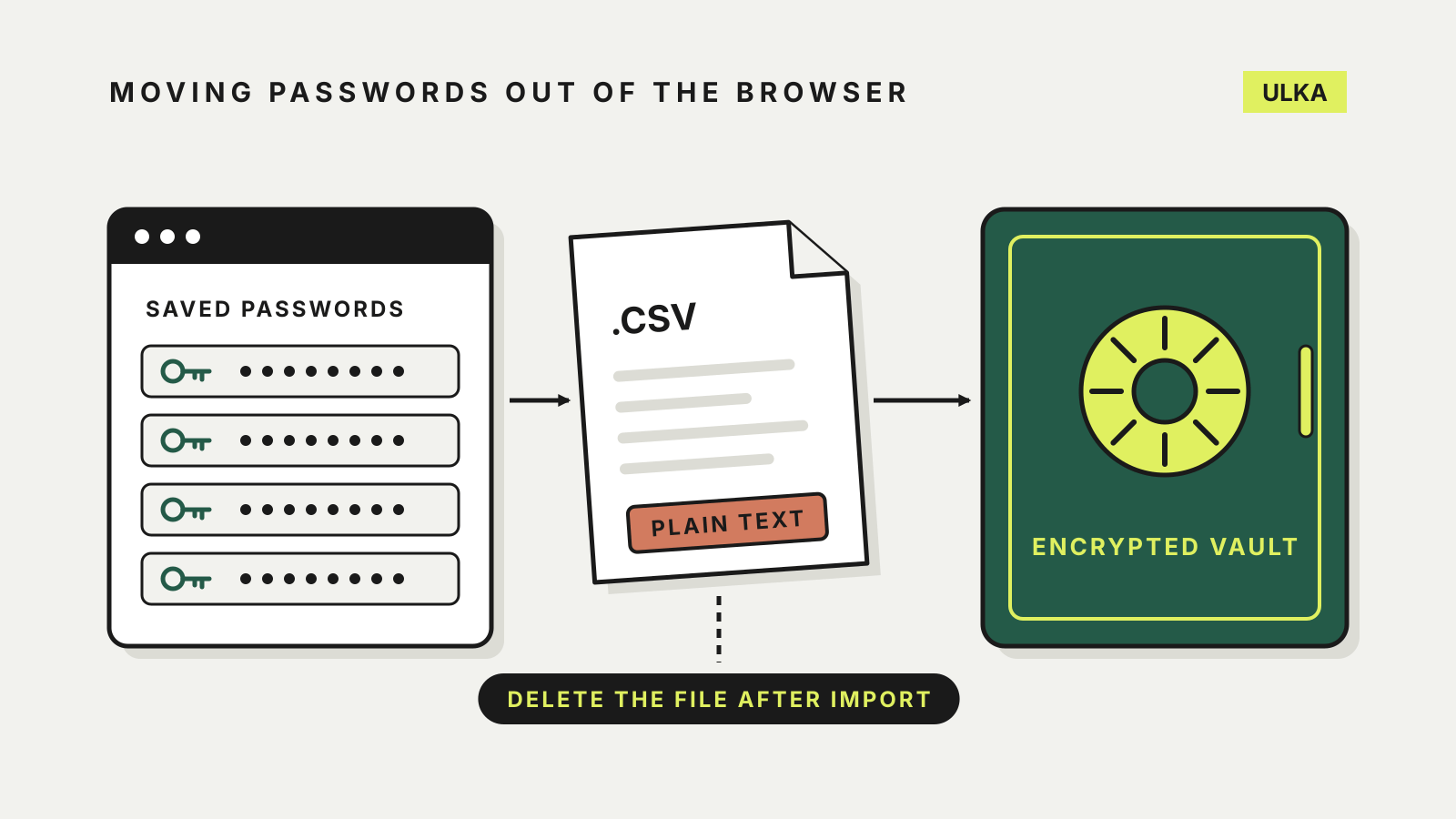
Illustration of saved browser passwords moving through a plain-text CSV file into an encrypted vault, with a note to delete the file after import
Password managers ·

How to import passwords from Chrome into a password manager

Export, import, then delete the plain-text file: how to move Chrome passwords into a password manager safely.
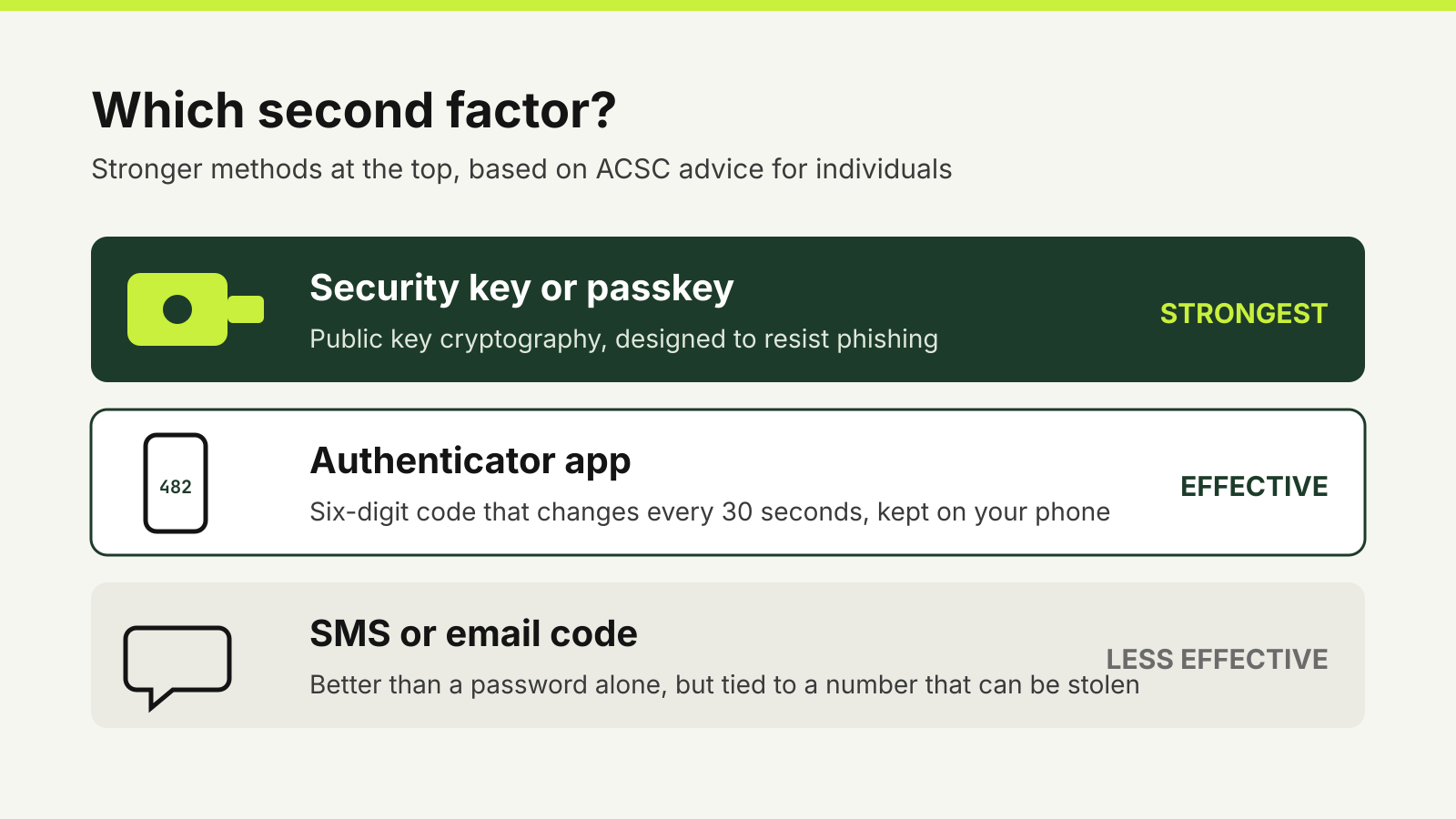
Three second-factor options ranked: a security key or passkey at the top, an authenticator app in the middle and SMS or email codes at the bottom.
Two-factor authentication ·

Authenticator app or SMS code: which second factor to use

Why an authenticator app beats an SMS code, where security keys fit, and how to switch without locking yourself out.
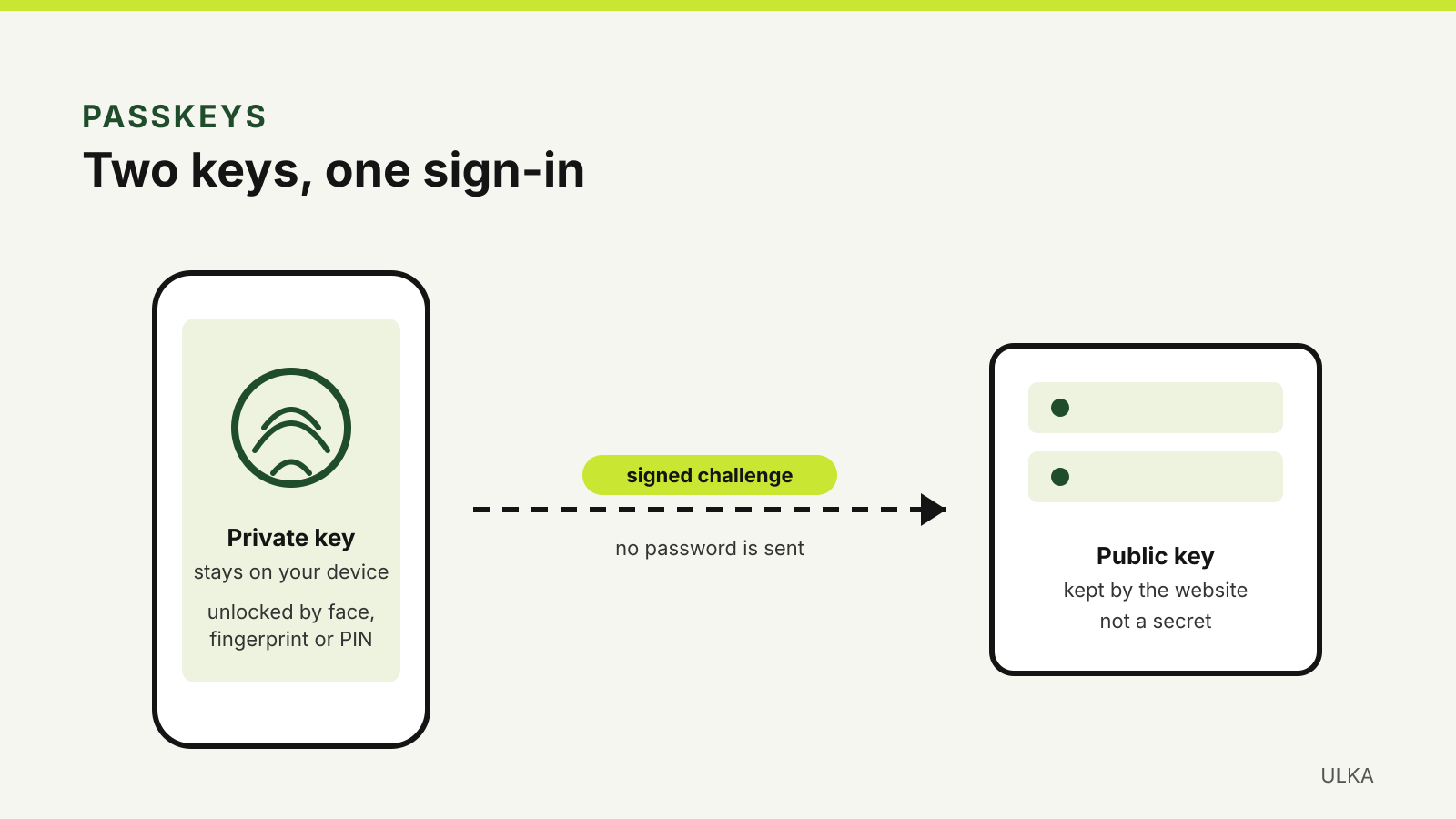
A phone holds the private key, unlocked by face, fingerprint or PIN, and sends a signed challenge to a website that keeps only the public key.
Passkeys ·

How to set up passkeys on Google, Apple, Microsoft and myGov

Set up passkeys on your key accounts, choose where they are stored and keep a way back in.
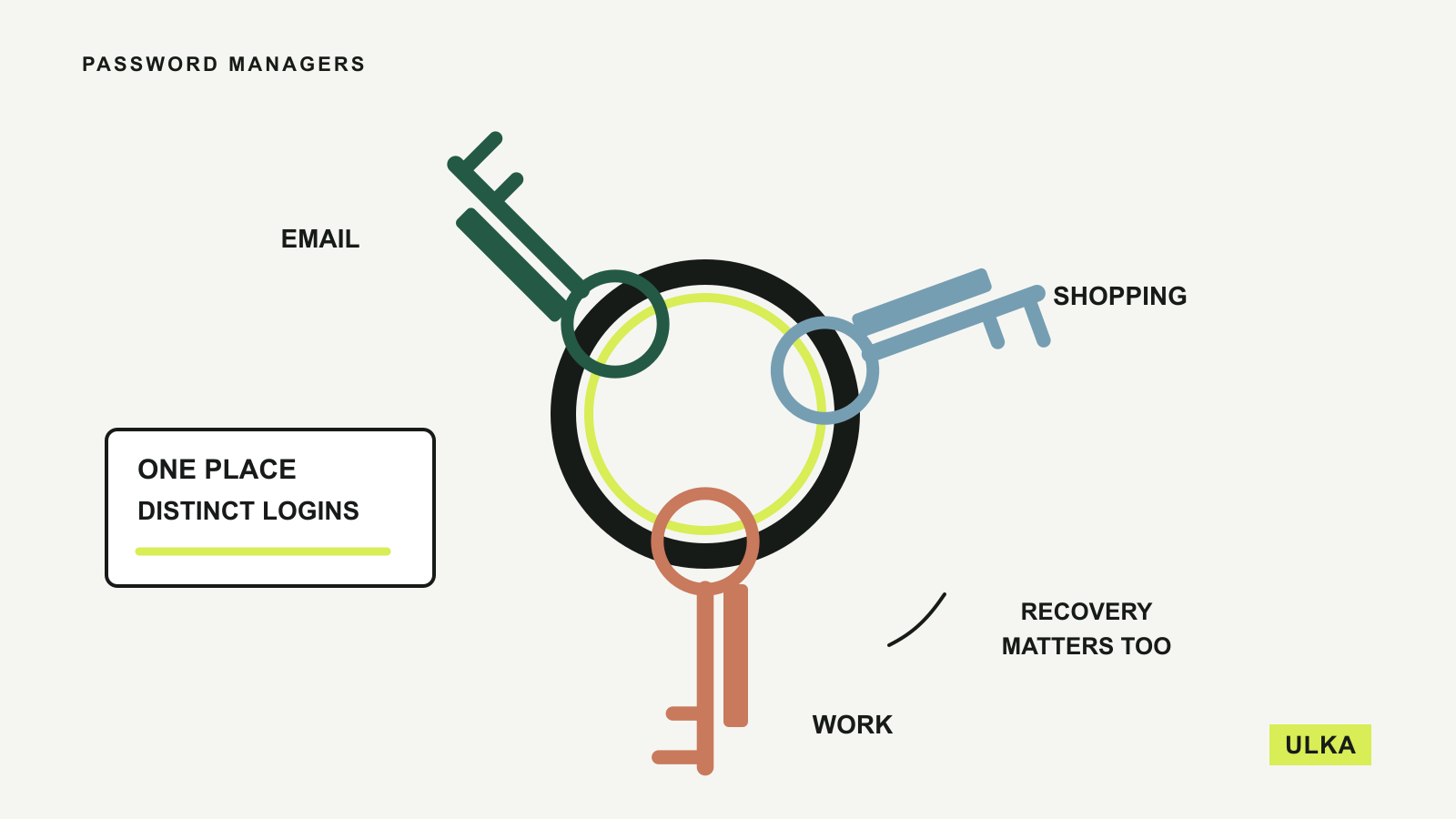
Three different account keys share one keyring, with a reminder to plan account recovery.
Password managers ·

Best password managers for your everyday accounts

Compare four password managers by free features, device access, family sharing and recovery options.

ULKA

What are you looking for?

Search by headline, topic or keyword.