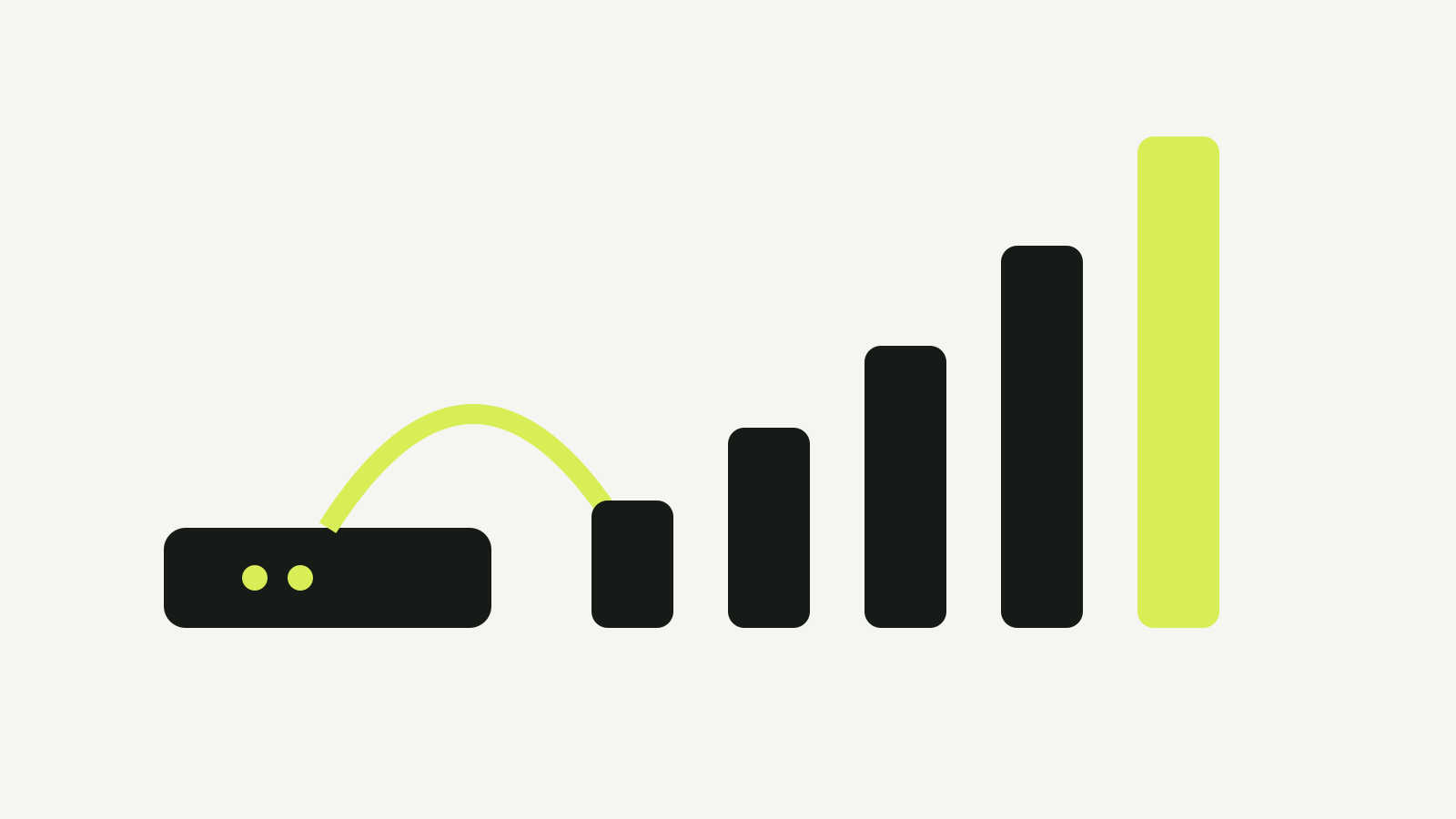
NBN speed tiers are wholesale products, not promises for every device. Choose a plan by simultaneous household use, upload demand, access technology and the provider’s stated busy-period performance.
The practical choice is not “buy the largest number”. Count what your household does at the same time, then check which tiers your address and provider can actually supply.
Start with the current wholesale tier
NBN Co’s residential plan page lists fixed-line wholesale options and notes that providers may use different retail names.
At the time of this check on 8 October 2026, the fixed-line page includes:
| NBN wholesale plan | Published wholesale speed | Fixed-line availability shown by NBN |
|---|---|---|
| Home Standard | 50/20 Mbps on FTTP, FTTC and HFC; ranges on FTTN/FTTB | All fixed-line technologies |
| Home Fast II | 500/50 Mbps | FTTP and HFC |
| Home Superfast | 750/50 Mbps | FTTP and HFC |
| Home Ultrafast | about 1000/100 Mbps | FTTP and HFC |
| Home Hyperfast | 2000/200 Mbps on FTTP; 2000/100 Mbps on HFC | FTTP and HFC |
NBN Co also offers lower-use plans and separate Fixed Wireless and Satellite plans. The product your provider sells may have a different name, price or typical evening speed.
Do not compare a provider’s “Premium” label with another provider’s “Premium” label. Compare the published speed profile and the typical busy-period speed.
What household size misses
People are a rough guide. Concurrent activity is better.
A two-person home can need more capacity than a family of four if both people upload large files, join video calls and sync cloud backups during the evening. A larger household can be comfortable on a lower tier if most activity is web browsing and one video stream.
List the busiest hour:
- number of simultaneous 4K streams;
- video calls;
- game or operating-system downloads;
- cloud backup and photo uploads;
- remote desktop sessions;
- gaming while another device downloads;
- cameras or other devices sending data upstream.
Downloads drive the headline tier. Uploads often decide whether work calls and backups remain comfortable while the connection is busy.
Read download and upload separately
A 1000 Mbps download number does not imply a 1000 Mbps upload.
NBN Co’s published high tiers have different upload profiles. A household that regularly sends raw video, large design files or backups should compare the upload number explicitly.
For ordinary streaming, the jump from 500 to 1000 Mbps may change a large download more than it changes playback. Streaming quality is usually limited by the service and device long before a gigabit link is full.
Access technology decides what is available
NBN Co says plan availability depends on access technology and the products each provider offers.
FTTP and HFC are shown for the accelerated high-speed tiers. FTTN and FTTB have line-dependent ranges, and an individual service may not reach the top of the wholesale profile.
Before changing plan:
- Check the technology at the address.
- Ask the provider which wholesale tier sits under the retail plan.
- Read the provider’s typical evening speed.
- Confirm the upload speed.
- Check whether the supplied router has ports and Wi-Fi capable of using the tier.
An old 100 Mbps Ethernet port can hide most of a faster service. So can a distant Wi-Fi device.
Typical evening speed is the useful comparison
NBN Co tells customers to speak to their provider about the speeds they may actually experience, including during busy periods.
Retail providers publish typical evening speeds for fixed-line plans. Use those numbers to compare providers on the same tier. The wholesale maximum describes the product ceiling; the busy-period figure is closer to the shared-network experience when many homes are online.
For FTTN, FTTB and some other line-dependent connections, the provider may confirm an attainable line speed after activation. Keep that estimate with the order.
When to choose a higher tier
A higher tier is useful when the current connection is the bottleneck and the home network can use the upgrade.
Good reasons include:
- several large downloads running at once;
- regular multi-gigabyte file transfers;
- many simultaneous high-resolution streams;
- cloud gaming or game downloads competing with calls;
- a fast FTTP or HFC service feeding wired devices or modern Wi-Fi.
It will not fix:
- weak Wi-Fi in one room;
- a congested or old router;
- a slow website or remote server;
- a device limited to an older wireless standard;
- poor in-home cabling.
Run a wired speed check near the router before paying for a larger tier. If wired performance is strong and only one room is slow, fix the home network first.
A simple choice process
- Record the busiest simultaneous uses.
- Separate download-heavy and upload-heavy tasks.
- Confirm access technology.
- Compare provider busy-period and upload figures.
- Check router, Ethernet and Wi-Fi limits.
- Choose the lowest tier that covers the busy hour.
- Review after the first billing cycle using wired and normal-room tests.
The right plan leaves headroom at the busiest time without paying for capacity that never reaches the devices.
See more practical setup guides in Computing.