Choose an AI chatbot around the job you repeat most often. Someone who needs help comparing sources has different priorities from someone editing documents, working in Microsoft 365 or turning a brief into images. Paying for the most talked-about service will not resolve that mismatch.
ChatGPT, Claude, Gemini, Perplexity and Microsoft Copilot all deserve consideration, but for different reasons. This guide compares their documented features and working environments, checked on 26 September 2026. The shortlist does not claim a measured winner for accuracy, writing quality or reasoning.
Five useful starting points
| Service | Consider it for | Feature to examine first |
|---|---|---|
| ChatGPT | A mix of writing, visual work and practical deliverables | Available tools for images, files and connected apps |
| Claude | Ongoing work with a defined set of documents | Projects, project instructions and artifacts |
| Gemini | Research that may involve Google services | Deep Research source selection and report export |
| Perplexity | Finding an answer and following its sources | Search-backed responses with citations |
| Microsoft Copilot | Assistance inside Microsoft 365 apps | The features included in your specific subscription |
The table suggests where to start a trial. Several services can do overlapping jobs, and their features change with the account, plan and application. A comparison of brand names is only useful after you check the mode you will actually use.
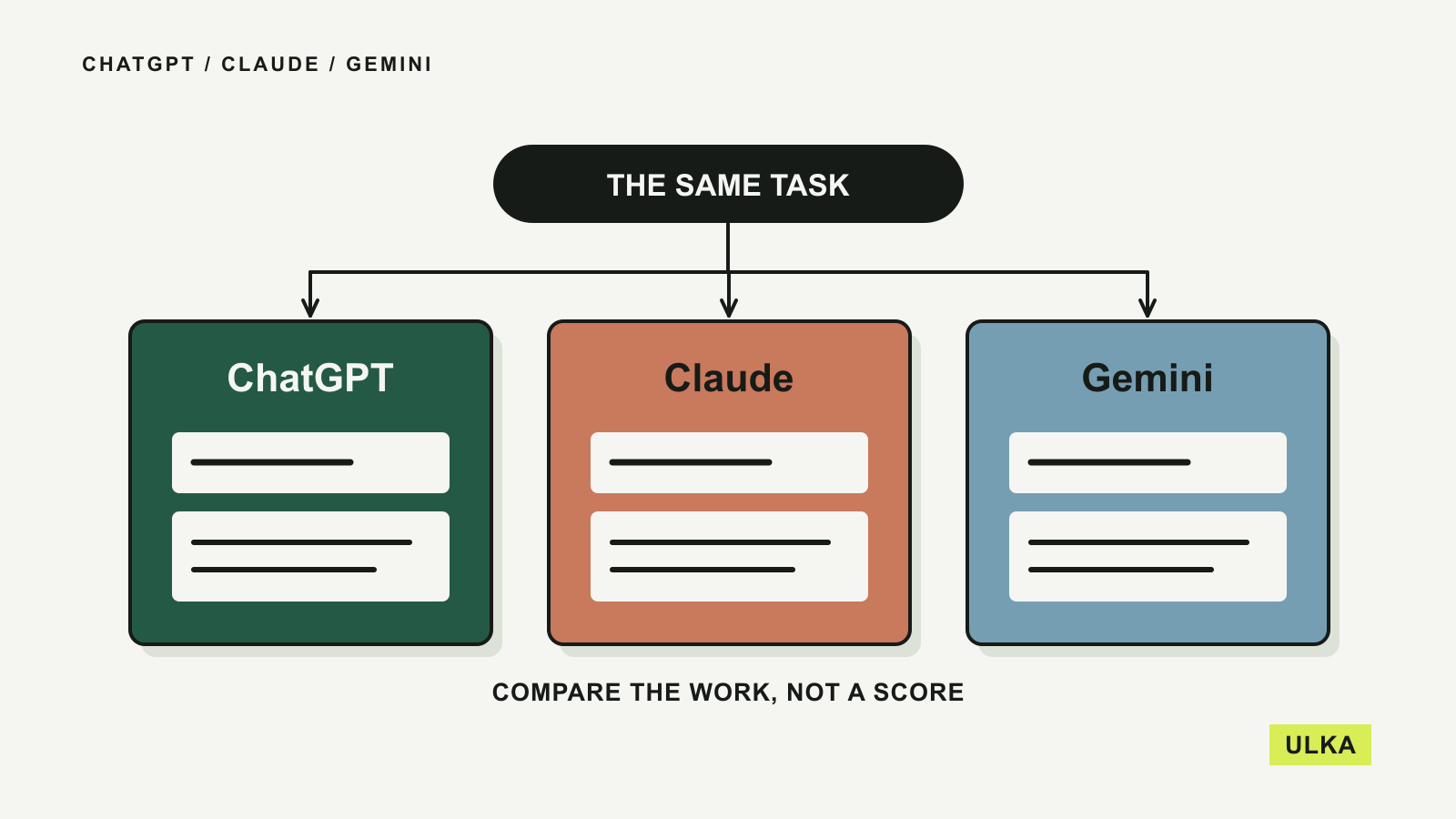
Our more focused ChatGPT vs Claude vs Gemini comparison works through a shared document task. The broader choices below also cover search-first use and Microsoft 365.
ChatGPT is worth considering for varied work
OpenAI’s ChatGPT overview describes an application spanning everyday conversation, web search, image creation and coding, with tools for creating and editing work deliverables. That breadth is its clearest reason to appear on this shortlist.
A person who drafts a message in the morning, needs an explanatory chart later and wants to revise an image for a presentation may benefit from keeping those tasks in one environment. The convenience depends on the tools available in the account, so check access before assuming that a particular feature is included.
For image work, OpenAI documents uploading an existing picture and describing edits, as well as selecting an area to change. That gives ChatGPT a practical role beyond producing text. It does not mean the image will be factually accurate or that every requested detail will survive an edit.
For connected apps, inspect which service and account you are authorising. Start with a task that can produce a draft for review. The useful question is whether the resulting file or image fits your workflow, rather than whether the chat response sounds confident.
Claude provides a home for document-centred projects
Claude’s Projects feature lets you group conversations with a knowledge base of uploaded material and project instructions. That structure is relevant when a task continues over several sessions.
For example, you might maintain a project containing an approved product description, a terminology list and the documents needed for a report. The value is having a defined reference set. You still need to check that a response uses the correct source, especially where documents disagree or contain different versions.
Artifacts put substantial outputs in a separate working area. Anthropic lists documents, code, diagrams and interactive components among the supported examples, and describes editing and exporting the result. Its current documentation requires Code execution and file creation to be enabled for artifacts; organisation accounts may depend on an administrator enabling that setting.
That makes Claude a sensible candidate for people who want to develop an output over several revisions. Try an ordinary task, such as turning supplied notes into a two-page brief, then ask for a precise change to one section. Check both the changed section and the parts that should have stayed intact. The presence of a dedicated editor is useful, but it does not prove that the underlying answer is correct.
Gemini connects research with a Google workflow
Google’s Deep Research documentation describes a process in which Gemini prepares a research plan for review before generating a report. Google Search is included by default, and supported connected sources can include Gmail and Drive. The documentation also describes uploading files and adding NotebookLM notebooks.
This is relevant if your starting material already lives in Google’s services. You can decide which sources belong in the task, review the proposed scope and export the resulting report to Docs. Access depends on the account and connected services, so confirm the options visible to you.
The research plan is worth reading. A useful question can become an unhelpful report if the plan covers the wrong country, treats a vendor’s claim as a finding or spends too much effort on background.
For Australian use, make the local requirement explicit: Australian availability, AUD, the relevant state if necessary, and the date range. Read the cited primary pages before relying on a recommendation. Google itself describes factual inaccuracy as a limitation of the Gemini application; access to current sources does not remove the need to check how they were interpreted.
Perplexity starts with source discovery
Perplexity describes its service as a search engine that combines conversational answers with links to original sources. That is the main reason to consider it when the first task is finding information.
It can be a useful starting point for questions such as which organisations publish a particular dataset, where a company documents a feature, or what primary material supports a reported change. Follow the citations and keep the pages that actually answer your question.
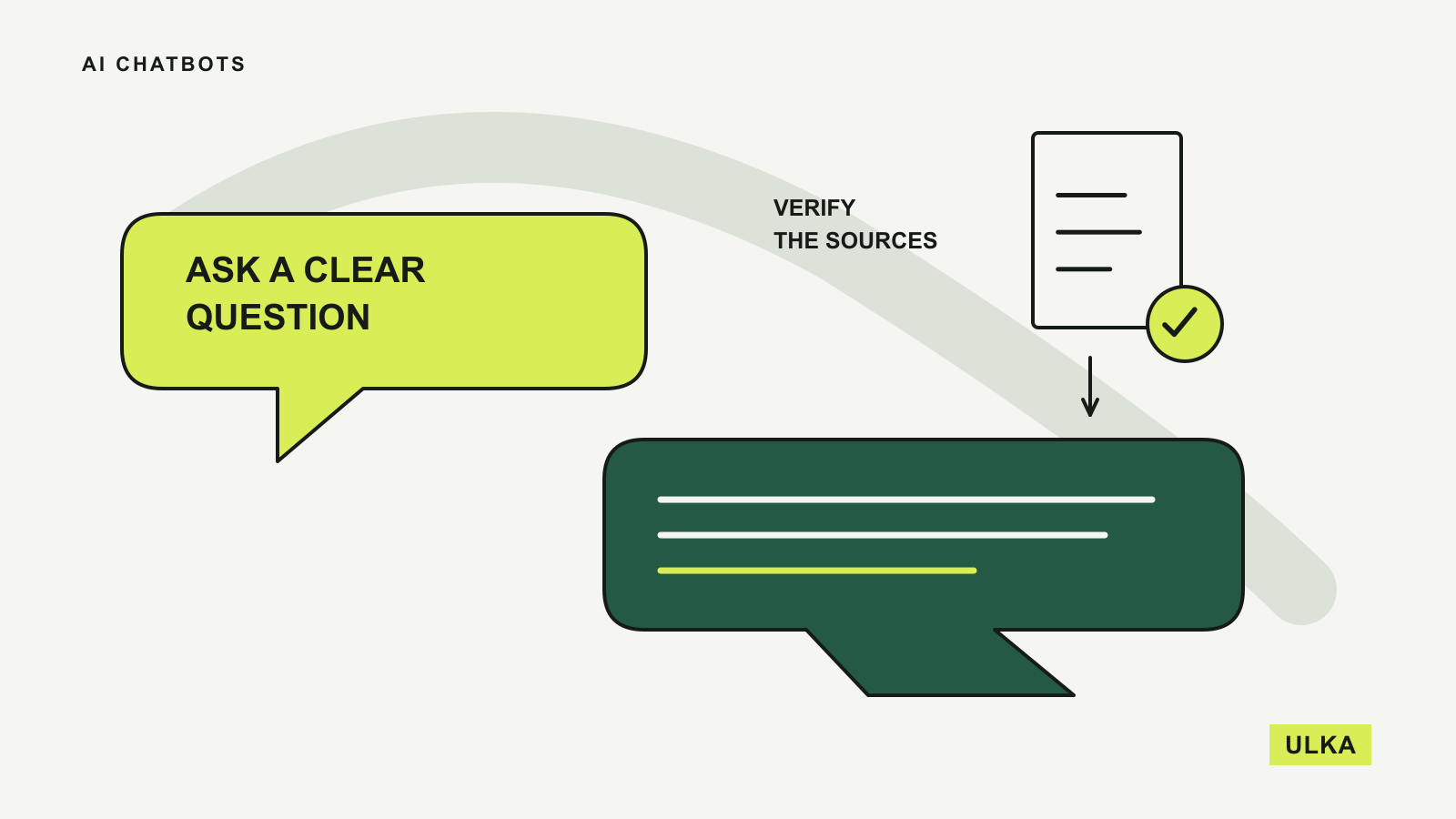
A citation is a route to evidence. It does not, by itself, establish that a sentence accurately represents the linked page. Check dates, the difference between a proposal and a released feature, and whether a headline has been softened or expanded in the summary.
Perplexity’s documentation lists several search capabilities and access to models from multiple providers. Treat model choice and search mode as separate parts of the service. If you are considering a paid plan, find out which capability is solving your problem and whether its allowance matches your normal use.
Copilot matters most inside the apps you use
Microsoft uses the Copilot name across several products. For an individual considering AI alongside Office documents, its Microsoft 365 plans for individuals are the relevant place to start.
Microsoft describes assistance in Word, Excel, PowerPoint and Outlook. This can make Copilot attractive when opening, editing and saving those files is already most of the job. You may value working within the document more than moving content into a separate chat service.
Read the plan conditions carefully. Microsoft’s individual plan page distinguishes subscription tiers and notes that the AI benefits of Family apply to the subscription owner. Do not assume that every person sharing a subscription receives the same AI access, or that a personal plan includes the controls of a business product.
For spreadsheet work, ask for an explanation of the calculation and inspect the resulting formulas. For presentations, check that the deck preserves the facts in your source notes. In-app access reduces some copying and exporting, but the final document still needs the same review you would give work prepared elsewhere.
Try a task you can judge
A short, repeatable trial tells you more than a list of model names. Prepare a non-sensitive document, a small table and a question whose answer you can check. Use the same material in the two services you are seriously considering.
Ask for an output with constraints: a summary that preserves every deadline, a table that marks missing information, or a calculation with the formula shown. Then request one change. Note whether the assistant makes the requested edit without introducing a different error.
Judge the finished work on accuracy, effort required to repair it and ease of using it outside the chat. Also consider whether you can find previous work and whether the service retains enough relevant context without confusing separate projects.
If a tool starts taking actions through connected services, read our AI agents explainer. An assistant that can send or change something needs a more explicit boundary than a tool preparing a draft.
Check the subscription and data settings
Start with the access you already have. Some capabilities may be included in an existing subscription, while others require a different tier. Compare the complete commitment at checkout: currency, taxes where shown, billing period and renewal conditions.
Look at usage limits in terms of your work. A limit on a research mode may matter more than a generous allowance for ordinary messages. Similarly, an image tool is of little value if your recurring task is a long document that needs careful review.
Read the privacy and retention settings for the exact account type before uploading private material. Consumer and organisational products can have different conditions. If you work for an organisation, its approved tools and data rules should guide what you upload.
Use the first month to establish a routine around a few tasks. Keep the service that reliably reduces the work between your original material and a checked, usable result.
Questions
What is the best AI chatbot for everyday use?
Start with the service whose tools match your recurring tasks. ChatGPT is a broad option, while Claude, Gemini, Perplexity and Copilot have useful reasons to be considered for particular workflows.
Which AI chatbot is best for research?
Perplexity centres its experience on cited search answers, while Gemini documents a planned Deep Research workflow. In either case, check the underlying sources before relying on the report.
Do I need a paid AI chatbot?
Try the access you already have before paying. Upgrade only when a specific tool or limit prevents you from completing work that matters to you.
Does a chatbot citation prove its answer is correct?
No. Open the source and check whether it supports the claim, uses the right date and applies to your situation.
Sources
- OpenAI: ChatGPT overview and creating images.
- Anthropic: Projects and artifacts.
- Google: Deep Research and Gemini overview and limitations.
- Perplexity: What is Perplexity?.
- Microsoft: Microsoft 365 Copilot plans for individuals.
Product documentation consulted 26 September 2026.