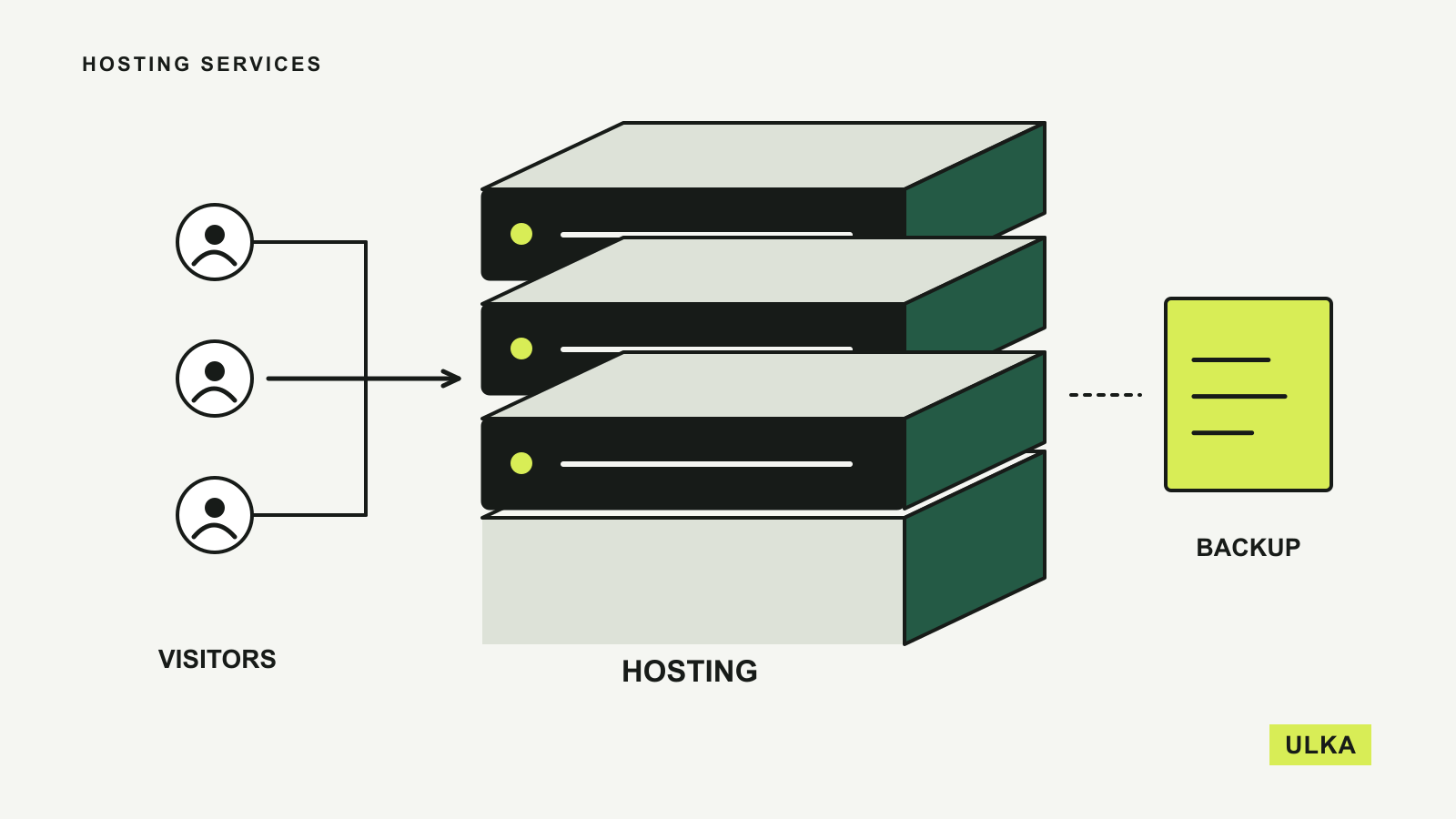
A small business website needs hosting that someone can maintain after the launch. The cheapest introductory offer is a poor bargain if backups are difficult to restore, email costs arrive separately or the next renewal exceeds the budget. For Australian buyers, support arrangements and the actual server location deserve as much attention as the advertised monthly rate.
VentraIP, Hostinger, SiteGround and Kinsta belong on different shortlists. VentraIP makes sense for a locally supported website, Hostinger packages several building and hosting tools together, SiteGround provides managed features for conventional sites, and Kinsta concentrates on managed WordPress. This comparison uses their published plans and documentation, checked on 26 September 2026, rather than assigning unverified speed or uptime scores.
Start with the kind of website you are running
| Provider | Useful starting point | Check before paying |
|---|---|---|
| VentraIP | An Australian business wanting local support and cPanel | Resource allowance and the price after the first invoice |
| Hostinger | A new site needing hosting and building tools together | Upfront term, backup tier and renewal of included extras |
| SiteGround | A conventional site needing managed backups and WordPress tools | Storage, staging availability and renewal price |
| Kinsta | A WordPress site whose owner wants specialist hosting | Billing metric, storage, backup retention and currency |
A brochure website, a busy shop and a custom application do not require the same product. First identify the software you will run and who will update it. Then compare the specific plan that supports that software. Buying a larger package cannot fix a mismatch between your application and the hosting environment.
VentraIP puts Australian support within reach
VentraIP’s business hosting page describes Australian servers, an Australia-based support team and cPanel-based management. For a small organisation that wants help in a familiar local context, those are concrete reasons to include it in the comparison.
The provider lists hourly backups and SSL certificates among the business hosting features. Frequent backups are useful when a site changes throughout the day, but frequency alone does not establish a complete recovery plan. Ask how long copies are retained, how a restore works and whether restoring email or an individual database is a separate operation. Keep an independent copy of important content as well.
VentraIP also advertises no lock-in contract. Its promotion note says the discount applies to the first invoice for a limited initial period, so the percentage saving should not be treated as the ongoing cost. Compare monthly and annual billing using the undiscounted rate, then decide how much commitment suits the project.
This is a practical option for a standard business site whose owner wants local hosting and support. Before purchasing, have the provider confirm the resource allowance for your actual site and any migration work. The existence of a support team is verified; how quickly it resolves your particular problem is something to establish through the service itself.
Hostinger bundles tools, with a long-term price calculation
Hostinger’s Australian pricing page presents hosting alongside WordPress and site-building options. That can reduce the number of separate purchases for a new project, especially when the owner wants to start with a conventional site and keep several tools in one account.
The backup distinction is more useful than the promotional labels. At this check, the entry Premium listing included weekly backups, while higher listings offered daily backups and additional recovery options. A site that changes daily should weigh that difference carefully. Losing a week of a largely static portfolio has different consequences from losing recent orders or customer enquiries.
The page explicitly says plans are paid upfront and the monthly rate is an equivalent calculated across the full term. A low number beside “per month” therefore does not necessarily mean a monthly charge. Compare the total payment today, the length of the commitment and the listed renewal for that same term.
Some included items, such as a domain or mailboxes, are described as free for the first year. Record their later cost separately. Also read the fair-use conditions attached to unlimited features: the same plan can still have finite storage, processing resources or file limits. Hostinger is worth considering for a bundled start, provided those limits match the workload and the long initial term is acceptable.
SiteGround makes backups and WordPress tools prominent
SiteGround’s Australian web-hosting page lists daily backups, email, SSL and a CDN across its advertised plans. Its WordPress features include migration tools and managed updates. For an owner who wants those basics together, the inclusions provide a useful starting point for comparison.
Plan differences still matter. The entry StartUp tier is presented for a single website with a smaller storage allowance, while higher tiers add features such as staging and on-demand backups. Staging is useful when you need somewhere to check a design or plugin change before it reaches visitors. It should be part of the purchase decision if frequent changes are expected.
The Australian page displays an introductory price, an ongoing renewal rate and a prepaid term; it also says prices exclude GST. Use the amount including applicable tax when comparing the final invoice with other providers. A discount calculated against a much higher renewal rate can make the first year look more attractive than the long-term arrangement.
SiteGround is a reasonable shortlist entry for a conventional website or WordPress project whose owner values those managed tools. Confirm the available data-centre choice for the selected plan before checkout. An Australian sales page is not, by itself, evidence that every site will be hosted in Australia.
Kinsta is a more focused WordPress decision
Kinsta’s pricing page is organised around managed WordPress installations, with allowances for storage and usage. It also lists migration assistance, security features, support and backup retention. This is a more specialised purchase than general hosting for whichever application you might install later.
Its data-centre documentation lists Sydney and Melbourne among the available managed WordPress locations. That offers a concrete local hosting choice for an Australian audience. Kinsta notes that custom plans can restrict which locations are available, so confirm the option in your own plan rather than relying only on the global directory.
Read the usage measure as carefully as the number beside it. The pricing interface includes options based on bandwidth or visits, and those measures answer different questions. A media-heavy site may have a different cost profile from a site with many small page requests. Ask what counts towards the allowance and what happens when you exceed it.
Kinsta lists prices in US dollars and excludes tax. Australian customers therefore need to account for conversion and any payment-provider charges when budgeting. It is most relevant when WordPress is a settled choice and the managed features justify the bill. A small, rarely updated site may not need the same level of service.
Calculate the bill and rehearse a recovery
Create a simple budget with separate lines for hosting, domain renewal, email, paid plugins or themes, backups and migration. Record the total for the first term and for the next one. If one provider includes something for a year and another includes it for the life of the plan, compare over the period you realistically expect to keep the site.
Then consider what would happen after a bad update or an accidental deletion. You need to know where the backups are, who can restore them and whether an old copy includes the database as well as uploaded files. A successful backup notification is useful, but a small trial restoration tells you whether the process is understandable. Our cloud storage and backup guide explains why keeping another copy serves a different purpose from ordinary file sharing.
Location should follow the audience and the application. Local infrastructure can shorten the network path to Australian visitors, but it does not establish the speed of a poorly configured site. Ask about the underlying location, caching and any external services separately. Claims about hosting within Australia should also be checked against the actual service arrangement if data location matters to your organisation.
Finally, keep domain registration and hosting access under accounts the business controls, and store the credentials safely. If an agency builds the site, agree who receives renewal notices and who can move it later. Our password-manager comparison covers options for organising access. Choose a provider whose costs and recovery process you can explain before the site depends on it.