A local AI feature performs some of its work on your own device. That can keep a particular inference task away from a remote model service, but it does not automatically mean that the whole application works offline or that every document stays on the computer.
The useful question is more specific: which step happens where? Downloading a model, transcribing speech, searching the web and sending a message can all occur in one workflow while using different locations and permissions.
Follow one task from input to result
Take a document-summary tool. It needs to obtain the document, prepare its contents for the model, run the model and display an answer. If each of those steps stays on the computer, the summary can be a local operation once the required software and model are installed.
Now add a request to check the document against today’s news. The application may make a network request to a search service. Add a button to send the summary to a colleague and another external service enters the workflow.
Neither addition necessarily changes where the model runs. Both change where information can travel. That is why “local model” and “entirely offline application” need separate checks.
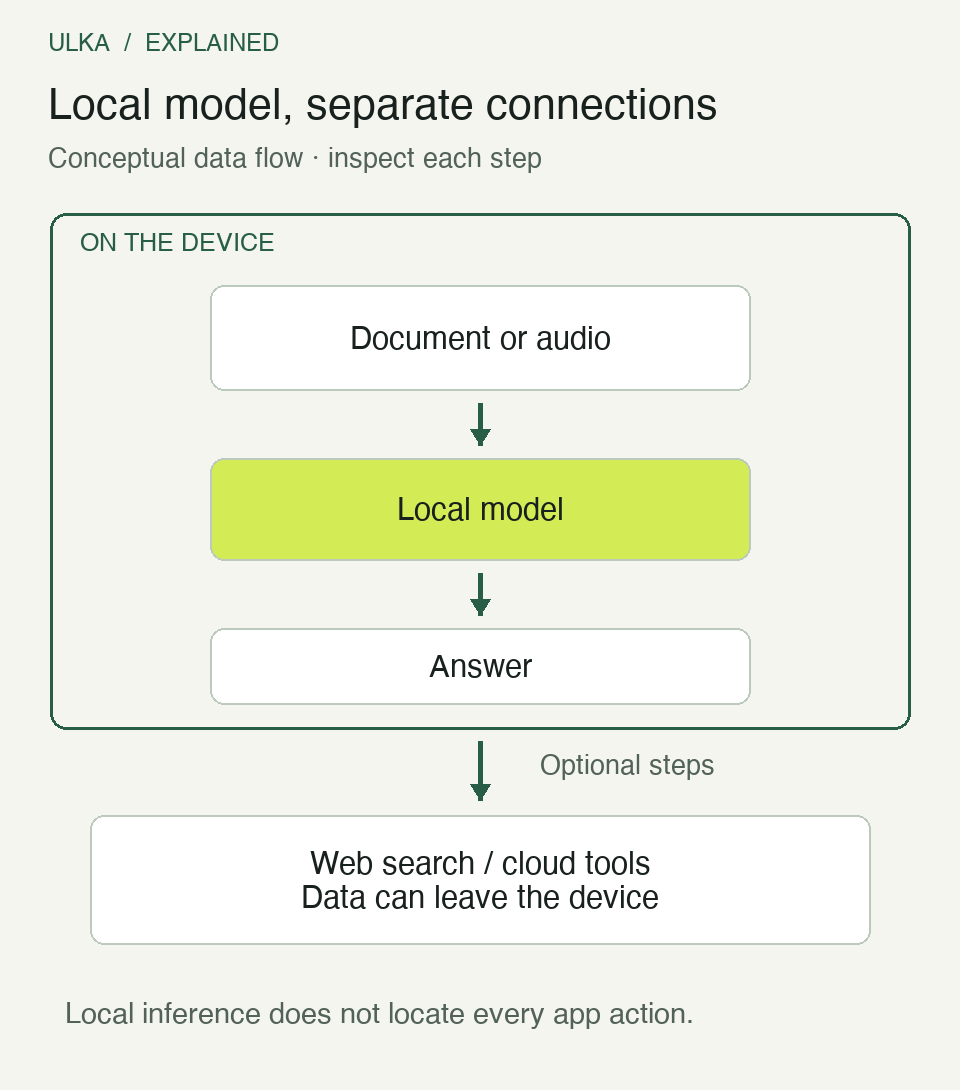
Conceptual data-flow diagram. It describes a possible application design, not the interface or verified behaviour of a particular product.
What Microsoft’s June announcements establish
At Build on 2 June, Microsoft described a wider Windows platform for on-device AI. Its planned Aion 1.0 Instruct and Aion 1.0 Plan models were described as arriving in the coming months. Those names were announcements of future availability, not a reason to assume the models were already installed on every Windows computer.
On 4 June, Microsoft announced Foundry Local 1.2.0. The developer runtime update includes broader language support for live transcription, Linux ARM64 support and changes to execution providers and Windows acceleration.
Microsoft gives a particularly useful example: voice input in GitHub Copilot CLI can use Foundry Local to turn microphone audio into text on the device. That statement describes the transcription stage. It should not be expanded into a claim that every subsequent assistant request, model response or tool action in the CLI is also local.
This stage-by-stage reading is useful beyond Microsoft. A service can have local speech processing and a cloud language model, or local document analysis and a remote search feature. Read the documentation for the operation you intend to use.
Model files and working memory are different needs
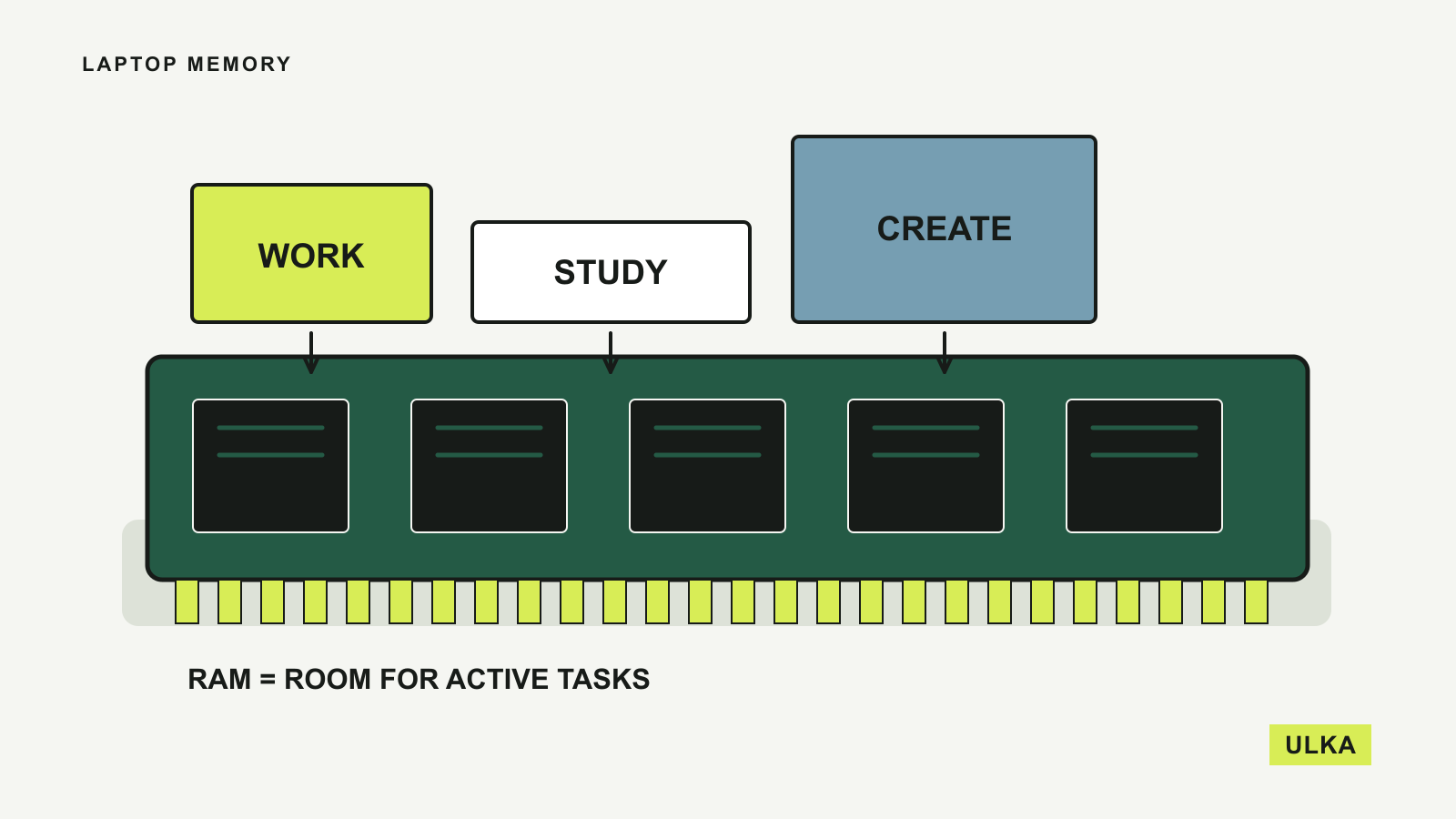
The model must be available to the runtime. Download size affects initial setup and storage, while running it consumes working memory and computing resources. A model that fits on the drive may still be impractical to run alongside the rest of your applications.
Memory demand also depends on the model configuration and the amount of material being processed. A short instruction and a long conversation with large documents are different workloads. Check the runtime’s supported models and hardware requirements instead of assigning one universal memory number to “local AI”.
Hardware acceleration adds another compatibility layer. A CPU, graphics processor and neural processing unit have different capabilities, but the application must support the relevant hardware through its runtime and drivers. The presence of an NPU does not establish that your chosen model will use it.
If a device is being purchased for this work, ask for a demonstration of the actual application, model and task. A general AI-compute figure is not a prediction of answer quality, response speed or battery use in that setup.
Check the first-run network requirements
A local application may need a connection to download model weights, obtain a compatible execution provider, check a licence or update its software. Foundry Local’s announcement, for example, explicitly discusses model downloads and execution-provider downloads as separate operations.
That does not make the inference itself a cloud operation. It does mean that “works offline” needs a precise starting point. A computer that has already completed setup is different from a new installation on a flight without internet access.
Before relying on offline use, complete setup and try the required task without a connection, using a harmless sample. If the task fails, note whether the missing element is the model, account access, a retrieval feature or something else.
Passing that test demonstrates that the sampled task can work offline under those conditions. It is not proof that the application never transmits information when a connection is available. Privacy documentation, settings and, where appropriate, network inspection answer that separate question.
Keep access smaller than the whole computer
A model can be local and still produce an incorrect answer. An agent can also be local and still damage files or send information through a connected tool if it has permission to do so. Location does not replace limits on actions.
Start with a dedicated folder containing copies of non-sensitive material. Give the application only the access needed for the task, where its controls allow that. Keep approval steps for consequential actions such as sending messages, deleting files or changing shared records.
Microsoft’s Build announcement includes early work on execution containers and policy-enforced boundaries for agents. At this date, those preview and future capabilities should be assessed according to their actual availability. A platform roadmap is not a substitute for the controls present in the application you are using today.
| Check | Evidence to look for |
|---|---|
| Where inference runs | Runtime documentation and the selected model/provider |
| What must download first | Model, runtime and hardware-provider setup requirements |
| Which data can leave | Search, sync, telemetry and connected-tool settings |
| What the app can change | File access, tool permissions and approval controls |
| Whether it suits the task | A repeatable example checked against the source material |
Compare quality as well as location
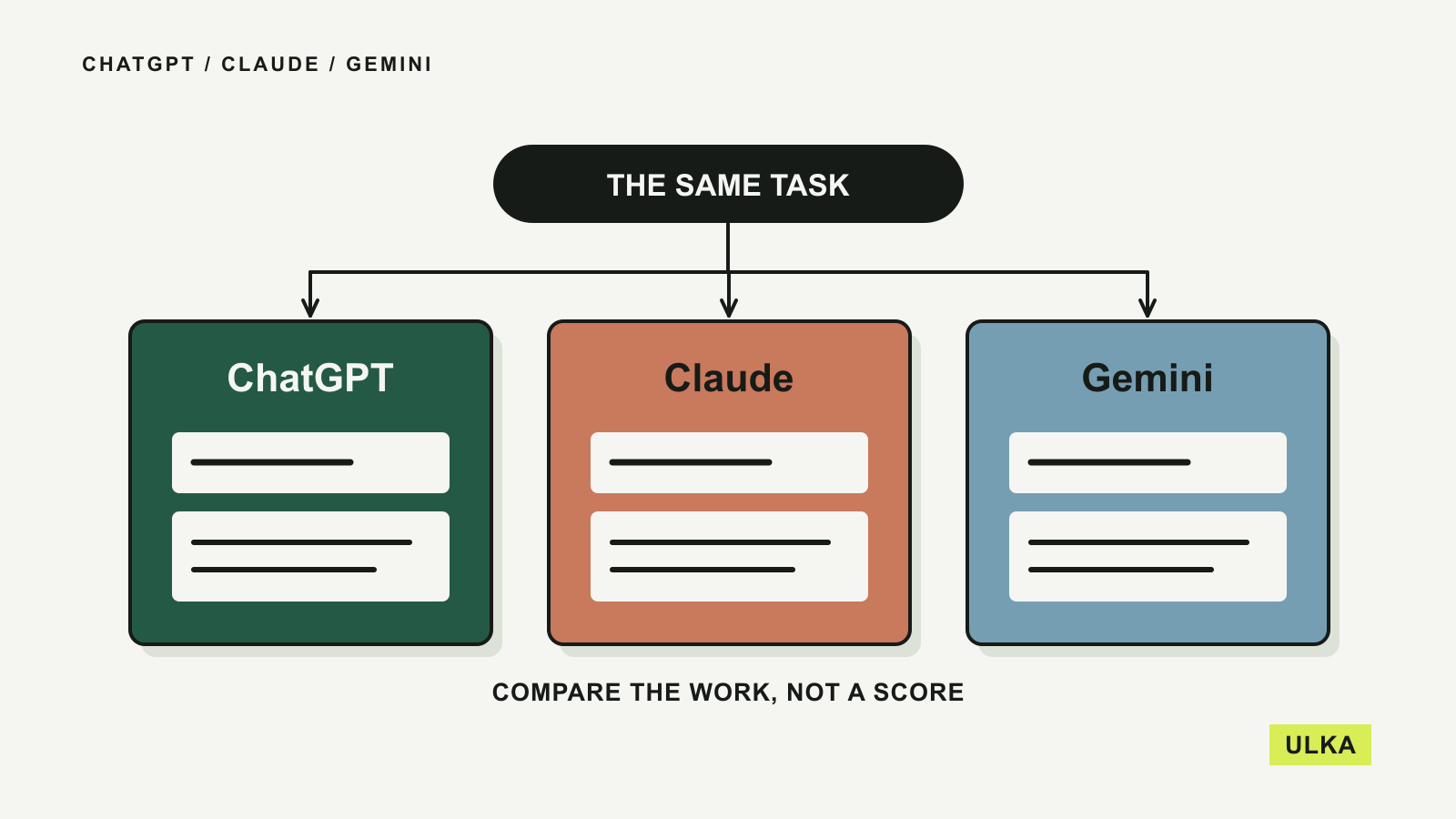
Prepare a small set of questions with answers you can verify. Include an item the source does not answer, so you can see whether the tool admits the gap or fills it with a plausible invention. For summaries, check omissions and the meaning of numbers as well as grammar.
Repeat the same task with the same material when comparing configurations. Record the model, runtime, device, time taken and any corrections needed. Keep an eye on whether the rest of the computer remains usable during the job.
Local processing may be a good fit for a defined task even when it does not replace every cloud assistant. The decision should follow the required privacy, connectivity, quality and performance, rather than the appeal of a single label. Our AI Explorer section examines these workflow and permission choices.
Questions
Does a local model mean nothing ever leaves the device?
No. Search, synchronisation, telemetry and tool actions may use external services. Check the complete application workflow.
Does an NPU guarantee that a particular model will run quickly?
No. The model, runtime, drivers and application need compatible support, and the task still matters.
Can local transcription feed a cloud assistant?
Yes. Speech-to-text and the later assistant request can be separate stages with different processing locations.
Is an offline test enough to prove privacy?
It shows that the tested operation can work without a connection. It does not establish all behaviour when the application is online.
Sources
Microsoft Windows Developer Blog, Build 2026 platform announcement, 2 June 2026; Microsoft Foundry Blog, Accelerate Edge AI Development with Foundry Local, 4 June 2026. Data-flow diagram: ULKA explanation. Cover: Microsoft Surface product imagery, used to illustrate on-device computing rather than a measured AI result.