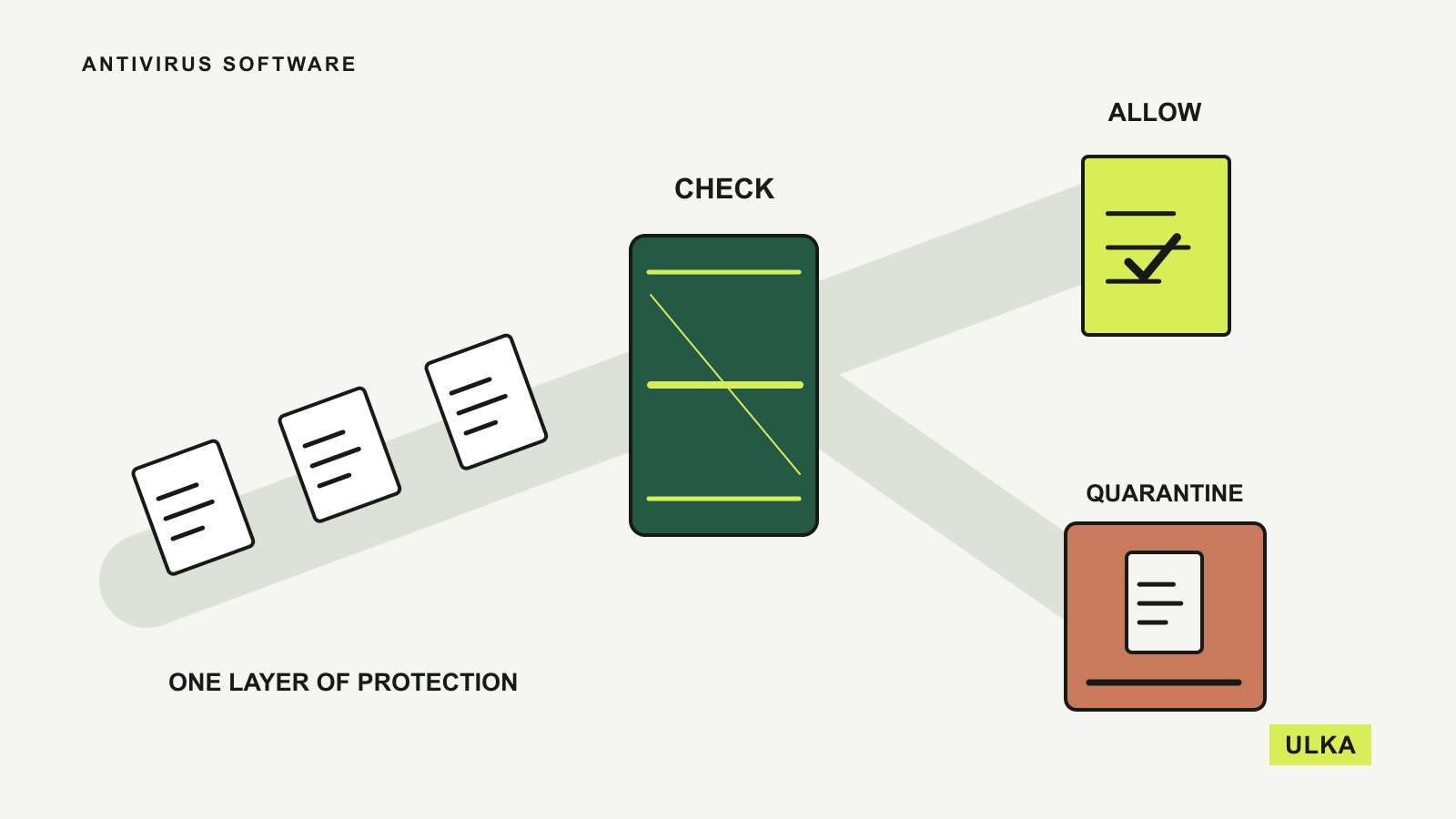
Before buying antivirus software, check the protection already running on your devices and the extra help you actually want. A Windows PC has built-in security tools. A household with several platforms may instead value a shared subscription, easier account management, parental controls or an included VPN. Those are different reasons to spend money.
Microsoft Defender Antivirus, Bitdefender Total Security, Norton 360 Deluxe and ESET HOME Security cover four useful starting points. The comparison below uses their published features, Australian product pages where available and support documentation checked on 26 September 2026. It compares coverage and package fit, without treating a vendor’s marketing claims as an independent malware-detection result.
Four options, with different reasons to choose them
| Option | Worth considering for | Main qualification |
|---|---|---|
| Microsoft Defender Antivirus in Windows Security | A supported Windows PC whose owner wants the built-in baseline | It is not the same product as the separate Microsoft Defender subscription app |
| Bitdefender Total Security | Several device types under one subscription | Included VPN traffic is limited; features differ by platform and plan |
| Norton 360 Deluxe | A household that will use the wider bundle | Australian device allowance and Windows-only extras need checking |
| ESET HOME Security | Buyers choosing a tier around specific security features | Higher-tier extras and platform support require a close comparison |
Count your actual devices before choosing a package, then identify their operating systems. A subscription that covers a phone, a Mac and a PC does not promise an identical feature set on all three. The feature you wanted may be available only on one of them.
Windows Security is the place to start on a Windows PC
Microsoft’s support documentation explains that Windows Security is built into Windows and includes Microsoft Defender Antivirus and Windows Firewall. It provides a place to check protection status and run scans without purchasing a separate antivirus subscription.
For a supported Windows computer used for everyday browsing and documents, reviewing that built-in protection is a sensible first step. Open Windows Security, check the reported status and make sure the device receives its required updates. Spending on another package should follow a specific need, rather than an assumption that a new computer has no protection at all.
Be careful with the naming. Microsoft also offers a separate Microsoft Defender application through eligible Microsoft 365 subscriptions. That does not make the built-in Defender Antivirus a paid-only Windows feature. Microsoft’s own support page distinguishes the integrated Windows tools from the additional subscription product.
This option has no separate antivirus renewal decision, but it does not remove the need to maintain the computer. Keep the operating system and applications supported and updated, and use the scan controls when you have a concern. If you need centrally managed protection across family devices or particular bundled services, that is where a paid suite may have a clearer role.
Bitdefender offers broad coverage, with a limited included VPN
Bitdefender’s Australian Total Security page lists coverage across Windows, macOS, Android and iOS, with different individual and family arrangements. That makes it a candidate for someone who wants to organise protection for several device types through one purchase.
Its product listing includes security features alongside a password manager and a standard VPN. The VPN allowance deserves particular attention: the page specifies a daily traffic limit rather than unlimited usage. It may suit occasional use, but should not be counted as a full substitute for an unlimited VPN if that is what you need for regular work or travel.
Compare accounts as well as device numbers. A family arrangement may provide different administration and sharing options from simply installing a single user’s plan on several machines. Read which features apply to the adults, children and platforms in your household, especially before counting parental controls as a reason to upgrade.
Bitdefender’s page makes strong claims about protection and performance. Those claims should not be read as a guarantee that a device cannot be compromised or that it will behave identically on every computer. Assess the trial on the actual devices you intend to use, look for unwanted interruptions and verify the ongoing subscription terms before the first discounted period ends.
Norton 360 Deluxe bundles several separate purchases
Norton’s Australian Deluxe page combines device protection with a VPN, a password manager, dark-web monitoring, parental controls and cloud backup. The package is most relevant if you would otherwise buy and maintain several of those services separately.
Check the local plan rather than relying on a review of another country’s offer. At this check, the Australian Deluxe listing specified three devices. A similarly named product sold elsewhere may not be the same purchase, and the plan’s device count is something to confirm on the final order.
The platform footnotes are equally important. Norton says its cloud backup, parental controls and SafeCam are not supported on macOS in the described package; other limitations apply to particular Windows configurations. A household buying the bundle mainly for Mac backup should therefore look again at what it is paying for. The broad headline about supported devices does not override those individual feature restrictions.
Norton displays both an initial price and a subsequent annual price on the Australian page. Compare the renewal against the separate services you already own. If the included VPN or password manager would duplicate an existing subscription, the apparent bundle saving may be smaller than it first appears. Our VPN comparison can help separate that purchase from the antivirus decision.
ESET offers tiers for different amounts of protection and extras
ESET’s Australian HOME Security page presents Essential, Premium and Ultimate tiers. The range includes antivirus and browsing protection, with additional privacy and security features in higher packages. It is useful for a buyer who wants to choose a defined set of capabilities rather than automatically taking the largest bundle.
Start by matching the product to your platforms. ESET documents antivirus protection for Windows, macOS and Android, and explicitly says it does not provide an antivirus solution for iOS. Its iPhone offerings include selected services such as the VPN and management app, so an iPhone and a Windows computer do not receive the same protection functions.
Then compare the features you would actually use. Encryption, VPN access and additional recovery-related protection may have different tier or device allowances. A feature table can contain rows for the whole range, so confirm the inclusion mark for the exact package being ordered rather than reading every row as part of the entry plan.
ESET’s Australian page also says the displayed offer applies to the first term and that later pricing can change. Check the number of devices, subscription length and next charge together. If the Essential tier meets your needs, buying an upper tier only for a feature you will not configure creates a cost without improving your everyday setup.
Decide what the subscription adds to your household
Separate the underlying antivirus from the surrounding services. Make a short list of what you need: protection status you can understand, suitable device coverage, help with suspicious sites, family controls or a VPN. Mark anything you already receive from another subscription. This turns a confusing list of bundle names into a comparison of actual requirements.
Use trials to assess the fit, not to make sweeping security claims. Check whether the software works alongside the applications you depend on, how clearly it explains alerts and whether the relevant functions exist on each device. If you change providers, follow the vendors’ installation and removal instructions so you understand which protection is active.
Be wary of treating monitoring as prevention. An alert about exposed personal information can prompt action, but it does not reverse an account takeover or guarantee that every breach has been detected. Use unique credentials, protect important accounts with additional authentication and review requests to transfer money or disclose access codes. Our password-manager guide deals with that account-security layer.
Backups also remain a separate decision. A suite may include a backup feature without covering the files, platforms or retention period you need. Check it against the same recovery questions you would ask a dedicated product: what is saved, where it can be restored and how older versions are handled. The cloud storage and backup comparison explains those distinctions.
For a single supported Windows PC, begin by checking Windows Security. For a mixed household, compare Bitdefender’s device and account arrangements, Norton’s local bundle and ESET’s tiered features against your written list. Choose the package you can maintain at its ongoing price, and review it when your devices or existing subscriptions change.