A backup is useful when it can return the right files in a usable form. A green completion message confirms that a job finished according to the software’s rules; it does not prove that the folder you forgot to include, the key needed to decrypt it or the application needed to open it will be available after a failure.
Build the plan around a small recovery exercise. Choose something you would genuinely need, restore it to a separate location and open it. That simple test turns a vague belief that your files are safe into a result you can inspect.
Start with what would stop your day
List the information you cannot easily recreate: family photographs, current projects, business records, important correspondence and configuration files. Note where each item lives, who can access it and what software is needed to use it.
Do not stop at the obvious Documents folder. An application may keep a database elsewhere; a website may need both uploaded files and its database; a creative project may refer to media outside the project folder. A copy that omits those dependencies can look complete until someone tries to open it.
Cloud-only files deserve a separate check. A local folder can contain placeholders rather than full file contents. Confirm that the backup method includes the actual data and supports the service or application involved. The appearance of a filename alone is insufficient evidence.
Separate sync from a recovery copy
Synchronisation keeps locations aligned. Depending on the service and settings, that can include propagating an unwanted deletion or change. A backup should give you a way to retrieve an earlier usable state under the failure conditions you care about.
Some cloud services combine sync with version history and deleted-file recovery. Those features can be valuable, but their retention periods, account requirements and coverage need checking. They are not an unlimited promise to undo every event.
| Failure | What a useful recovery plan needs |
|---|---|
| An important file is overwritten | A recoverable earlier version |
| A laptop is lost | A copy accessible without that laptop |
| The main account cannot be accessed | A documented, tested recovery route |
| Local storage is damaged | A copy outside the same physical location |
| Connected files are encrypted by malware | A protected copy the incident cannot simply overwrite |
Our cloud storage and backup coverage looks at the service choices. The recovery exercise below applies whichever suitable product you use.
Give the copies different ways to survive
CISA recommends a 3-2-1 approach: three copies of important data, on two different types of storage, with one copy off-site. It also highlights encryption, offline copies and recovery testing.
Think through the failure that could affect each copy. Two drives beside the same laptop share exposure to theft or physical damage. A constantly connected drive may be reachable by the same compromised computer. A remote copy may survive that event but still depend on an account or encryption key.
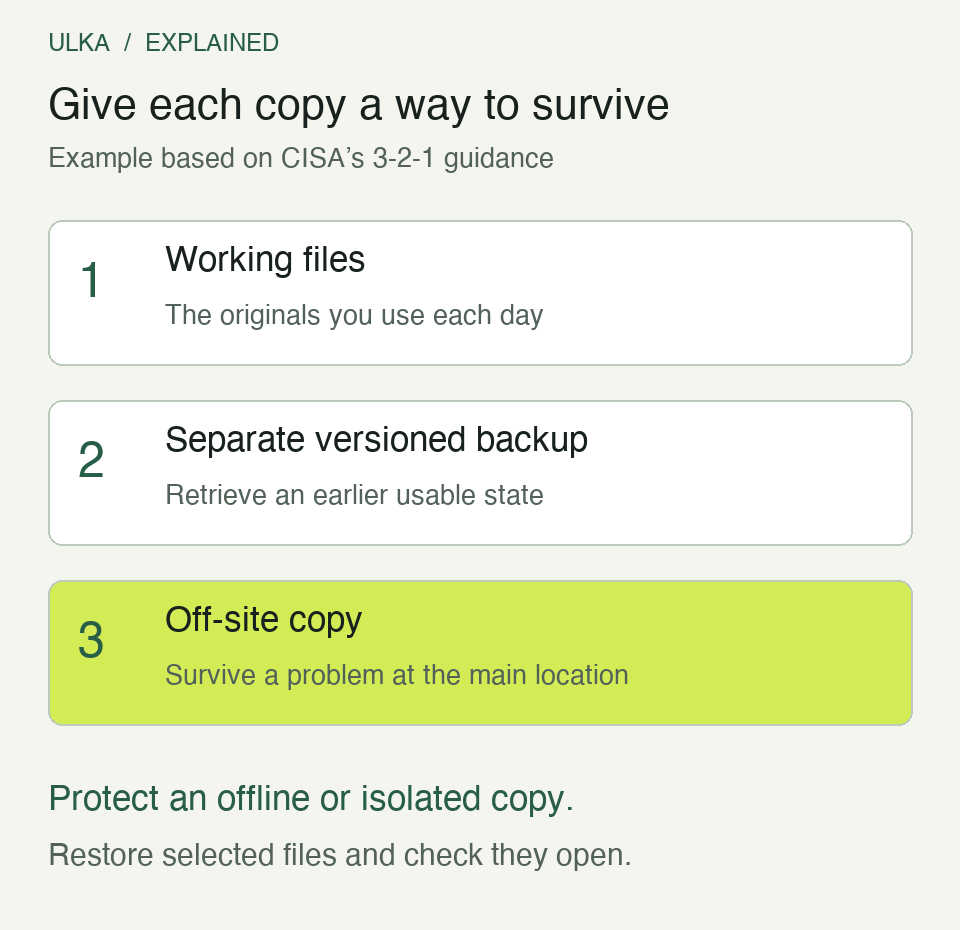
Example arrangement based on CISA’s 3-2-1 guidance. The method used to protect a copy from unwanted changes depends on the backup system; simply naming a folder “backup” provides no isolation.
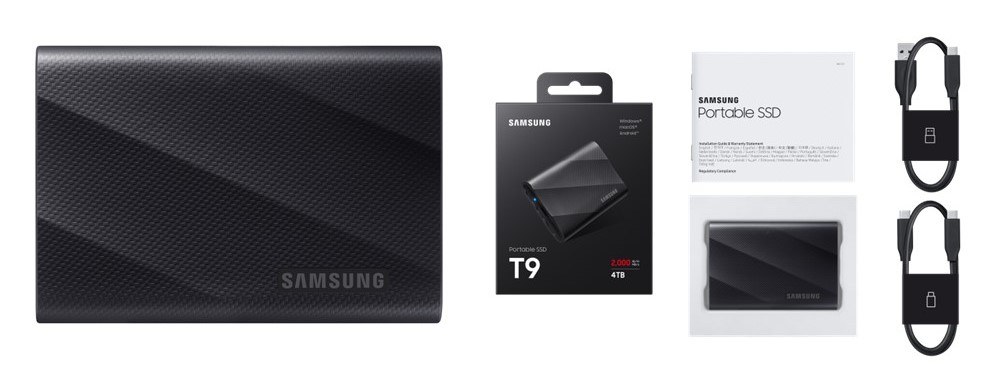
An external SSD is one possible component, not a complete strategy. The Samsung T9 shown in the cover image illustrates a real storage device. The brand does not determine whether your backup includes the right files or whether the drive is kept in a useful place.
Decide how much work you can afford to lose
The recovery point objective, or RPO, describes the amount of recent work you can tolerate losing. In everyday terms: how far back could the last usable copy be before the loss becomes unacceptable?
If the latest successful backup finished at 8 pm yesterday and the laptop fails at 3 pm today, as much as 19 hours of subsequent changes may be outside that copy. Running a daily job does not eliminate the gap between jobs, and a failed job can make it longer.
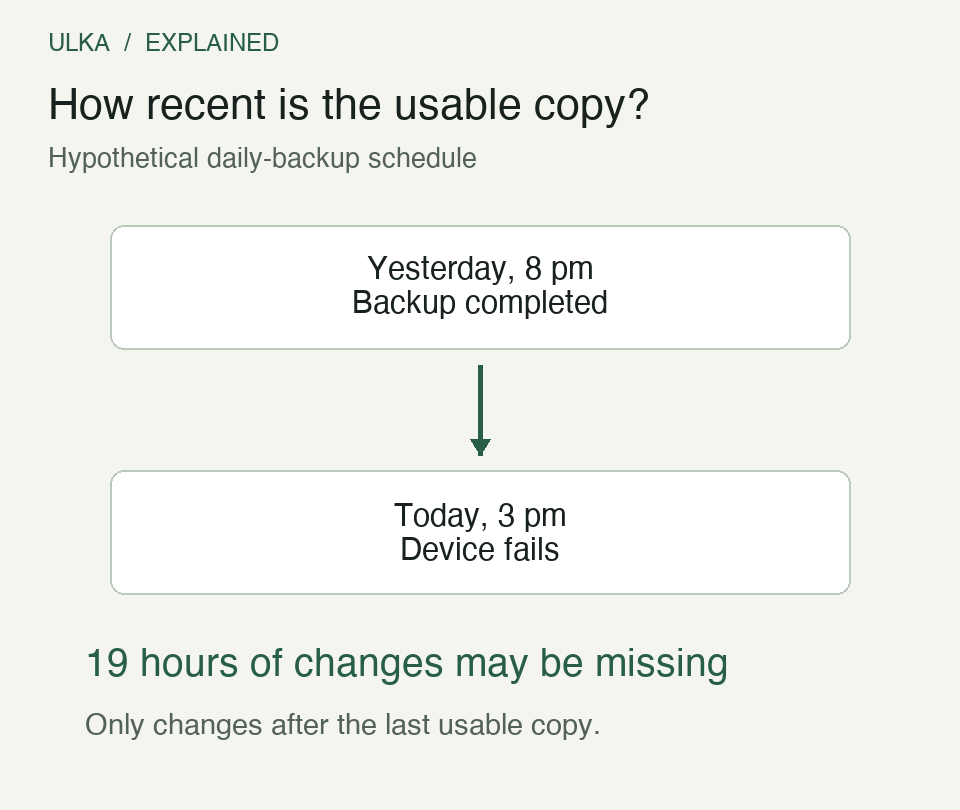
Hypothetical timeline, not a record of an incident. The interval concerns changes since the last usable copy; unchanged files already captured in that copy are not lost merely because time has passed.
Choose the schedule around the work. A folder updated once a month and a project changing every hour do not have the same need. Check successful completion and the age of the latest usable copy, rather than the schedule alone.
Decide how long recovery can take
The recovery time objective, or RTO, concerns the delay you can tolerate while restoring useful operation. Downloading an archive is only part of that time. You may also need another computer, the right application, account access and time to verify the restored files.
An off-site copy can protect against a local disaster while taking longer to retrieve than a nearby drive. A local copy can speed up routine restores while sharing risks with the original. Combining suitable copies lets the plan address both problems.
Record actual recovery times during a test. Do not estimate them solely from an internet plan’s headline speed. The service, archive preparation, file sizes and equipment can all affect the wait.
Run a restore without touching the originals
Create a separate destination folder for the exercise. Select a few representative items: a recent document, an older version, a photograph and a project with linked files. Restore copies into that destination without overwriting the working originals.
Open them in their normal applications. Check that the content is what you expected, that linked media is present and that an earlier version is actually earlier. For important records, compare known totals or other identifying details rather than relying only on filenames.
Then test the access assumptions. Can the documented process find the backup and obtain its required credentials without depending entirely on the missing device? Keep recovery information protected and separate enough to be useful, following the account and backup provider’s guidance.
Write a short record: what was restored, which backup date was used, how long it took and what failed. Fix gaps and repeat the affected part. Repeat the exercise after a significant change in devices, storage locations or backup software.
Questions
Does cloud sync count as my only backup?
Only if its documented recovery behaviour meets your needs. Check versions, deletion recovery, retention and access after an account or device problem.
Should I leave an external backup drive connected all the time?
That can make scheduled jobs convenient but leaves the drive exposed to some events affecting the computer. Include an appropriately protected or offline copy in the plan.
How can I test without risking my current files?
Restore selected items to a separate destination and open the restored copies. Avoid overwriting the originals during the exercise.
What is the difference between RPO and RTO?
RPO concerns how much recent work may be missing. RTO concerns how long it takes to return to useful operation.
Sources
CISA, Back Up Business Data, guidance on 3-2-1 copies, protection and recovery tests; Samsung Global Newsroom, Portable SSD T9 announcement, 3 October 2023. Diagrams: ULKA examples based on the stated backup principles. Cover: Samsung product photograph.