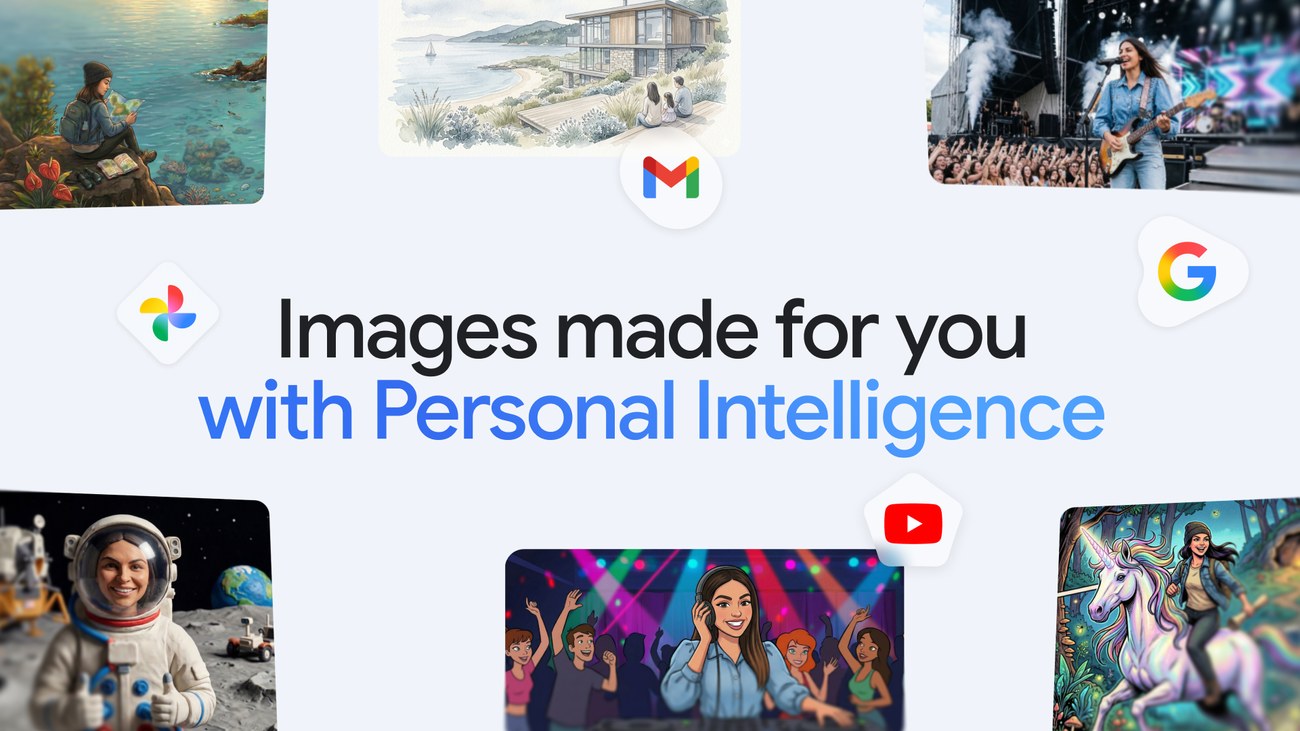
Google is connecting personalised image creation in Gemini with the user’s interests and Google Photos library. Announced on 16 April, the update combines Personal Intelligence with Nano Banana 2 so that an image request can draw on context from connected Google applications.
The first rollout is for eligible Google AI Plus, Pro and Ultra subscribers in the United States. Google says access will expand over the following days. The announcement does not establish Australian availability for this particular feature.
Choosing a reference becomes part of the job
Previously, making an image feel personal could require a detailed description and a manually supplied photograph. With this update, Gemini can use context from connected services and, when Google Photos is connected, select a reference image from the library.
Google says labels assigned to groups of people and pets in Photos help supply that context. A request involving family members can therefore use information already organised in the account instead of requiring the user to find and upload each reference again.
That convenience also makes the chosen reference worth checking. Google acknowledges that Gemini may pick a photograph or detail that differs from what the user intended. Users can request a correction, choose another reference through the plus control, or consult the Sources button to see which image was selected.
For a creative project, a sensible sequence is to confirm the people and reference picture before spending time refining style. Correcting a mistaken person or setting late in the process can undo several rounds of editing.
The privacy statements have separate parts
Connecting Google applications remains optional, according to the announcement, and users can change their connections in settings. Google says it does not directly train its models on a user’s private Google Photos library. It also says it uses limited information, including specific prompts and model responses, to improve functionality.
Those statements describe different data uses. They should not be shortened to a blanket claim that nothing entered into Gemini is used for improvement. Before connecting a personal library, review the account’s current controls and consider whether the photographs involve other people who would expect to be asked.
The feature also leaves the ordinary creative checks in place. An image can choose the correct reference and still get a detail wrong. Inspect faces, text and any product or place that needs to be represented accurately before sharing the result.
For Australian users, the immediate value of the announcement is knowing the direction of the product and the limits of the first release. Wait for confirmed eligibility in your account before choosing a subscription on the assumption that personalised Photos-based generation is included locally.
More tool coverage is in AI Image Generators.
Source: Google, “New ways to create personalized images in the Gemini app”, 16 April 2026. Product announcement image: Google.