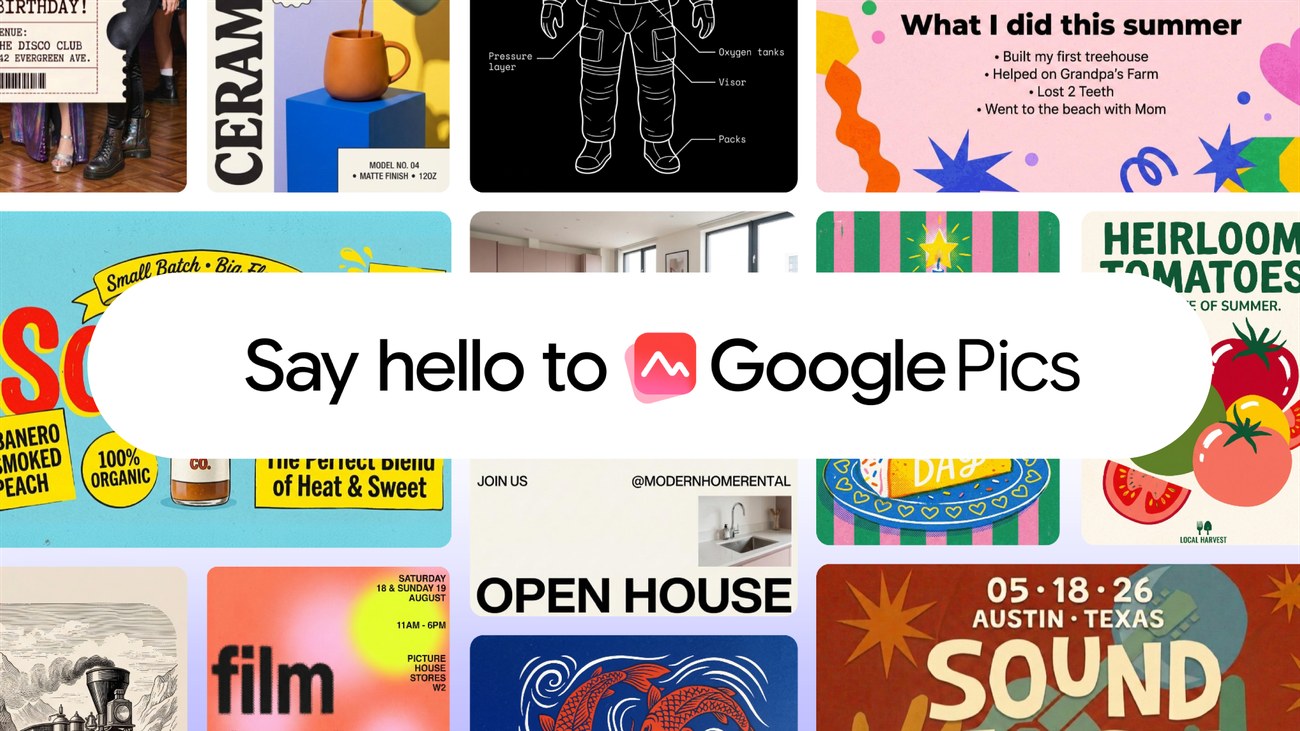
Google Pics is rolling out to Google AI Pro and Ultra subscribers and most Google Workspace business customers. Google announced the image creation and editing tool on 1 September, with access expanding over the coming weeks. The rollout means eligible subscribers may not all see the new product immediately.
Pics uses Google’s Nano Banana model and will work both as a standalone product and inside Workspace apps. Integration with Docs and Slides starts with the announcement, while Drive support is due in the following weeks. That distinction matters if your main reason to try it is editing images directly from a shared Drive folder.
Editing a part of an image
Google’s emphasis is on revising an image after the first result. Object segmentation lets a user isolate an element and request a change to that part of the picture. Comments can target specific areas, and several edits can be requested together.
For someone preparing a presentation, that offers a more direct way to adjust one element without rewriting the entire description. A useful first check is whether the tool preserves everything that was meant to stay the same: surrounding text, product details, proportions and the placement of other objects.
Pics also supports editing and translating text within an image. Google says it can preserve the surrounding design and font. Small lettering, dates, prices and proper names still deserve close inspection before a graphic is shared. A visually tidy result can contain a spelling mistake or an incorrect translation.
A shared workspace for revisions
Users can share a Pics creation and collaborate on the same image. The tool also produces multiple options from a single prompt, giving a team several starting points to compare. Agreeing on the intended audience and final dimensions before generating those options should make the selection more useful.
The Workspace connection could reduce the repeated downloading and uploading involved in revising a slide graphic. It also makes access settings worth checking: people who can view a presentation do not necessarily need permission to edit its source artwork. Follow the sharing controls available in the account rather than assuming every collaborator has the same access.
Google’s announcement describes a product rollout, not a comparison of image quality against competing tools. The relevant test for a small team is whether a revision saves time after proofreading and approval are included. Try a modest task first, such as adapting an existing announcement graphic, and compare the finished result at its actual display size.
For now, check both subscription eligibility and which app integration has reached your account. Drive users may need to wait longer than those working in Docs or Slides.
More coverage appears in AI Image Generators.
Source: Google, “Try Google Pics: Easy image creation and editing in Google Workspace”, 1 September 2026. Product image: Google.