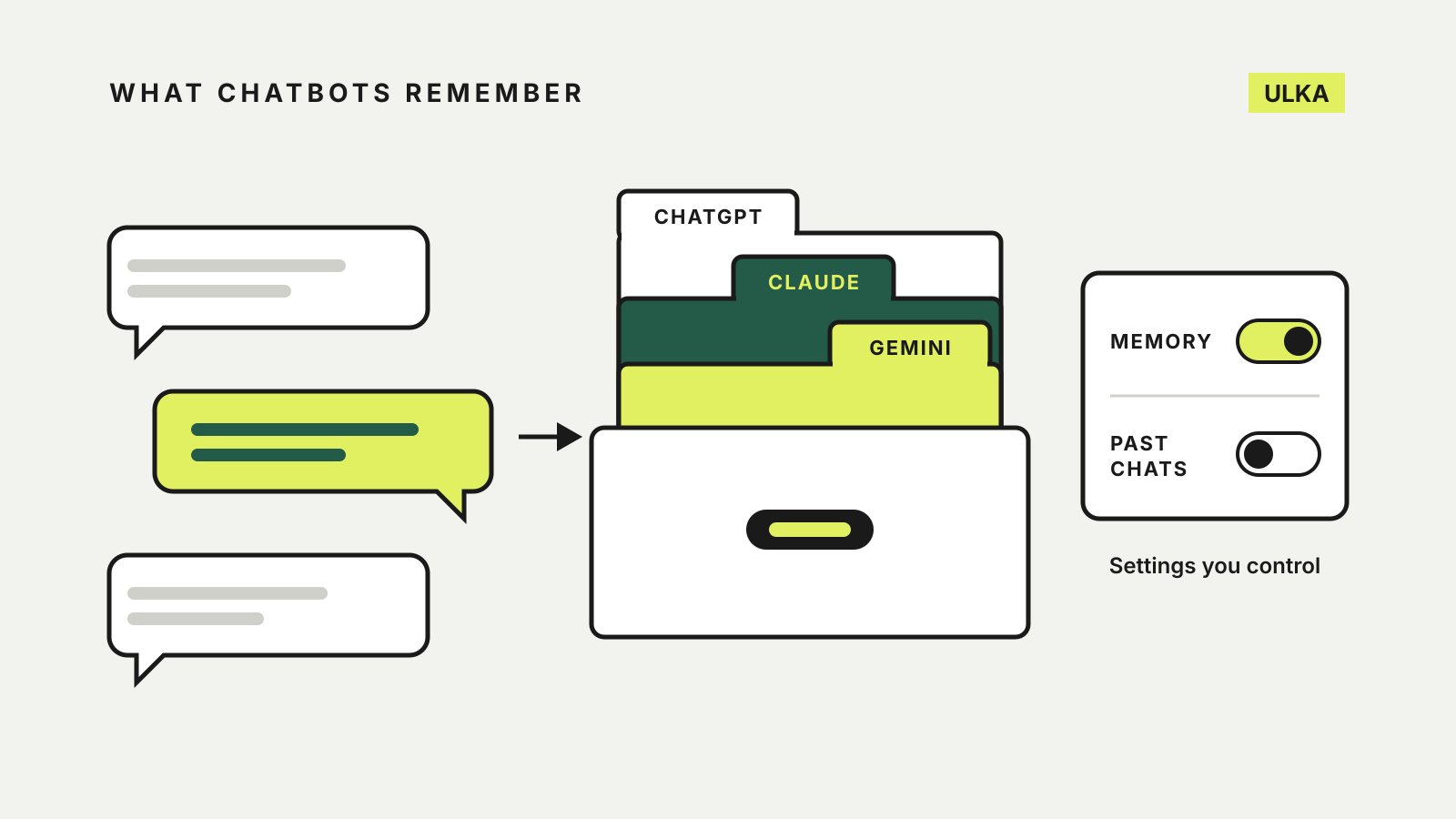
ChatGPT, Claude and Gemini memory all do the same basic job: they carry details from earlier chats into new ones, so you don’t have to explain your job, your project or your preferences again. Where they differ is in what gets stored, where you can see it, and what you have to delete to make an assistant genuinely forget something.
This comparison follows the memory help pages published by OpenAI, Anthropic and Google, checked on 15 October 2026. Memory features change often and are not available on every account, so check the settings screen in your own app as you read.
The three at a glance
| ChatGPT | Claude | Gemini | |
|---|---|---|---|
| Where the switch is | Settings > Personalization > Memory | Settings > Memory | Settings & help > Personal Intelligence > Memory |
| What it draws on | Chats, files and connected apps | Chats, saved as separate topics | Past chats in Gemini Apps Activity |
| Can you see it? | A memory summary, plus sources under each answer | Saved memory you can review and edit | Ask Gemini whether it used past chats |
| One chat without memory | Temporary Chat | Memory off in the “+” menu, or an incognito chat | Temporary chat, or Personal Intelligence off in Tools |
| To make it forget | Delete every source, including past chats | Edit memory, or reset it entirely | Delete the chats that contain the detail |
ChatGPT: a summary built from everything
OpenAI says ChatGPT’s memory remembers useful context from your chats, files and connected apps and updates itself as you talk. You can read what it holds in the memory summary, though OpenAI notes the summary will not include everything ChatGPT remembers. Tapping the book icon under an answer shows which sources, including memories and past chats, shaped that reply.
Forgetting takes more work than in the other two. OpenAI says that to fully delete something, you need to remove it from every place it appears: past chats, archived chats, files, the memory summary and any connected app. The Delete and turn off memory option clears the summary but does not delete your past chats, and if you turn memory back on, ChatGPT may build new memories from the chats that remain.
ChatGPT also keeps the older saved memories system as an option. Saved memories are stored separately from chat history, so deleting a chat does not remove a memory taken from it, and OpenAI may keep a log of deleted saved memories for up to 30 days. A Temporary Chat neither uses nor creates memories.
Claude: topics you can review, and separate projects
Anthropic says Claude saves memory as a set of individual topics while you chat, such as your role, projects, working style and the people in your work, and you can tell it to “remember this”. Memory is on by default on the Free, Pro and Max plans. On Team and Enterprise plans, the owner decides whether it is available and each member must turn it on.
Two details set Claude apart:
- Projects keep their own memory. Inside a project, Claude uses that project’s memory and your general memory, but never memory from other projects. Turning off Use account memory on a project’s page keeps it fully separate.
- Sensitive topics are left out by default. Anthropic says Claude does not store health, race, ethnicity, religious beliefs, politics, gender identity and similar subjects unless you choose otherwise.
Searching past chats is a separate feature for paid plans, controlled by the Search and reference chats switch in Settings > Memory. To switch memory off you can pause it, which keeps what is saved but stops it being used or added to, or reset it, which permanently deletes all memories, including project memories.
For a single chat, open the “+” menu and turn Memory off before you send the first message; the setting cannot be changed once the chat starts. An incognito chat goes further: it is not saved to your history and Claude will not find it when searching past chats.
Gemini: memory tied to your activity
Google’s Gemini memory of past chats needs three things: you must be 18 or over, signed in with a personal Google Account rather than a work, school or supervised one, and have Keep Activity turned on. Google also says these personalisation features are not available to everyone yet. For now memory works in the Gemini app, on gemini.google.com, in Gemini in Chrome and on smartwatches, but not in Gems or Live chats.
Gemini has no separate list of memories to edit. To remove something it learned, Google says to delete every chat containing it from Gemini Apps Activity, and there may be a short delay before it stops being used. If the detail came from a connected app such as Gmail, disconnect that app as well. You can correct Gemini directly in a chat, and you can ask it, “Did you use any info from past chats?”
Separately, Instructions for Gemini lets you save facts and preferences on purpose. Google says that feature also needs a Google AI plan. A temporary chat keeps a conversation out of your activity altogether.
Which approach suits you
- You want to see what is stored: Claude’s topic-based memory and ChatGPT’s summary both show it; Gemini relies on your chat history.
- You keep clients or subjects apart: Claude’s per-project memory is the most explicit separation of the three.
- You want to forget something completely: in ChatGPT and Gemini, plan on deleting the original chats too, not just the remembered detail.
- You share sensitive details: use a temporary or incognito chat, or switch memory off for that chat, before you start.
Memory is separate from whether your chats help train the models. Our guide to AI chatbot privacy settings covers training and history controls, and our Projects and Gems comparison covers keeping files and instructions together.