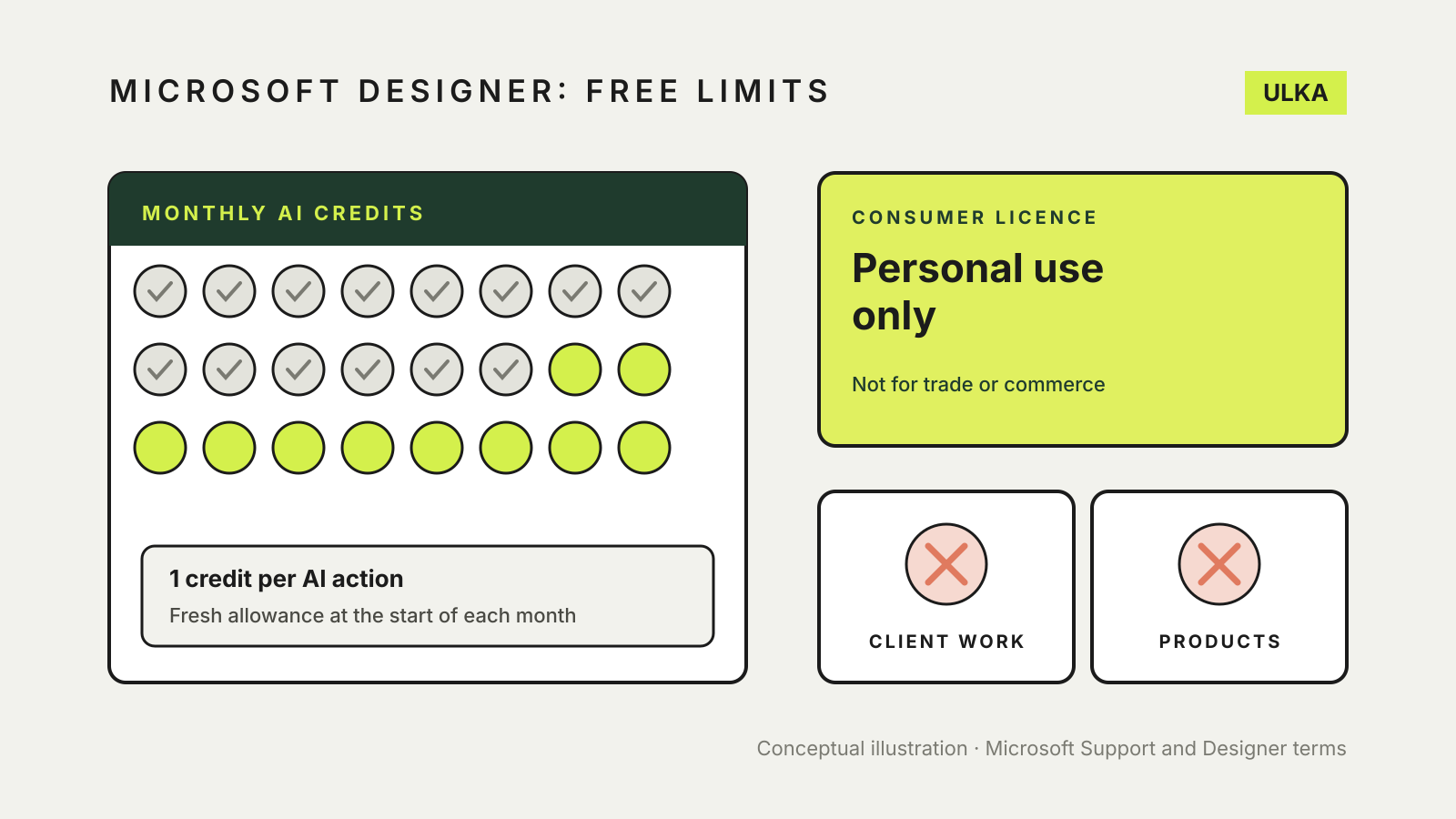
Microsoft Designer and its Image Creator feature are free to use with a Microsoft account, but “free” comes with two limits worth understanding before you rely on them. Generation runs on a monthly allowance of AI credits, and the consumer licence covers personal use only. If you plan to make images for a business, a client or anything you sell, the second limit matters more than the first.
This guide follows Microsoft’s own support pages, product page and Designer terms. It was checked on 4 November 2026.
What you get without paying
Microsoft’s Designer FAQ answers the question directly: Designer is free to use, and a subscription may be required for people who want to create more frequently. You need a Microsoft account, which is also free.
You can reach Designer on the web at designer.microsoft.com, through its iPhone and Android apps, and from Copilot in Word and PowerPoint. Microsoft notes that using it inside Word and PowerPoint needs a paid subscription, and the desktop versions also need Microsoft 365.
Some features have age requirements. Microsoft says generative AI features are limited to people who meet minimum ages that differ by region, so a younger account may find Designer, or tools such as Upscale, unavailable.
Designs you save are stored in your Microsoft account and count towards your Microsoft cloud storage quota. If that quota fills up, Microsoft warns you may not be able to save files or send and receive Outlook.com email.
How the monthly credits work
Microsoft’s Designer product page explains the meter. You receive a fresh set of credits at the start of each month, and one credit is deducted each time you use Designer’s AI features, such as creating an image from a description, or interact with Copilot elsewhere.
Three details are easy to miss:
- The free allowance is not stated as a number on that page. Microsoft describes it as monthly credits, and Microsoft 365 Personal, Family and Premium as providing “up to 4X more” for the account owner.
- Credits are shared across apps. The same pool covers AI features in Copilot, Designer, Photos, Paint, Notepad, Word and Excel, according to Microsoft’s AI credits and limits page. Heavy use in one app leaves less for the others.
- Only the subscription owner gets them. On Microsoft 365 Family and Premium, the AI benefits belong to the person who owns the subscription and are not shared with other members.
Microsoft’s Image Creator in Paint page says each set of generated images costs one credit and that Microsoft 365 Personal and Family subscribers receive 60 AI credits a month. Its newer AI usage page describes image generation on those plans as “standard usage” and on Premium and Pro as “extensive usage”, and says limits can vary by feature, entry point and system conditions. Treat any fixed figure as a guide rather than a guarantee.
To see your actual balance, sign in to your Microsoft account and open Services & subscriptions. Microsoft also shows a notice in the app when you are close to, or have reached, a limit.
The licence: personal use only
This is where Designer differs from some other image tools. The FAQ states that Designer is licensed for personal, non-commercial use with your Microsoft account.
The Designer terms for consumers, effective 31 May 2024, go further. You agree that your use is for personal use only and “not for use in the course of trade or commerce”. The terms for the mobile apps say the software may not be used for commercial, non-profit or revenue-generating activities.
The same web terms also say:
- Microsoft does not claim ownership of your prompts or the images you create.
- By using Designer, you grant Microsoft a licence to use, copy, edit and display your prompts and creations in connection with its services.
- Microsoft gives no warranty that creations do not infringe someone else’s intellectual property, and recommends getting legal advice about any use you intend to make of them.
In practice, a birthday invitation, a sticker for a group chat or a picture for a family newsletter fits the licence. Social posts for your business, client work, product mock-ups, merchandise and advertising do not, under these consumer terms. For a wider look at reading these clauses, see our guide to using AI images commercially.
Labels and quality limits
Microsoft attaches Content Credentials, based on the C2PA standard, to images generated or edited with Designer’s AI features. That metadata identifies the image as AI-generated and can be inspected with Content Credentials tools; our guide on how to tell if an image is AI-generated explains how.
Microsoft also warns that text inside generated images may be misspelled or in the wrong language. Check any words in an image before you share it.
Is it the right free tool?
Designer suits occasional personal projects: cards, invitations, collages and quick edits such as background removal. If you need images for work, compare tools whose terms allow commercial use and check their current plan limits. Our AI image generators comparison is a starting point.