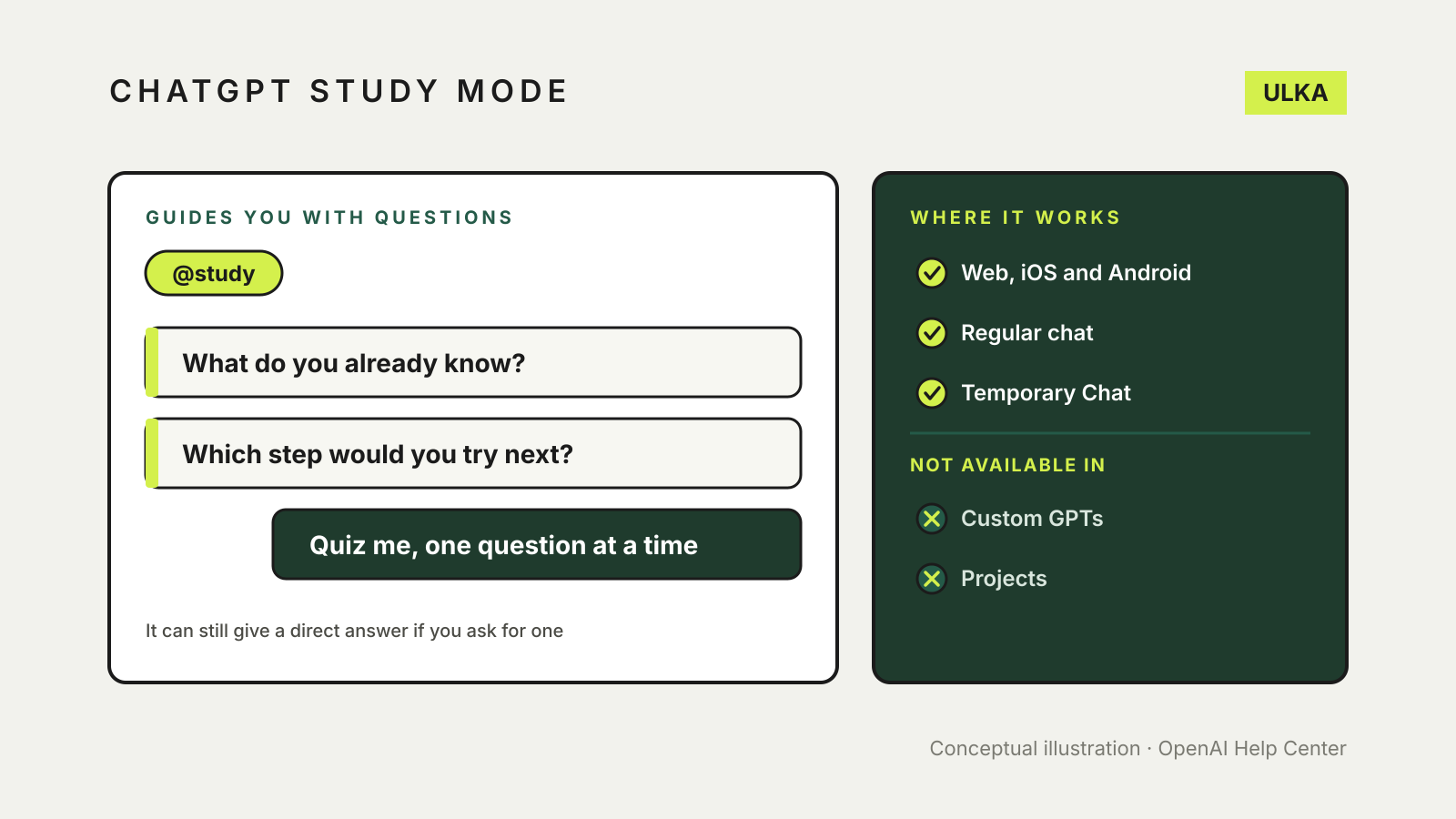
ChatGPT study mode is a way of using ChatGPT that asks questions and explains ideas step by step instead of only handing over an answer. To start it on the web, type @study at the start of a message and choose Study, or open chatgpt.com/studymode. On iOS and Android you type @study too. It is available on every ChatGPT plan, but not in custom GPTs or projects.
This guide covers how to turn study mode on and off, what it can do with your notes, how it interacts with memory and parental controls, and where it falls short. It follows OpenAI’s Help Center page on study mode, checked on 27 November 2026.
What study mode does
OpenAI describes study mode as a learning experience that helps you build a deeper understanding of a topic. ChatGPT can ask questions, guide your thinking, explain ideas step by step and check your understanding as you go. In practice that means:
- Guiding questions. It may ask what you already know, where you got stuck or what step you would try next, a Socratic-style approach.
- Layered explanations. It can start simple and add detail when you are ready. You can ask it to slow down, use simpler language, give an analogy or go deeper.
- Checking what you know. It can give feedback on your answers and help correct misunderstandings. You can ask it to quiz you one question at a time and explain what to review next.
- Practice material. It can create practice questions or flashcard-style review.
OpenAI lists the uses it has in mind: learning a concept from the beginning, working through homework or practice problems, preparing for a quiz or exam, reviewing notes, slides or readings, and breaking a large topic into smaller sections.
How to turn study mode on
Start in a regular chat or a Temporary Chat. If you see Chat and Work at the top, select Chat.
| Where | How to start it |
|---|---|
| Web (signed in) | Type @study at the start of your message and select Study, or select + and search for Study. You can also go to chatgpt.com/studymode |
| iOS | Type @study at the start of your message and select Study. If Study appears in the + menu you can use that too |
| Android | Type @study and select Study, or select +, then search for and select Study. The menu can vary by app version |
If you cannot see the option, OpenAI suggests checking that you are in a regular or Temporary Chat rather than another mode, updating the app, then fully closing and reopening it. On the web it suggests a hard refresh, clearing site data for chatgpt.com or trying a private window with extensions off.
How to turn it off
Remove Study from the message box. On the web, place the cursor just after Study and press Backspace (Delete on a Mac); if there is a space after Study, delete the space first. Where your layout shows a remove control (×), select that. If Study shows as selected in a menu, selecting it again may turn it off.
If your school or workplace workspace requires study mode for your role, you will not see the Study option and cannot turn it off. OpenAI says this can apply in some ChatGPT Edu and K-12 workspaces, and to ask your workspace admin if you are unsure.
What to put in your first message
OpenAI says you will usually get better help if you include:
- your level, such as high school, college, beginner or advanced
- the subject and the exact topic
- what you are trying to do, such as solve a problem or prepare for a test
- what you already understand, even if it is only a little
- any deadline, test date or format
- course materials that would help, such as notes, a worksheet, a syllabus, a PDF or a photo of the problem
You can upload those materials, and study mode can reference them. If ChatGPT misses something in an image or file, try a clearer version, paste the relevant text or tell it which page, section or question to use.
Study mode, memory and Temporary Chat
Study mode works in a Temporary Chat. If memory is available and enabled, ChatGPT may use saved memories or past chats to personalise study mode, such as your learning goals or preferred explanation style. Study mode still works with memory off, but replies may be less personalised. You can review these under Settings > Personalization. For how the memory controls work across assistants, see our guide to ChatGPT, Claude and Gemini memory.
Study hours for a teen account
A linked parent or guardian can set Study hours, so that new chats in Chat start in study mode during certain times. Your teen can turn it off in that chat, and when the scheduled time ends, new chats no longer start in study mode. If study mode is on in the current chat, it stays on. Study hours are separate from Quiet hours, which set times when ChatGPT cannot be used. Parents change both schedules in Settings > Parental controls; they cannot be changed from inside a chat. Our guide to ChatGPT parental controls covers linking a teen account.
Limits to know about
- Same plan limits. OpenAI says study mode uses the same plan, model, message and rate-limit rules as the rest of ChatGPT. It does not add extra messages or unlock models you do not have.
- It can be wrong. OpenAI says study mode can make mistakes and tells you to double-check important information, especially for homework, exams, health, legal or financial topics. Our guide on how to fact-check AI answers shows practical checks.
- It may still give the answer. There may be times when it gives a direct answer. You can ask it to use hints, quizzes or step-by-step guidance instead.
- Not a replacement for your course. OpenAI says it does not replace your teacher, tutor or course materials, and that for graded work you should follow the AI-use policies of your school, instructor or organisation.
- Pace. If it moves too quickly, ask it to pause after each step. If it is too basic, ask for harder questions.