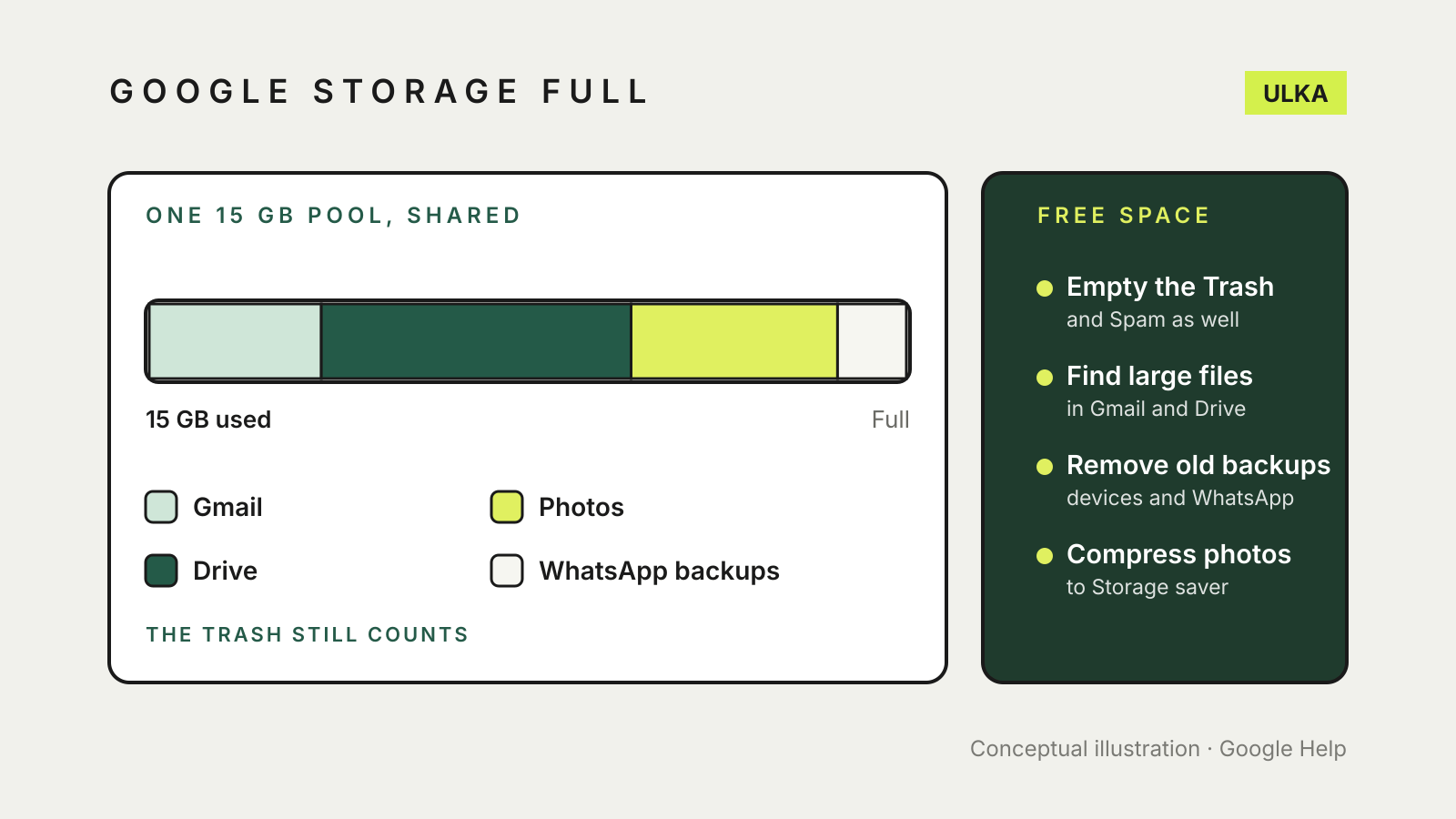
Google storage full means one pool of 15 GB is used up across Gmail, Google Drive and Google Photos, and WhatsApp backups on Android count toward it too. Once it is full you cannot upload to Drive, back up photos or receive new email. Check what is using the space at one.google.com/storage/management, empty the Trash and Spam folders, remove large files and old backups, or buy more storage.
This guide follows Google’s support pages, checked on 26 November 2026.
What counts toward your Google storage
Google says a personal account includes up to 15 GB, shared across Google Drive, Gmail, WhatsApp backups and Google Photos. A few details catch people out:
- Only files you own count. Files other people share with you do not use your quota.
- Drive for desktop files do not count twice. Files stored on your computer use your computer’s disk space, not your Google quota, so the two totals will rarely match.
- Photo backups count in both quality settings. Photos and videos backed up in Original quality or Storage saver both count toward your storage. Items backed up in High quality before 1 June 2021 do not.
- The Trash still counts. Deleted items in Gmail, Drive and Photos keep using space until they are permanently deleted.
See what is using the space
Open one.google.com/storage/management to see your total and a breakdown by product, including a Backups section. In Google Drive, choose Storage from the left-hand menu to list your files from largest to smallest.
How to free up Google storage
- Empty Trash and Spam. Do it in Gmail, Drive and Photos. Google says to allow up to 48 to 72 hours for your total to update after deleting many files at once.
- Find large emails. Search Gmail for
has:attachment larger:10Mto list messages with big attachments, then delete the ones you no longer need. Save any attachment you want to keep first. - Sort Drive by size. Delete or move large files you own. Drive has no automatic duplicate finder, so look for names ending in “(1)” or starting with “Copy of”.
- Remove old device backups. The Backups section of your storage page lists device backups and hidden app data you may no longer need.
- Compress existing photos. On a computer, open photos.google.com/settings, choose Manage storage, then under “Recover storage” select Convert existing photos & videos to Storage saver. Google says this resizes photos above 16 MP to 16 MP and videos above 1080p to 1080p, you can only do it once a day, and it does not change the quality of future uploads.
- Trim WhatsApp backups. Turn off video backups in WhatsApp’s settings first, then delete old backups through your storage page. Google also says backups that have not been updated for five months may be deleted automatically.
Keep a copy of anything you cannot replace before you delete it. Our guide to Google Takeout shows how to download your Google data, and the guide to recovering deleted files from cloud storage explains how deleted items can be restored.
What happens when Google storage is full
According to Google, a full account cannot upload or create files in Drive, cannot back up photos and videos to Google Photos, and cannot send or receive Gmail. Messages sent to you are returned to the sender.
Google also states that if you stay over your storage limit for two years, it might delete your content across Gmail, Drive and Photos. Fixing a full account promptly is worth the effort.
If cleaning up is not enough
Buying more space through a Google One subscription raises the total across Drive, Gmail and Photos. Check the price shown for Australia on Google’s own page before you subscribe. Our cloud storage and backup comparison explains how to choose between services, and the guide to freeing up iCloud storage covers the Apple equivalent.