
Guides & comparisons: Backup
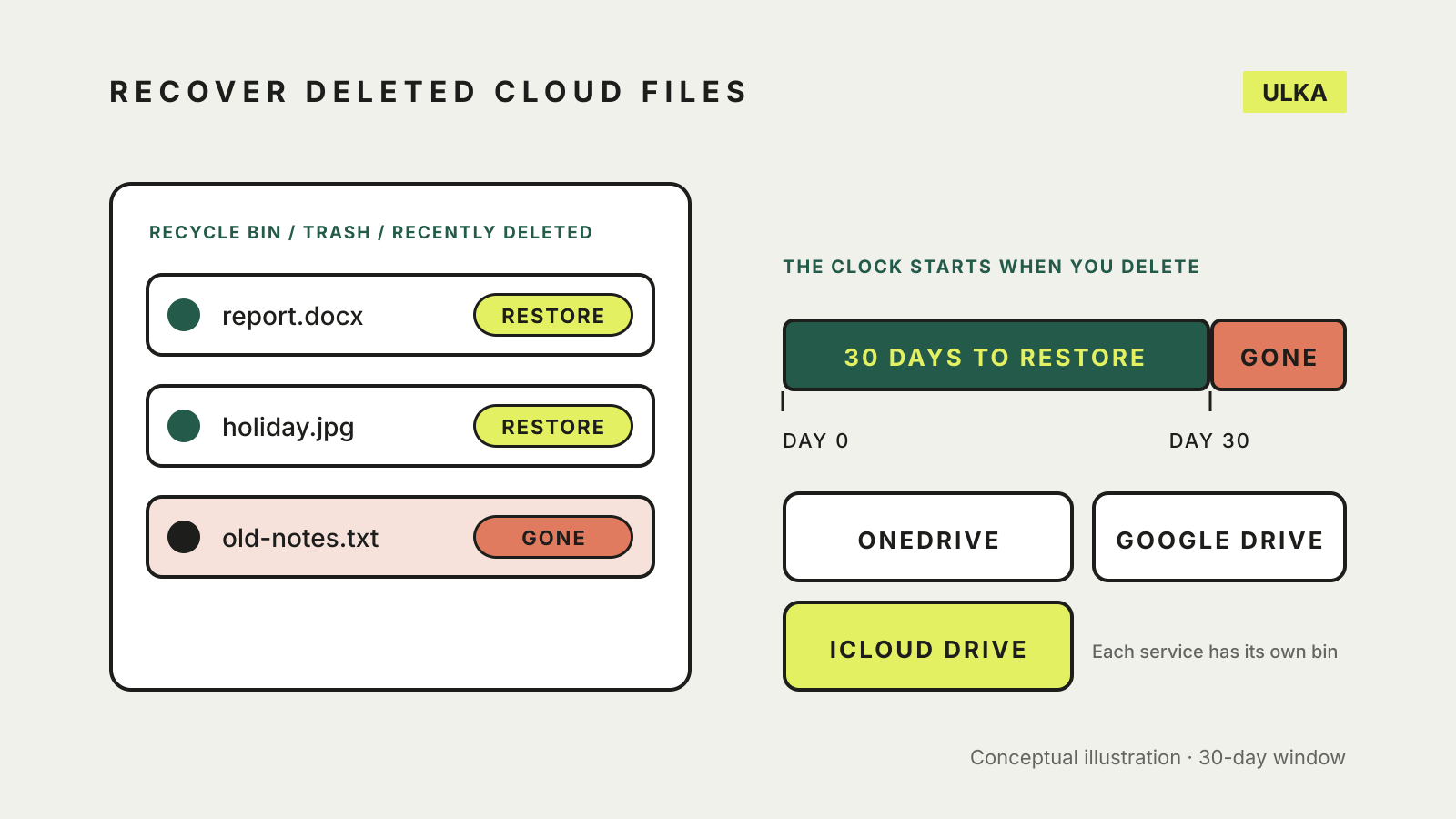
Recover deleted files from cloud storage: OneDrive, Drive, iCloud
Check the Recycle bin, Trash or Recently Deleted first. How long each service keeps files and what can't come back.
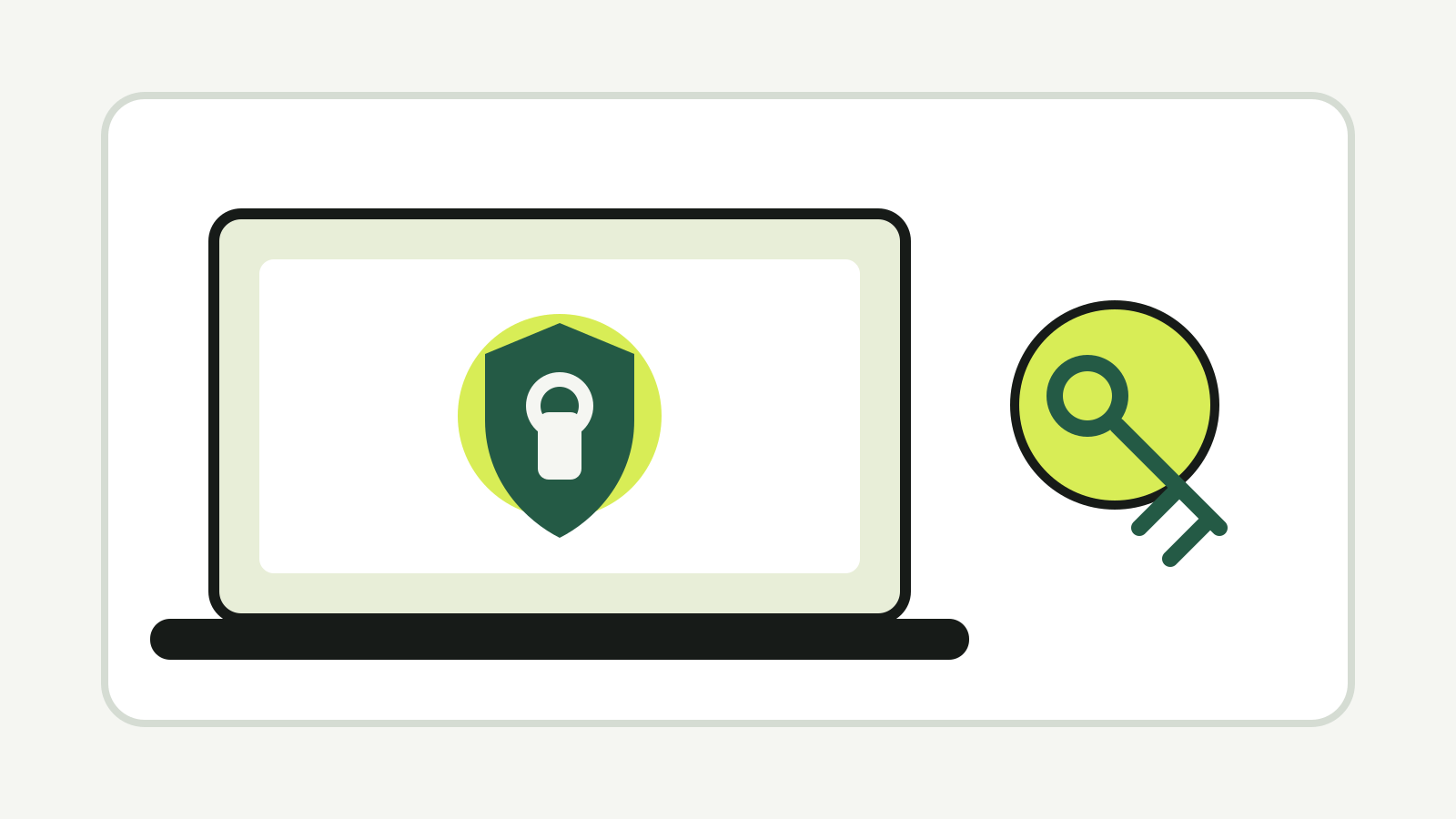
Mac FileVault recovery key: turn it on safely
Turn on FileVault, choose an iCloud or recovery-key route, and store the recovery details away from the Mac.
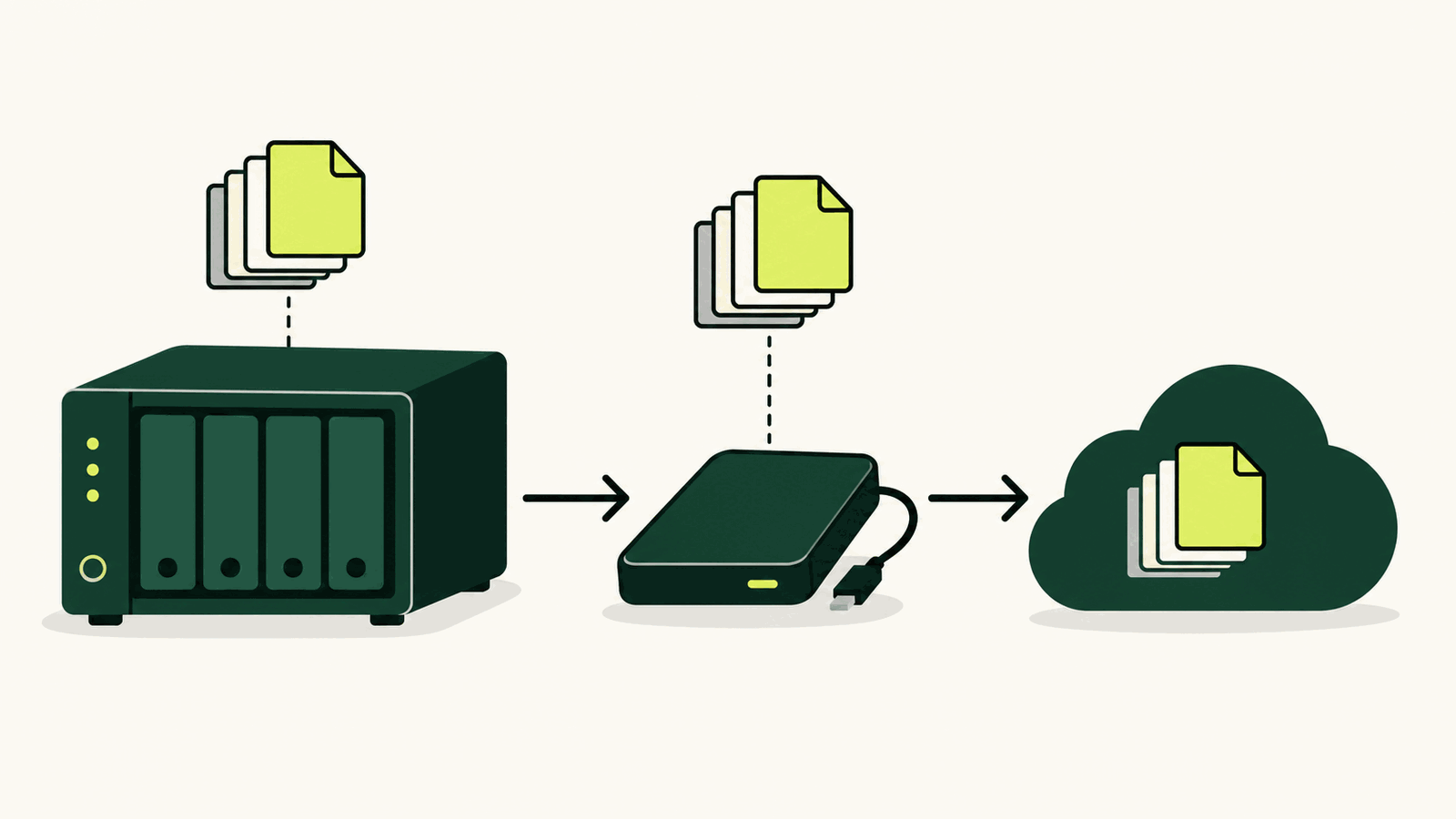
How to back up a NAS: local, offsite and restore checks
Build a 3-2-1 NAS backup with versioned local and offsite copies, then prove it works with restore tests.
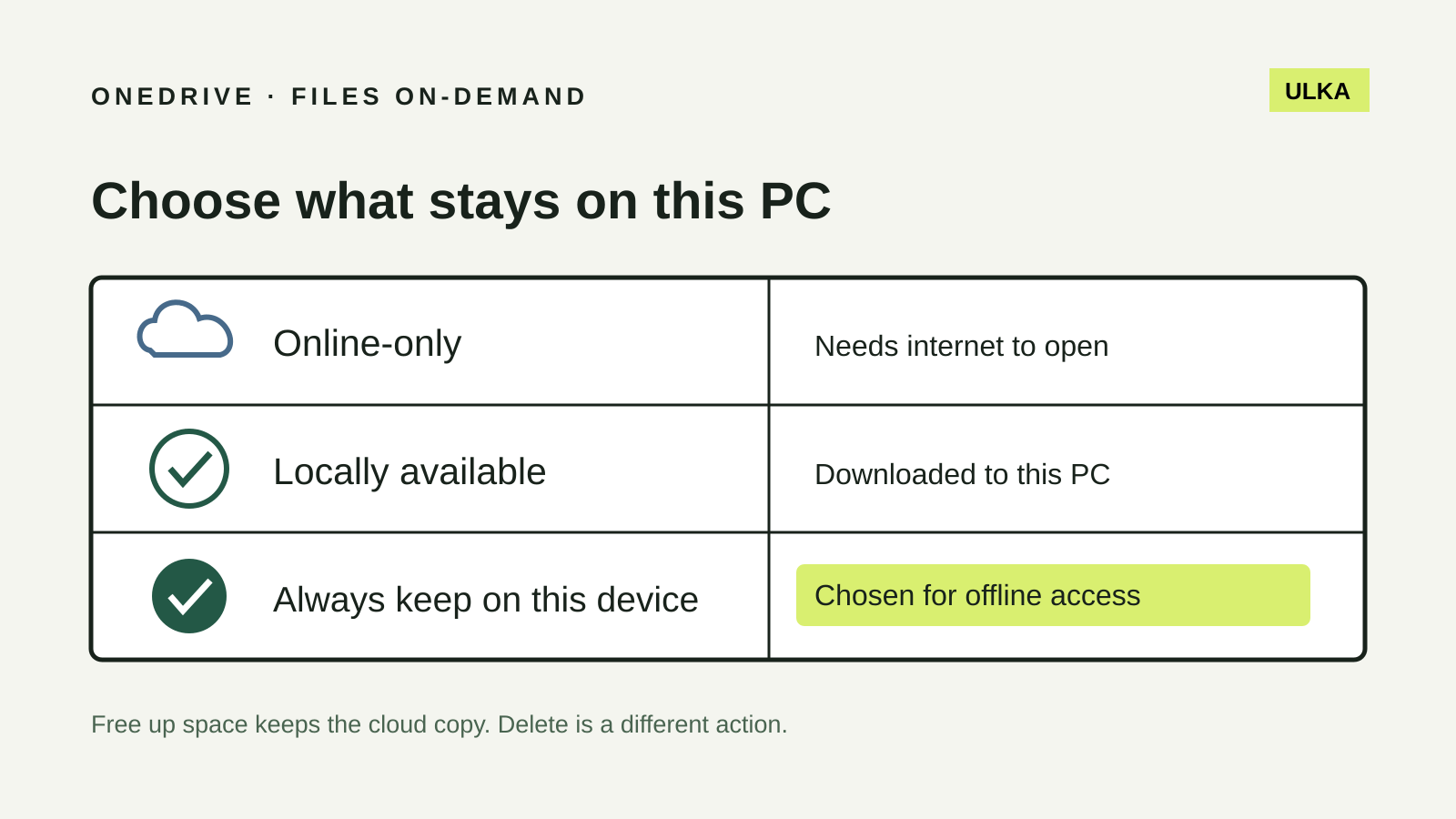
OneDrive Files On-Demand: keep the right files offline
Choose which Windows files stay offline and understand why Free up space is different from Delete.
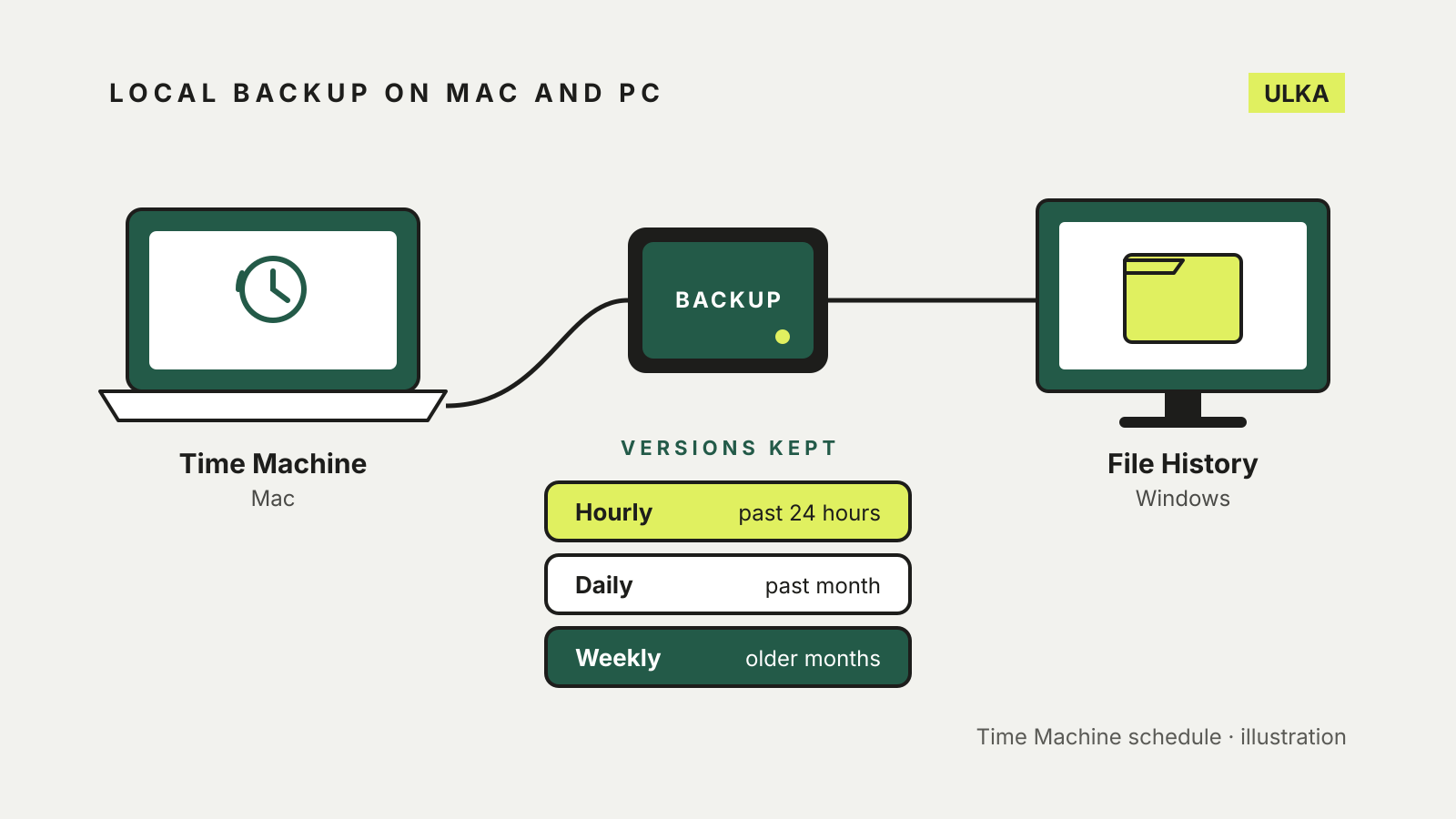
Windows File History vs Time Machine: set up a local backup
File History and Time Machine both keep earlier versions of your files on an external drive. How to set each one up.
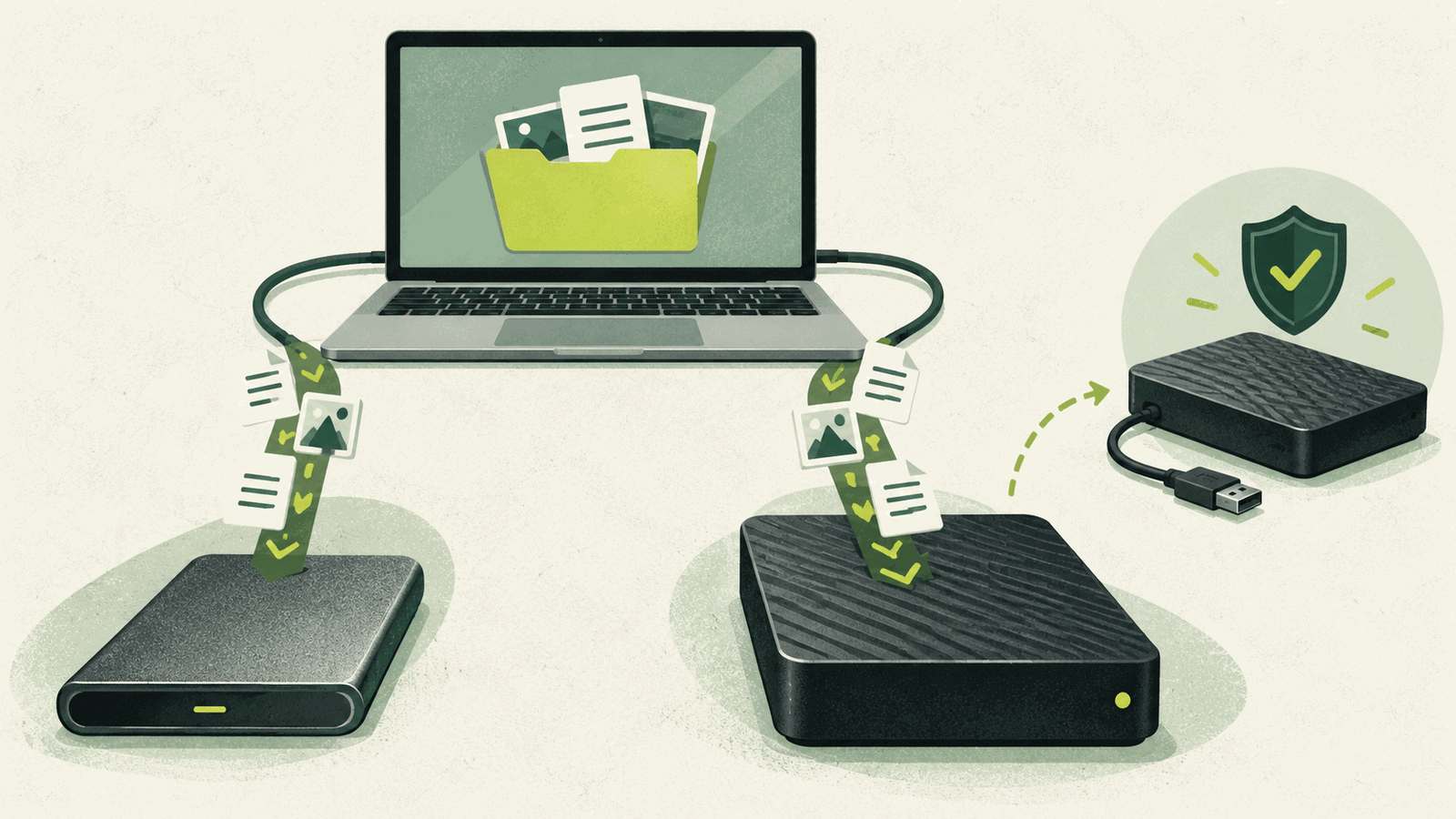
SSD vs HDD for backup: which external drive to buy
Choose an external SSD or hard drive by capacity, speed, portability and how you will keep a second copy.
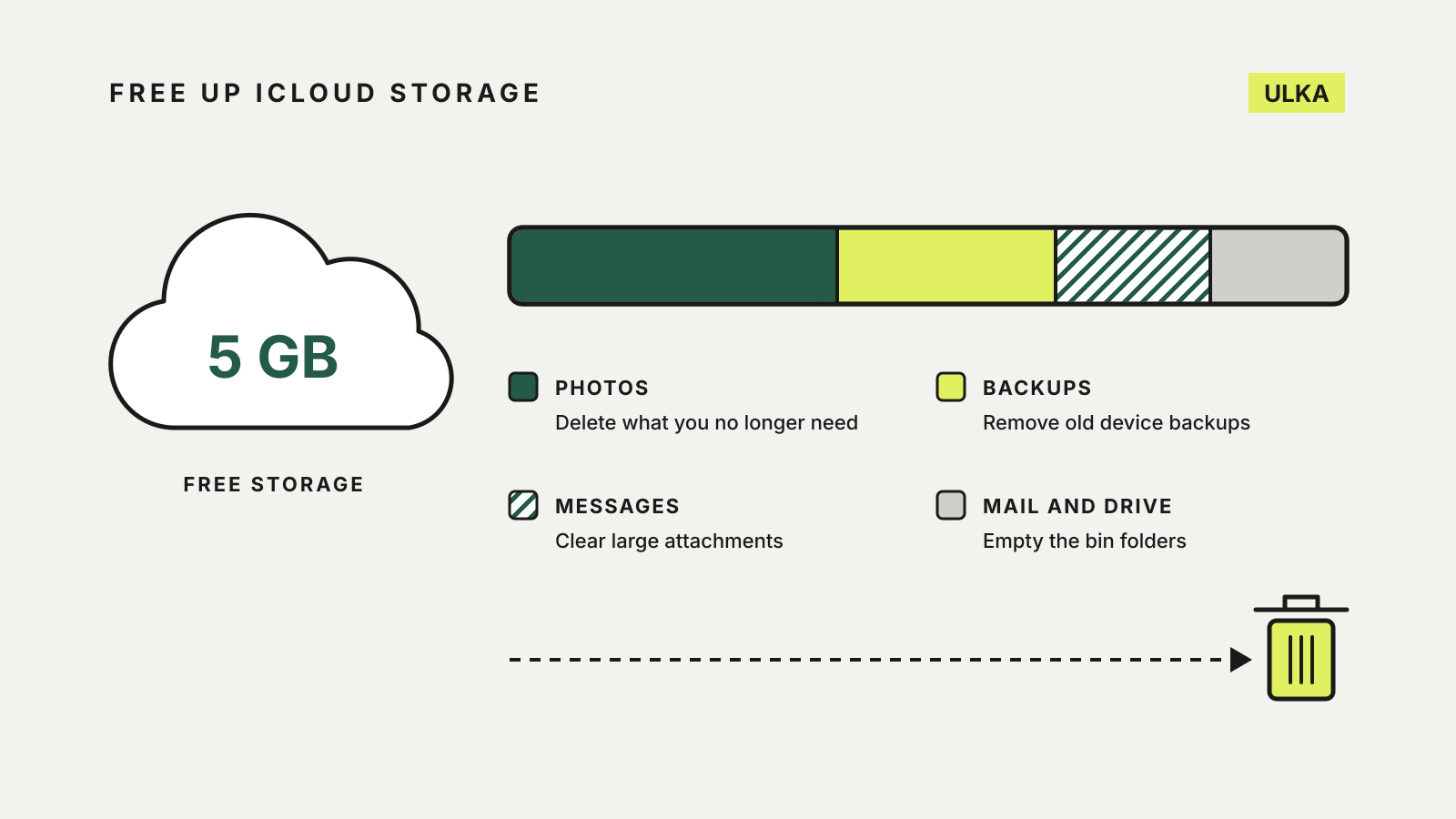
How to free up iCloud storage before paying for more
Clear old backups, photos, Messages attachments and Mail before you pay for a bigger iCloud+ plan.
Google Takeout: download your data without missing a product
Google Takeout builds a portable archive of selected Google products. It is an export, not a complete backup service.
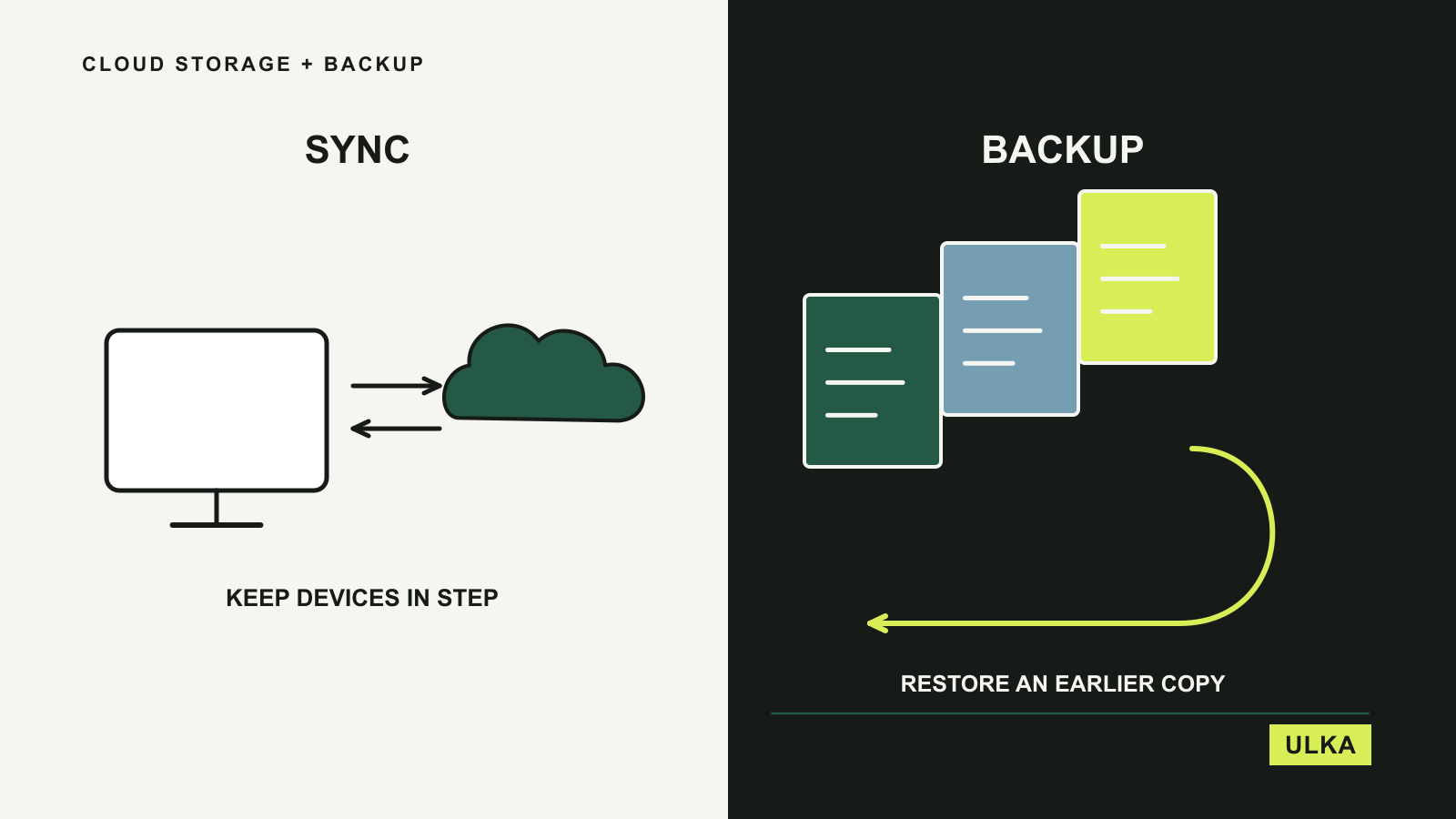
Best cloud storage and backup for everyday files
Choose between everyday file access and a recovery plan with four cloud storage and backup options.