
Guides & comparisons: Windows 11
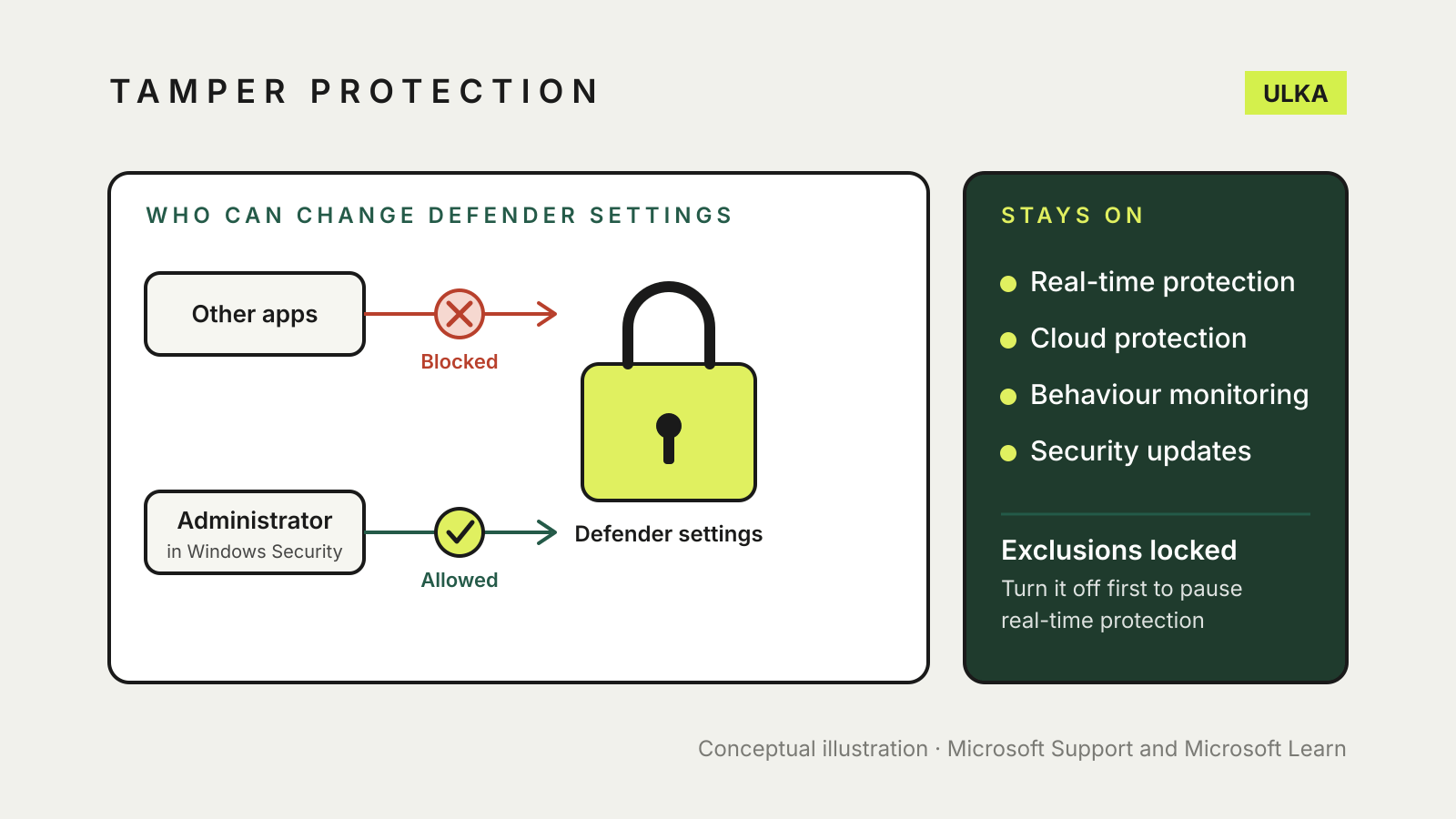
Tamper protection in Windows Security: what it blocks, how to check
What Windows Security tamper protection blocks, how to check it is on and why real-time protection stays locked.
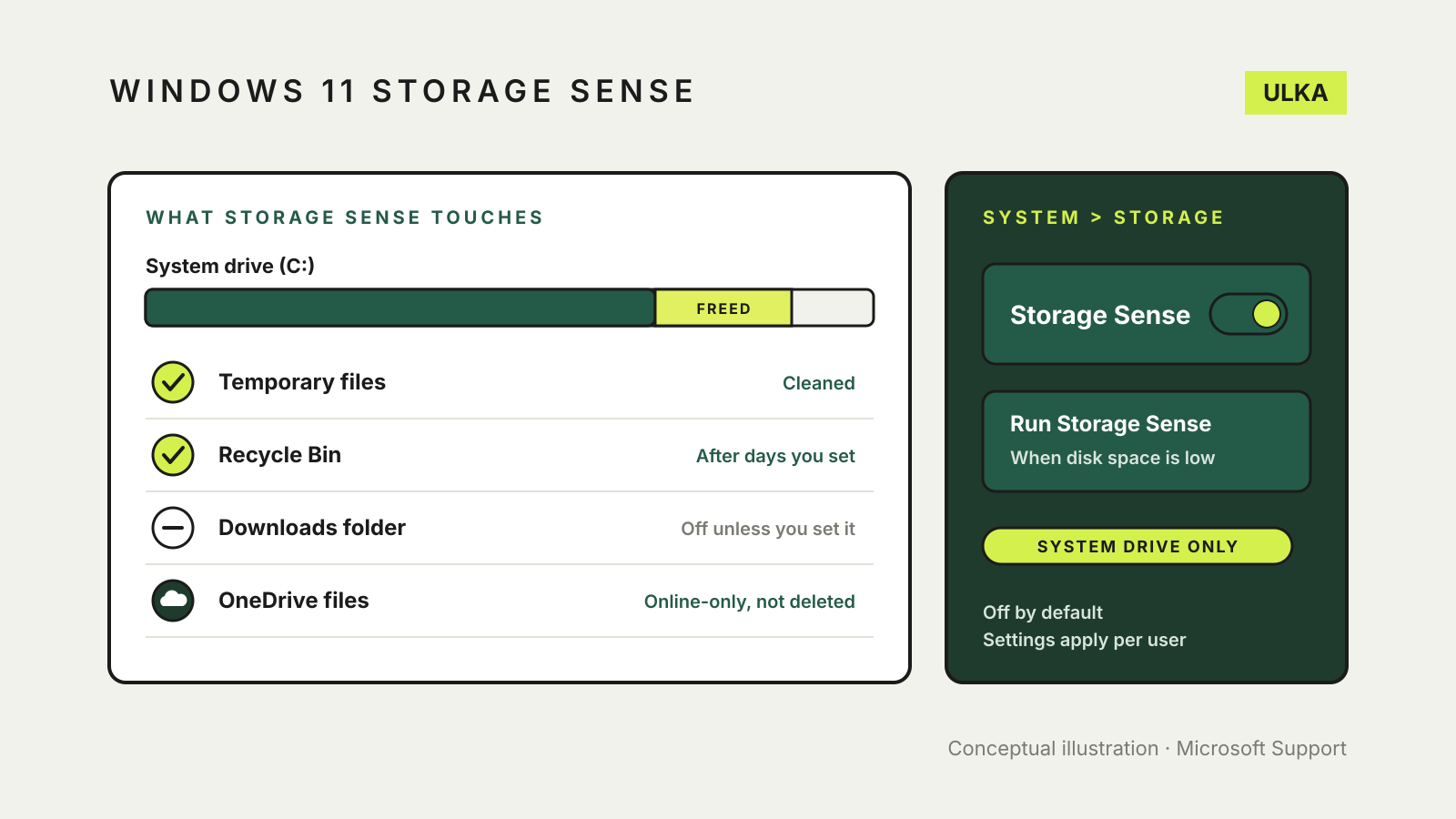
Windows 11 Storage Sense: free up drive space automatically
Turn on Storage Sense in Windows 11, choose what it deletes and keep OneDrive files safe while freeing space.
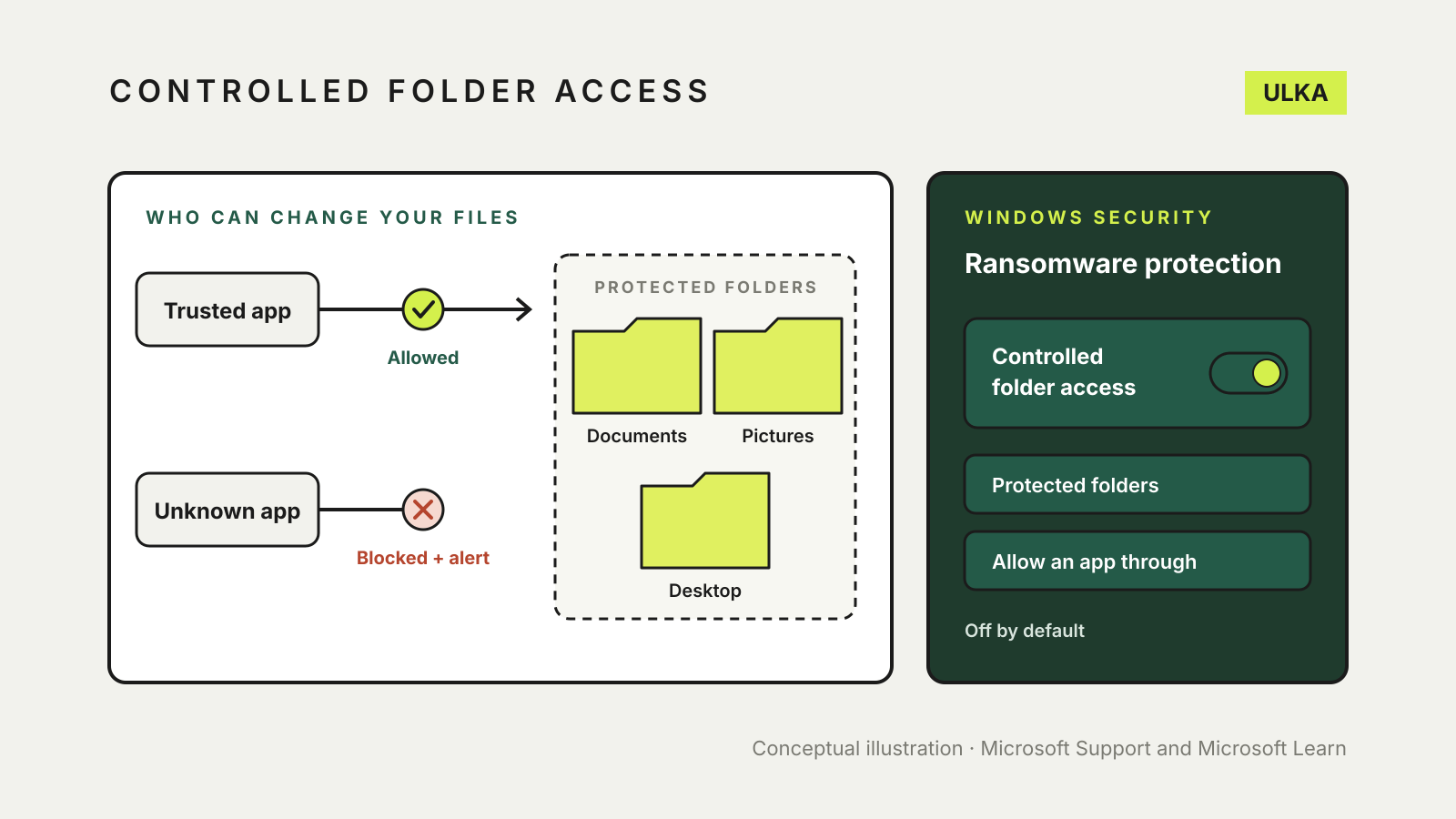
Controlled folder access: shield your files from ransomware
How Windows controlled folder access stops ransomware editing your files, and how to set it up.
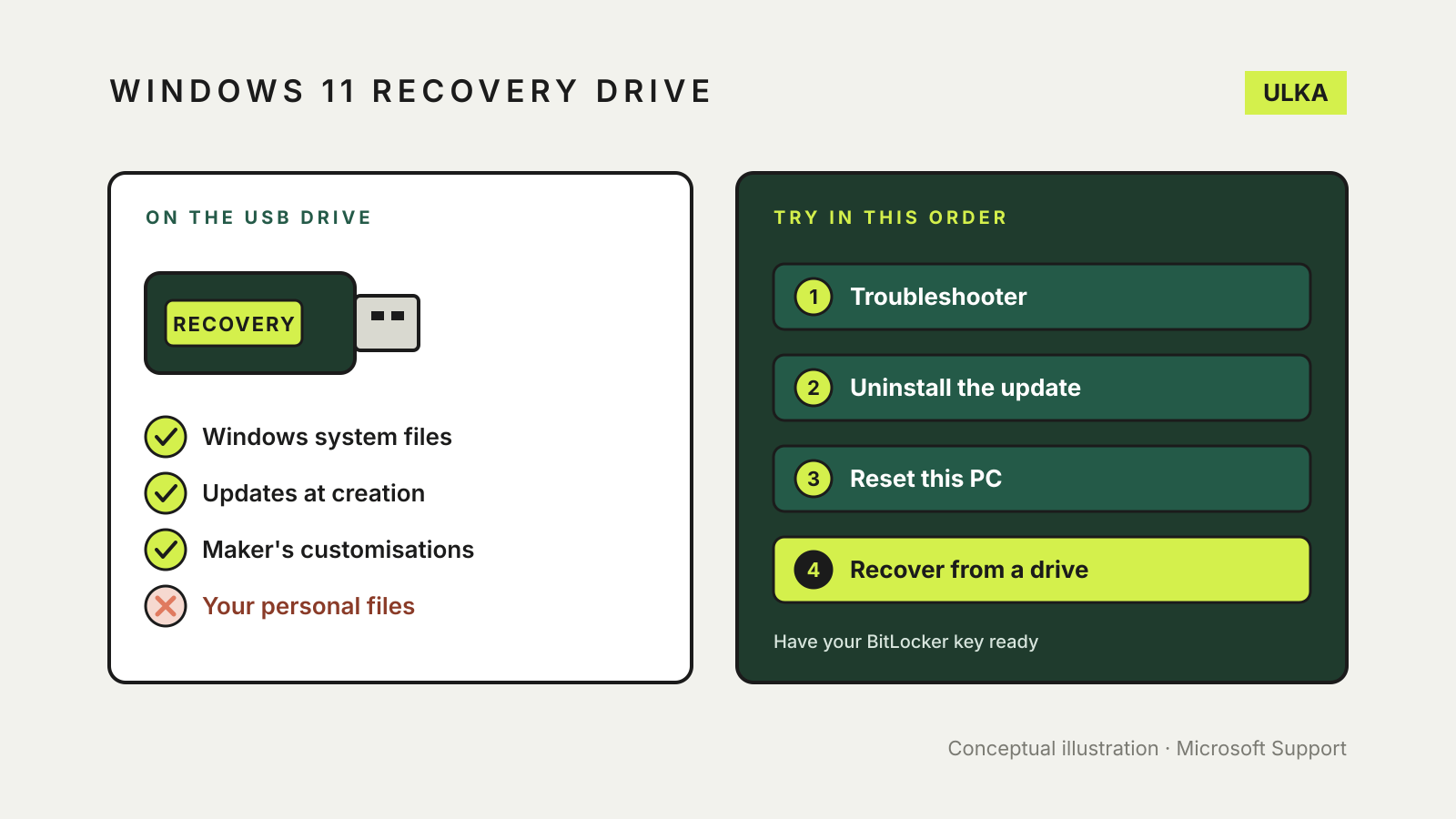
Recovery drive in Windows 11: how to create one and use it
Make a Windows 11 recovery drive on a USB stick, what it holds, and the gentler fixes to try before using it.
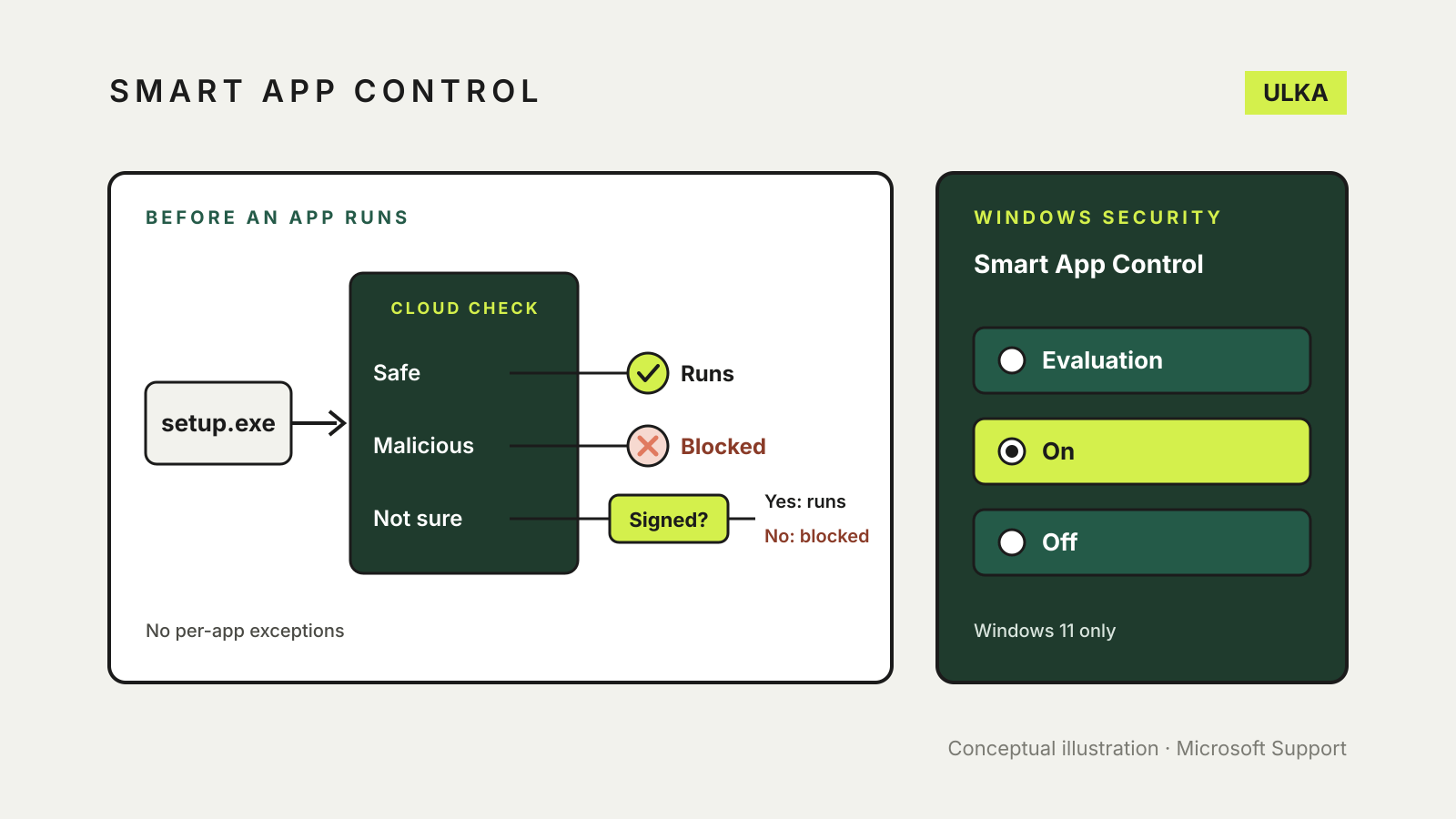
Smart App Control in Windows 11: what it blocks and why
What Windows 11 Smart App Control blocks, its three modes and how to turn it back on.
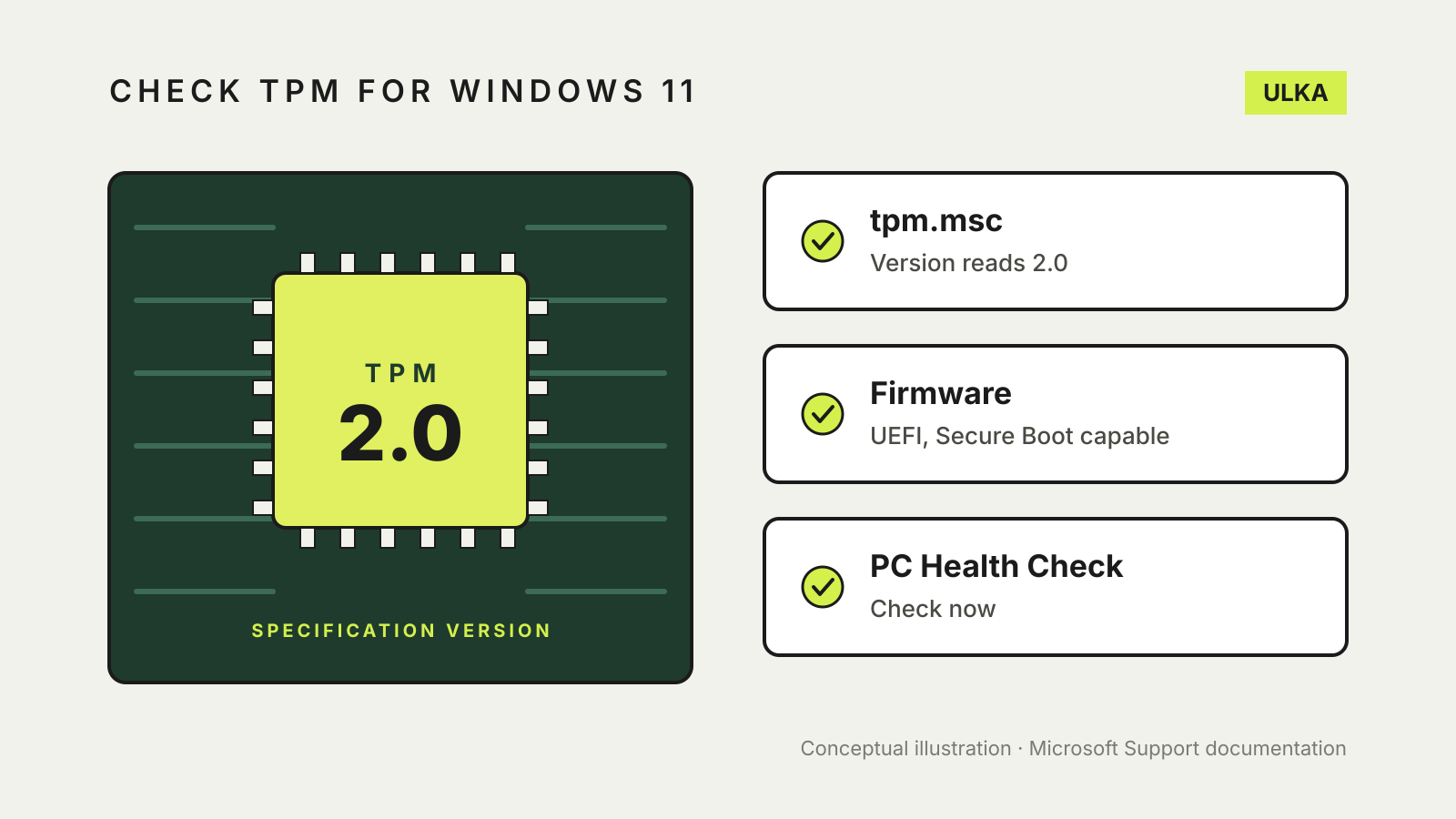
Check TPM for Windows 11: TPM 2.0, Secure Boot and PC Health Check
Run tpm.msc to see your TPM version, then check UEFI and Secure Boot before the Windows 11 upgrade.
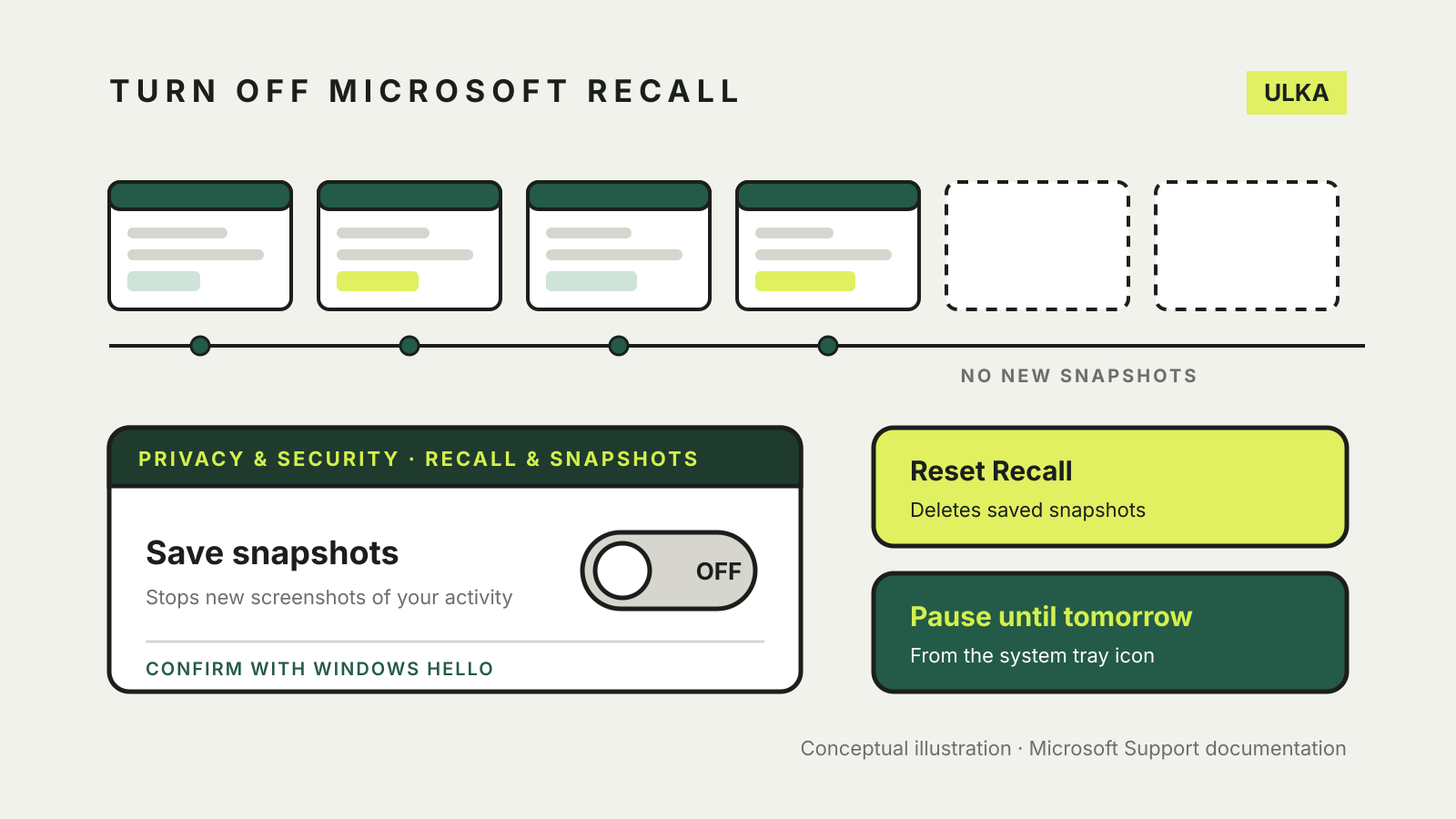
How to turn off Microsoft Recall and what its snapshots save
Switch off Save snapshots, then reset to delete what Recall stored. What it saves and how to filter it.
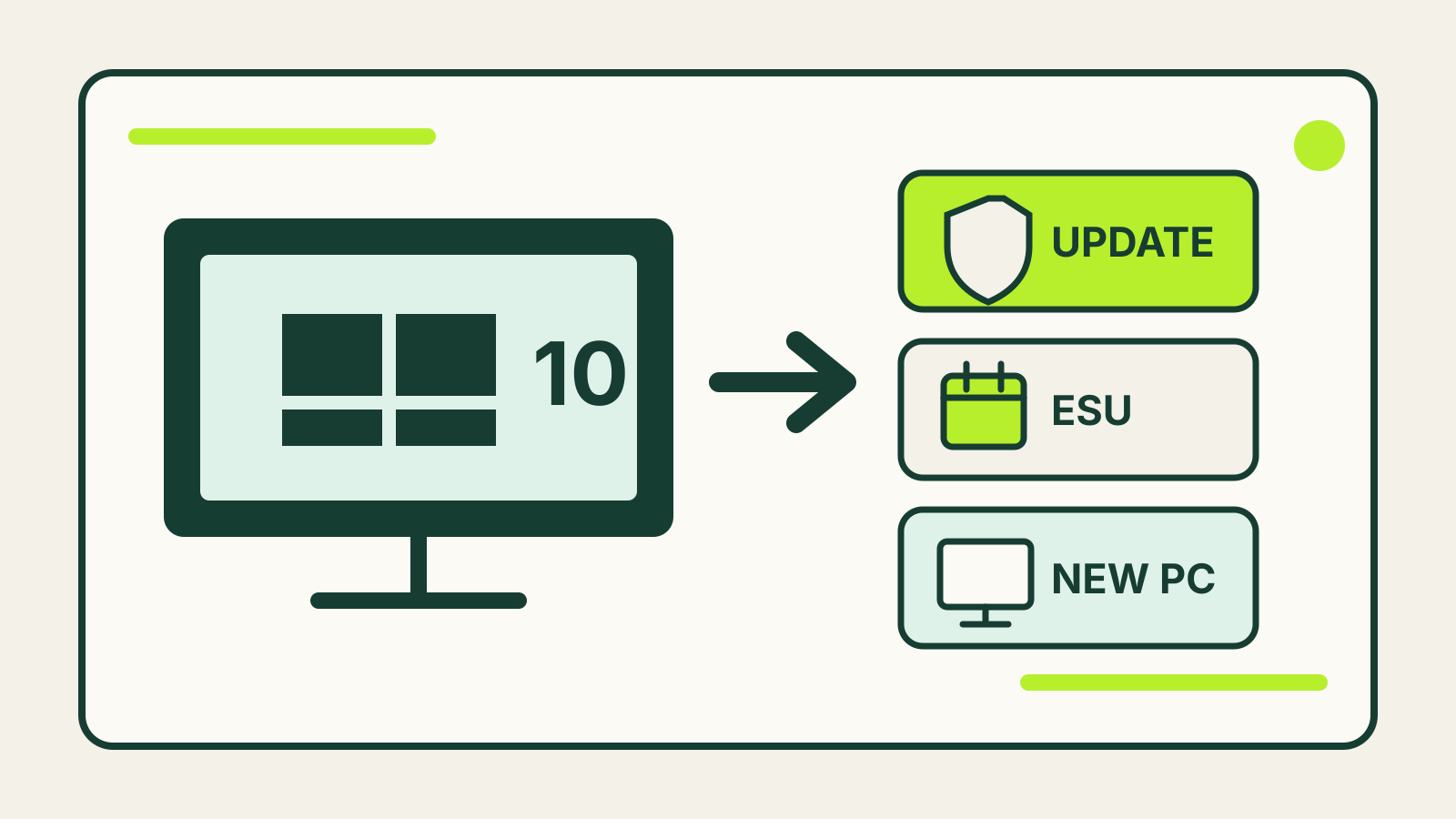
Windows 10 End of Support Options: Upgrade, ESU or Replace?
Choose between Windows 11, Extended Security Updates and replacing a Windows 10 PC after support ended.
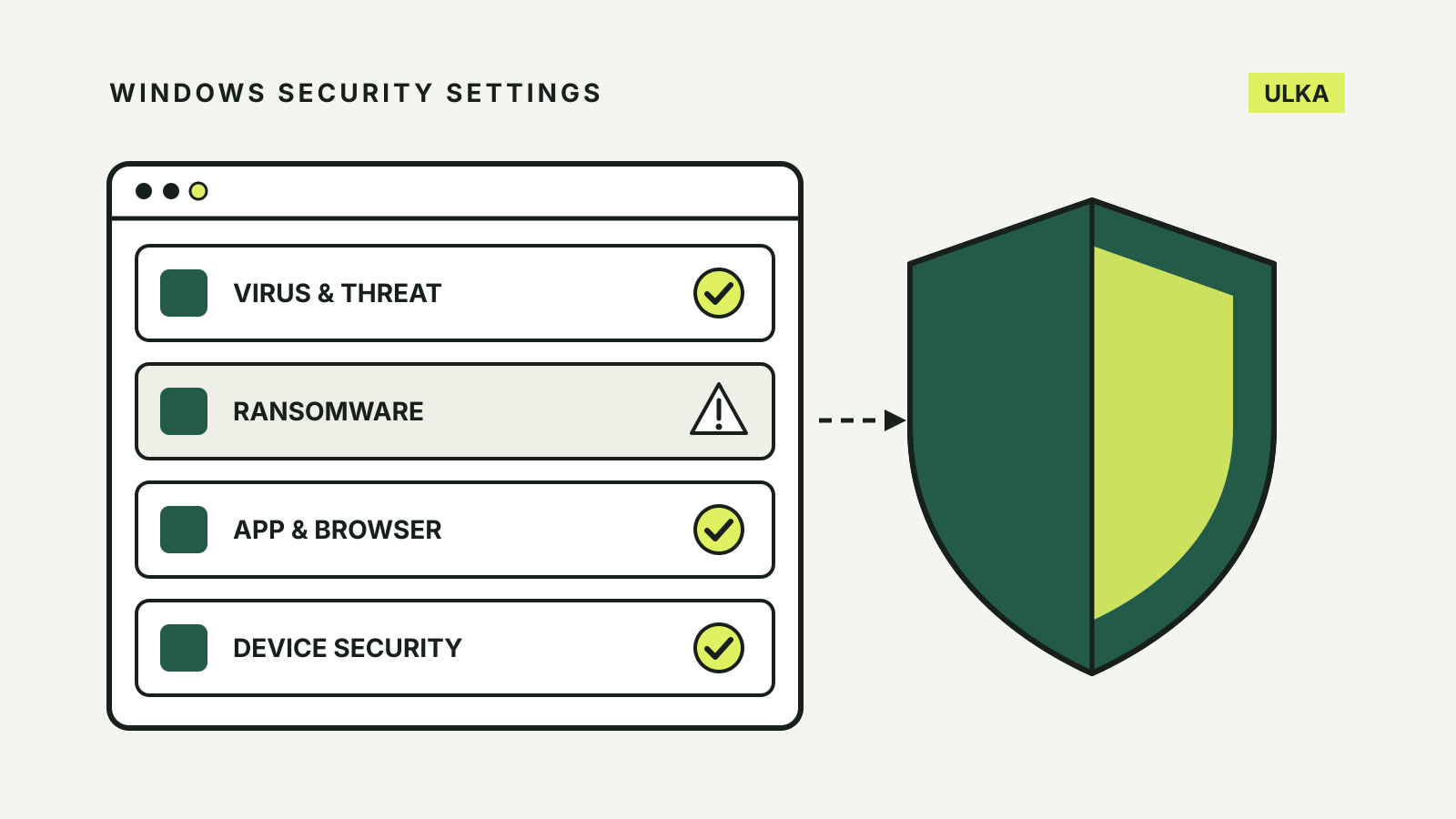
Windows Security settings worth checking
Seven Windows Security switches to check in Windows 11, from tamper protection to memory integrity.