
Guides & comparisons
Practical technology guides and comparisons for everyday decisions.
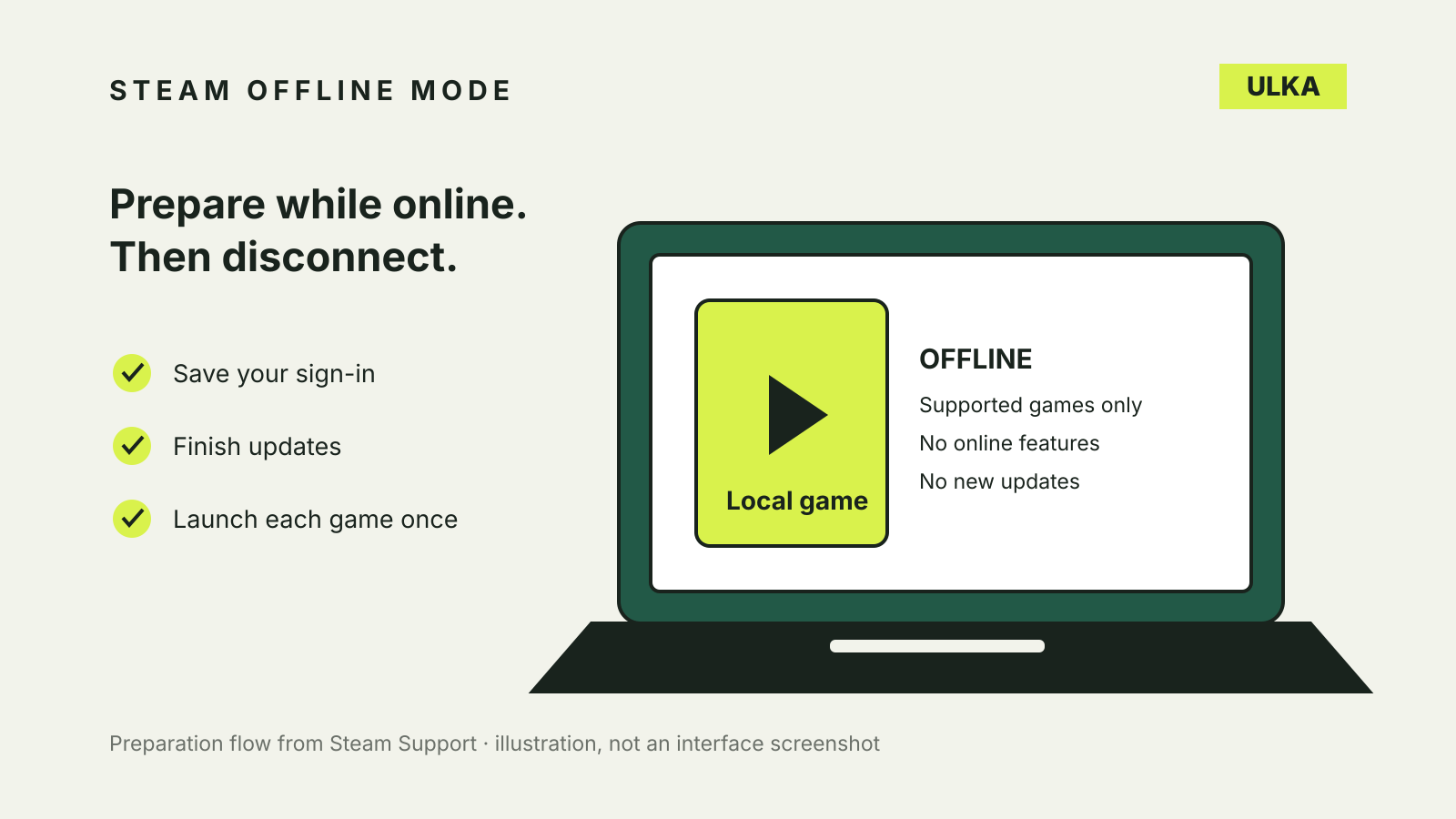
Steam Offline Mode: prepare your PC before you disconnect
Set up Steam Offline Mode, test your games and understand why a downloaded title can still need a connection.
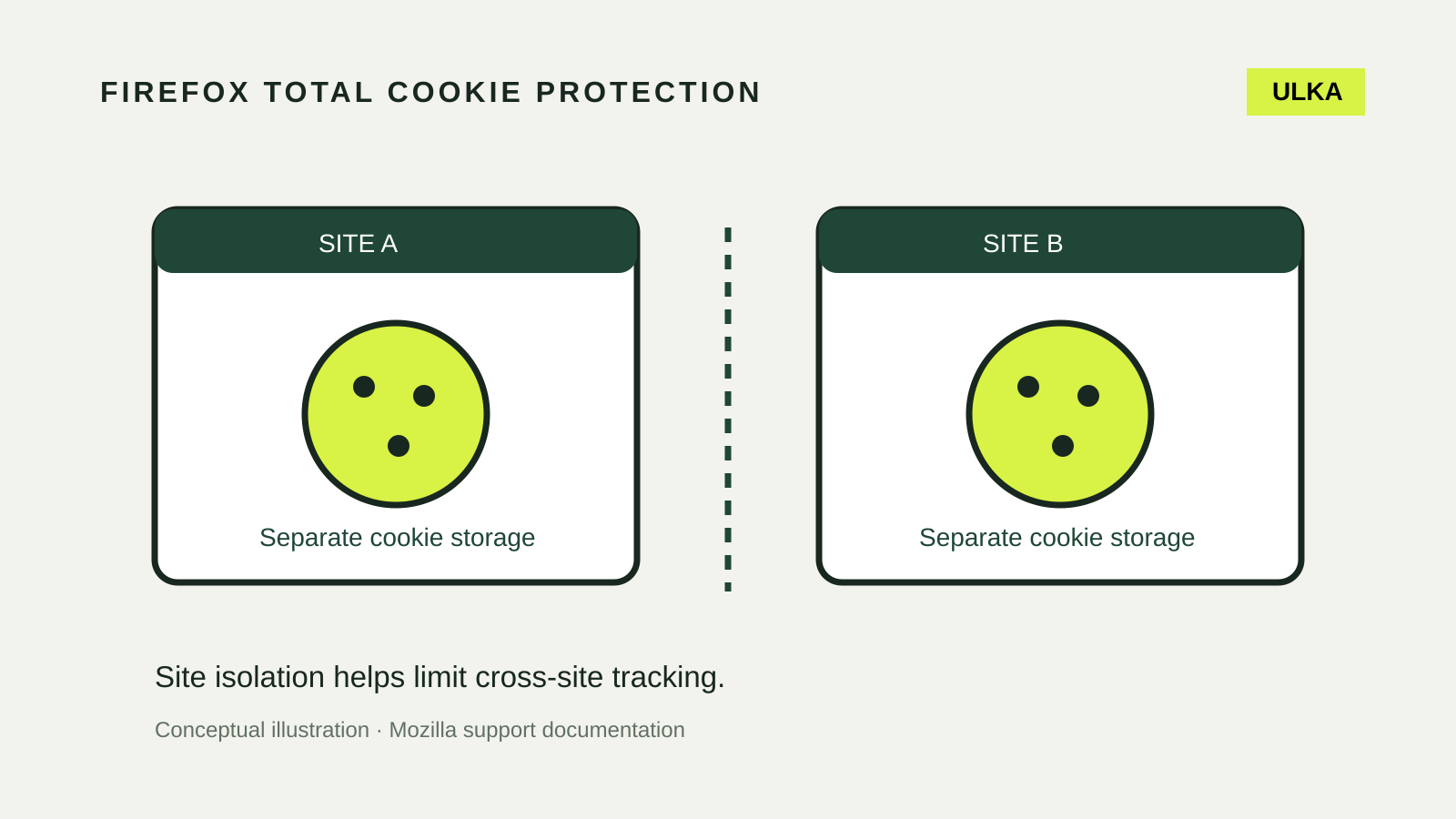
Firefox Total Cookie Protection: settings and site fixes
Keep cookie isolation enabled and diagnose broken sign-ins with a narrow, reversible site test.
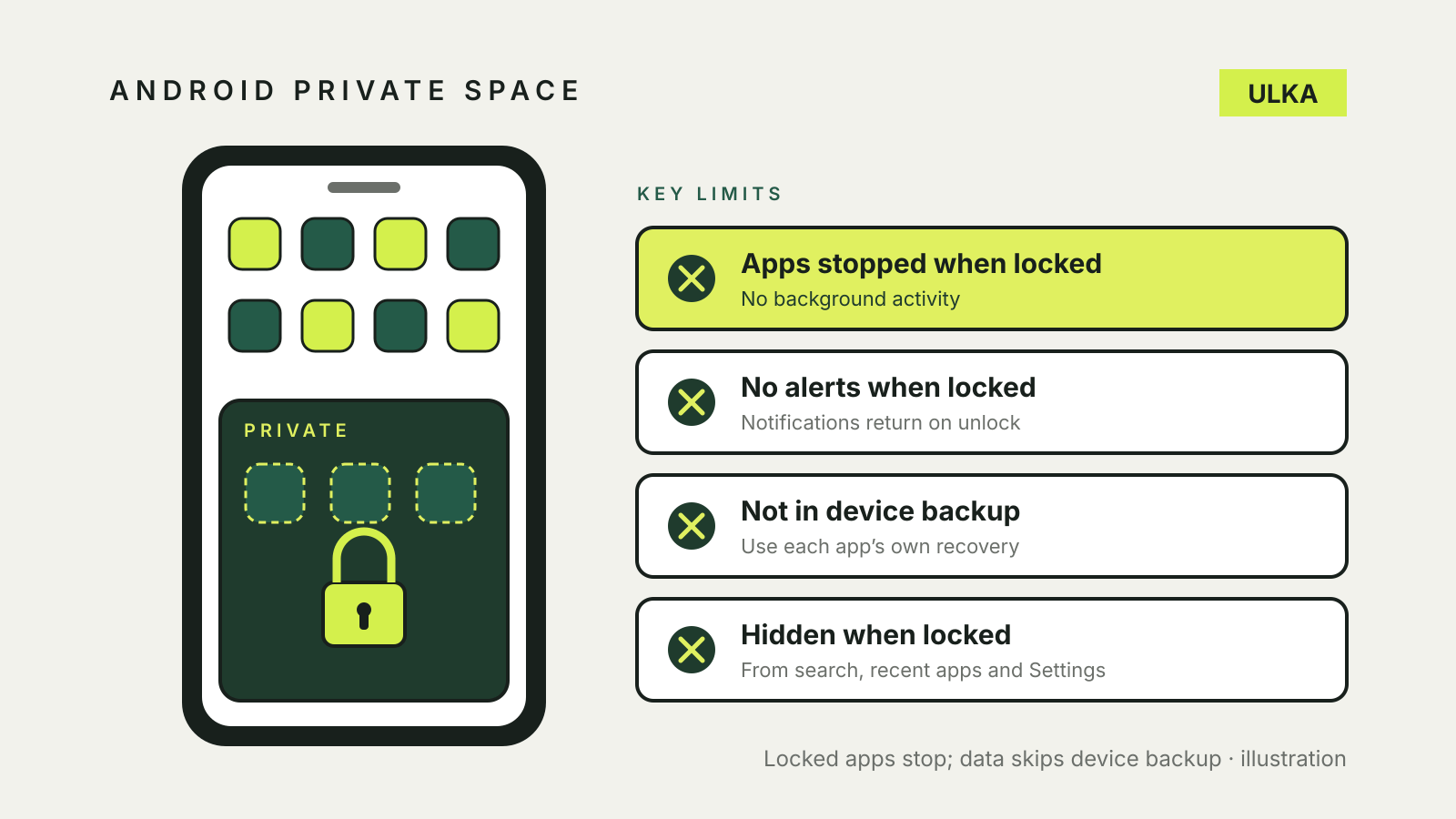
Android Private Space: hide apps and understand the limits
Set up Android Private Space, understand locked-app notifications and check backup and privacy limits.
Mac FileVault recovery key: turn it on safely
Turn on FileVault, choose an iCloud or recovery-key route, and store the recovery details away from the Mac.
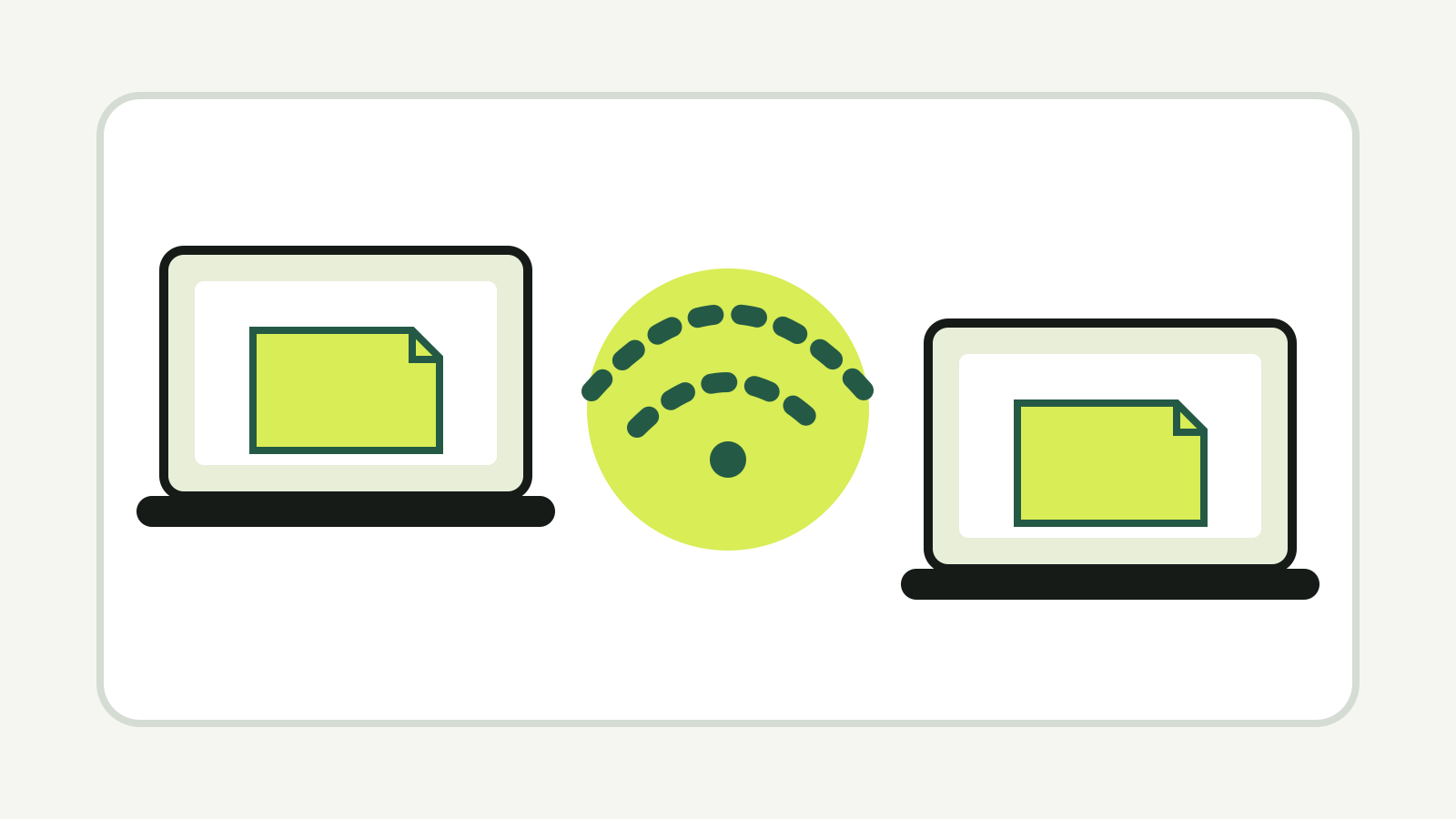
Windows Nearby sharing: send files between PCs
Turn on Windows Nearby sharing, send files over Bluetooth or Wi-Fi, and fix a PC that does not appear.

How to use Photoshop Generative Fill and Generative Expand
Select, prompt and pick a variation: how Photoshop Generative Fill and Expand work, what they cost and common fixes.
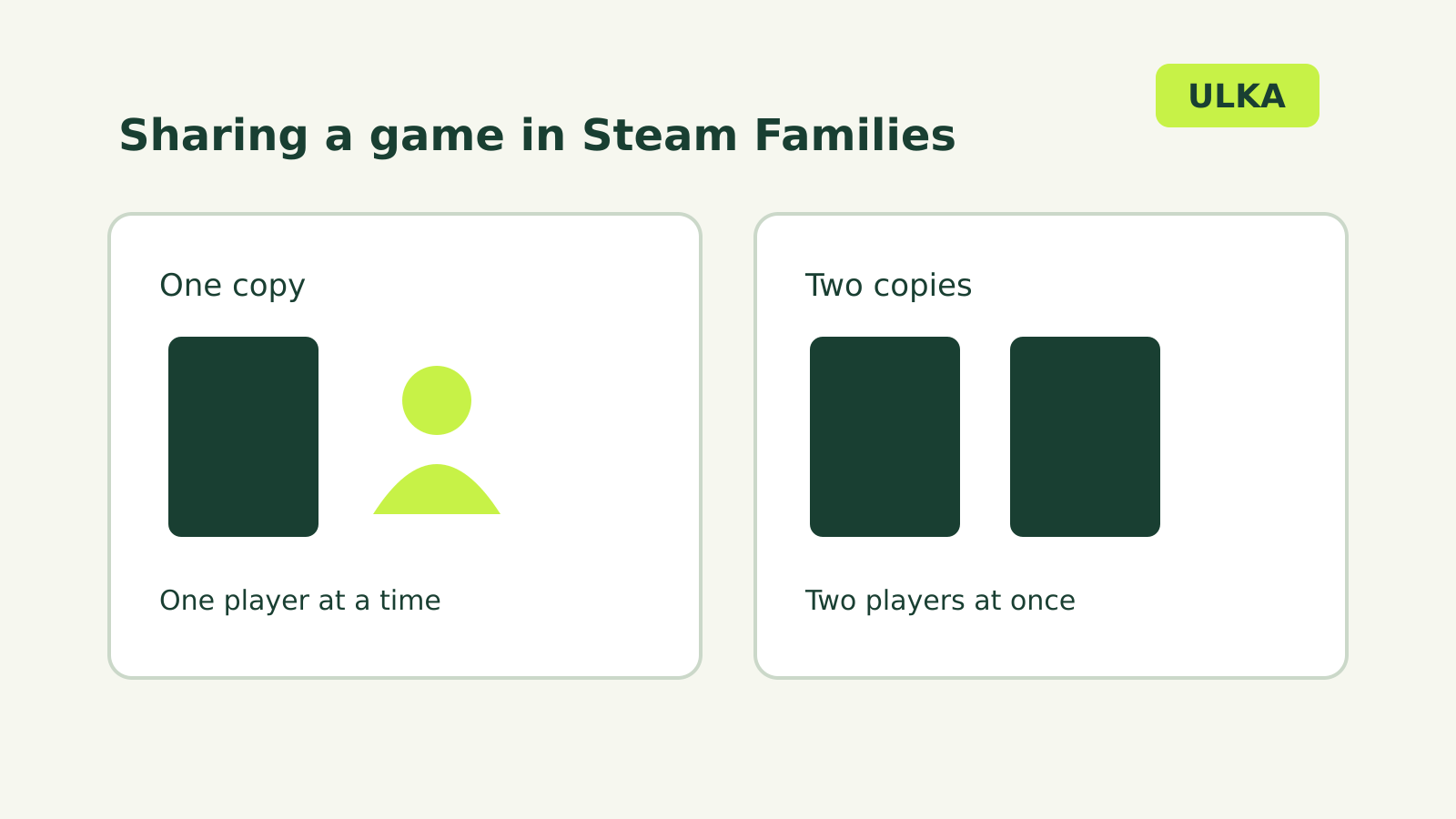
Steam Families sharing: how many people can play?
Share eligible games with your household and understand simultaneous play limits.
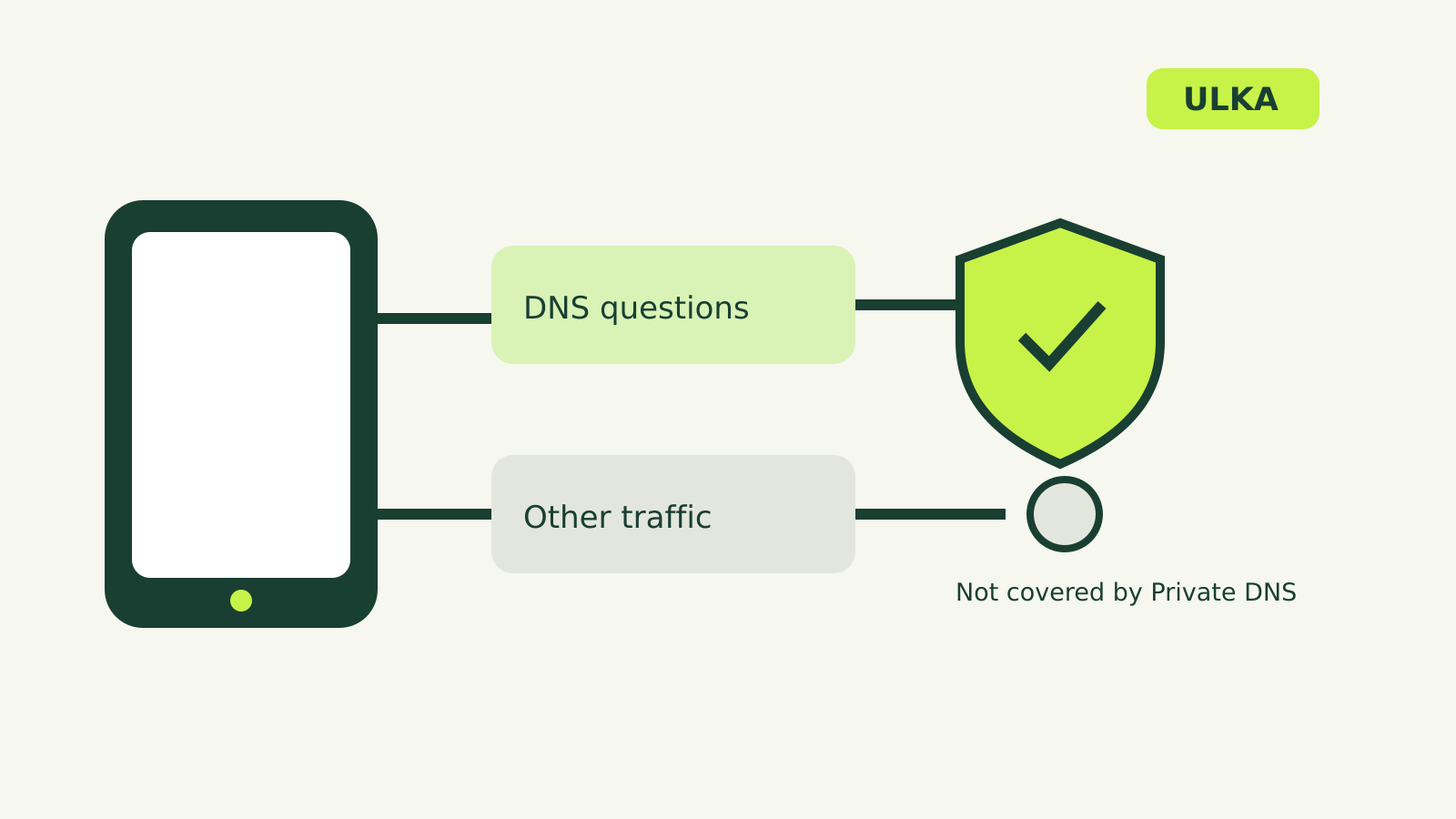
Android Private DNS: what it does and how to change it
Find Android Private DNS, choose a setting and understand what it protects.
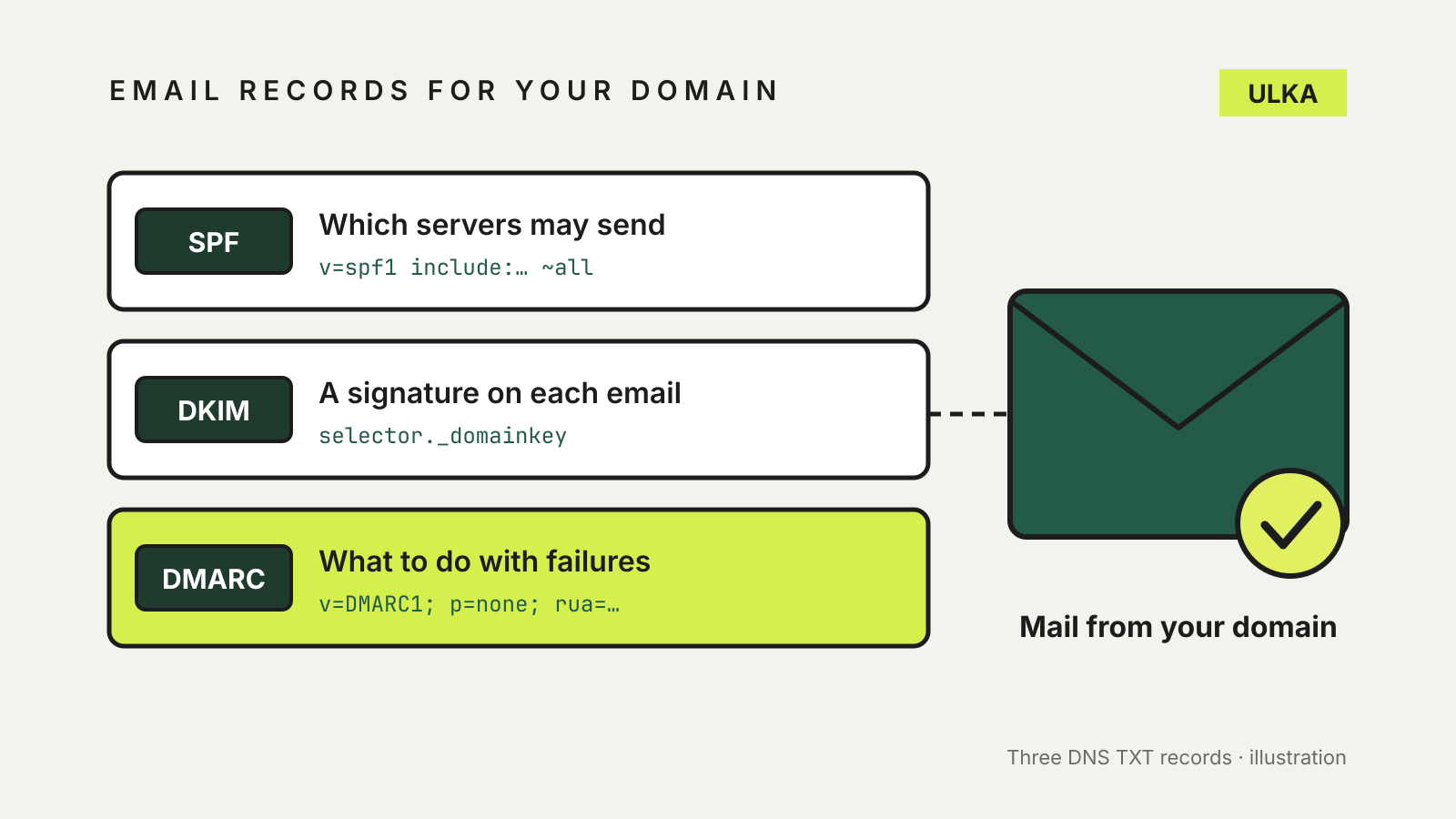
SPF, DKIM and DMARC explained: protect your domain's email
What SPF, DKIM and DMARC records do, and a safe order to add them to your domain.
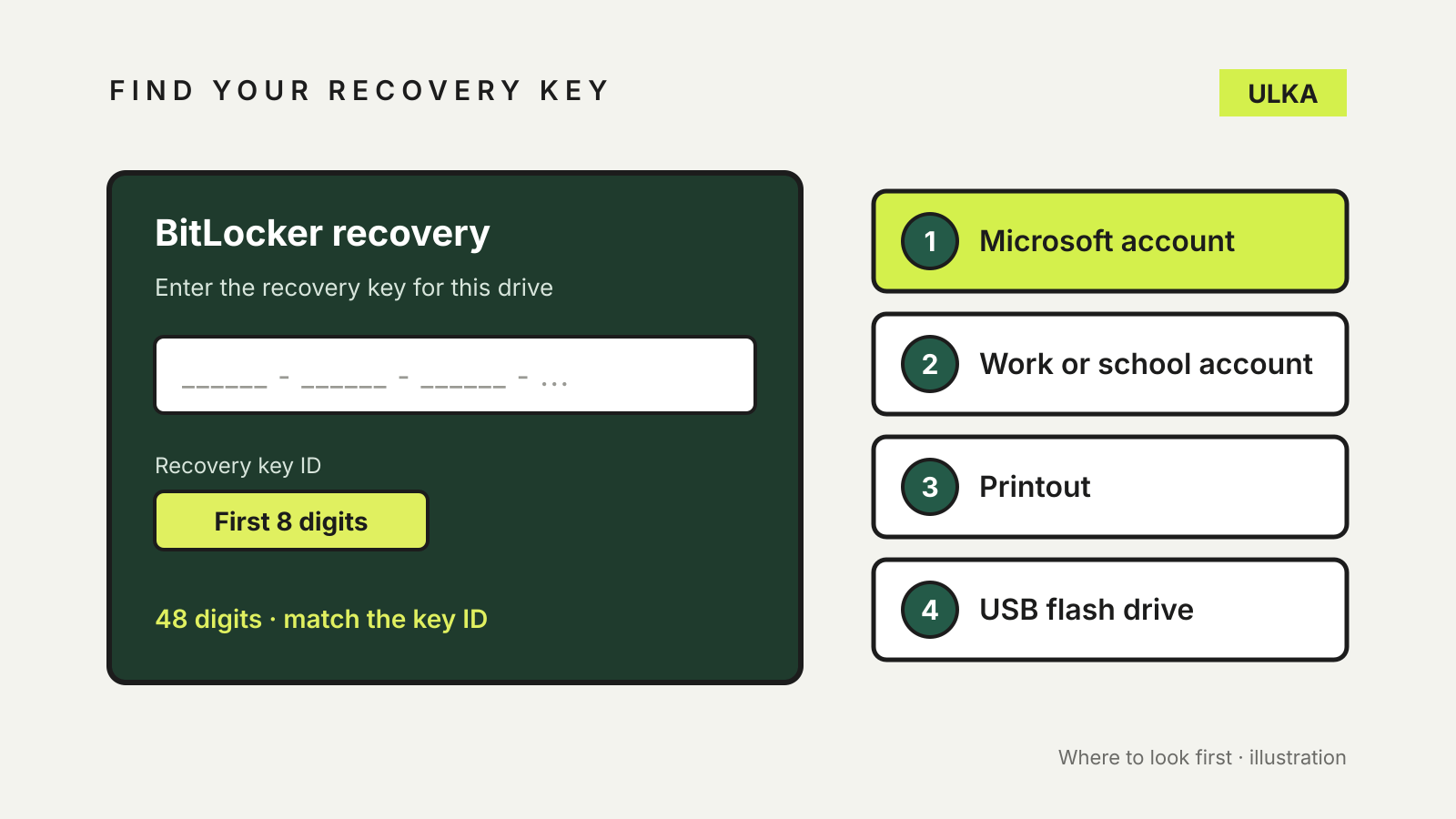
Find BitLocker recovery key: where it's stored and how to back it up
Where to find your BitLocker recovery key, and how to back it up before Windows asks.
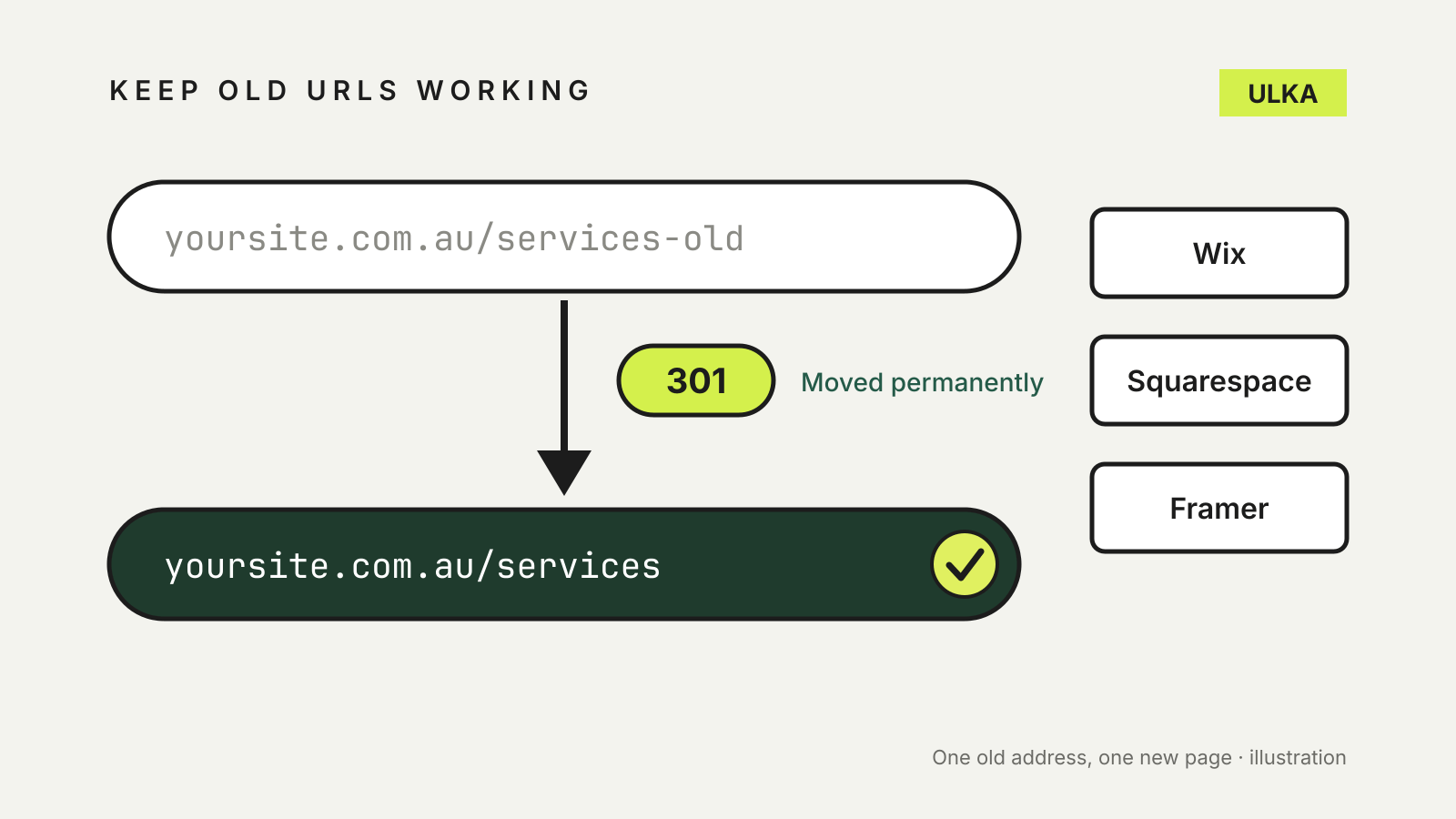
Website builder 301 redirects: keep old URLs working
Set up 301 redirects in Wix, Squarespace and Framer, then test every old URL before launch.
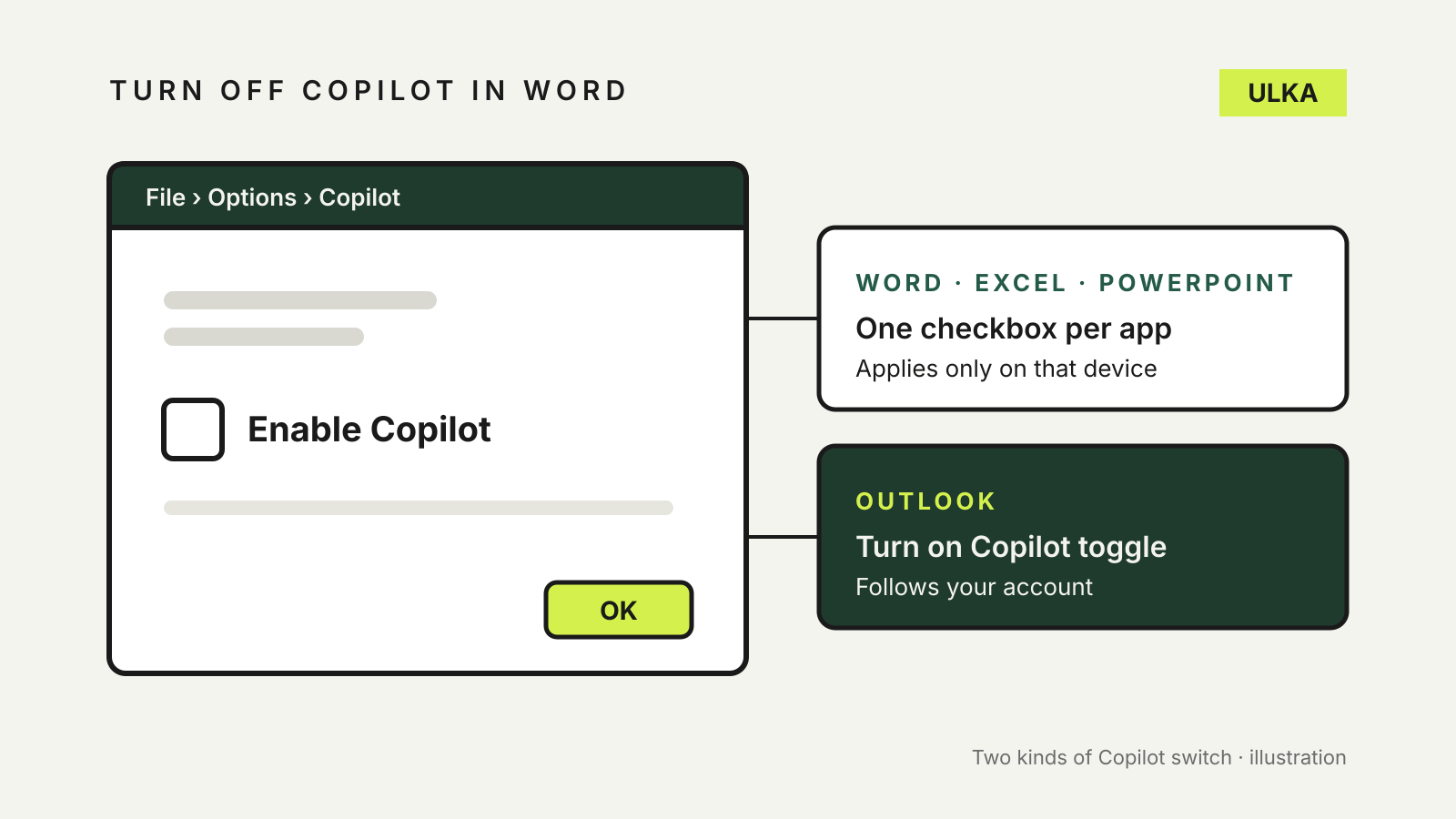
How to turn off Copilot in Word, Excel, PowerPoint and Outlook
Word, Excel and PowerPoint each have their own Copilot checkbox, and Outlook has a different switch. Here is where.
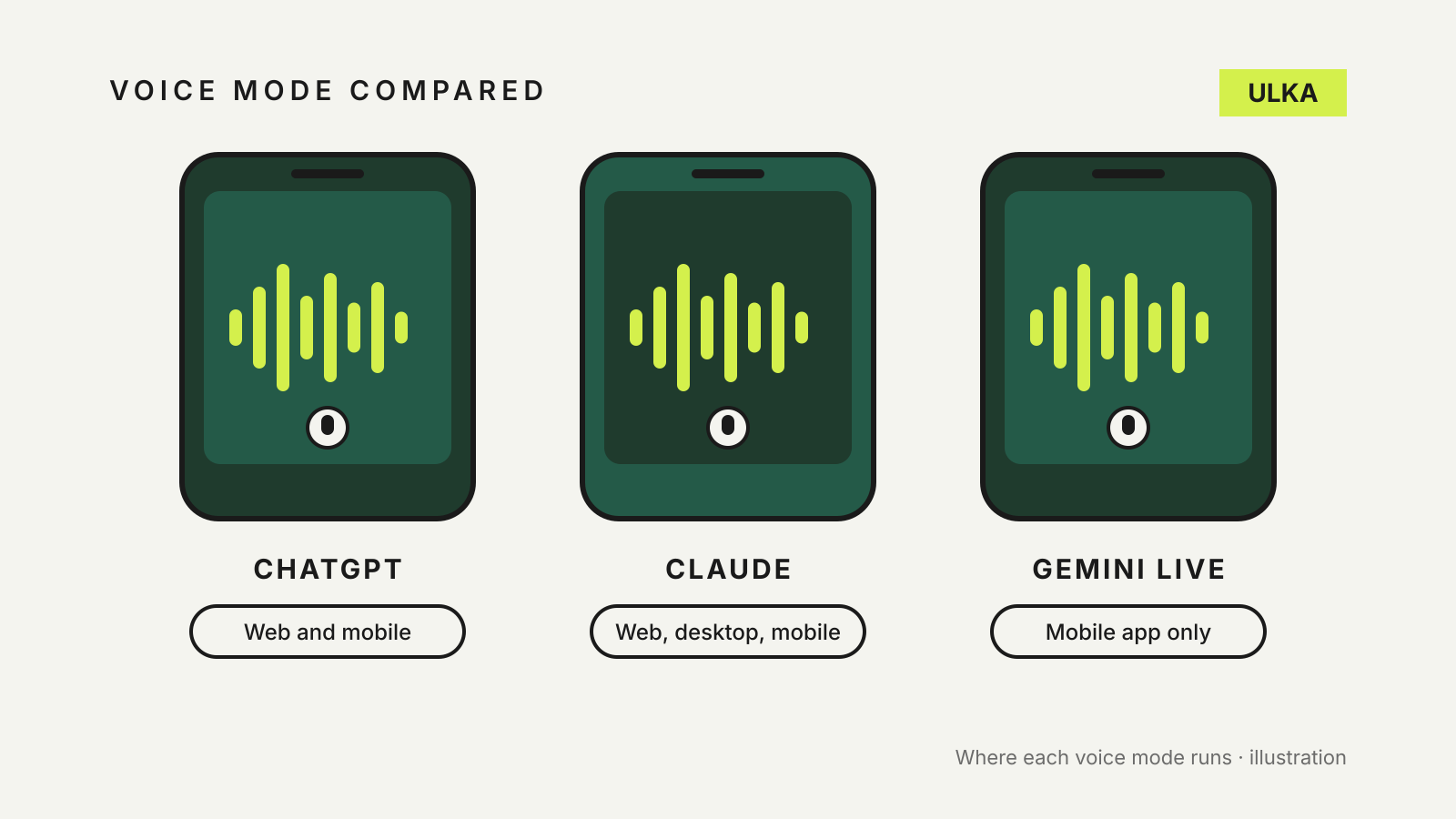
ChatGPT vs Claude vs Gemini voice mode: what each one can do
Where each voice mode runs, what it can see, how much your plan allows and what happens to the audio.
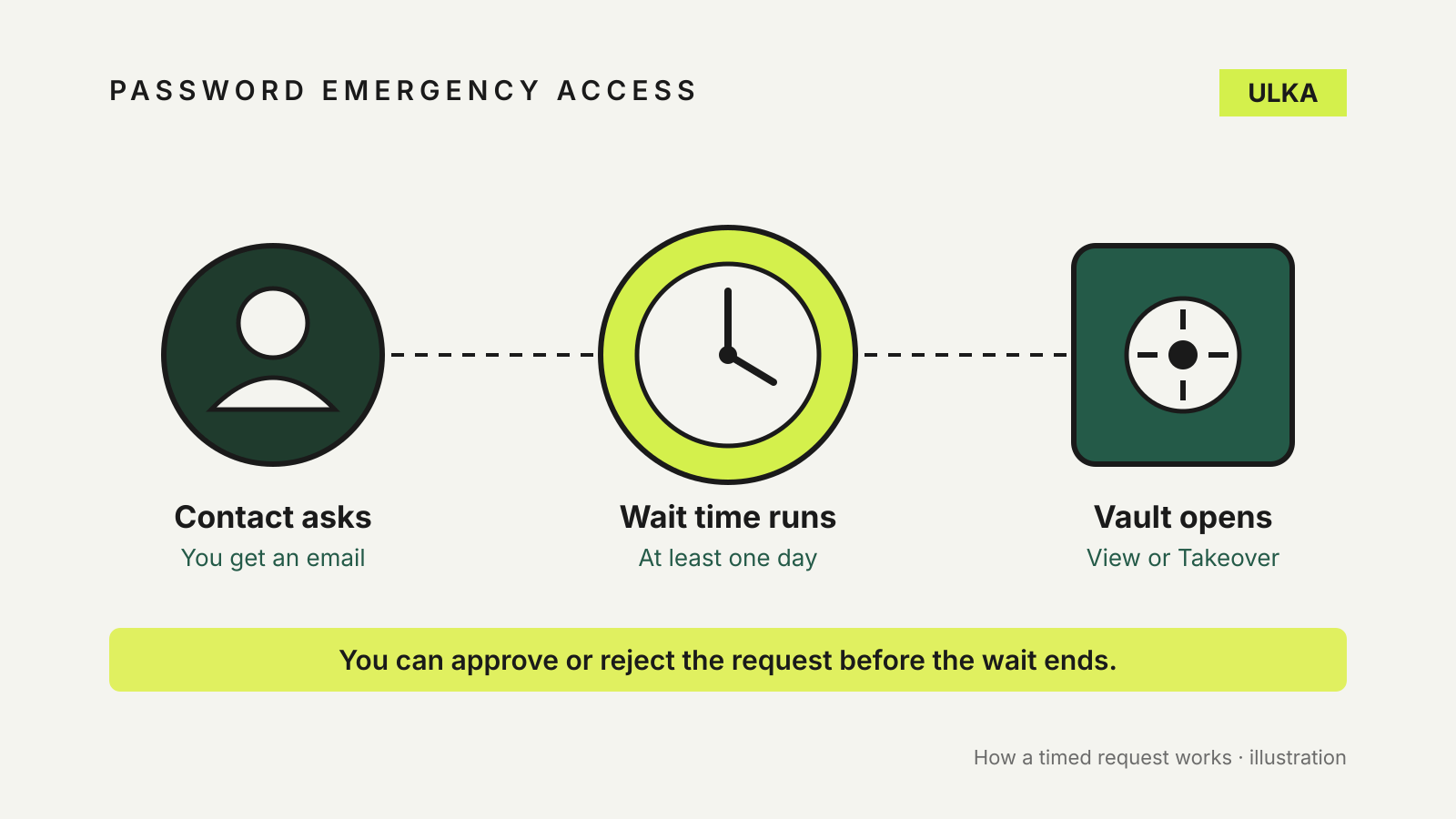
Password manager emergency access: let someone in when you can't
Bitwarden, 1Password and Apple handle emergency access very differently. Here is how to set up each one.
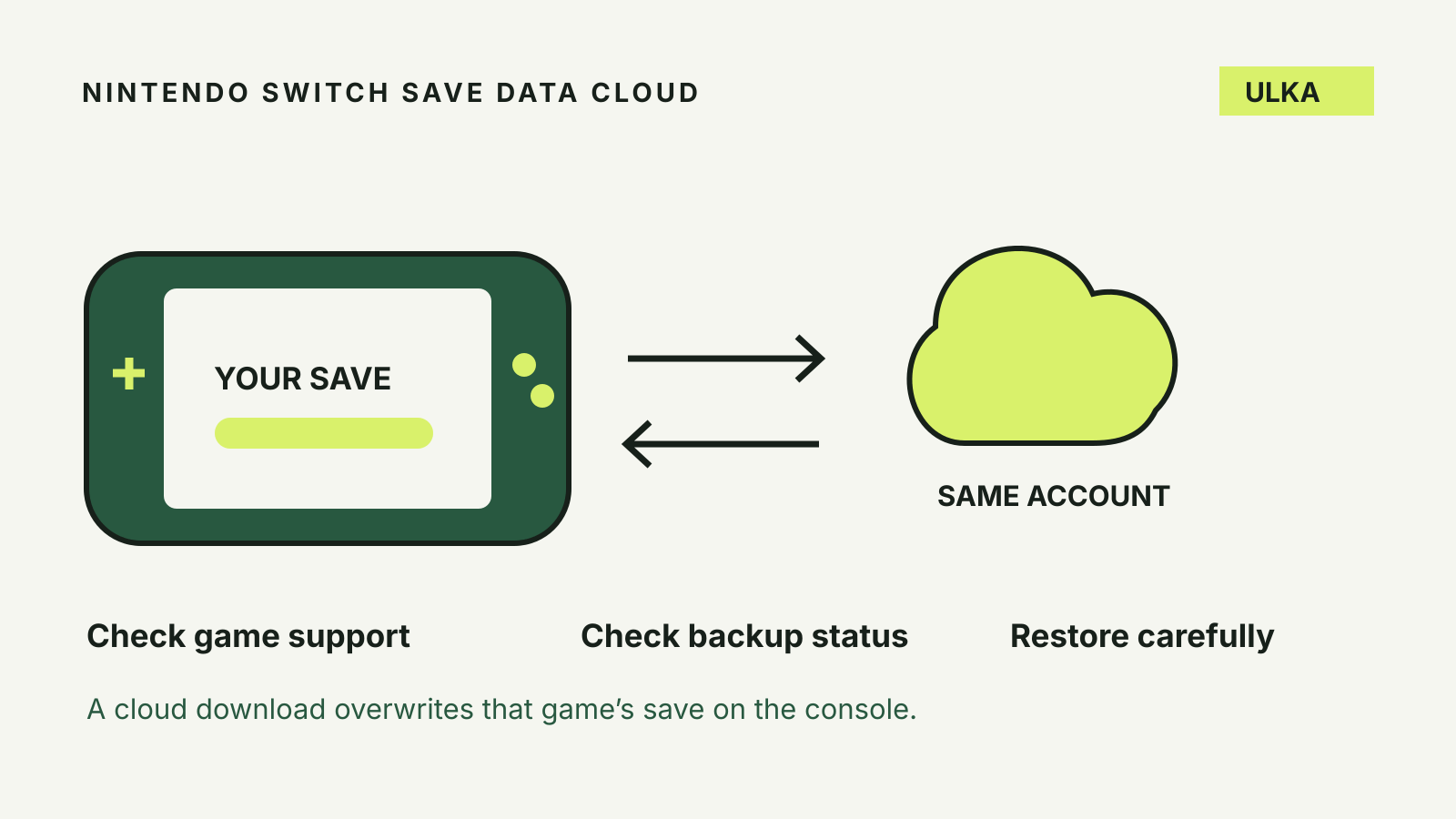
Nintendo Switch cloud saves: back up and restore safely
Check game support, protect the right user’s progress and avoid overwriting a newer save.
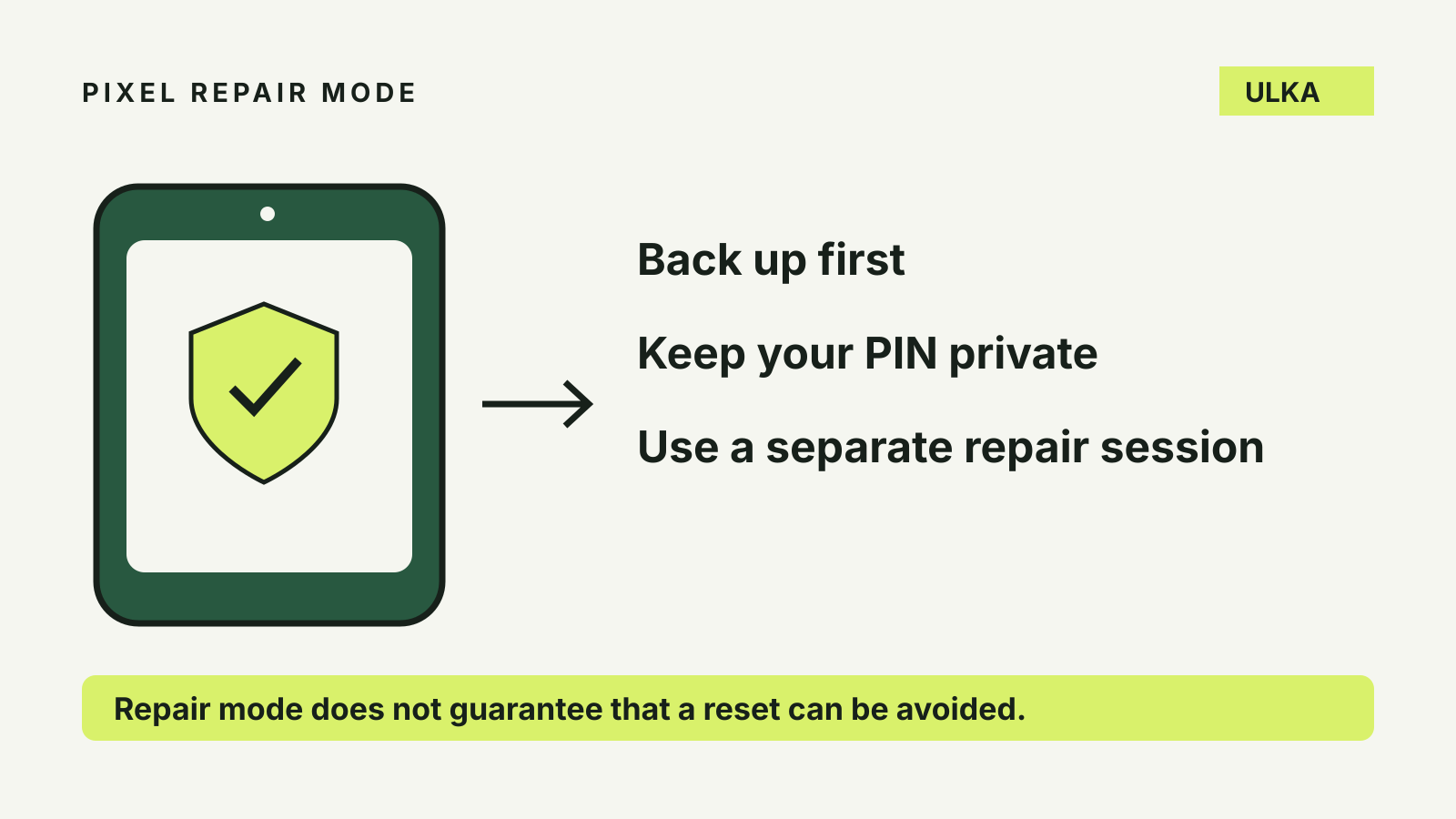
Pixel repair mode: protect privacy before a repair
How to enable Pixel repair mode, keep your PIN private and prepare for a repair that may still need a reset.
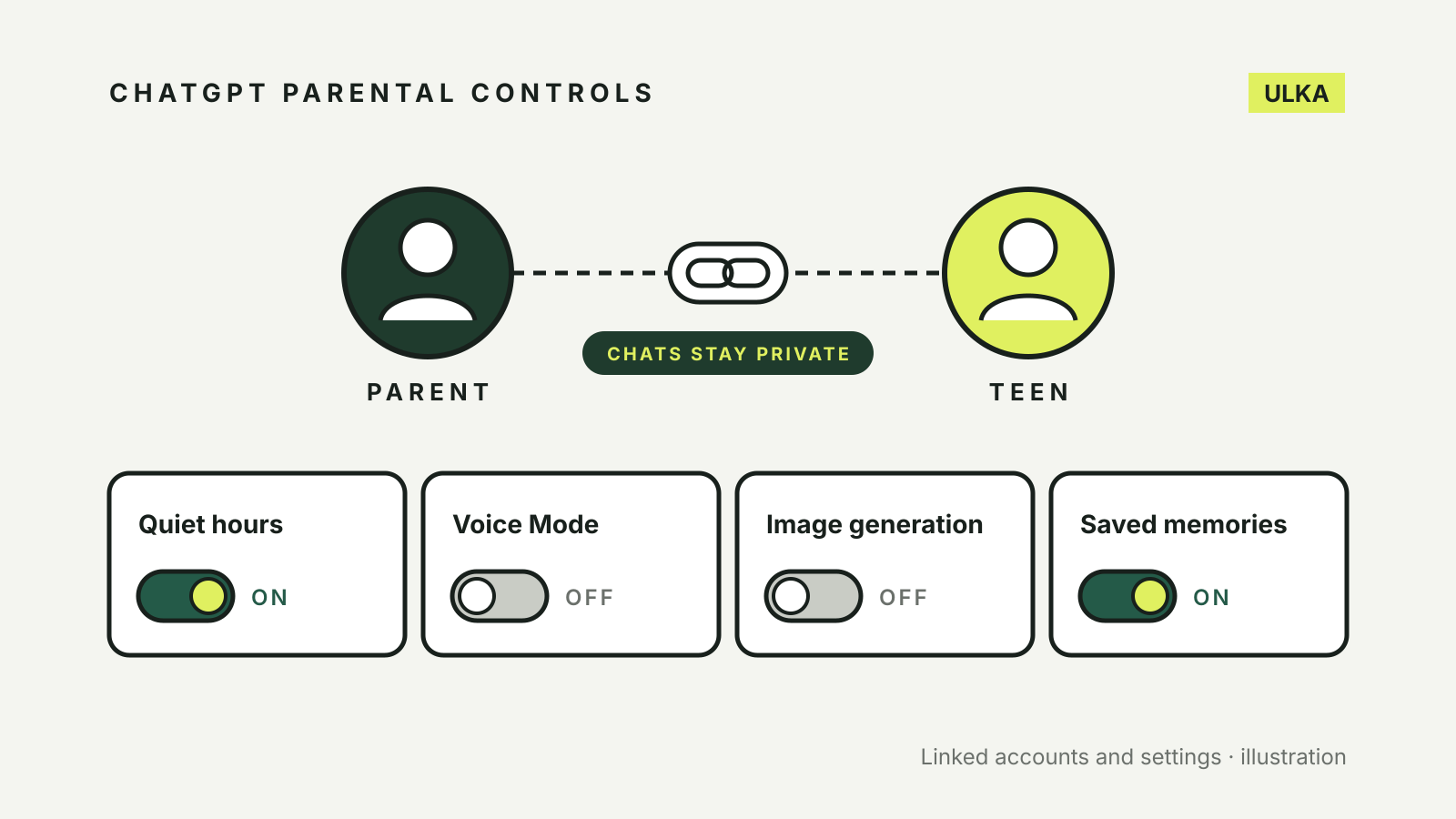
ChatGPT parental controls: how to link and set up a teen account
Link a teen ChatGPT account, set quiet hours and limits, and learn what parents can and cannot see.
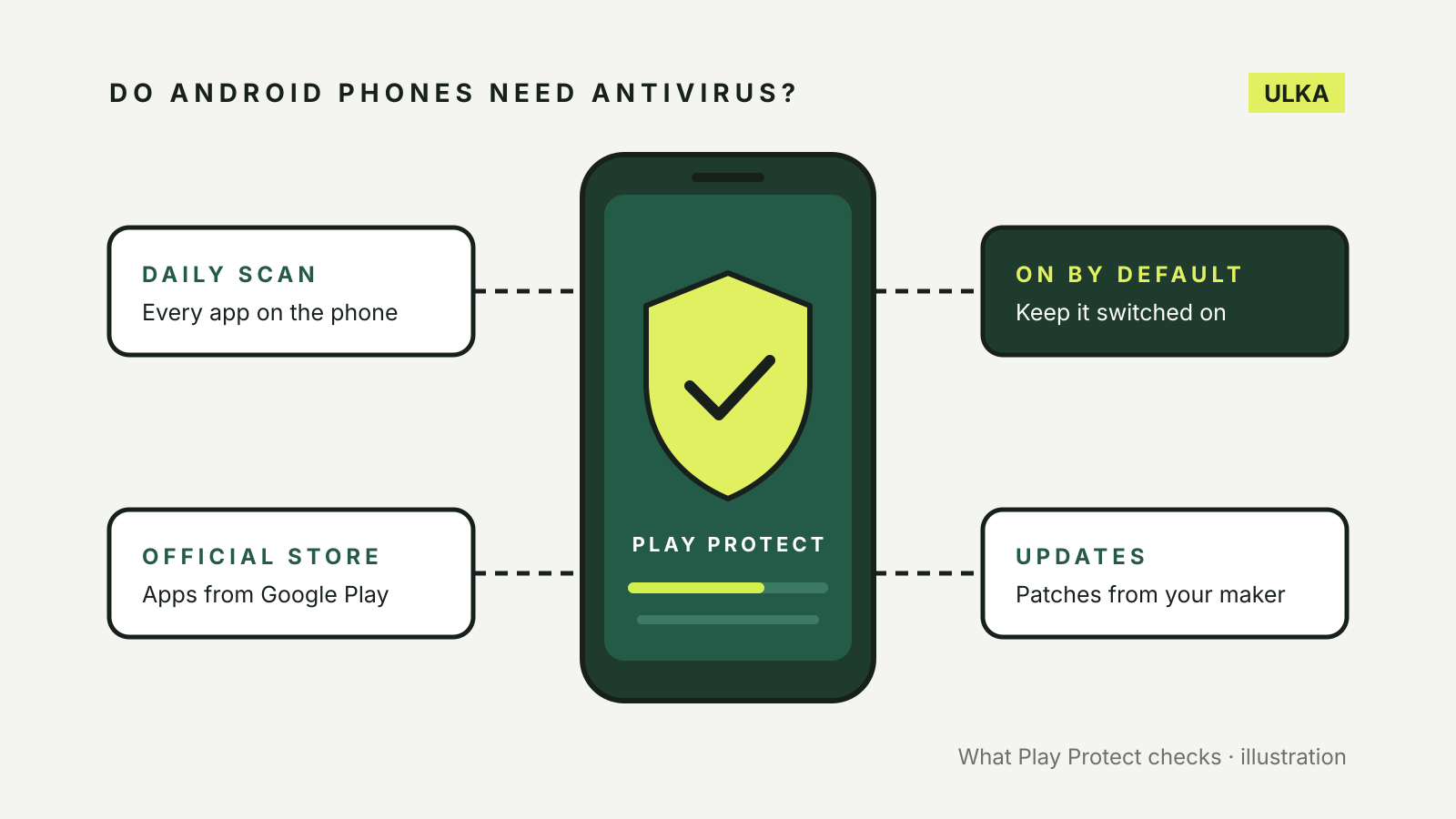
Do Android phones need antivirus? What Play Protect does
Most Android phones already scan apps with Google Play Protect. Here is what it covers, what it misses and when to pay.
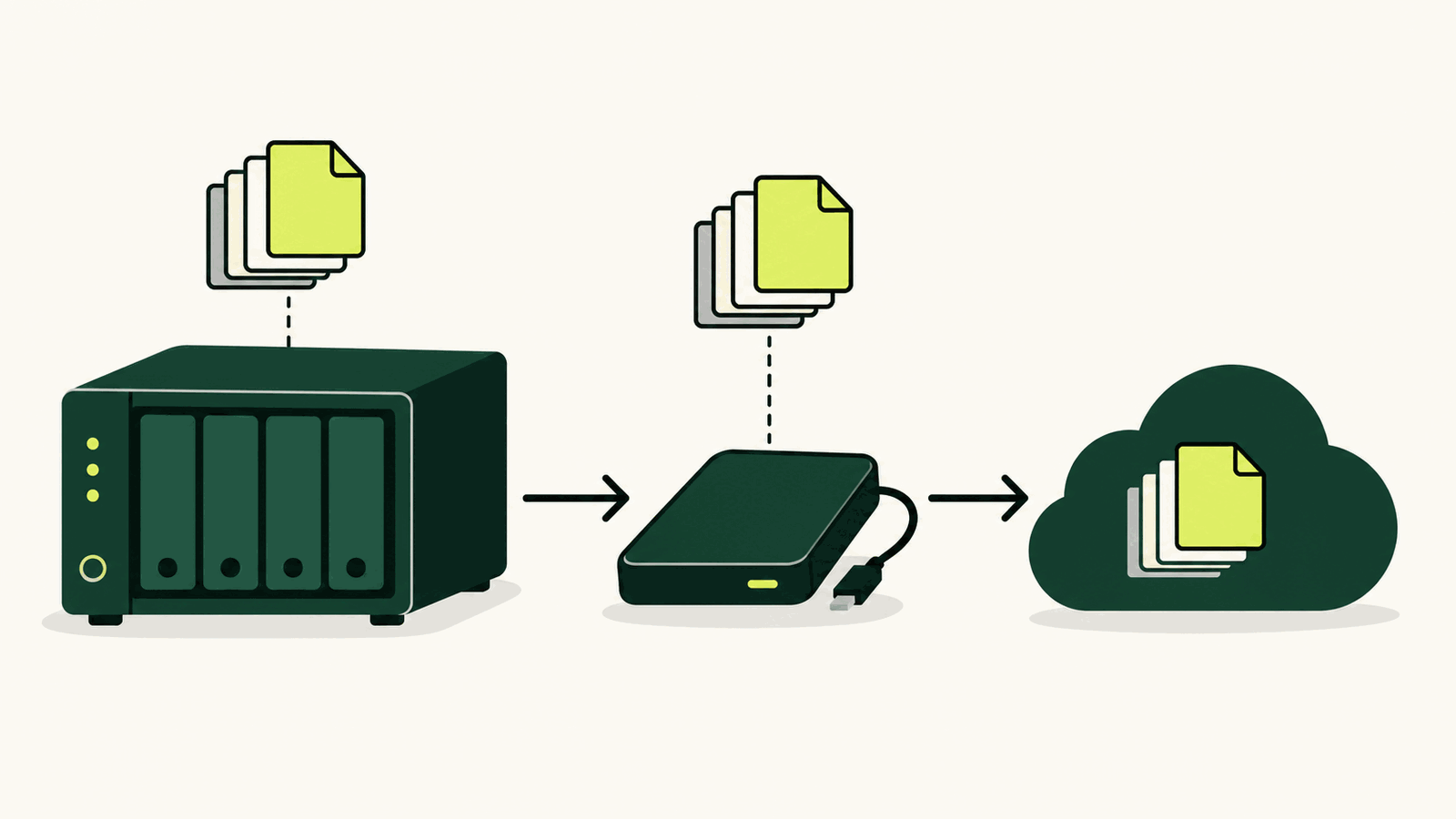
How to back up a NAS: local, offsite and restore checks
Build a 3-2-1 NAS backup with versioned local and offsite copies, then prove it works with restore tests.
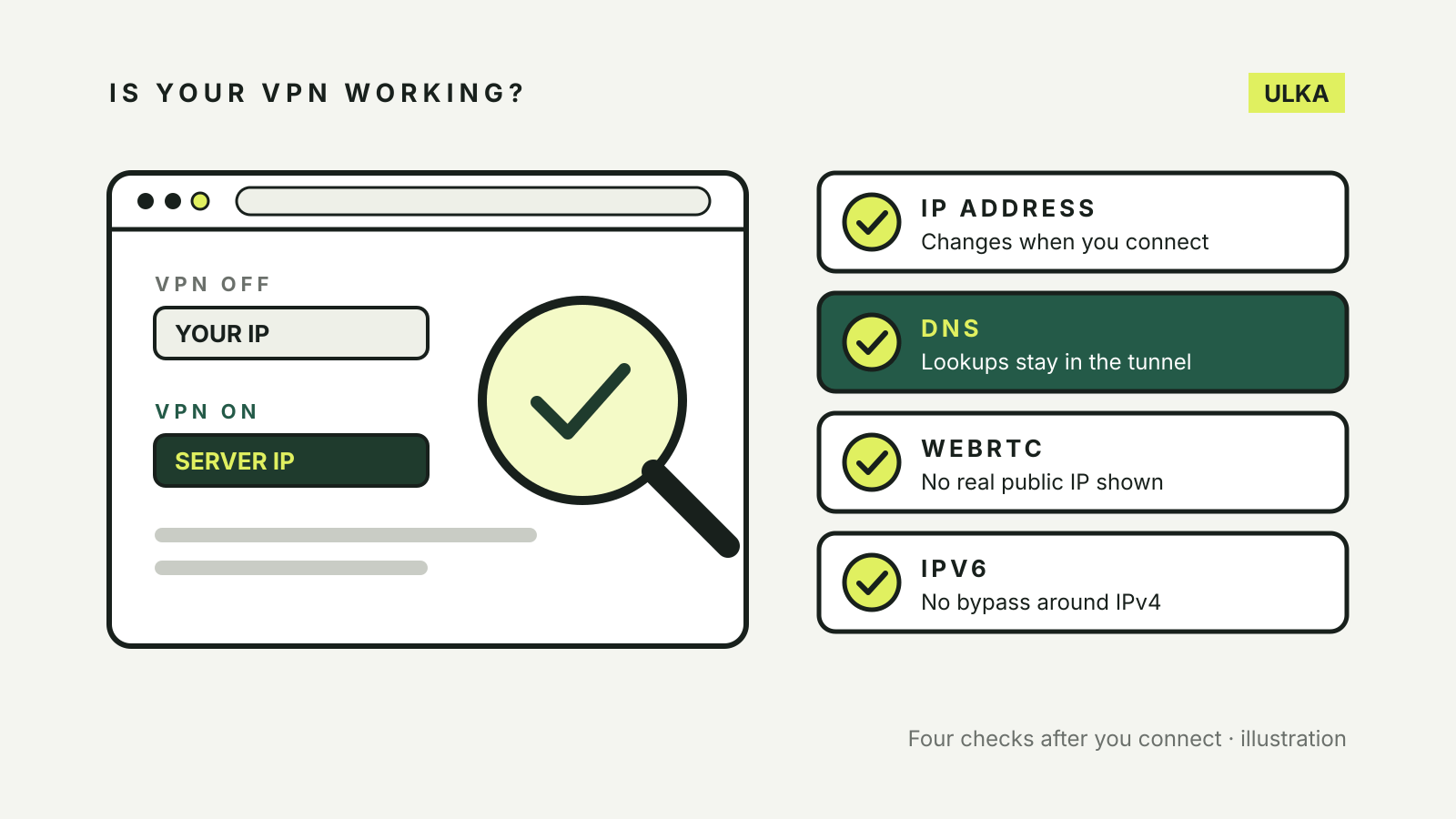
How to check if your VPN is working: IP, DNS and WebRTC tests
Compare your IP address, then test for DNS, WebRTC and IPv6 leaks. What each test shows and what to do if one fails.
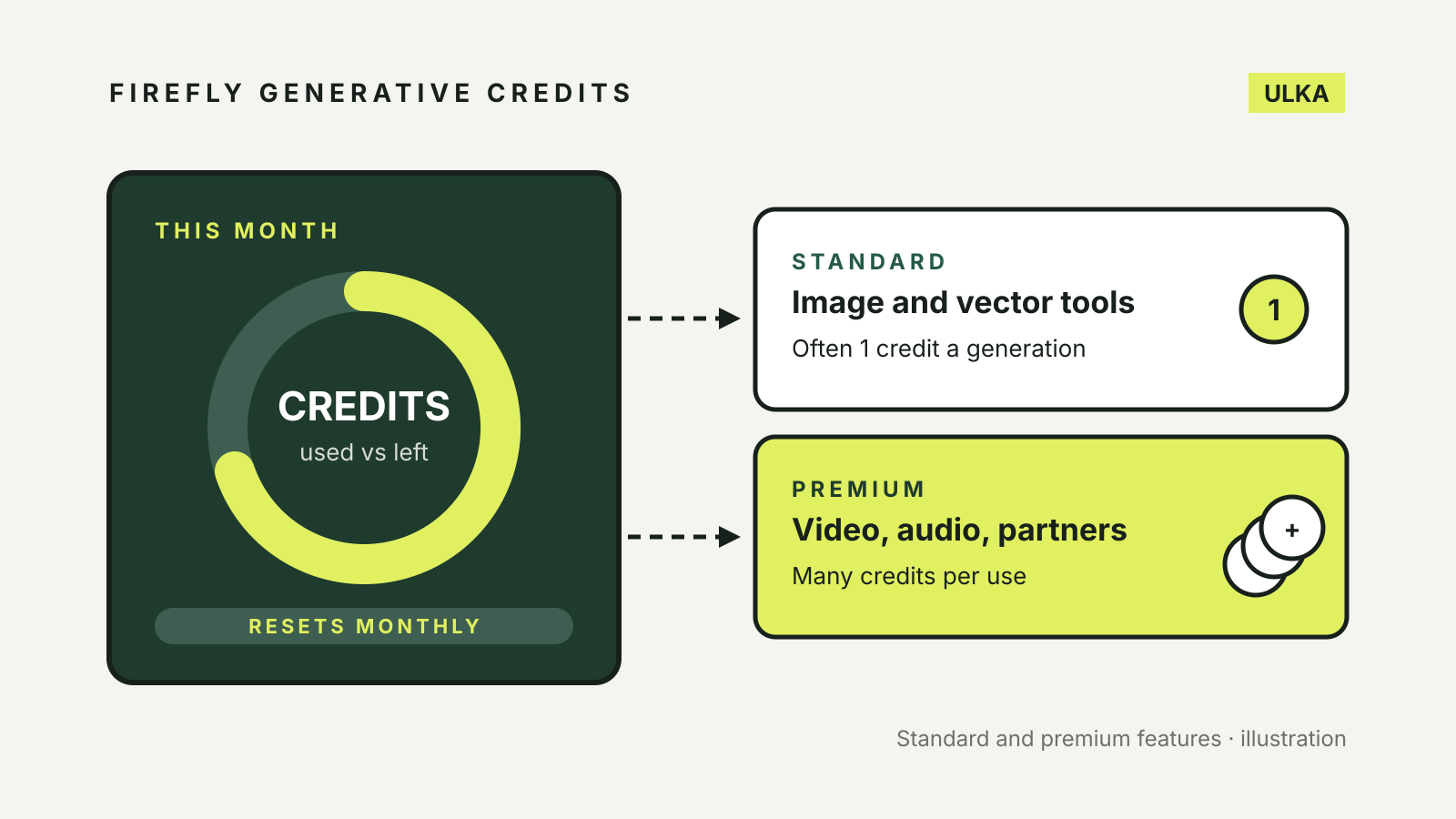
Adobe Firefly generative credits: how they work and what uses them
How many Firefly generative credits each Adobe plan includes, what uses them, when they reset and how to check.
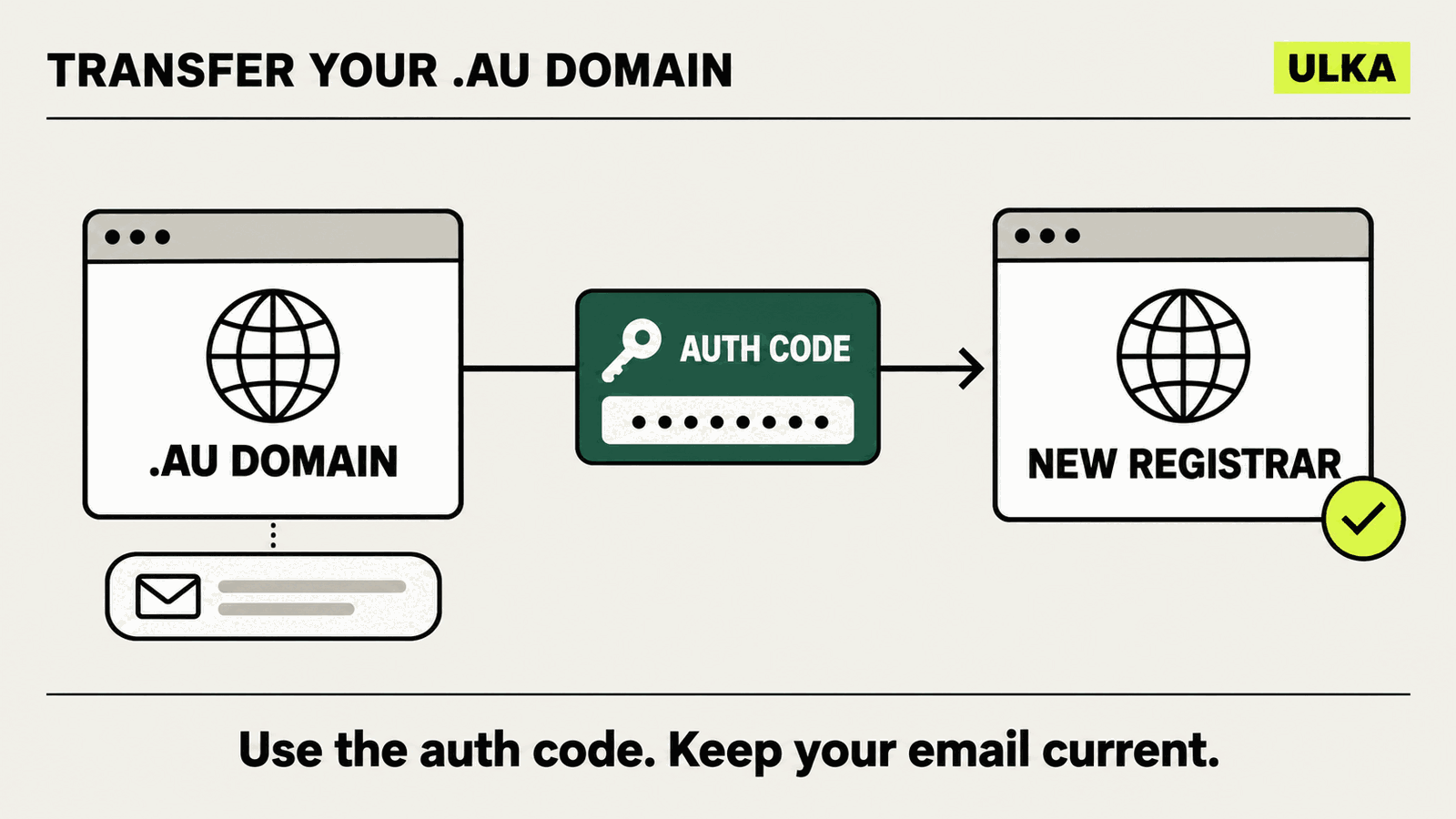
How to transfer a .au domain to another registrar
Move a .au domain between registrars without confusing the auth code, hosting or a change of registrant.
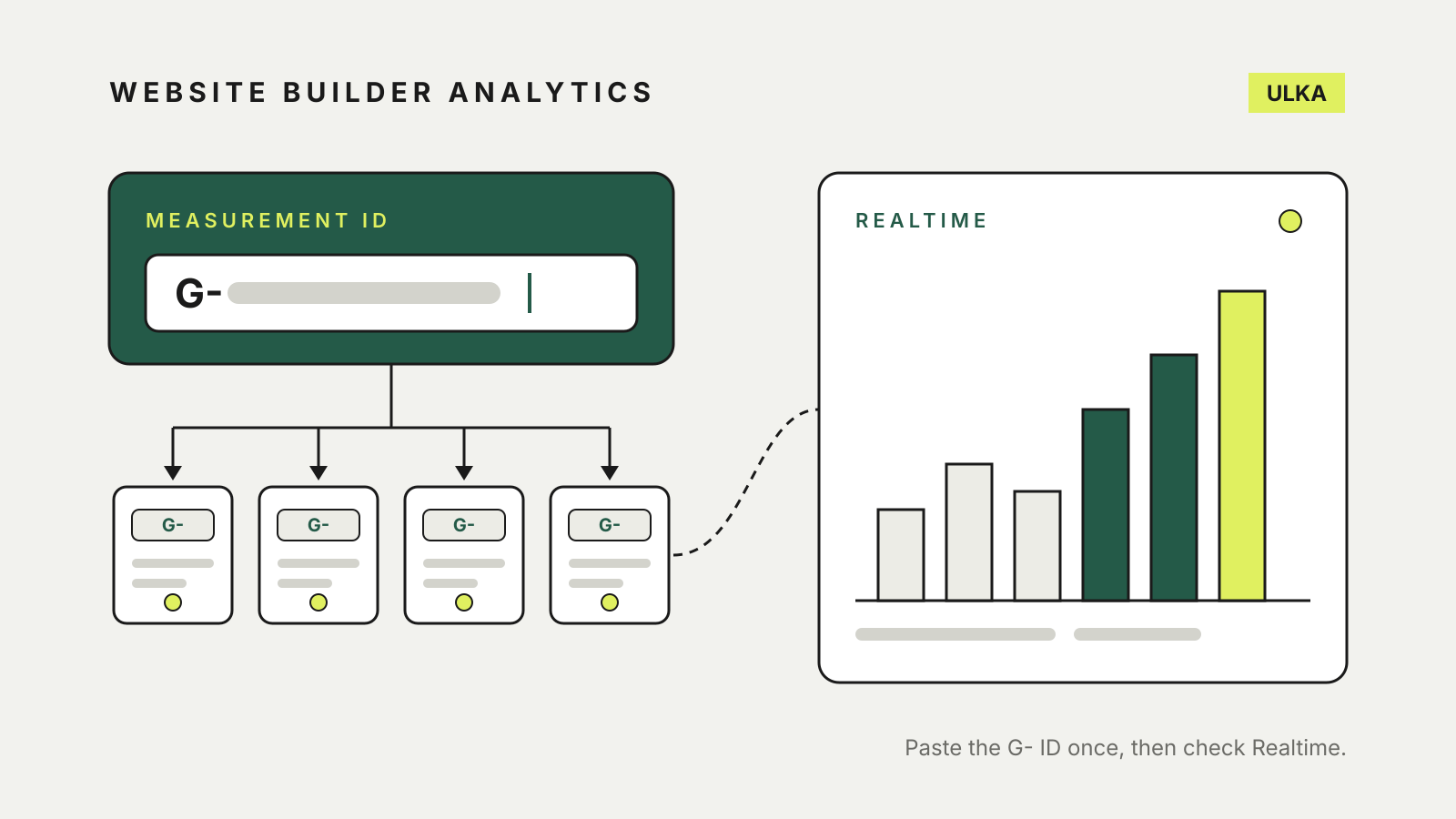
How to add Google Analytics to Wix, Squarespace and Framer
Find your GA4 measurement ID, paste it into Wix, Squarespace, Framer or Hostinger, and check the data is arriving.
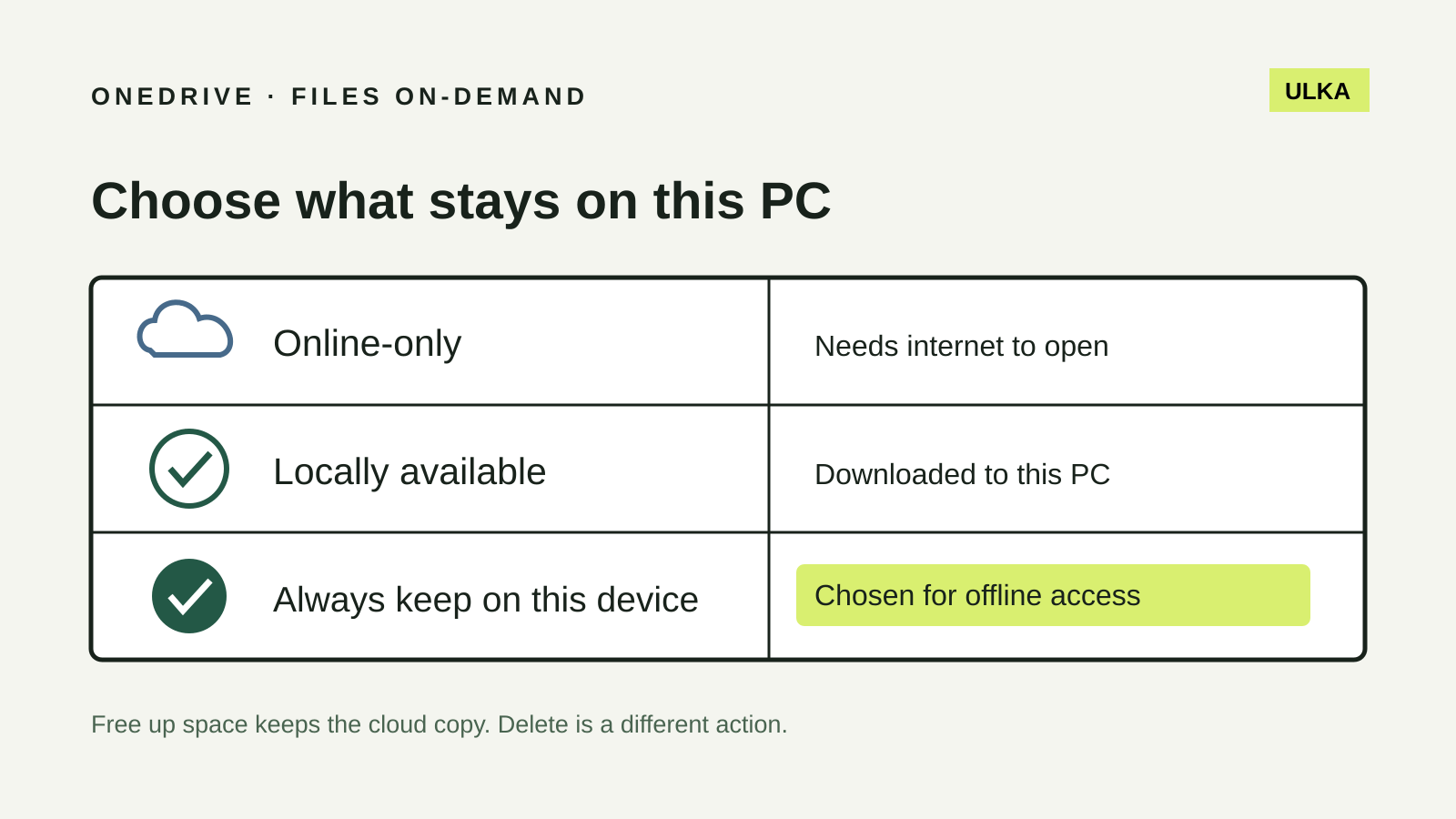
OneDrive Files On-Demand: keep the right files offline
Choose which Windows files stay offline and understand why Free up space is different from Delete.